 ENEnglish
 LTLietuviškai
 DEDeutsch
 FRFrançais
 RUРусский
 ESEspañol
 PLPolski
 ITItaliano
 UKУкраїнська
 CSČeština
 PTPortuguês
 JA日本語
JA日本語 LVLatviešu valoda
 ETEesti
 HUMagyar
 IDBahasa Indonesia
 TRTürkçe
 HIहिन्दी
 ELΕλληνικά
 ARالعربية
 THไทย
THไทย VITiếng Việt
 RORomână
 MSBahasa Melayu
 BNবাংলা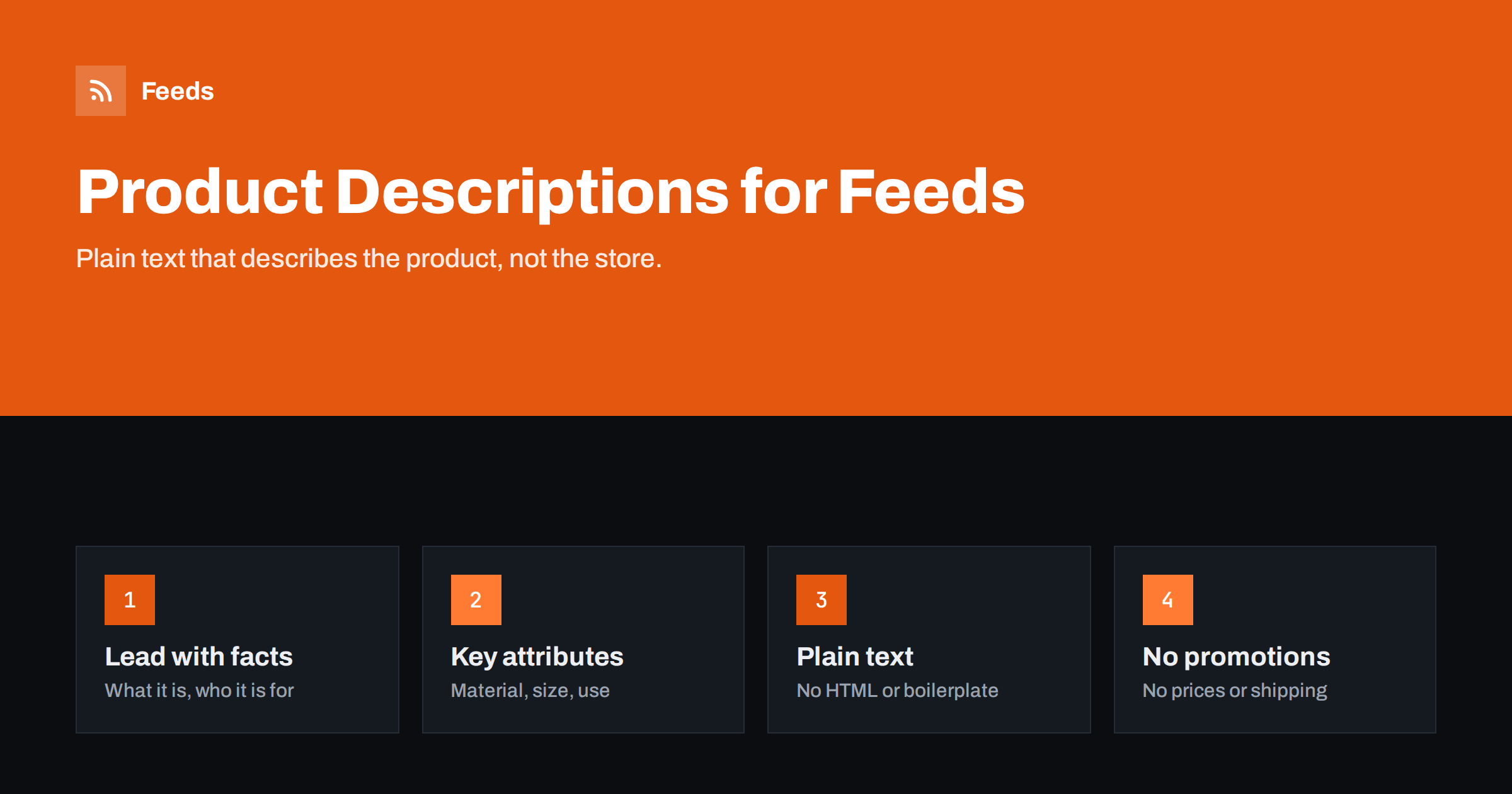
Short answer: A good product feed description is plain text that describes the product itself: what it is, what it is made of, its dimensions or capacity, how it is used and who it is for. Put the most important facts in the first one or two sentences, stay well within the 5,000-character limit, and leave out HTML, store boilerplate, shipping terms, prices and promotional phrases. Clean store descriptions with rules, and write your own text for the products that matter most.
What descriptions do in a feed
Descriptions are less visible than titles and images. In many Shopping placements, shoppers never see them at all, and when they do, only the first lines appear in expanded product details. That leads some stores to treat descriptions as an afterthought and send whatever the store happens to contain.
But platforms read descriptions even when shoppers do not. They use them to understand the product, confirm its category and match it with searches that go beyond the title, such as “waterproof”, “dishwasher safe” or “for toddlers”. A description that clearly states materials, uses and compatibility gives the platform more reasons to show your product for relevant searches.
Descriptions also matter for policy review. Wording that suggests prohibited claims, such as health promises, can trigger disapprovals even when the product itself is fine. Clear, factual descriptions reduce that risk.
Finally, descriptions are one of the few places where you can explain differences that do not fit into attributes. Two water bottles may share material, capacity and color, yet one has a leak-proof lid with a carrying loop and the other a wide mouth for ice cubes. The title cannot hold all of that; the description can.
A structure that works
Most good feed descriptions follow the same simple pattern, whatever the category:
- Opening sentence: what the product is and its main benefit or use. “A stoneware coffee mug with a matte glaze, sized for a double espresso or a small latte.”
- Key attributes: material, dimensions, capacity, weight, compatibility, included items.
- Use and care: how it is used, care instructions, where relevant.
- Variants: available colors or sizes, if helpful, without repeating every option.
This structure front-loads facts, which matters because truncated displays show only the beginning. It also mirrors how shoppers evaluate products: what is it, will it fit my need, how do I look after it.
Short paragraphs work better than a single dense block. Most feeds treat descriptions as plain text, but line breaks are generally preserved or harmless, and they make the text readable when it is shown.
Here is a short example for a kitchen knife: “A 20 cm chef’s knife forged from high-carbon stainless steel, suited to chopping, slicing and dicing in home kitchens. Full tang with a riveted walnut handle. Blade hardness as stated by the manufacturer: 58 HRC. Hand wash and dry immediately. Supplied in a gift box with a blade guard.” It is under 400 characters and answers almost every question a shopper would have before clicking.
What to include
- Product type in plain words, even if it is already in the title.
- Materials and construction: “100% linen”, “solid oak with oil finish”, “stainless steel 18/10”.
- Dimensions, capacity or size information with units.
- Compatibility for accessories and parts: which models or systems it fits.
- Intended user or use: “for children aged 3 to 6”, “for outdoor use”, “for professional kitchens”.
- What is included: “set of four”, “includes charging cable”.
- Certifications and standards that the manufacturer states, such as safety marks.
Only include claims you can support. If the manufacturer does not state that a product is waterproof, do not describe it as waterproof, even if competitors do.
If you are unsure what to include, look at the questions customers ask before buying and the reasons they give for returns. Both point directly at information the description should contain. A product that is often returned because “it was smaller than expected” needs clear dimensions near the start of its description, not buried at the end.
What to leave out
Store descriptions often contain content that has no place in a feed:
- HTML and shortcodes: tables, embedded videos, page builder markup and style tags.
- Store boilerplate: “Welcome to our shop”, brand stories, newsletter invitations.
- Shipping and returns terms: these belong in account settings, not in every description.
- Prices, discounts and promotions: “now 20% off”, “free shipping over 50”.
- Links to other products or pages.
- Comparisons with competitors and superlatives like “best in the world”.
- Keyword lists and repeated search terms.
Some of these violate editorial requirements; others simply waste the space that should describe the product. Promotional text in particular can cause disapprovals.
Be careful with claims in regulated categories such as cosmetics, supplements, children’s products and medical devices. Descriptions that promise to cure, prevent or treat conditions can trigger policy flags and may breach local advertising rules. Stick to the manufacturer’s approved wording in these categories.
Length: enough, not everything
Google allows up to 5,000 characters, but there is no benefit in filling that space. A description of roughly 500 to 1,000 characters is enough for most products to cover the essentials. Technical products with many specifications may need more, and simple products such as a plain T-shirt may need less.
What matters is information density, not length. A 300-character description with material, dimensions and use is more useful than 3,000 characters of brand storytelling. If a description is very long, check whether it contains boilerplate that should be removed.
| Product type | Typical useful length | Focus |
|---|---|---|
| Simple apparel | 300 to 700 characters | Material, fit, care |
| Home goods | 500 to 1,000 characters | Dimensions, material, use |
| Electronics | 800 to 2,000 characters | Specifications, compatibility, included items |
| Spare parts | 300 to 800 characters | Part numbers, compatible models |
Cleaning store descriptions at scale
For large catalogs, rewriting every description by hand is not realistic. Instead, clean what you have with rules and improve the most important products manually:
- Strip HTML and convert lists to plain lines.
- Remove recurring boilerplate by pattern, such as a shipping paragraph that appears in every product.
- Use the short description when the full description is mostly marketing or layout content.
- Append structured attributes from product fields, such as material and dimensions, when they are missing from the text.
- Rewrite top products by hand, starting with those that get the most impressions.
Feed tools and plugins typically strip HTML automatically, but they cannot tell which paragraph is boilerplate. Check a sample of processed descriptions before trusting the result.
A practical way to prioritize manual work is to sort products by impressions or revenue over the last few months. The top ten percent often account for most of the traffic, and improving their descriptions by hand is a manageable project even for a small team.
Supplier and duplicate descriptions
Resellers often use manufacturer descriptions that appear on many other stores. That is not forbidden, and for technical specifications it is often the most accurate source. But identical text does nothing to distinguish your offer. Adding an original opening sentence that describes the product in your own words, and who it suits, is a small effort with some benefit for shoppers who do read the details.
Translated supplier descriptions deserve a careful look. Machine translations of technical terms are frequently wrong, and a wrong material or size unit in a description can mislead shoppers and cause returns.
Units need the same attention. A description that says “size 42” or “10 inch” means different things in different markets, so state the size system or give metric and imperial values where your customers may expect either.
Meta and other channels
Meta catalogs use descriptions too, and some ad formats and shop views display them more prominently than Google does. The same principles apply: factual, plain text, no promotional clutter. If you use one feed for both platforms, one well-written description serves both. For marketplaces, check their specific rules; some limit length more strictly or require bullet-point formats.
How Feeds helps
Feeds builds product feeds from WooCommerce, Shopify or a CSV link and publishes them in Google’s product XML format for Merchant Center and Meta. It refreshes automatically, so improvements to descriptions in the store reach the platforms on the next refresh, and rules let you rewrite titles, adjust prices and skip out-of-stock products. See the pricing page for plans.
Related reading
- Product Feed Title Optimization: Formulas That Work
- 12 Product Feed Mistakes That Quietly Cost You Sales
- Product Feeds for Dropshipping Stores: A Practical Guide
The bottom line
Feed descriptions should describe the product in plain, factual text: what it is, what it is made of, its size and use, and what is included, with the key facts first. Remove HTML, boilerplate, shipping terms and promotions, clean existing text with rules, and write your own descriptions for the products that matter most.
FAQ
How long should a product feed description be?
Up to 5,000 characters are allowed, but 500 to 1,000 characters are enough for most products. Focus on facts rather than length.
Can I use HTML in feed descriptions?
No. Descriptions should be plain text. HTML tags, shortcodes and embedded content should be removed before the feed is generated.
Do descriptions affect where products appear?
They help platforms understand the product and match it to searches, although titles carry more weight. Clear attributes in descriptions support matching.
Is it a problem to use manufacturer descriptions?
It is allowed and often accurate. Adding an original opening sentence helps distinguish your listing and makes the text clearer for shoppers.
Should I mention free shipping in the description?
No. Shipping belongs in account settings, and promotional text in descriptions can lead to disapprovals.


