 ENEnglish
 LTLietuviškai
 DEDeutsch
 FRFrançais
 RUРусский
 ESEspañol
 PLPolski
 ITItaliano
 UKУкраїнська
 CSČeština
 PTPortuguês
 JA日本語
JA日本語 LVLatviešu valoda
 ETEesti
 HUMagyar
 IDBahasa Indonesia
 TRTürkçe
 HIहिन्दी
 ELΕλληνικά
 ARالعربية
 THไทย
THไทย VITiếng Việt
 RORomână
 MSBahasa Melayu
 BNবাংলা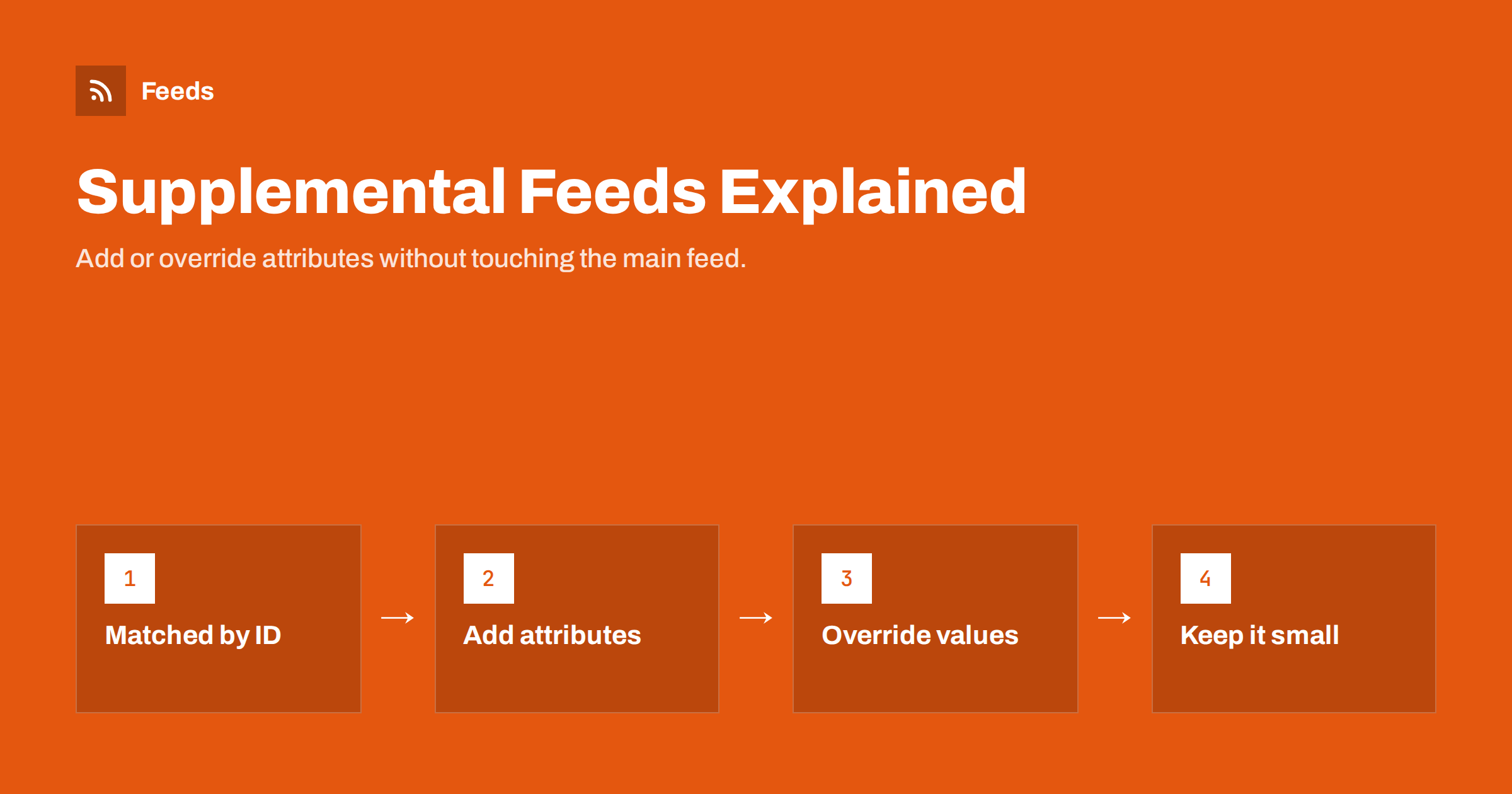
Short answer: A supplemental feed in Google Merchant Center is an extra data source that adds or overrides specific attributes for products that already exist in a primary feed, matched by product ID. It cannot create new products. Use it when some data lives outside your store, such as custom labels from sales data, GTINs from a supplier file or improved titles from a marketing team, and keep it narrow: an id column plus only the attributes you need to change.
What a supplemental feed is
Merchant Center distinguishes between primary and supplemental data sources. A primary source creates products: it contains the full set of required attributes for each item, and without it a product does not exist in the account. A supplemental source only contains an ID and one or more other attributes. When Merchant Center processes it, it looks up each ID in the primary data and adds or replaces those attributes.
The idea is separation of responsibilities. The primary feed comes from the store and carries what the store knows: products, prices, stock, images. The supplemental feed carries information from somewhere else, maintained by someone else, without anyone needing to change how the primary feed is produced.
Meta catalogs offer the same concept, called supplementary feeds, which update fields on existing catalog items by ID. Most of what follows applies to both platforms.
For small stores, the benefit is often organizational rather than technical. The person who runs the store may not want marketing experiments touching product data, and the marketer may not have access to the store admin at all. A supplemental feed gives each side its own space, with a clear boundary: the store owns what the products are, marketing owns how they are grouped and presented in campaigns.
Typical use cases
- Custom labels from business data. Best seller rankings, margin bands or seasonal flags computed from sales or cost data that the store does not hold.
- Missing identifiers. GTINs or MPNs from a supplier data file, while the store catalog is being cleaned up.
- Title and description improvements. A marketing team tests better titles for a subset of products without changing the store’s product names.
- Category corrections. google_product_category values for items Google classifies incorrectly.
- Product highlights and details. Structured bullet points and specifications that are not stored in a structured way in the store.
- Exclusions. excluded_destination values to keep specific products out of certain programs.
In each case, the information has a different owner or source than the product data itself. That is the signal that a supplemental feed makes sense.
A useful way to decide is to ask where the data will be maintained a year from now. If the answer is “in the store”, put it there now and skip the supplemental feed. If the answer is “in our reporting system” or “by the agency”, a supplemental feed is the right home.
How matching and priority work
Matching is by the id attribute, and it must be exact. If the primary feed uses “SKU-1042” and the supplemental feed uses “sku-1042” or “1042”, nothing is applied. Supplemental data also needs to target the same feed label or country and language combination as the primary data it should update, depending on how your account is set up.
When a supplemental feed provides an attribute that the primary feed also provides, the supplemental value generally wins. If several supplemental sources provide the same attribute, you can set an order of priority in the data source settings. Be deliberate about this: two sources quietly competing for the same attribute are a recipe for confusion.
Rows in a supplemental feed whose ID does not exist in the primary data are ignored. That is useful as a safety net, but it also means typos fail silently. After each change, check a few items in Merchant Center to confirm the values arrived.
Formats and delivery
Supplemental feeds can be Google Sheets, uploaded or fetched files, or API submissions. For data maintained by people, a Google Sheet is often the easiest: marketers can edit it directly, and Merchant Center can fetch it on a schedule. For data produced by systems, such as a nightly sales ranking, a file generated by a script and fetched from a URL is more robust.
| Source of data | Good format | Update method |
|---|---|---|
| Marketing team edits | Google Sheet | Scheduled fetch of the sheet |
| Sales or cost data | CSV or TSV from a script | Scheduled fetch from a URL |
| Supplier identifiers | CSV from supplier file | Occasional re-upload or fetch |
| Engineering-managed data | API | Pushed on change |
Whatever the format, keep the header row limited to id and the attributes you are supplying.
Timing matters too. If the primary feed is fetched at 6 a.m. and the supplemental sheet at midnight, a label change made in the afternoon takes effect only the next night. For most label use cases that is fine. For anything time-sensitive, align schedules or trigger a manual fetch after important changes.
Before setting up a new supplemental feed, test it with a handful of rows. Check in Merchant Center that the values appear on those products, then fill in the rest. It is much easier to spot a column name typo or an ID format problem with five rows than with five thousand.
Supplemental feeds versus feed rules
Merchant Center also offers feed rules, which transform values inside the account, for example by combining fields into a title or setting a label based on a condition. Rules and supplemental feeds overlap, but they suit different jobs:
- Rules are best when the new value can be derived from data already in the feed, such as “if price is above 100, set custom_label_1 to premium”.
- Supplemental feeds are best when the value comes from outside, such as a ranking from your sales system.
- Changing the source, in the store or in the feed tool, is best when the improvement should apply everywhere, including Meta and other channels.
A common trap is to fix everything inside Merchant Center with rules and supplemental data, until the account contains a second hidden version of the catalog that nobody fully understands. Prefer fixing at the source when the data belongs there.
Keeping supplemental feeds maintainable
- Give each supplemental feed one purpose, such as “labels” or “GTIN fixes”, and name it accordingly.
- Assign an owner who knows why it exists and keeps it current.
- Keep it narrow. An id column plus the few attributes it supplies.
- Remove rows that are no longer needed, such as IDs of discontinued products or GTINs that are now in the store.
- Review it quarterly and retire it if the data has moved into the store.
A supplemental feed that nobody owns eventually overrides good data with old data. Old titles from a test months ago can quietly replace improved titles in the store, and nobody understands why changes are not showing.
Document each source in a single place: its name, purpose, owner, format, fetch schedule and the attributes it supplies. For agencies managing several client accounts, a consistent naming convention for supplemental sources across clients saves a surprising amount of time when troubleshooting.
Common mistakes
- ID mismatches due to case, prefixes or whitespace, so nothing is applied.
- Using a supplemental feed to add products. It cannot create items; they must exist in the primary data.
- Overriding price or availability from a slowly updated source, creating mismatches with the page.
- Forgetting the target countries or feed labels, so the data does not apply to the intended products.
- Letting a spreadsheet grow into a second product database with titles, prices and descriptions for hundreds of products.
Prices and availability in particular should almost never come from a supplemental feed maintained by hand. They change too often and belong to the store.
If you are unsure whether an existing supplemental feed is still doing anything useful, pause it for one fetch cycle in a test account or compare item values before and after. Often you will find sources that override nothing, because the store data has long since been fixed, and they can simply be retired.
How Feeds helps
Feeds produces the primary feed: a Google product XML file generated from WooCommerce, Shopify or a CSV link, with id, title, link, image, price, availability and brand, refreshed automatically. Because IDs stay stable, supplemental sources in Merchant Center can match against it reliably. Rules in Feeds can already rewrite titles, adjust prices and skip out-of-stock items before the data reaches Google. See the pricing page for plans.
Related reading
- Custom Labels in Product Feeds: A Practical Guide
- XML vs CSV vs Google Sheets: Which Product Feed Format?
- GTIN, MPN and Brand: Product Identifiers in Feeds Explained
The bottom line
Supplemental feeds add or override attributes on existing products by ID. They are ideal for data that lives outside the store, such as labels from sales data or identifiers from suppliers. Keep each one narrow, owned and reviewed, match IDs exactly, and never use them for fast-changing fields like price and stock.
FAQ
Can a supplemental feed add new products?
No. It can only add or override attributes for products that already exist in a primary data source, matched by ID.
What columns does a supplemental feed need?
The id column and the attributes you want to add or override. Nothing else is required.
Does a supplemental feed override the primary feed?
For the attributes it supplies, yes, generally. If several supplemental sources provide the same attribute, you can set their priority.
Can I use a Google Sheet as a supplemental feed?
Yes. Google Sheets are a common choice for supplemental data maintained by people, fetched on a schedule.
Does Meta have supplemental feeds?
Yes. Meta catalogs support supplementary feeds that update fields on existing items, matched by ID.


