ENEnglish
 LTLietuviškai
 DEDeutsch
 FRFrançais
 RUРусский
 ESEspañol
 PLPolski
 ITItaliano
 UKУкраїнська
 CSČeština
 PTPortuguês
 JA日本語
JA日本語 LVLatviešu valoda
 ETEesti
 HUMagyar
 IDBahasa Indonesia
 TRTürkçe
 HIहिन्दी
 ELΕλληνικά
 ARالعربية
 THไทย
THไทย VITiếng Việt
 RORomână
 MSBahasa Melayu
 BNবাংলা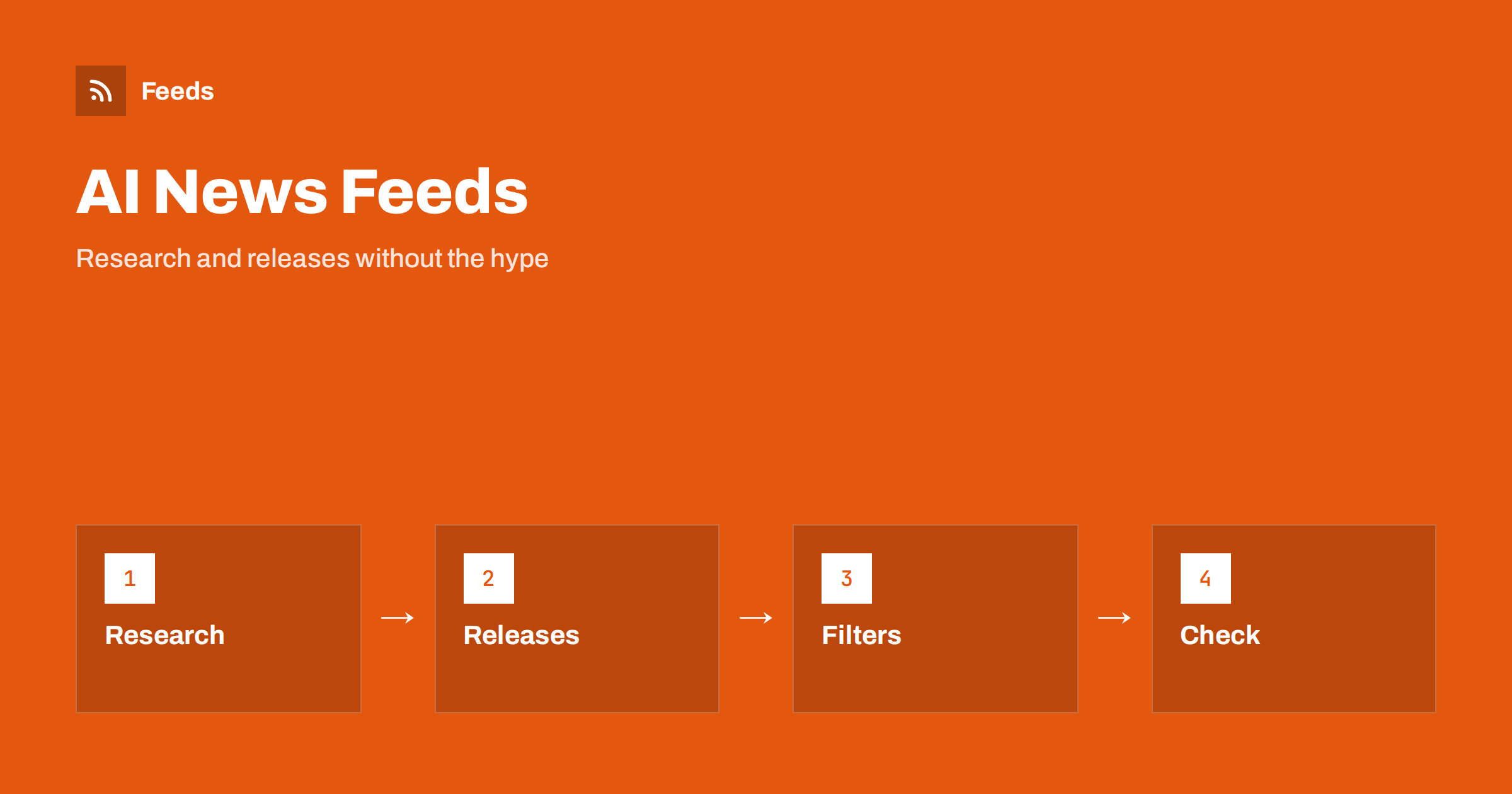
Short answer: News about artificial intelligence and machine learning moves faster than most people can read, and much of it is repeated, exaggerated or aimed at clicks. RSS lets you build a calm reading list from the sources that matter: research preprint servers, university and lab blogs, company engineering blogs, standards bodies and a few careful news outlets. Add keyword filters for the topics you care about, read the original paper or announcement before you pass something on and keep the list small enough to finish.
Why a feed beats the timeline for this topic
The subject produces a constant stream of announcements, benchmark results, funding stories and opinions. Social timelines reward the loudest version of each story, and the same news appears twenty times in slightly different words. A reading list built from chosen sources reverses that. You decide who is worth following, you see items in order and you can close the reader when you are done.
Professionals have practical reasons too. Developers need to know when a library or a tool changes, marketers and publishers need to follow how rules and platforms are shifting, and managers want a sense of what is real before they approve a project. The habit of going to the source is described in fact-checking with RSS, and it is especially useful here.
Decide what you actually need to follow
The field is large, and nobody follows all of it. Write down the part that affects you: research in a narrow area, tools you use at work, rules and policy for your industry, or general news for your own understanding. A developer may want release notes and engineering posts, a teacher may want classroom-related reports and a lawyer may want policy and regulation updates.
Name three or four topics and a few types of source for each. Then add more only when you notice a gap. A list of thirty good sources produces more material than any person can read, and it is easier to add sources later than to cut a long list after you lose interest.
Types of source and how to use them
Research preprint servers and journals offer feeds by subject area, and they are the earliest place where new work appears. They are also the least filtered, and many papers are never confirmed by others, so treat a preprint as a claim, not as a result. University labs and research groups often explain their own work in plain language on a blog.
Company engineering blogs and product changelogs show what tools can and cannot do today, and they are the best source for practical changes. Standards bodies, regulators and industry associations publish rules and guidelines, which you can follow with the methods in following industry associations and standards bodies. Careful news outlets and newsletters add context. For tool updates, see how to follow software changelogs and release notes.
Find the feeds and build missing ones
Look for an RSS or Atom link on a blog, a news page or a subject listing. Many research servers publish a feed for each category, and many blogs have a feed at a predictable address. The methods are collected in how to find the RSS feed of any website.
Some pages have no feed, such as a research group’s news page or a regulator’s announcements. A page-to-feed tool can read the list on the page and build one, as described in how page-to-feed tools find the articles on a web page. Check the preview carefully, since a good feed shows real items with dates and not navigation links.
Filter for signal
Merge the feeds you chose and add keyword filters for your topics. Use specific terms from your field, such as the names of methods, tools or regulations, and exclude words that mark content you do not need, such as “webinar”, “sponsored” or “podcast” when you only want written reports. Start broader than you think and tighten after two weeks, because titles in research are formal and a useful paper may not contain the obvious word.
Be careful with the word “AI” itself. It appears in so many titles and marketing lines that a filter for it brings back the noise you wanted to avoid. Combine it with a second term, or filter by source type instead. The methods are described in RSS keyword alerts, merging feeds into one clean feed and reducing RSS alert noise.
Read claims critically
Results in this field are often reported before they are checked. When a story claims a breakthrough, look for the original paper or announcement, read what was measured and on which data and look for independent confirmation. Note whether a number is a benchmark score, a lab result or a real-world measure, and whether the comparison is fair. A confident headline can sit on top of a narrow test.
Notice who is speaking. A company describing its own product is a primary source for what it says, not for whether it is better than the alternatives. A researcher describing a result is a source for the method, but a result can still fail to hold up later. Keep your own notes separate from the claims, and do not repeat a number in your own work unless you have read where it came from.
Build a routine that fits your day
Choose a time, such as fifteen minutes in the morning, and read only what is in your list. Skim titles, open the few items that matter and mark the rest as read. Save the long papers and reports for a weekly session and put them in a read-later tool. An RSS triage routine shows how to do this without feeling behind.
Teams can share one curated list and a short weekly note on what changed and why it matters for their work. A channel for the few high-priority sources, such as security notices or a tool you depend on, works well, and sending feed updates to a Slack channel explains the setup. Keep the rest in the reader.
Keep a record for later
When you read something that may matter later, write one line: the date, the source, the link and why it is useful. After a few months the notes form a useful map of how a topic developed, and they save you from remembering a claim wrongly. A spreadsheet is enough, and importing feeds into Google Sheets can fill it automatically.
If you write or teach about the subject, the same record helps you cite the original source and not a summary. It also shows which sources produced the most useful items, so you can drop the rest and keep the list lean.
Finally, review the list every few months. Remove feeds you never open, add sources that your own reading keeps pointing to and check that the filters still match what you care about. The field changes quickly, and a list that was right last spring may be full of dead feeds and outdated terms now. Ten minutes of maintenance keeps the daily reading short.
How RSS Feed Creator helps
RSS Feed Creator turns the news, blog or publications page of a lab, university, standards body or company into a clean RSS feed, even when the site has no feed of its own. It reads titles, images, summaries and dates, uses an existing feed when there is one, and shows a preview of the items before the feed is created. You can merge several sources into one feed (up to 10 with the PostRSS add-on), keep only the items that contain your keywords and have duplicates removed automatically, which suits a themed reading list. Feeds refresh every 3 hours on the free plan and every 30 minutes on paid plans, and the PostRSS add-on sends an alert when a page changes and a feed stops finding items. The free plan allows up to 20 items per feed, and the details are on the pricing page.
Related reading
- RSS for Developers: Hacker News, GitHub and Engineering Blogs
- How to Follow Academic Journals and Research with RSS Alerts
- How to Follow Software Changelogs and Release Notes with RSS
The bottom line
Following AI and machine learning news with RSS means choosing a few primary sources, merging them, filtering by specific terms and reading the original before you trust or repeat a claim. Keep the list small, set a fixed time to read and keep short notes on what matters. The goal is to know what is real, not to see everything.
FAQ
Which sources are best to start with?
Start with research preprint feeds for your subject, two or three lab or company engineering blogs and the changelog of any tool you use. Add a careful news source for context.
How do I avoid hype?
Read the original paper or announcement, check what was measured and look for independent confirmation. Treat a preprint or a company claim as a statement, not as settled fact.
Is filtering by the word AI a good idea?
Usually not, because it appears in too many titles. Combine it with a more specific term or filter by the type of source instead.
What if a lab or regulator has no RSS feed?
A page-to-feed tool can read the list of news or publications on the page and build a feed. Check the preview to make sure it shows real items with dates.
How much time should I spend on this?
Fifteen minutes a day for the main list and one longer weekly session for papers and reports is enough for most people. If the list takes longer, remove sources.