ENEnglish
 LTLietuviškai
 DEDeutsch
 FRFrançais
 RUРусский
 ESEspañol
 PLPolski
 ITItaliano
 UKУкраїнська
 CSČeština
 PTPortuguês
 JA日本語
JA日本語 LVLatviešu valoda
 ETEesti
 HUMagyar
 IDBahasa Indonesia
 TRTürkçe
 HIहिन्दी
 ELΕλληνικά
 ARالعربية
 THไทย
THไทย VITiếng Việt
 RORomână
 MSBahasa Melayu
 BNবাংলা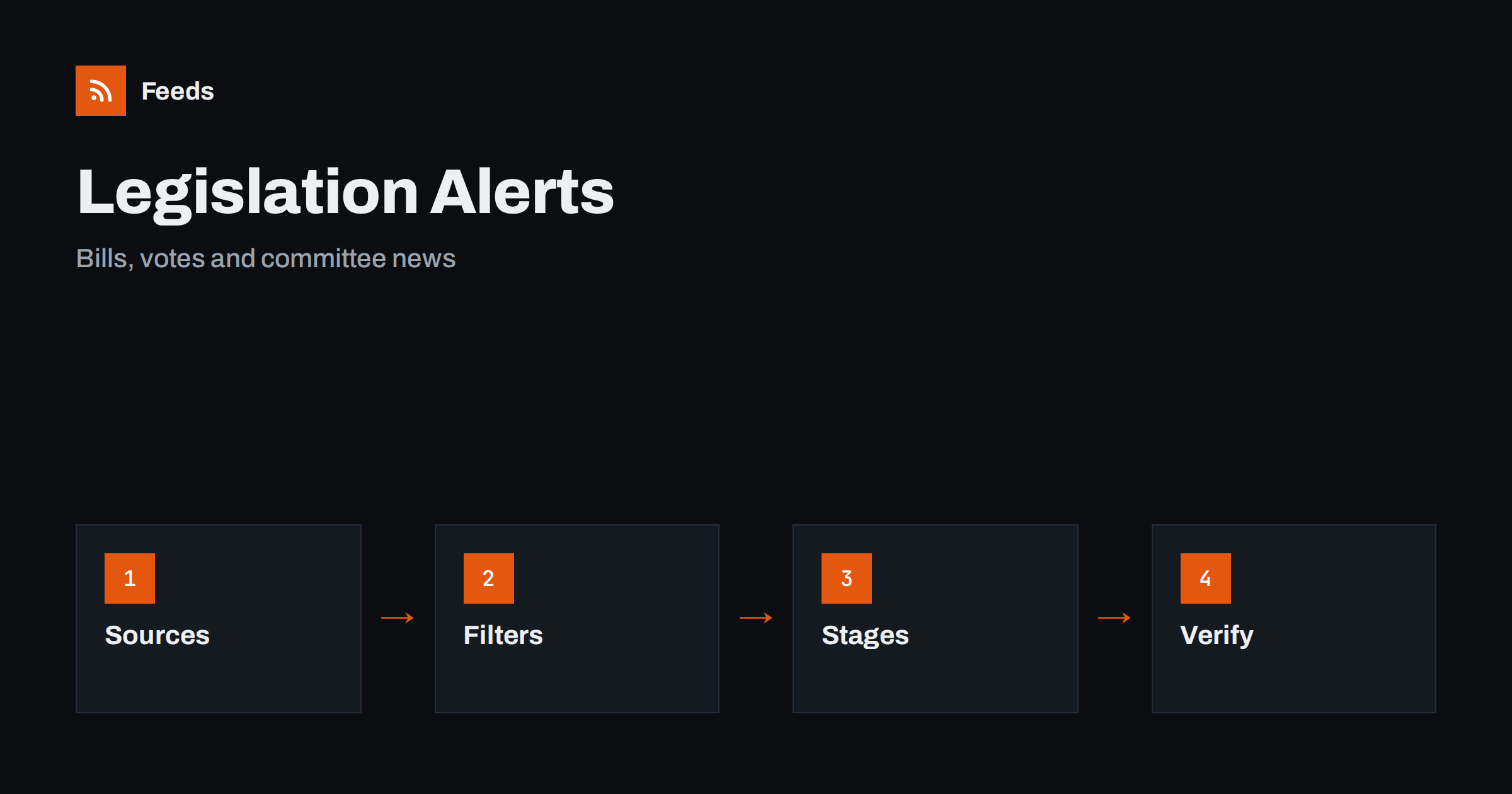
Short answer: Parliaments, legislative committees and government departments publish new bills, amendments, committee reports, agendas and voting records on their own websites. RSS lets you collect those pages in one reader, keep only the topics and stages that matter to you and see a new item soon after it appears. A feed is a good way to follow legislation without checking each page by hand. It is not legal advice, and for decisions with real consequences you should read the official text and consult a qualified professional.
Why legislative news is easy to miss
A new law rarely appears all at once. A bill is proposed, assigned to a committee, amended, debated, voted on in one chamber, sent to another and finally signed and published. Each step creates a page, a document or an entry in a database, and they are rarely collected in a way that is easy to follow. Headlines in the media usually report only the biggest steps.
Business owners, associations, journalists and citizens who care about a topic often learn about changes late. A steady reading routine lets you see the early stages, when comments and consultations can still influence the outcome. The same primary-source habit is described in fact-checking with RSS, and it is vital here because the exact wording of a bill is what counts.
Decide which topics and levels matter
Start with the topics you care about, such as taxes, employment, consumer protection, the environment, transport, education or digital rules. Add the levels of government that matter: national, regional, local and, where relevant, a supranational body. A small business may follow a handful of committees, while an association may follow several areas in detail.
Write down the topics, the committees and a few keywords. That list becomes your filter and keeps the reading list short. For rules published by authorities rather than parliaments, tracking government and regulator updates with RSS describes the related workflow.
Find the official sources and feeds
Look at the legislation, news and committee sections of each parliament, and at the websites of the relevant ministries. Some parliaments publish RSS or Atom feeds for new bills, votes, agendas and committee news, sometimes separately for each committee. Others publish tables or databases without feeds, or documents as PDF files.
If a page has no feed, you can build one from the list of items on it. Choose the page that lists entries in date order, and avoid a home page with changing banners. The methods are described in how to find the RSS feed of any website and getting alerts when a website publishes new reports or PDFs. Use the official domain, and treat news summaries from lobby groups or media as commentary, not as the source.
Filter by topic, stage and committee
Merge the sources into one reading list and add keyword filters. Topic words, bill titles and numbers, and stage words such as “first reading”, “committee”, “amendment”, “vote”, “royal assent” or “published” keep the relevant items. Be careful with broad words: “tax” or “digital” appear in many bills, so combine them with a committee name or a sector you work in.
Review the filter after a month. If you missed an item, check how the source wrote it: many bills have formal titles that do not use everyday words, and amendments often refer to article numbers. Widen the filter first, and add exclusions later, for example for ceremonial or procedural items. The mechanics are covered in merging multiple RSS feeds into one clean feed and RSS keyword alerts.
Understand the stages
Know the stage before you react. A proposal can be changed or dropped, a committee report shows what members think, an amendment may reverse earlier text and a final vote leads to publication and a start date. In many systems a law passed by parliament still needs signature and publication before it applies, and a start date can be months away.
When you read an item, note the stage, the date, the next step and any consultation deadline. If a consultation or a hearing is open, mark the date, because that is the point where interested parties can send comments. Keep your interpretation separate from the facts, and treat statements by supporters or opponents as opinions.
Read the text, not just the headline
Headlines about legislation are often simplified. Open the bill or the committee report and look at the scope, the definitions, the dates and the exceptions, which often decide who is affected. Many documents have a short explanatory note that summarises the intent, and that is a good starting point before you read the articles.
Save the version you read, with its date, because bills change from stage to stage. A short log with the bill number, the stage, the date, a one-line summary and the link helps you follow it over time and explain later why you acted or did not. A spreadsheet works well, and importing feeds into Google Sheets can fill it automatically.
Share and act
An update is useful when it reaches people who can act on it. Send the narrow, filtered feed to a shared channel or a weekly digest, and agree who reads it and who prepares comments or changes. Teams can use a Slack channel or a Notion database, and a phone alert is justified only for items with a short deadline, such as a consultation closing in days.
Associations and agencies can follow the same feed for several clients, as in how agencies run client monitoring with RSS feeds. When you share news, link to the official page instead of copying the text, so that others always see the latest version, and note which stage the item is at.
Take part, do not only watch. Many parliaments and committees publish consultations, call for evidence and public hearings, and a short, factual comment from a small business or a local group can matter. Write from your own experience, give concrete examples and keep to the question asked. Save a copy of what you sent and the date, and check later whether the next version of the bill reflects any of the points raised. Following the process is more rewarding when you can see where your voice counts.
Limits and cautions
A feed shows what a source has published and how often it refreshes. It does not tell you how a bill will be changed, whether it will pass or how a court will read it. Some steps happen in meetings that are reported later, and some parliaments publish records only after delays. Translations of official texts can lag behind, and different language versions may differ in small ways.
Check the publication date and web address before you act on an item or pass it on, because old documents sometimes reappear. A feed starts the conversation, and a qualified professional finishes it when a decision depends on the text. Use feeds to be early and informed, and use official channels to take part, such as consultations and public comment.
A short routine keeps the system working. Read the list once or twice a week, move bills that matter to a tracking sheet and archive the rest. Once a quarter, check that the sources still produce items and that new committees or topics are added. When a parliament redesigns its website, a feed can stop finding items, and a quick look at the preview usually shows what changed and how to repair it.
How RSS Feed Creator helps
RSS Feed Creator turns the bills, news or committee page of a parliament or ministry into a clean RSS feed, even when the site has no feed of its own. It reads titles, images, summaries and dates, uses an existing feed when there is one, and shows a preview of the items before the feed is created. You can merge several sources into one feed (up to 10 with the PostRSS add-on), keep only the items that contain your keywords and have duplicates removed automatically, which suits a feed for your own topics and committees. Feeds refresh every 3 hours on the free plan and every 30 minutes on paid plans, and the PostRSS add-on sends an alert when a page changes and a feed stops finding items. The free plan allows up to 20 items per feed, and the details are on the pricing page.
Related reading
- How to Track Government and Regulator Updates with RSS
- How Lawyers Can Track New Court Decisions with RSS
- RSS Feeds for Municipalities and Public Bodies: A Guide
The bottom line
Following parliament votes and legislative bills with RSS means choosing your topics and committees, collecting official pages in one reader, filtering by topic and stage and reading the text and dates carefully. Use the feed to learn early and to take part when comments are open, and rely on a qualified professional for legal conclusions. A small, well-filtered list is more useful than a large one.
FAQ
Which pages should I follow first?
Start with the bills and committee news pages of the parliament in your country, and add the ministry that covers your topic. Use official domains only.
What if the parliament has no RSS feed?
A page-to-feed tool can read the list of bills or news items on the page and build a feed from it. Check the preview to confirm that it shows real entries with titles and dates.
How do I know whether a bill will become law?
You cannot tell from a feed alone. Note the stage and the next step, and follow later items. Many proposals change or are dropped before a final vote.
How do I avoid too many alerts?
Filter by your topics and committees, exclude procedural items and send only the narrow feed to your phone. Review the filter after a month.
Can a feed replace legal advice?
No. A feed tells you that something was published. A lawyer or specialist advisor tells you how it applies to your situation.