 ENEnglish
 LTLietuviškai
 DEDeutsch
 FRFrançais
 RUРусский
 ESEspañol
 PLPolski
 ITItaliano
 UKУкраїнська
 CSČeština
 PTPortuguês
 JA日本語
 LVLatviešu valoda
 ETEesti
 HUMagyar
 IDBahasa Indonesia
 TRTürkçe
 HIहिन्दी
 ELΕλληνικά
 ARالعربية
 THไทย
 VITiếng Việt
 RORomână
 MSBahasa Melayu
 BNবাংলা
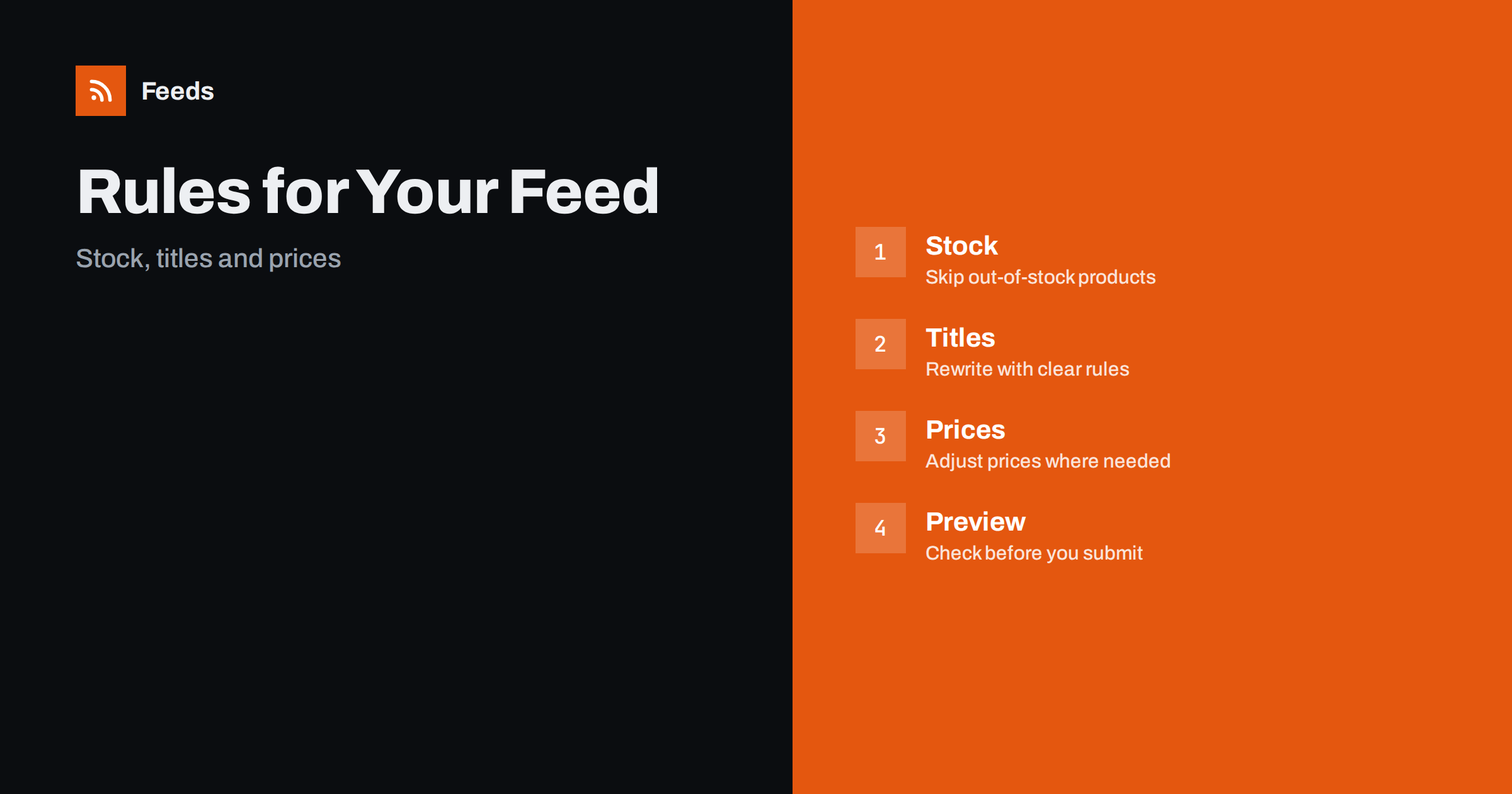
Short answer: RSS Feed Creator builds Google Merchant Center and Meta catalog XML from your store, and lets you apply rules on the way: skip products that are out of stock, rewrite titles and adjust prices. You see a preview before you submit anything. Rules help most when the store data is fine but a channel wants it in a different shape; if the data itself is wrong, fix it in the store.
What product rules are for
Your store holds the truth about your products: names, prices, images and stock. Advertising channels, however, have their own needs. Google wants titles that start with the most important words. Meta catalogs work best with consistent names. Some products should not appear in ads at all when they are sold out. Rules sit between the store and the channel and shape the feed without changing the store.
That is useful because the same store data often feeds more than one place. You may not want to rename products on your website only for an ad channel. A rule lets the feed say something slightly different while the website stays as it is. For the bigger picture of when to use rules and when not to, feed rules vs fixing store data is a good companion.
Make sure the store data is complete before you build rules. Brand, product type, colour, size and image should be filled in, because rules can only rearrange what exists. If a field is empty in the store, the title will have a gap, and the channel may flag the product. A quick review of the ten most important products in the store often removes most of the problems.
Where the data comes from
RSS Feed Creator reads WooCommerce and Shopify stores automatically. Any other store can use a link to a CSV file. You enter the store address or the CSV link, the tool reads the products, and you see them in a preview before the feed exists. Currency is detected automatically, so prices appear in the right currency in the feed.
The product feed follows the Google product XML format, with fields such as id, title, link, image, price, availability and brand, and Meta reads the same file. If you need a deeper look at the format, the Google product XML format explained covers each field. The first setup is described in connect WooCommerce, Shopify or a CSV to RSS Feed Creator.
If your stock changes often, remember the refresh time. On the free plan the feed updates every 3 hours and on paid plans every 30 minutes, so a product that sells out may stay in the feed for a short time until the next refresh. For fast-moving stock, a paid plan and a short refresh interval reduce the gap, and you should still keep a small safety buffer in the store for the last items.
Rule 1: skip out-of-stock products
Showing a product that cannot be bought wastes clicks and annoys shoppers. Channels also compare the availability in the feed with the page, and a mismatch can lead to a warning. With a stock rule, RSS Feed Creator leaves out the products that are out of stock, so the feed only contains items you can ship.
Think before you switch it on. Skipping all sold-out items is simple and safe for most shops. If you sell products that return often, or have long preorder periods, you may prefer to keep them in the feed with the right availability value. Out-of-stock products in your feed: keep, mark or remove helps you decide, and availability mismatch in Merchant Center explains what happens when the data disagrees.
Test the rule on products of different kinds. A rule that works for clothing, where colour and size matter, may produce odd titles for books or tools, where they do not. Apply the rule to a group of similar products, and leave other groups alone until you have designed a rule for them. A small number of clear rules is better than one complicated rule for everything.
Rule 2: rewrite titles
Titles are the most important text in a product feed. A good title starts with what the product is, adds the features that people search for and ends with the details that tell variants apart. Store titles are often written for the website, with the brand first, a model code or a marketing phrase. A title rule lets you rebuild the title from parts, so that every product follows the same order.
For example, you may want brand, product type, key feature, colour and size in a fixed order. Apply the rule to a group of products with the same structure, and look at the preview to check that the results read naturally. Avoid promotional text and capital letters in titles. The thinking behind it is in product feed title optimization, and the rule is only as good as the data it works with, so check that attributes such as colour and size are filled in.
Rule 3: adjust prices
Price rules change the price shown in the feed. A common reason is a channel fee that you want to cover, or a different price for a particular channel. Another reason is rounding to match your store. Handle this with care: the price in the feed must match the price a shopper sees after clicking, or the product can be disapproved for a price mismatch.
In most cases the safest approach is to keep the feed price the same as the store price, and use a price rule only when the landing page really shows the same price. Read price rules in product feeds before you change anything, and how to fix price mismatch errors in Google Merchant Center if a warning appears.
Check the preview before you submit
The preview is the most important step. Look at ten random products, then the longest titles, then the most expensive and cheapest items. Check that each has a price, a working link, a main image, a title that reads well and the right availability. Compare one or two products with the store page in another tab.
If something looks wrong, ask first whether the cause is in the store or in the rule. A missing colour in a title means the attribute is empty in the store. A strange price points to a rule or a currency issue. Fix the cause, not only the symptom. The product feed checklist is a short list for each time you change a rule.
When you test a new rule, change one thing at a time and write down the date. If a warning appears two days later, you will know which change to check first. This small discipline is the difference between a feed that is easy to maintain and one that nobody dares to touch.
Keep rules simple and documented
Rules are powerful, and many rules together are hard to understand. Start with one, check the result for a few days and add the next. Write down what each rule does and why you created it. When a colleague or an agency takes over, or when you return after six months, the notes save time and prevent changes that break something.
Re-check after big changes in the store, such as a new theme, a new plugin or a change of categories. Fields can move, and a rule that worked yesterday may behave differently. Product feed health metrics shows what to watch over time.
Choose the plan by counting stores, product feeds and products. A single shop with a few hundred products and two channels fits the Store plan comfortably, while an agency with several clients or a company with several shops and marketplaces may need Business. Start free to see how your data looks, and upgrade when the numbers or the refresh time require it.
Plans and limits
The free plan lets you try the tool on one website and includes product feeds with up to 50 products, keyword filters and product rules. The Store plan at €19 per month covers 1 store with 3 product feeds and up to 2,000 products, Google Merchant Center and Meta catalog output, rules for stock, titles and prices, and a 30-minute refresh. The Business plan at €39 per month covers 3 stores and 10 feeds with up to 20,000 products, and includes priority support.
The free plan refreshes every 3 hours and paid plans every 30 minutes. Details are on the pricing page. Prices are in euros without VAT, and you can cancel at any time; your feeds keep working within the free plan limits.
Related reading
- Feed Rules vs Fixing Store Data: Where to Make Changes
- Price Rules in Product Feeds: When and How to Adjust Prices
- How to Set Up a Google Merchant Center Product Feed
The bottom line
Product rules in RSS Feed Creator let you skip out-of-stock items, rewrite titles and adjust prices without touching your store. Use them to shape the feed for the channel, keep prices equal to the page and always check the preview before you submit.
FAQ
Which stores can I connect?
WooCommerce and Shopify are read automatically, and any other store works through a CSV file link.
Are rules available on the free plan?
Yes. The free plan includes product feeds with up to 50 products, keyword filters and product rules.
Will Google Merchant Center accept the feed?
The feed uses the Google product XML format with id, title, link, image, price, availability and brand, and Meta reads the same file.
Should I change prices with a rule?
Only if the landing page shows the same price. Otherwise the product may be disapproved for a price mismatch.
How often is the feed refreshed?
Every 3 hours on the free plan and every 30 minutes on paid plans.


