ENEnglish
 LTLietuviškai
 DEDeutsch
 FRFrançais
 RUРусский
 ESEspañol
 PLPolski
 ITItaliano
 UKУкраїнська
 CSČeština
 PTPortuguês
 JA日本語
JA日本語 LVLatviešu valoda
 ETEesti
 HUMagyar
 IDBahasa Indonesia
 TRTürkçe
 HIहिन्दी
 ELΕλληνικά
 ARالعربية
 THไทย
THไทย VITiếng Việt
 RORomână
 MSBahasa Melayu
 BNবাংলা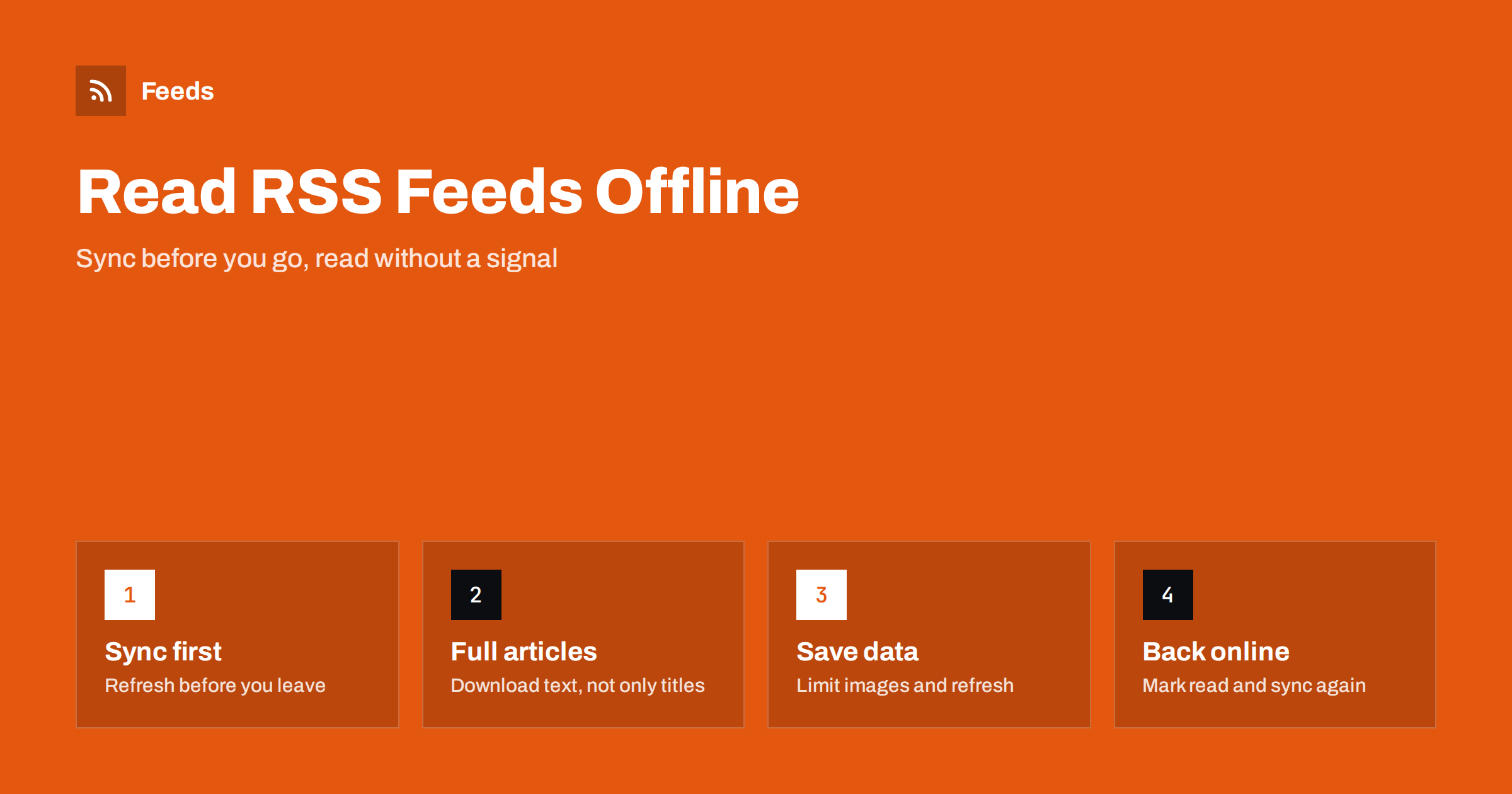
Short answer: RSS is well suited to offline reading, because a feed reader downloads items and keeps them on your device. To read on a plane or in a place without signal, choose a reader that stores articles for offline use, refresh it on good Wi-Fi before you leave and check that it downloads the full text, not only titles. Reduce images if your storage is limited, and sync again when you are back online to mark items as read.
Why RSS works so well without a connection
A feed reader does not stream content live. It asks each feed for new items at intervals, downloads them and stores them. When you open the reader, you are reading from that stored copy. That is the reason RSS has always been a good match for commutes, flights and trips to places with poor coverage. Compare this with a social network, where the timeline is rebuilt from the server every time and is empty without a connection.
The details depend on the reader. Some store only the title and a short summary and need a connection to open the article. Others download the full text and images in the background so that the article is available at any time. Knowing which kind you use is the first step. The features that decide this are listed in how to choose an RSS reader.
Prepare before you travel
Offline reading needs a few minutes of preparation on a good connection. A simple routine:
- Refresh all feeds on Wi-Fi shortly before you leave, so that the reader has the newest items.
- Check the settings for offline use. Look for options such as “download full content”, “download images” or “keep articles offline”.
- Open a few articles to confirm that they load without a connection. Switch on airplane mode and test one.
- Charge the device and think about storage. Many articles with images can take up hundreds of megabytes.
- Save what matters with a read-later feature or a star for items you definitely want.
It is useful to do a trial run at home. It is much better to find out that the reader only downloads titles on the ground than at 10,000 metres.
Full text or summary feeds
Whether you can read an article offline depends partly on the feed itself. A feed that carries the full article text gives the reader everything it needs to store. A feed that carries only a summary forces the reader to open the website to get the rest, and the website is not available offline. Some readers solve this by fetching the full page in the background and saving a clean copy, others do not.
When you follow sites that publish summaries, check if your reader has a “full content” or “reader view” mode. The choices publishers make are explained in full text or summary: choosing what your RSS feed shows. If you publish a feed yourself and want your readers to be able to use it offline, full text is the friendly option, even if you prefer summaries for traffic reasons.
Manage data, storage and roaming
Travel adds costs and limits. Mobile data abroad can be expensive or capped, and storage on a phone fills up quickly. Take these steps:
- Turn off automatic refresh over mobile data, or set it to Wi-Fi only, while you are away.
- Lower the refresh frequency for busy feeds, and pause feeds you will not read on the trip.
- Switch off image downloads if text is enough, or download images only on Wi-Fi.
- Use a smaller number of unread items per feed, so the reader does not store hundreds of old posts.
- Check where the reader keeps its data, so that you know how much storage it uses.
If you use a hosted reader service, the sync happens on the server, and your device only downloads what it needs. If you run your own reader, as described in self-hosted RSS readers, make sure the server is reachable from where you are, or sync before you go.
Different devices and formats
Phones and tablets are the most common choice, and they have good offline support in most modern readers. Some people prefer dedicated devices. E-readers can show articles in a calm, glare-free format, as in reading RSS feeds on a Kindle or e-reader. A laptop works well for longer flights, especially with a desktop reader that keeps a local database. A phone or watch can give push alerts when you land, as described in RSS push notifications on your phone.
Whichever you pick, keep a backup of your subscriptions as an OPML file, so that you can restore your list if you lose a device or have to reinstall the app on the road. The format is explained in OPML files and how to move your RSS subscriptions.
Reading and saving articles for later
Some content is worth saving whether you travel or not. A read-later service stores the clean text of a page for offline reading and can be connected to many readers. The trade-offs between the two kinds of tool are explained in RSS reader versus read-later apps. For travel, the useful pattern is: use the reader to discover, send the long articles to the read-later list and read them from there when you have time.
If a feed brings many items, do not try to read them all. A trip is a good chance to use the “mark all as read” button on feeds that you only follow loosely and to keep the ones that matter. Habits that help are in how to organize your RSS reader and avoid overload.
If you travel often, consider creating a dedicated folder or tag called “Travel” in your reader. Put into it the feeds you want while away: local news from the place you are visiting, the transport authority, the weather service and the blogs you enjoy on a long journey. Before you go, you can set the reader to refresh only this folder, which saves data and battery and keeps the unread list short. Guides and city blogs, as well as notices about disruptions to the route, are often published as feeds, and you can follow them in the same place as the rest of your reading.
Language is another practical point. Local sources are usually published in the local language, and some readers can translate an article with one tap, although it normally needs a connection. Download the language pack of your phone’s translation tool before you leave if it supports offline use, and test it on an article from your reader.
Back online: sync and clean up
When you return to a connection, let the reader sync. It will upload which items you have read or starred and download what has arrived since. If you used several devices, check that the state is consistent between them. This is also a good time to remove feeds that turned out to be noisy during the trip, and to add the interesting ones you found. If an important feed did not update at all, look at the troubleshooting steps in why an RSS feed stops updating.
A note on privacy: when you use public Wi-Fi at airports and hotels, prefer feeds that load over https, and be careful with login pages. A feed reader that fetches over an unencrypted connection reveals what you read to anyone on the network.
Battery is a final consideration. Background refresh and image downloads drain a phone faster than most people expect, and a long journey with no charger is the wrong moment to find out. Lower the refresh frequency, close the reader when you do not use it and keep a spare power bank if you rely on the device for reading.
How RSS Feed Creator helps
Some sites you want to read on a trip do not offer a feed. RSS Feed Creator can turn the article list of a page into a clean RSS feed, with titles, images, summaries and dates, so that your reader can download it like any other. You see a preview before the feed is created, and the feed link works in any RSS reader. Feeds refresh every 3 hours on the free plan and every 30 minutes on paid plans. The free plan allows up to 20 items per feed. The pricing page has the plan details.
Related reading
- How to subscribe to RSS feeds: a beginner’s guide
- RSS feeds on iPhone and Android
- How to read newsletters in an RSS reader
The bottom line
Offline reading is one of the quiet strengths of RSS. Pick a reader that stores full articles, refresh on good Wi-Fi before you leave, test in airplane mode and limit images and refreshes to save data and storage. Back up your subscriptions, send long reads to a read-later list and sync again when you are back online.
FAQ
Can I read RSS feeds without internet?
Yes, if the reader has already downloaded the items. Refresh before you go offline and check that the reader stores full articles.
Why does the reader only show titles offline?
The feed may carry only summaries, or the reader may not be set to download full content. Check the reader settings or use a reader view.
How can I save mobile data when travelling?
Set refresh to Wi-Fi only, lower the frequency, pause feeds you will not read and turn off image downloads.
What if a site has no feed to download?
You can create a feed from its article list page and add it to your reader like any other feed.
Should I back up my subscriptions before a trip?
Yes. Export an OPML file so that you can restore your list if a device is lost or an app needs to be reinstalled.