ENEnglish
 LTLietuviškai
 DEDeutsch
 FRFrançais
 RUРусский
 ESEspañol
 PLPolski
 ITItaliano
 UKУкраїнська
 CSČeština
 PTPortuguês
 JA日本語
JA日本語 LVLatviešu valoda
 ETEesti
 HUMagyar
 IDBahasa Indonesia
 TRTürkçe
 HIहिन्दी
 ELΕλληνικά
 ARالعربية
 THไทย
THไทย VITiếng Việt
 RORomână
 MSBahasa Melayu
 BNবাংলা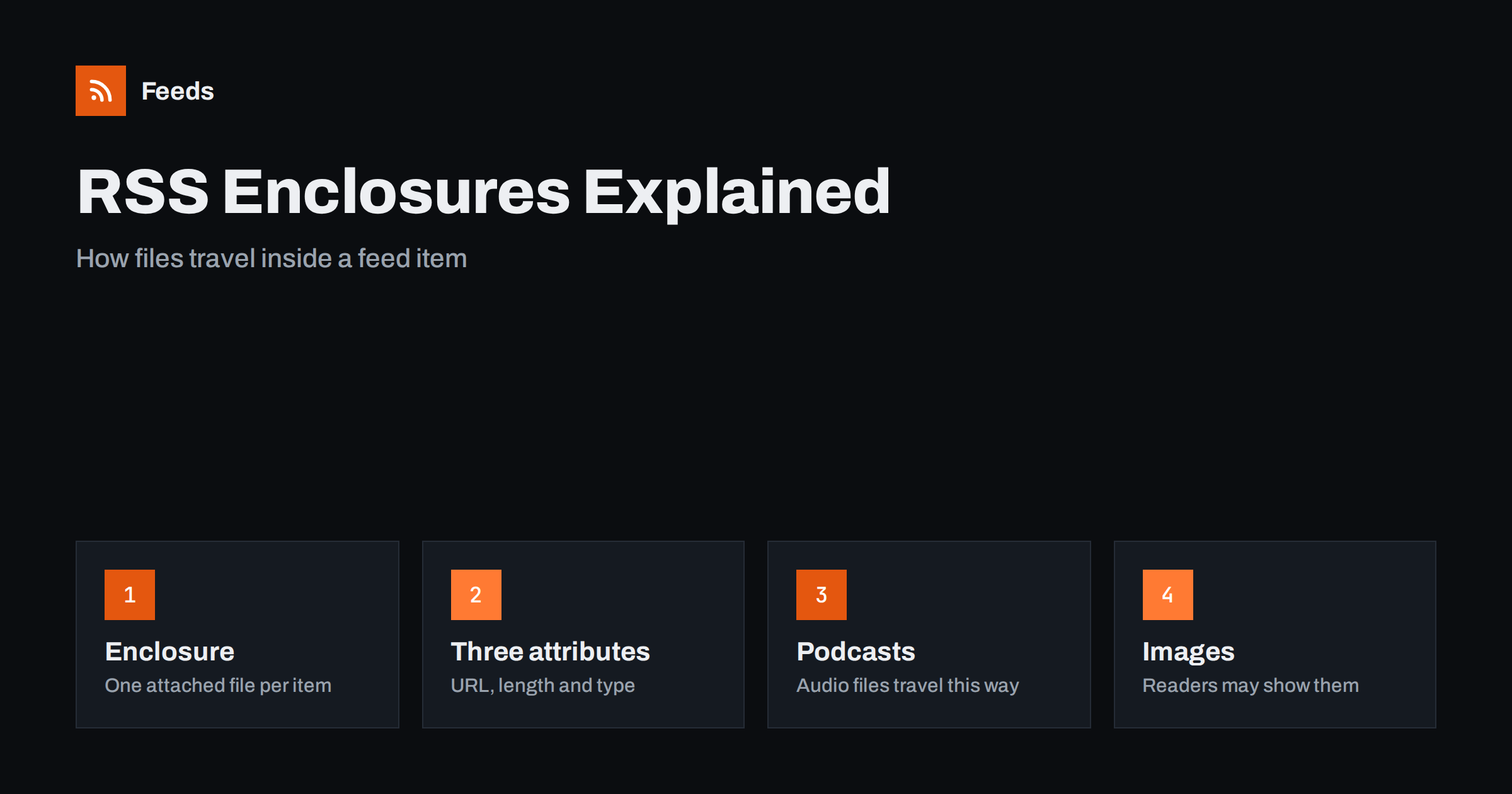
Short answer: An enclosure is the part of an RSS item that points to a file, such as an audio recording, a video or an image. It is written as an enclosure element with three required attributes: the address of the file, its size in bytes and its media type. The feed does not contain the file itself, only a pointer, so readers and apps decide whether to download it, play it or ignore it.
What an enclosure is
An RSS item normally carries text: a title, a link, a summary and a date. Sometimes the item also needs to point to a file that belongs to it. The classic case is a podcast episode, where the item describes the show and the file is the audio. The format solves this with one optional element called enclosure, which lives inside the item element next to the title and the link.
The important detail is that the enclosure is a pointer. The feed stays a small text document, and the file stays on a web server. A reader that sees the enclosure can show a play button, offer a download or fetch the file in the background, but none of that is guaranteed. If you want a refresher on where the element sits in the whole document, the page on the elements of an RSS 2.0 feed shows every part of a feed in order.
The three required attributes
An enclosure is an empty element, which means all of its information sits in attributes. The three attributes are required, and a feed that leaves one of them out is likely to fail validation or to be ignored by stricter readers.
| Attribute | What it contains | Common mistake |
|---|---|---|
url |
The full address of the file, starting with http or https | A relative path, or a link to a web page instead of the file |
length |
The size of the file in bytes | Writing 0, writing minutes instead of bytes, or leaving it empty |
type |
The media type of the file, such as audio/mpeg or image/jpeg | A wrong type that does not match the real file |
The address must point straight to the file. If the link opens a page that then starts a download, many players will not follow it. Use a secure address, because readers and browsers increasingly refuse to load mixed content from plain http. The size should be the real size of the file at that address, and the media type must describe what a server returns when the file is requested.
How podcasts use enclosures
Podcasting is the reason enclosures exist in most people’s minds. Each episode is an item, and the enclosure points to the audio file. Podcast apps read the address to download the episode and use the length to show the download size. The extra podcast information, such as the cover art, the episode number or the category, is added with separate namespace elements, but the audio file always arrives through the enclosure. The details of that setup are in how a podcast RSS feed works.
The same idea works for video. A video podcast uses the enclosure for a video file in the same way, and the media type changes accordingly. If you publish both audio and video, the usual practice is to keep them as separate feeds rather than putting two files into the same item, for a reason explained in the next section.
Only one enclosure per item in RSS 2.0
The RSS 2.0 format allows a single enclosure in each item. That limit surprises people who want to attach a gallery of images or several files to one post. There are three common ways around it:
- Use an extension. The Media RSS namespace adds elements that can describe several files, thumbnails and different sizes of the same image. Many readers understand it, but not all. See images and video in RSS feeds for the practical details.
- Put the extra files in the content. Images can be placed inside the HTML of the item body, which every reader can display. This is what most blog feeds do.
- Use Atom. The Atom format allows several links with the relation
enclosurein one entry. If you control both ends, this is the cleanest way to attach more than one file. A comparison of the two formats is in RSS vs Atom.
Whichever route you choose, keep the primary file in the real enclosure element, because that is the one most tools look for first.
Images as enclosures
Many feeds attach the main image of an article as an enclosure with an image media type. Some readers use it as a thumbnail, and some automation tools use it as the picture of a social post. It works in plenty of places, but it is a convention and not a promise. A reader that expects audio may ignore an image enclosure, and another may show it in a way you did not plan.
If your goal is to make sure the picture appears in a reader or in an automated post, do not rely on one method alone. Add the image to the item content as well, and consider a media element for tools that read it. The common problems with missing pictures are covered in how to add featured images to a WordPress feed and in why automated posts lose their images.
Common enclosure mistakes
Most enclosure problems repeat. If a file does not play or an episode does not show up, check the list below before you look for anything exotic.
- The type does not match the file. A file labelled as audio/mpeg that is really an m4a file may fail in some players.
- The length is wrong or zero. It will not always stop playback, but it can break progress bars and download warnings, and some validators flag it.
- The address redirects several times. A chain of redirects slows the download and some apps give up. Link to the final address where you can.
- The file needs a login. Readers fetch the file without your session, so a protected file simply fails. Private feeds use special links for this reason.
- The address changes with every build. If the file path contains a changing token, readers may treat the item as new each time, which causes duplicates. Compare this with the GUID problem.
- The server blocks automated requests. A firewall that blocks unknown clients can stop the download even though the page loads in your browser.
How to check your enclosures
You can test a feed in a few minutes. First open the feed address in a browser and use the view-source option, or use a validator, and look at one item. Confirm that the enclosure element exists, that all three attributes are present and that the address is complete. Then open the file address in a new tab and check that it plays or downloads directly. Finally compare the size shown by your computer with the length written in the feed.
A validator catches missing attributes and malformed addresses quickly, and the guide to validating an RSS feed explains the messages you are most likely to see. After a fix, wait for the reader to refresh, or test in a second reader, because the first one may keep the old version of the item for a while.
Enclosures when you build a feed from a web page
Some websites have no feed at all, and then the feed has to be built from the page. In that case the enclosure is not something the website author wrote, so it only exists if the tool can find a real file connected to the item. A page-to-feed tool can usually find the image of each article, and in some cases an audio or video file that is clearly linked from it, but it cannot invent files that are not on the page. For podcasts and other media you control, publish a proper feed from your hosting platform instead of building one from the page.
How RSS Feed Creator helps
RSS Feed Creator turns the article list of a page into a standard RSS feed with titles, images, summaries and dates, and it uses an existing feed when the page already has one. You see a preview of the items before the feed is created, so you can check that each item has the image you expect. You can merge several sources into one feed (up to 10 on paid plans), keep only the items with your keywords and have duplicates removed automatically. The free plan allows up to 20 items per feed, and the details are on the pricing page.
Related reading
- Images and video in RSS feeds: Media RSS explained
- RSS Namespaces Explained: content:encoded, dc:creator and More
- Podcast feed rejected? Common errors and how to fix them
The bottom line
An enclosure is a simple pointer to a file, with a direct address, a size in bytes and a media type. RSS 2.0 allows one per item, so extra files belong in the content, in a media extension or in Atom. Check the three attributes, link to the file directly and test in more than one reader, and most attachment problems disappear.
FAQ
What is an enclosure in an RSS feed?
It is an element inside an item that points to a file, such as an audio recording, a video or an image. It contains the file address, the size in bytes and the media type, while the file itself stays on a web server.
Can an RSS item have more than one enclosure?
In RSS 2.0 the format allows one enclosure per item. For more files you can use Media RSS elements, place images in the item content, or use Atom, which allows several enclosure links in one entry.
Is the length attribute really needed?
Yes, it is one of the three required attributes. It should be the real file size in bytes, because some apps use it to show a download size, and validators may report a missing or zero value.
Why does my podcast app not show my episode audio?
Check that the enclosure address points straight to the audio file, that the media type matches the file and that the server allows automated downloads. A login, a long redirect chain or a blocked request are the usual causes.
Do all feed readers show enclosure images?
No. Some use an image enclosure as a thumbnail, and others ignore it. To be safe, also place the picture in the item content so every reader can display it.