 ENEnglish
 LTLietuviškai
 DEDeutsch
 FRFrançais
 RUРусский
 ESEspañol
 PLPolski
 ITItaliano
 UKУкраїнська
 CSČeština
 PTPortuguês
 JA日本語
JA日本語 LVLatviešu valoda
 ETEesti
 HUMagyar
 IDBahasa Indonesia
 TRTürkçe
 HIहिन्दी
 ELΕλληνικά
 ARالعربية
 THไทย
THไทย VITiếng Việt
 RORomână
 MSBahasa Melayu
 BNবাংলা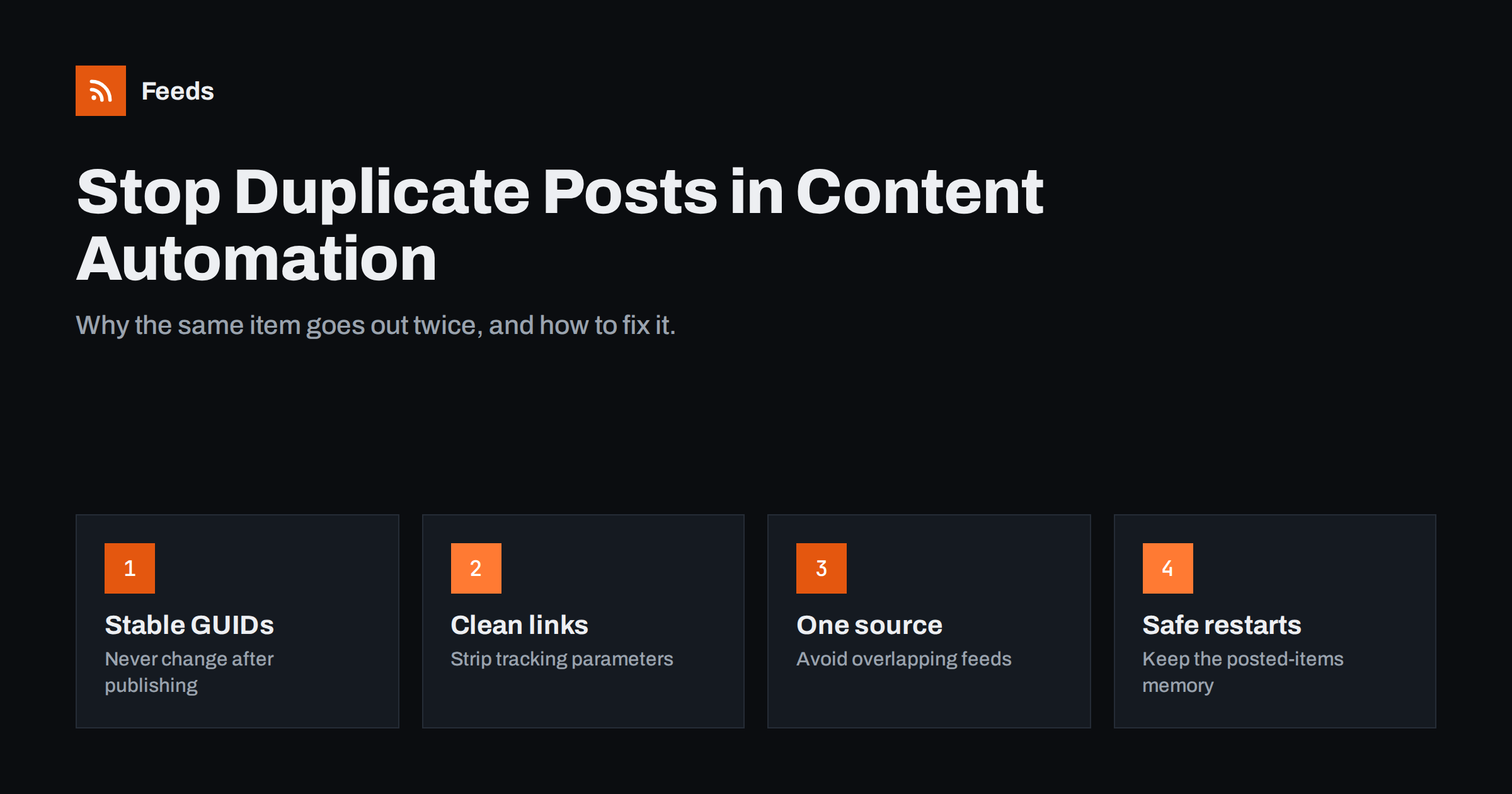
Short answer: Automated workflows post duplicates when the tool believes an item it has already handled is new. That usually happens because the item’s GUID or link changed after publishing, because the same story arrives from several overlapping feeds, or because the tool lost its record of posted items. Fix it by keeping GUIDs and URLs stable, removing tracking parameters from links, merging overlapping sources with deduplication and never resetting a workflow without telling it to skip existing items.
How automation tools decide what is “new”
Every tool that watches a feed has to answer one question on each check: which of these items have I not handled yet? It does so by remembering an identifier for every item it has processed. When it sees an identifier it does not recognise, it treats the item as new and runs the workflow.
The identifier is usually one of these, in rough order of preference:
- The GUID (in RSS, the
<guid>element) or the ID (in Atom, the<id>element). It is meant to be a permanent, unique identifier for the item. - The link to the item, when there is no GUID or the tool prefers links.
- A hash of the title and content, used by some tools as a fallback, which is fragile because any edit changes it.
Some tools also use the publication date, posting only items newer than the last check. That works until a site republishes an old post with a new date.
Understanding which identifier your tool uses is the key to every duplicate problem. The tool’s documentation or support pages usually say, and testing with a single edited post confirms it.
Cause 1: GUIDs or links change after publishing
This is the most common cause. The item already went out, then something changed its identifier, and the tool now sees it as a different item.
Typical triggers:
- Changing the slug or URL of a published post, for example to fix a typo in the address.
- Migrating the site to a new domain, from HTTP to HTTPS, or between www and non-www. If GUIDs are built from full URLs, every item’s GUID changes at once.
- Switching CMS or feed plugins, which may generate identifiers differently.
- Feeds that use a timestamp or random value as the GUID, which changes every time the feed is generated.
Fixes: avoid changing URLs after publishing; if you must, set up a redirect but understand the feed may still show a new link. Before a domain migration, pause automations, migrate, then restart them with the option “only post items published from now on”. If your feed generates unstable GUIDs, fix the feed or use a different source for the automation.
Cause 2: tracking parameters and URL variations
To a computer, /article/, /article/?utm_source=rss and /article without the trailing slash are three different strings. If a feed adds a changing tracking parameter, or a site sometimes serves links in different forms, a link-based tool may treat each variation as a new item.
Fixes: use the canonical URL in feeds, without session IDs or changing parameters. Add UTM tags in the posting tool instead of in the feed itself. Keep the trailing slash and protocol consistent everywhere.
Cause 3: overlapping sources
Sometimes the tool is right: the items really are different, but they describe the same thing. Common examples:
- You subscribe to a site’s main feed and to one of its category feeds, so articles in that category appear twice.
- You follow several news sites that all cover the same announcement.
- A product appears in several collection feeds of the same shop.
- The same article is syndicated on a partner site with a different URL.
Fixes: use one feed per source where possible, preferably the narrowest one that covers what you need. When you must combine several sources, merge them into one feed with deduplication before the posting tool sees them, rather than connecting each feed to the destination separately. Deduplication by link catches exact repeats; different articles about the same story still need a human or a stricter filter.
Cause 4: the tool forgets what it posted
Automation tools store the list of processed items somewhere. If that memory is lost, the next check sees every item in the feed as new and posts the entire feed, sometimes dozens of items at once.
This happens when:
- You delete and recreate a workflow, or change its trigger feed URL.
- You switch to a different tool without telling it to skip existing items.
- A self-hosted script loses its state file after a server move or container restart.
- The feed URL changes, even slightly, so the tool treats it as a brand-new feed.
Fixes: whenever you create or recreate a workflow, choose the option to ignore existing items, or run it once in test mode with posting disabled. For scripts, store posted IDs in a persistent location and back it up. Never change a feed URL on a live workflow without planning for this.
Cause 5: republished or updated content
Some sites deliberately bump old articles to the top by updating their publication date. Some CMSs put updated posts back into the feed with a new date. If your tool relies on dates, or the site also changes the GUID, the old item goes out again.
Whether that is a bug depends on your intent. Sharing a substantially updated guide again can be fine. Reposting because someone fixed a comma is not. Decide on a rule and configure accordingly: some tools can ignore items older than a set number of days regardless of their feed position.
Duplicates in email digests and chat channels
Social networks are not the only place duplicates hurt. In an RSS-to-email newsletter, a duplicate may mean an entire digest is sent twice, or last week’s items appear again in this week’s email. Email platforms typically decide which items to include based on publication dates since the last send, so a site that changes dates on old posts pushes them back into the next issue. The fix is the same discipline: stable dates and GUIDs, and a quick look at the digest preview before each send if your platform allows editing.
In Slack, Teams or Discord channels, duplicates are less damaging but more visible, because colleagues notice the same item twice in a row. Here overlapping sources are the usual culprit: two news sites, one story. A merged feed with duplicate removal, or a single well-chosen source per topic, solves most of it.
Whatever the destination, note that deleting a duplicate at the destination does not fix anything upstream. Unless the cause is found, the next edit or migration will repeat it.
A quick diagnosis routine
- Find both posts and compare the links they contain. Different links point to causes 1, 2 or 3.
- Open the feed and check the item’s GUID and link now. Compare with what they were when first posted, if the tool’s history shows it.
- Check the workflow history for resets, edits or a changed feed URL around the time of the duplicate.
- Check whether several feeds connected to the same destination contain the item.
- Change one thing, then watch the next few items before changing anything else.
Preventing duplicates before they happen
A little discipline in setup avoids most problems. Use stable, canonical links. Pick one feed per source. Merge and deduplicate overlapping sources upstream. Always start new workflows with “only new items”. And after any site migration, redesign or plugin change, watch the next few automated posts closely.
Feeds helps with the upstream part. When several sources feed one destination, it merges them into one feed and removes duplicates automatically, and keyword filters can drop items you never want to post. It also creates feeds from pages that have no RSS, so you do not have to rely on unstable third-party feeds for those sources. You can start with the free plan; details are on the pricing page.
Related reading
- How to Automate Social Media Posts from an RSS Feed
- Zapier vs Make vs IFTTT vs n8n for RSS Automation
- RSS vs Atom: Which Feed Format Should Your Site Publish?
- WordPress RSS Feed URLs: Every Feed Your Site Already Has
The bottom line
Duplicate posts are almost always a question of identity: the tool believes a known item is new. Keep GUIDs and links stable, avoid tracking parameters in feeds, merge overlapping sources with deduplication, and never let a workflow restart without skipping existing items. Diagnose calmly by comparing the duplicate posts’ links and the workflow history, and change one thing at a time.
FAQ
What is a GUID in an RSS feed?
The GUID is a unique identifier for each item in an RSS feed. Feed readers and automation tools use it to recognise items they have already seen, so it should never change after an item is published.
Why did my automation post my whole blog again?
Most likely the tool lost its record of posted items, the feed URL changed, or all GUIDs changed at once, for example after a domain or HTTPS migration. Restart the workflow with the option to ignore existing items.
Can I delete duplicate social posts automatically?
Most posting tools do not remove posts automatically. Delete duplicates manually on each network and fix the root cause so they do not happen again.
Does editing a published post create a duplicate?
Editing the text usually does not, as long as the GUID and URL stay the same. Changing the URL or slug, or a feed that uses content hashes as identifiers, can cause a repost.
How do I avoid duplicates when following several news sites?
Merge the sources into one feed with deduplication before connecting it to your destination. Exact repeats are removed automatically, while different articles on the same story may still need a keyword rule or human review.


