ENEnglish
 LTLietuviškai
 DEDeutsch
 FRFrançais
 RUРусский
 ESEspañol
 PLPolski
 ITItaliano
 UKУкраїнська
 CSČeština
 PTPortuguês
 JA日本語
JA日本語 LVLatviešu valoda
 ETEesti
 HUMagyar
 IDBahasa Indonesia
 TRTürkçe
 HIहिन्दी
 ELΕλληνικά
 ARالعربية
 THไทย
THไทย VITiếng Việt
 RORomână
 MSBahasa Melayu
 BNবাংলা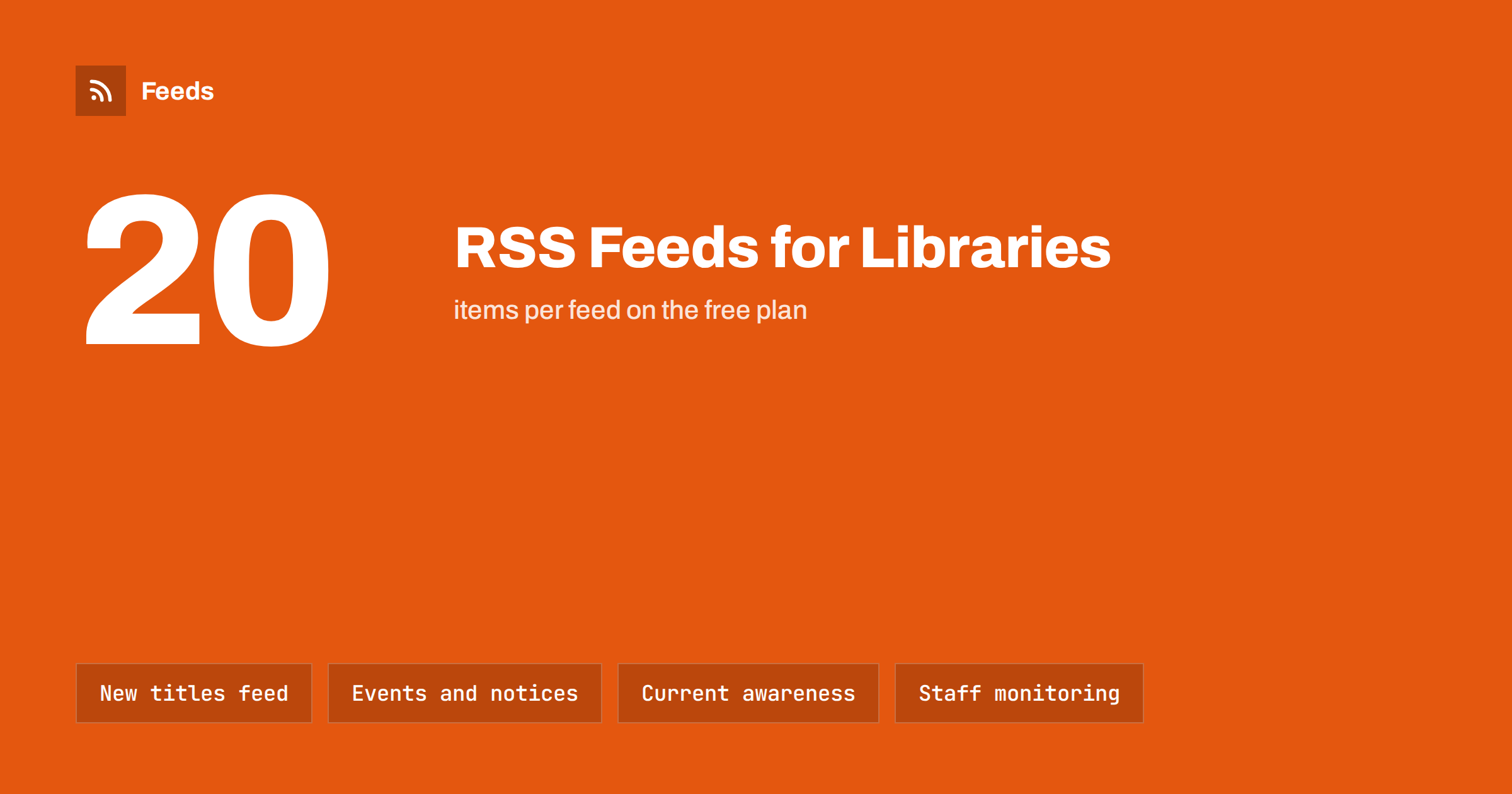
Short answer: Libraries can use RSS in two directions. Outward, they publish feeds for new titles, events, news and service notices, so patrons, schools and partner sites receive updates automatically. Inward, librarians use feeds for current awareness: journal tables of contents, saved catalog and database searches, funding calls and sector news. Most library websites and catalog systems already have some feeds; where they do not, a feed can be created from the public page.
Why RSS fits libraries so well
Libraries were among the earliest institutions to adopt RSS, and for good reason. Their work is built on organised, regularly updated information: new acquisitions, events programmes, opening hours, research alerts. RSS delivers exactly that kind of information in a neutral, standard format that any reader, website or tool can use.
It also matches library values. A feed is open and not tied to a platform, so anyone can subscribe without an account or tracking. It works in simple tools and assistive technologies, and it gives patrons control over what they follow. For a public institution that wants to reach everyone without depending on one social network, those are practical advantages.
Today, many patrons will never open an RSS reader. But feeds still power the things they do see: event widgets on partner websites, automated social posts, newsletter sections and screens in the building. RSS is often the plumbing behind a library’s communication rather than the visible part.
What a library can publish as feeds
Most libraries already produce content that suits feeds. Common ones:
| Feed | Who uses it | Typical destination |
|---|---|---|
| New titles or acquisitions | Regular readers, teachers, researchers | RSS readers, website widgets, newsletter |
| Events and workshops | Families, local community, schools | Social posts, community calendars, screens |
| News and blog | Patrons, partners, local media | Social networks, partner sites |
| Service notices | Everyone: closures, system outages, changes | Website banner, alerts, social posts |
| Subject or collection highlights | Students, researchers, local historians | Department and course pages |
| Jobs and volunteer roles | Job seekers, volunteers | Job boards, social networks |
A good starting set is news, events and service notices, because they are the most time-sensitive. New titles feeds are popular with regular readers and teachers who want to know what has arrived in their subject.
If events live in a calendar system, the calendar may already offer a feed or an iCal export; turning calendars into feeds is explained in how to turn event calendars into RSS feeds.
Feeds from the catalog and discovery system
Many library catalogs and discovery systems can produce RSS for saved searches or new items in a collection. When that option exists, it is one of the most useful feeds a library can offer: a teacher can follow “new books on climate science”, a local historian can follow new items about the town, and a student can follow a topic for a thesis.
Look in the catalog’s search results or account area for an RSS icon or a “save search” option with a feed. The exact feature and its name depend on the system and on how the library has configured it, so check with the system’s documentation or vendor if it is not visible.
If the catalog does not offer feeds, a search results page can sometimes be turned into one from the outside, as described in how to turn a website’s search results into an RSS feed. This works only for public pages that do not require a login.
Current awareness for researchers and staff
Academic and special libraries have long used RSS for current awareness services: keeping researchers informed about new publications in their field without them checking dozens of sources. Typical sources:
- Journal tables of contents. Most journal platforms publish a feed of new issues or articles, often linked from the journal’s home page.
- Saved database searches. Many bibliographic databases let users save a search and receive new results by feed or email.
- Preprint servers and repositories. Subject repositories often provide feeds by category.
- Funders and calls. Funding bodies publish calls and deadlines that research offices need to see early.
Librarians can collect these feeds into subject bundles for departments, combine them into one feed per research group, or use keyword filters to keep only items that match a group’s topics. The detailed approach is in how to follow academic journals and research with RSS alerts, and for funding in how to track grant and funding announcements with RSS.
Library staff also benefit for their own work: following library associations, publisher news, licensing updates and sector policy. A short, filtered reading list keeps a team informed without everyone reading everything.
Putting library feeds where people already are
Publishing a feed is only half the job; it needs to reach people. Practical ways to use a library’s own feeds:
- Website widgets. Show the latest events or new titles on the home page or subject pages, generated from the feed. See how to display RSS feeds on your website the right way.
- Newsletters. Build a weekly “what’s new” email from the feeds, as described in how to turn an RSS feed into an automatic email newsletter.
- Social networks. Post each new event and news item automatically, with a person reviewing service notices.
- Partner sites. Schools, councils and community organisations can display the library’s event feed on their own sites.
- Screens in the building. Lobby displays can show upcoming events from the same feed.
Libraries that are part of a municipality or a school can share feeds with the wider organisation; see RSS feeds for municipalities and public bodies and how parents and students can follow school news with RSS.
Making library feeds good
A few practices make feeds more useful for patrons and partners:
- Write clear titles. “Storytime for toddlers, Tuesday 10:00, Central Library” is more useful than “Storytime”.
- Include dates and places. For events, put the date, time and branch in the title or the first line of the summary.
- Add images with alt text. Book covers and event images make feeds attractive in readers and on social networks.
- Keep separate feeds for separate audiences. Children’s events, adult learning and research news rarely interest the same people.
- Advertise the feeds. Link them from a “Follow us” or “Stay informed” page, and use autodiscovery tags.
The general publisher checklist in RSS feed best practices for publishers applies to libraries too.
Privacy and accessibility
Libraries take patron privacy seriously, and feeds fit that well. Subscribing to a public feed does not require an account, and a reader app does not tell the library who is following. Keep it that way: avoid adding tracking pixels or personalised links to public feeds, and if you add campaign parameters to links for statistics, keep them generic rather than tied to individuals.
Accessibility matters just as much. Feed content ends up in readers, screen readers, widgets and email, so it should make sense without the page around it. Use descriptive titles, meaningful link text and alt text for images, and avoid putting essential information only in an image, such as a poster with the event date. A text summary with the date, time, place and any booking details makes the item useful everywhere it appears, including for patrons who use assistive technology.
Finally, keep service notices plain and factual. A closure or system outage notice is read by people who need to change their plans, so the first sentence should say what is affected and for how long.
When the library website has no feed
Some library websites run on platforms where feeds are hard to add, or the events and new titles pages are maintained in systems that do not publish RSS. Rebuilding the site just for feeds is rarely realistic.
RSS Feed Creator creates a feed from a public page, such as a news list, events page or new titles page, with titles, images, summaries and dates. It uses the page’s existing feed when there is one, and on pages without one it also follows further pages and the sitemap to collect older items, up to the plan’s item limit. Feeds refresh on their own, and paid plans can merge up to 10 sources, for example all branches’ event pages, into one feed. Plans are on the pricing page.
Related reading
- How to subscribe to RSS feeds: a beginner’s step-by-step guide
- How to promote upcoming events automatically from a calendar
- Content automation for schools, colleges and universities
The bottom line
RSS remains one of the most practical tools a library has. Publish feeds for news, events, service notices and new titles, and let them power website widgets, newsletters, social posts and partner sites. Use feeds inward for current awareness, from journal contents to funding calls. Write clear titles with dates and places, keep audiences separate, and where a system has no feed, create one from the public page.
FAQ
Do libraries still use RSS?
Yes. Many libraries publish feeds for news, events and new titles, and academic libraries use RSS for current awareness services. Feeds often power widgets, newsletters and social posts even when patrons never see an RSS reader.
How can patrons follow new books in a subject?
If the library catalog offers RSS for saved searches or new items, patrons can subscribe to a search in their subject. Otherwise, the library can publish subject feeds of new titles on its website.
Can a library’s event feed appear on other websites?
Yes. Schools, councils and community organisations can display the feed on their own sites with a widget or plugin, so events are updated everywhere automatically.
What is a current awareness service?
It is a service that keeps researchers informed about new publications and developments in their field. Libraries often build it from journal contents feeds, saved database searches and other sources, filtered by topic.
Our library website has no RSS. What can we do?
Check whether the website platform or the events and catalog systems can publish feeds. If not, a page-to-feed tool can create a feed from the public news, events or new titles page.