 ENEnglish
 LTLietuviškai
 DEDeutsch
 FRFrançais
 RUРусский
 ESEspañol
 PLPolski
 ITItaliano
 UKУкраїнська
 CSČeština
 PTPortuguês
 JA日本語
JA日本語 LVLatviešu valoda
 ETEesti
 HUMagyar
 IDBahasa Indonesia
 TRTürkçe
 HIहिन्दी
 ELΕλληνικά
 ARالعربية
 THไทย
THไทย VITiếng Việt
 RORomână
 MSBahasa Melayu
 BNবাংলা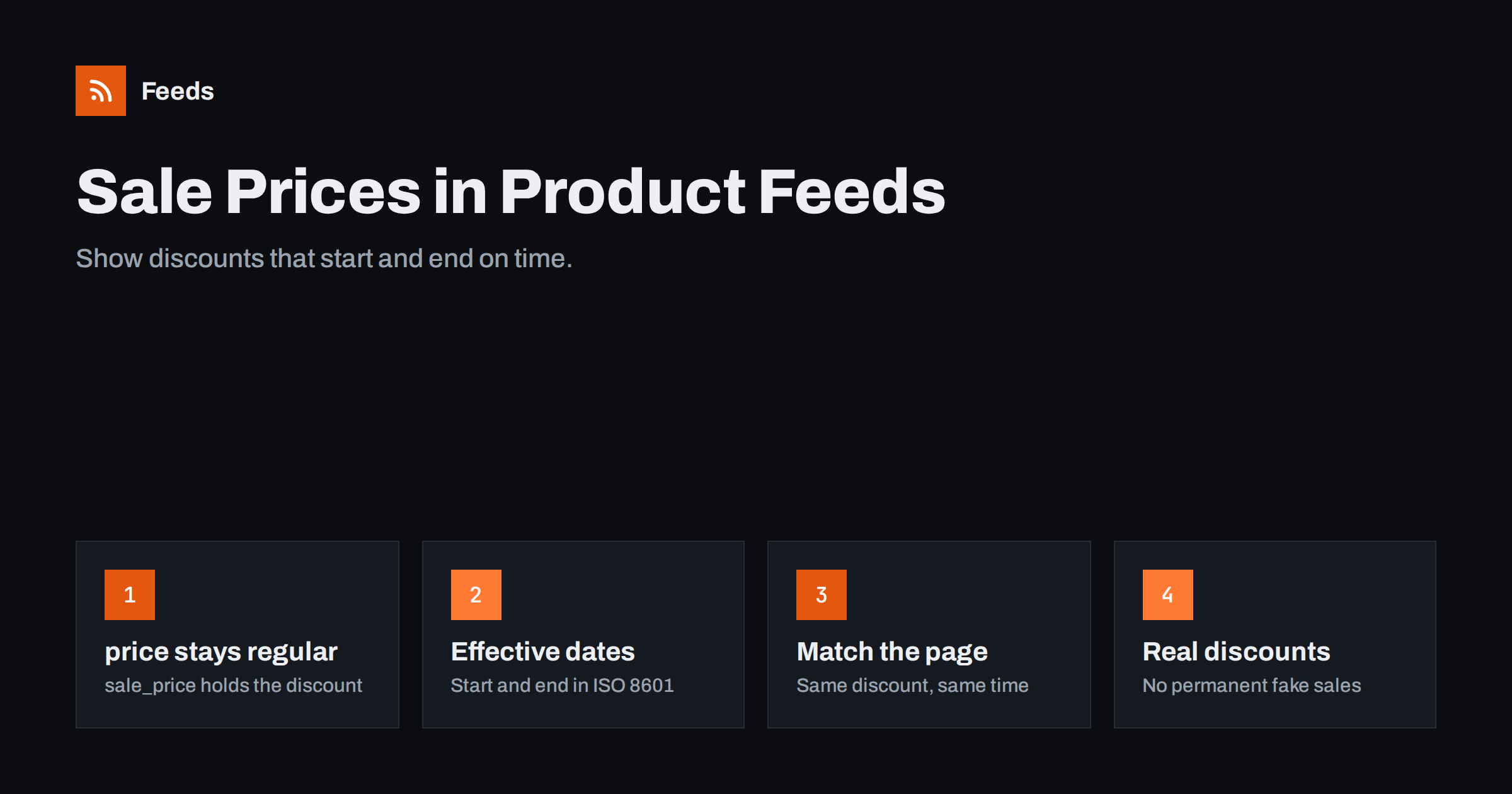
Short answer: To show a discount in a product feed, keep the regular price in the price attribute and put the discounted price in sale_price. Add sale_price_effective_date with a start and end timestamp in ISO 8601 format so platforms apply the sale exactly when it runs on your site. The sale price must be visible on the landing page at the same time, and it should be a genuine reduction from a price you actually charged, not a permanent “was” price.
How sale prices are displayed
When a feed item has both a price and a sale_price, Google can show the discounted price prominently with the original price struck through, and sometimes a label about the price drop. Meta catalog ads can show the sale price and the original price in the same way, depending on the ad format. For shoppers scrolling through dozens of similar products, a visible discount is one of the strongest reasons to click.
The display is not guaranteed, though. Platforms decide whether to show the strikethrough and annotations based on their own checks of your price history and your landing page. If your “regular” price is rarely or never charged, platforms may show only the current price, or treat the discount as unreliable. That is why sale prices are as much about honest pricing as about feed syntax.
Getting sale prices right in the feed is therefore a combination of three things: correct attributes, correct timing, and discounts that reflect real price reductions.
The attributes: price, sale_price and effective dates
- price: the regular price, including tax where required, with the currency code. Keep it unchanged during the sale.
- sale_price: the discounted price, in the same currency and tax treatment.
- sale_price_effective_date: the period when the sale price applies, written as a start and end timestamp separated by a slash, for example 2026-11-27T00:00+01:00/2026-11-30T23:59+01:00.
A frequent mistake is to put the sale price into the price attribute and the old price into sale_price, or to drop the regular price entirely and send only the discounted one. The first reverses the display; the second removes the discount information completely. The regular price always goes in price.
Timezones matter in the effective date. Include the offset from UTC that matches when your sale actually starts. A sale that starts at midnight in Berlin should not start at midnight UTC, which is one or two hours later depending on the season.
Variants need the same care. If only some sizes or colors are discounted, the sale price belongs only on those variant items. A feed that applies the parent’s sale price to every variant will show discounts that shoppers do not find on the page for the full-price options, and those items will be flagged.
Why effective dates prevent mismatches
Most sale-related mismatches happen at the edges of a promotion. Consider a sale that starts at midnight on your website. If the feed is regenerated at 3 a.m. and fetched at 6 a.m., Google sees the discounted price on the page for six hours while the feed still says full price. When the sale ends, the reverse happens: the page returns to full price, but the feed still carries the sale price until the next fetch.
With sale_price_effective_date, you can include the sale in the feed days before it starts. Platforms know the exact start and end times and switch the displayed price themselves. Timing no longer depends on when the feed happens to be refreshed.
- Schedule the sale in your store with exact start and end times.
- Make sure the feed includes the sale price and the same effective dates as soon as the sale is scheduled.
- Let the platforms fetch the feed at least once before the sale starts.
- After the sale, remove the sale price from the feed on the next refresh.
Sale prices, coupons and automatic discounts
Not every discount belongs in sale_price. The sale price should be the price any shopper sees on the product page without doing anything special. That rules out several common discount types:
- Coupon codes that must be entered at checkout. These belong in promotions features, not in sale_price.
- Cart-level discounts, such as 10% off orders over a threshold.
- Member or logged-in prices that anonymous visitors do not see.
- Quantity discounts that apply only when buying several items.
Google Merchant Center has a separate promotions feature for coupon codes and conditional offers, and it can show those offers as annotations alongside the listing. Using it keeps your sale_price honest and avoids mismatches with the product page.
A related case is the “price from” display used by some stores for configurable products, where the page shows the lowest possible price of any configuration. That lowest price is not a sale price, and it should not be sent as one. Each item in the feed should carry the price of that exact configuration, with a sale price only if that configuration is actually discounted.
Honest discounts and reference prices
Consumer protection rules in many countries restrict how stores present discounts. In the EU, for example, a price reduction must generally be shown against the lowest price the product had over a prior period, typically 30 days. Other countries have similar rules about “was” prices and reference prices. The details are legal questions for your market, but the practical consequence for feeds is simple: the regular price you send must be a price you really charged.
Platforms also have their own checks. Google may show a price drop annotation only when your current price is lower than your typical recent price. Permanent sales, where the product is always “on sale” at the same price, are unlikely to benefit and can look misleading to shoppers.
- Use sale prices for real, time-limited reductions.
- Avoid raising the regular price shortly before a sale to create a bigger apparent discount.
- If a product is permanently cheaper, lower the regular price instead of keeping a permanent sale.
Preparing feeds for big promotions
Black Friday, seasonal sales and clearance events concentrate price changes into a few hours. A little preparation prevents the most common problems:
| When | What to do |
|---|---|
| One to two weeks before | Schedule sale prices and dates in the store; confirm the feed picks them up with effective dates |
| Days before | Check a sample of items in the feed and in Merchant Center item details |
| During the sale | Increase feed refresh and fetch frequency; watch stock and diagnostics |
| After the sale | Confirm sale prices are gone from feed and pages; review mismatches |
Use a custom label for sale items during the event, so you can give them their own campaigns or product sets and measure results separately. Remove or change the label after the event, ideally by rule.
Checking sale prices in practice
For a quick check, pick five discounted products and compare three places: the product page for an anonymous visitor, the feed file, and the item details in Merchant Center or Commerce Manager. The page should show the discounted price and the original price; the feed should have both in the right attributes with dates; and the platform should show the same values. If any of the three disagree, trace the value back to its source before the sale starts, not after the first wave of disapprovals.
Automatic item updates in Merchant Center can correct small price gaps using the page’s structured data. That is a helpful safety net during busy promotions, but it cannot fix discounts that are only visible after entering a coupon.
Measuring whether the sale worked
Sale periods are short, so plan measurement in advance. Note the baseline clicks, conversion rate and revenue for the products involved in the weeks before the sale, and compare them with the sale period and the week after. A sale that increases clicks but not conversions often points to a landing page or stock problem rather than a pricing one. A sale that increases revenue only while cannibalizing full-price sales of the same products the week before may not be worth repeating in the same form. The custom label you set for sale items makes this analysis much easier.
How Feeds helps
Feeds builds product feeds from WooCommerce and Shopify stores or a CSV link and refreshes them automatically, so price changes in the store flow into the Google product XML file that Merchant Center and Meta fetch. Price rules let you adjust prices in the feed, and other rules skip out-of-stock products and rewrite titles. See the pricing page for plans and refresh intervals.
Related reading
- How to Fix Price Mismatch Errors in Google Merchant Center
- Google Product Feed Attributes: Required and Recommended
- Meta Catalog Ads: What Your Product Feed Must Get Right
The bottom line
Keep the regular price in price, the discount in sale_price, and the exact sale window in sale_price_effective_date. Only include discounts every visitor sees on the page, use promotions features for coupons, and keep reference prices honest. Schedule big sales early so the feed carries them before they start, and check a sample of items on all sides.
FAQ
What is the difference between price and sale_price?
price is the regular price and sale_price is the discounted price. When both are present and valid, platforms can show the discount with the original price struck through.
What format does sale_price_effective_date use?
Two ISO 8601 timestamps separated by a slash, with a timezone offset, for example 2026-11-27T00:00+01:00/2026-11-30T23:59+01:00.
Can I put coupon discounts in sale_price?
No. sale_price must be the price shown on the page without a code. Use Merchant Center promotions for coupon codes and conditional offers.
Why does Google not show my strikethrough price?
Platforms decide when to show it based on their own checks, including your price history. Permanent or unrealistic discounts are less likely to be displayed.
Do I need to remove sale_price after the sale?
With effective dates, platforms stop applying it automatically, but it is still good practice to remove expired sale prices from the feed on the next refresh.


