ENEnglish
 LTLietuviškai
 DEDeutsch
 FRFrançais
 RUРусский
 ESEspañol
 PLPolski
 ITItaliano
 UKУкраїнська
 CSČeština
 PTPortuguês
 JA日本語
JA日本語 LVLatviešu valoda
 ETEesti
 HUMagyar
 IDBahasa Indonesia
 TRTürkçe
 HIहिन्दी
 ELΕλληνικά
 ARالعربية
 THไทย
THไทย VITiếng Việt
 RORomână
 MSBahasa Melayu
 BNবাংলা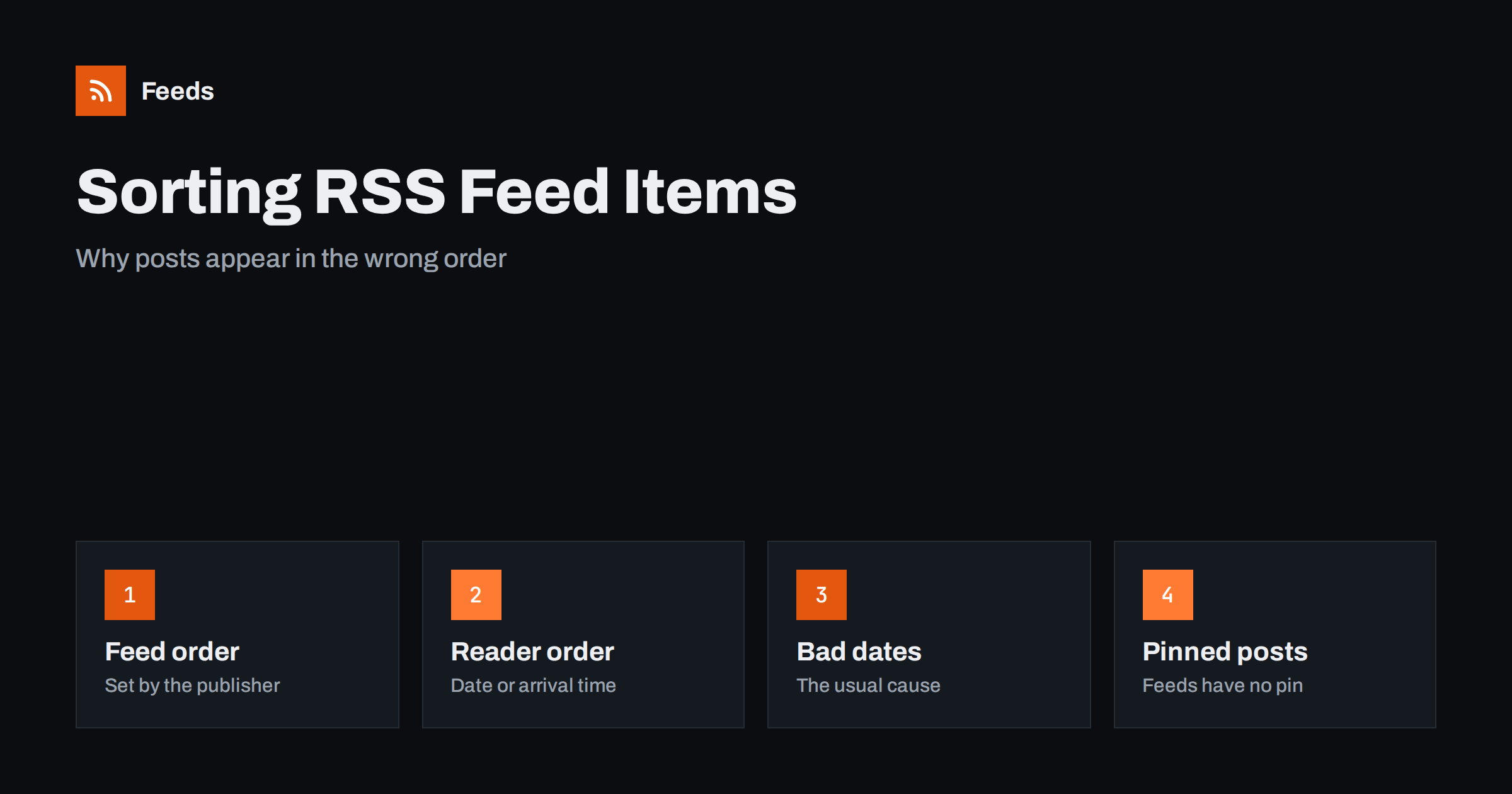
Short answer: An RSS feed is a list, and the publisher decides the order in which items are written into the file. By convention the newest item comes first, but readers are free to sort by publication date, by the time they first saw the item, or by the order in the file. Most “wrong order” problems come from missing, future or inconsistent dates, from items that are edited after publishing, or from merging several feeds. Fix the dates first and the order usually fixes itself.
Who decides the order of a feed
There are two separate decisions. The first is made by the website or tool that generates the feed: it writes the items in some order, almost always newest first. The second is made by the feed reader or automation tool that reads the file: it may keep the file order, sort by date, or sort by the moment each item was fetched. The RSS 2.0 format does not force one particular order, so each reader has its own rule. You can see the structure of an item in the anatomy of an RSS 2.0 feed.
This is why the same feed can look different in two readers. One shows the item you published this morning at the top, and the other places it in the middle because the date in the feed is wrong. When someone reports that “the order is broken”, start by asking which reader they use and what date each item carries.
Dates are the real sort key
For nearly every reader, the publication date is the main sort key. A date is stored in the pubDate element in RSS and in published or updated elements in Atom. The common problems are easy to list:
- Missing dates. Items without a date are sorted by the time the reader first saw them, which can bunch many old posts together at the top after the first import.
- Future dates. A post scheduled for tomorrow, or a date written in the wrong time zone, may sit at the top for hours or be hidden by the reader.
- Wrong format. A date that does not follow the expected pattern may be ignored, so the reader falls back to its own rule.
- All items with the same date. Some generators stamp every item with the build time, so the order becomes random.
Time zone mistakes are the most frequent of these, and they are explained step by step in RSS dates and time zones. If you generate a feed yourself, store the real publication time of each item, write it in the required format and never use the time of the last build.
Edited items and the “old post looks new” problem
Another cause of strange order is an item that changes after it was published. If the date is updated, the reader may move the item to the top. If the identifier changes, the reader treats it as a new item and shows a duplicate. The identifier is the GUID, and its behaviour is covered in why readers show old posts as new.
A simple rule works for most sites. Keep the GUID stable for the life of the item. Keep the original publication date unless you really want the item to appear as new, and use a separate field or a note in the text for small corrections. Readers that sort by the original date will keep your archive in a sensible order, and automations that post new items to social networks will not repeat old ones.
Order in merged feeds
When several feeds are combined into one, the order of the result is decided again. A sensible merge sorts all items together by publication date, newest first, and removes items that appear in more than one source. If the sources use different time zones or one source has bad dates, the combined list shows the problem more clearly than any single feed does. The practical steps for combining sources are in how to merge multiple RSS feeds into one clean feed.
If you only want some of the items from a long list, filter before you worry about order. Keeping the items that match your keywords usually makes the order easier to read, because the feed becomes shorter and each item matters more.
Can a feed pin a post at the top?
Feeds have no standard “pinned” or “sticky” flag. On a website, a pinned post stays at the top of the home page, but the feed is a separate output and in a default WordPress setup the items are listed by publication date, with no special place for sticky posts. If you want a message to stay visible in a feed, you have three realistic options:
- Publish a short notice as a normal item and expect it to move down as newer items arrive.
- Add the notice to every item, for example as a line in the footer, as described in adding a footer or links to every WordPress feed item.
- Use the feed description at channel level for a message that applies to the whole feed, knowing that many readers do not show it prominently.
Do not change the date of an old item to force it to the top. It confuses readers that remember the original date and can cause automations to post it again.
How many items, and in which order
The number of items in the file also affects what readers see. A feed that keeps only the latest few items hides older posts from a reader that checks rarely, and a very long feed slows down every check. Choosing a sensible size is covered in how many items your feed should include. Within that limit, keep the newest first and keep the list consistent between requests, so a reader can compare what it already has with what it receives.
Habits that keep the order stable
A few habits prevent most order problems before they appear. Each of them takes only a minute to check and saves a long support conversation later.
- Test with two readers. Open the feed in two different readers and compare the first five items. If they disagree, the dates need attention.
- Watch the first import. When a reader loads a feed for the first time, it shows how your dates behave. Look at the top ten items and confirm that the newest post is first.
- Schedule carefully. If your site publishes posts at a planned time, make sure the post enters the feed at that time and carries that date, not the time the draft was created.
- Keep the clock correct. A server with a wrong clock stamps every item with a wrong date. Check the time zone setting of the site and the server.
- Re-check after a redesign. A new theme, a new plugin or a change of host can alter how dates and identifiers are written, so open the feed again after every big change.
Quick diagnosis
| What you see | Likely cause | What to check |
|---|---|---|
| New post appears in the middle | Wrong or old date | The date and time zone of the item |
| Dozens of old posts at the top | Missing dates | Whether each item has a publication date |
| Same post shown twice | Changed identifier or link | The GUID of the item |
| Scheduled post shows too early | Future date in the feed | When the item is added to the feed |
| Merged feed looks random | Mixed time zones or no sorting | Dates in every source |
How RSS Feed Creator helps
RSS Feed Creator turns the article list of a page into a standard RSS feed with titles, images, summaries and dates, and it uses an existing feed when the page has one. You see a preview of the items before the feed is created, so you can check the dates first. It can merge several sources into one feed (up to 10 on paid plans), keep only the items with your keywords, and remove duplicates automatically. The free plan allows up to 20 items per feed, and the details are on the pricing page.
Related reading
- How to validate an RSS feed and fix the most common errors
- RSS feed stopped updating? How to find out why
- How often do RSS feeds update? Refresh intervals explained
The bottom line
The order of a feed depends on the publisher and then on the reader, and the date is the key that most readers use. Give every item a correct publication date, keep its identifier stable, avoid changing old dates, and check the dates of every source before you merge. Feeds cannot pin a post, so plan messages as normal items or as part of each item.
FAQ
Is there a standard order for items in an RSS feed?
The format does not require one. The convention is newest first, and most generators follow it, but a reader may sort the items again by date or by the time it first saw them.
Why does my newest post not appear at the top?
The most common reason is the date. The item may have an old date, a date in the wrong time zone, or no date at all. Check the publication date stored in the feed for that item.
Can I pin an item to the top of my feed?
No, feeds have no standard pin or sticky flag. You can publish a notice as a normal item or add a line to every item, but changing an old date to force the order is not recommended.
Does editing a post change its place in the feed?
It can. If the date changes, some readers move the item up, and if the identifier changes, they show it as a new item. Keep the identifier and the original date stable unless you want it to look new.
How is the order decided when feeds are merged?
A good merge sorts all items by publication date, newest first, and removes duplicates. Bad dates in one source will therefore affect the whole result, so check each source before combining them.