 ENEnglish
 LTLietuviškai
 DEDeutsch
 FRFrançais
 RUРусский
 ESEspañol
 PLPolski
 ITItaliano
 UKУкраїнська
 CSČeština
 PTPortuguês
 JA日本語
JA日本語 LVLatviešu valoda
 ETEesti
 HUMagyar
 IDBahasa Indonesia
 TRTürkçe
 HIहिन्दी
 ELΕλληνικά
 ARالعربية
 THไทย
THไทย VITiếng Việt
 RORomână
 MSBahasa Melayu
 BNবাংলা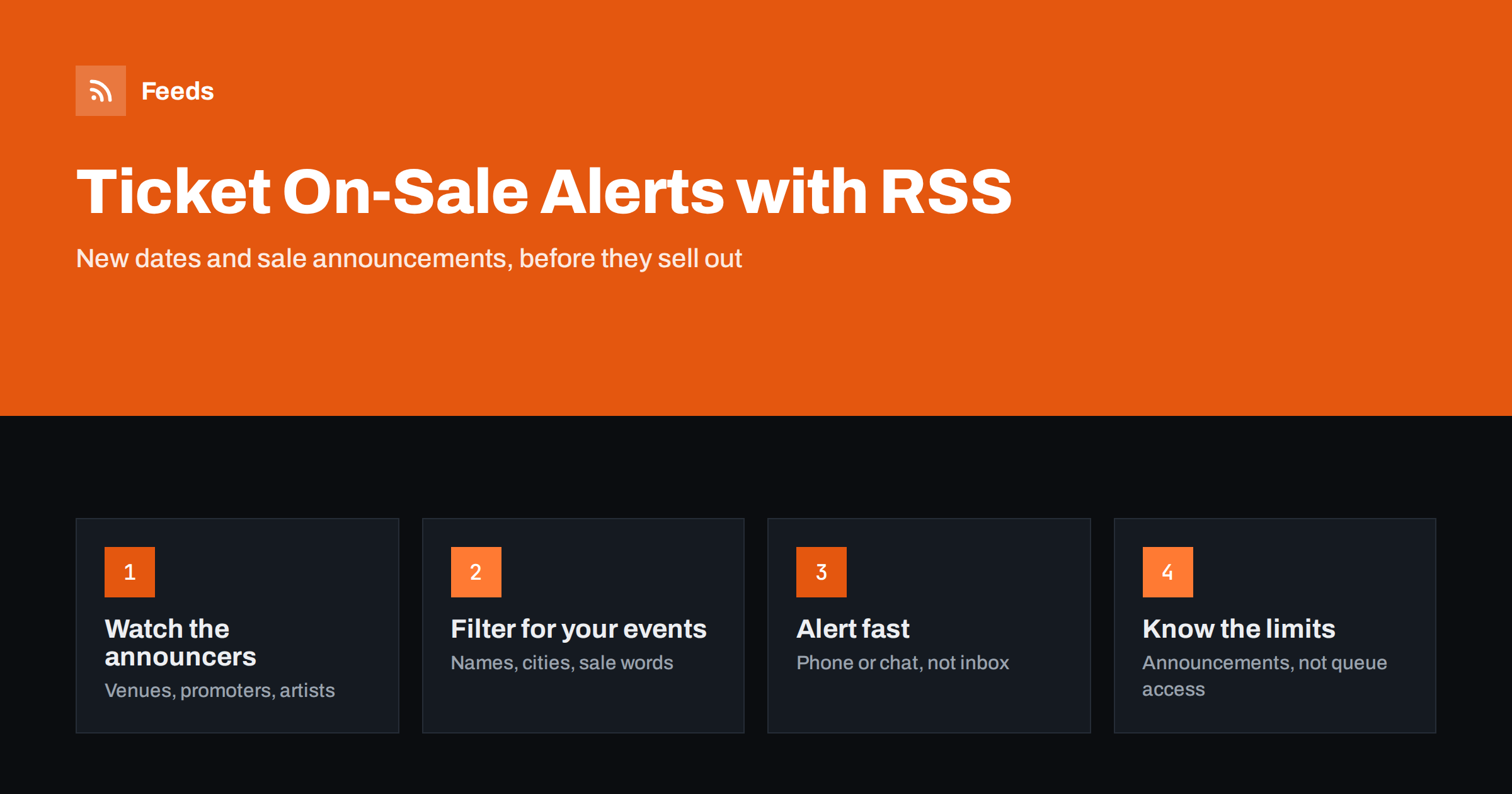
Short answer: RSS is a good way to hear about ticket announcements early: new tour dates, added shows, presale registrations and on-sale times. Follow the news or events pages of venues, promoters, artists and festivals, turn pages without RSS into feeds, filter by artist names, cities and words such as “on sale” or “presale”, and send matches to your phone. RSS tells you that tickets are coming; it does not get you through a queue, so the real advantage is time to prepare.
Why most people miss ticket announcements
Popular events often sell out quickly, and the fans who get tickets are usually the ones who knew the on-sale time days in advance. Announcements are scattered: the artist’s site, the venue’s “what’s on” page, the promoter, the festival newsletter, and social posts that may never reach your feed. Email newsletters arrive late or land in a promotions folder.
A feed solves the scattering problem. It collects new items from the sources you pick and shows them in order, with nothing hidden by an algorithm. Paired with a keyword filter and a phone notification, it becomes a quiet alert system that only speaks when something relevant is announced.
The same setup is useful for people who buy tickets for work: event agencies, corporate hospitality teams, tour operators and local news sites that publish “what’s on” listings.
Sources worth watching
| Source | What it announces | Feed tip |
|---|---|---|
| Venue “what’s on” or news page | New events, added dates, on-sale times | Usually no RSS; turn the list page into a feed |
| Artist or band website | Tour announcements, presale sign-ups | Check the news section for RSS first |
| Promoter or organiser | Whole tour schedules, multiple cities | Filter by your city |
| Festival news page | Line-up drops, ticket phases, price tiers | Watch the news page, not the homepage |
| Sports club or theatre | Season tickets, cup matches, new productions | Separate feed per ticket page |
| Local listings site | Many venues in one place | Use strict keyword filters |
If the venue publishes a proper calendar feed, use it. Our article on event calendar RSS feeds explains what a well-made one looks like.
Step by step: build a ticket alert feed
- List your sources. Five to ten good sources beat fifty random ones. Start with the venues you actually attend and the artists you follow.
- Find the right page on each site. You want the list that gets a new entry when an event is announced, such as “News”, “Events” or “Coming soon”.
- Use existing RSS or create a feed. Many venue sites have no RSS. A page-to-feed tool reads the list from the outside and turns each event card into a feed item; see how page-to-feed works.
- Merge the sources. Combine them into one feed so you only manage one alert. See how to merge RSS feeds.
- Add filters. Keep items that mention your artists, teams, shows or city, and drop words you never want, such as “sold out” or “cancelled” if those pages repeat.
- Route alerts to where you will see them. A filtered feed on your phone or in a chat channel is far faster than a reader you open once a day.
Filters that catch announcements, not noise
Ticket pages are noisy. Venues post food offers, parking notices and private events next to real announcements. Good filters make the difference between a useful alert and one you mute after a week.
- Names: artists, bands, comedians, teams, productions. Include common spellings and short forms.
- Places: your city or the venues you can reach, when following a national promoter.
- Sale words: “on sale”, “presale”, “tickets”, “added date”, “second show”, “extra performance”, “general sale”.
- Exclusions: “gift card”, “parking”, “private hire”, or anything that keeps appearing without being useful.
Combining a name filter with a sale-word filter is the most precise option, but test it on real past announcements first, because wording varies. Our guide to RSS keyword alerts explains include and exclude logic, and reducing RSS alert noise helps when alerts still feel too busy.
Speed: what to expect from RSS alerts
Feeds are refreshed on a schedule, and readers and automation tools also check feeds on their own schedules. That means alerts arrive minutes after an announcement, not seconds. For ticketing this is usually fine, because the valuable moment is the announcement of the sale, which normally comes days or weeks before the sale itself.
- Announcements of future on-sale dates: RSS is well suited.
- Added dates after a sell-out: useful, often announced on news pages first.
- Returned or resale tickets released at random moments: RSS is usually too slow and many such pages are not list-based.
If timing is critical for a particular event, follow the organiser’s own channel as well, since the first announcement often appears there before venues update their pages.
Read how often RSS feeds refresh to understand the timing chain from page to phone.
Three example setups
The right setup depends on who you are and how many events you follow. These three patterns cover most needs.
- The fan with a short list. Five artist news pages and the two venues nearest home, merged into one feed, filtered by the artists’ names and your city, with phone notifications switched on. It produces a handful of alerts a month, and each one matters.
- The local listings editor. Every venue in the city merged into one feed without name filters, read in an RSS reader each morning, plus a second, strictly filtered feed for “added date” and “on sale” that goes to the newsroom chat. The first feed fills the weekly listings page; the second catches news worth a quick story.
- The event or hospitality team. Promoter, festival and stadium pages filtered by the cities where clients are based, sent to a shared channel where one person owns the follow-up. Announcements turn into a calendar of sale dates that the team plans around.
Whichever pattern you choose, review it after a month. Remove sources that never produce useful items and add the ones you heard about too late.
Getting the alert in time
Where the alert arrives matters more than how fast the feed is.
- Phone notifications for the filtered alert feed. See RSS push notifications on your phone.
- A group chat if friends, a fan club or a company team buy together. A shared channel means one person spotting the alert is enough.
- A calendar reminder created by hand as soon as an on-sale time is announced. The feed gives you the date; the reminder makes sure you are ready.
Limits and fair use
RSS does not reserve tickets, skip queues or give you presale codes. It only makes sure you learn about announcements early. Some practical points:
- Register for presales yourself when an announcement mentions a sign-up. Presale access usually depends on registration, membership or a specific card, not on how quickly you read the news.
- Do not hammer ticket pages. Checking a news page every few minutes is reasonable; aggressive scraping of ticketing systems is not, and many sites forbid it.
- Some pages are built with scripts and do not show their lists to simple readers. Our article on RSS feeds for JavaScript websites explains what can and cannot be read.
- Buy from official sellers. An alert about tickets elsewhere is not a guarantee they are genuine.
How Feeds helps
Feeds turns venue, promoter and artist news pages into clean RSS feeds without anything installed on those sites, and uses an existing feed when there is one. You can merge several sources into one feed and keep only items with your words, such as artist names or “on sale”, or drop items with words you do not want. Duplicates are removed automatically, you see a preview of the items found before the feed is created, and the feed refreshes on its own. You can create a free feed from one venue page and check refresh intervals on the pricing page.
Related reading
- Deals and price drop alerts with RSS
- How to monitor websites for new content
- Page change monitoring vs RSS
The bottom line
To stop missing ticket announcements, follow the pages that announce events, turn them into feeds, merge them, filter by names and sale words, and send matches to your phone or group chat. RSS will not get you through the queue, but it gives you the most valuable thing in a fast sale: knowing the date and being ready.
FAQ
Can RSS tell me the moment tickets go on sale?
It tells you when an announcement appears on a page you follow, usually within minutes. Most on-sale times are announced days in advance, so the alert gives you time to prepare rather than reacting at the last second.
What if the venue website has no RSS feed?
You can turn its events or news list into a feed with a page-to-feed tool, which reads the page like a visitor. Pages that load their lists only with scripts may be harder to read.
Will RSS help me get presale codes?
No. Presale access normally depends on registration, membership or a specific payment card. RSS can alert you that a presale has been announced, so you can sign up in time.
How do I avoid alerts for events I do not care about?
Use include filters for artist names, teams and your city, and exclude filters for recurring noise such as parking or gift card notices. Test the filters against past announcements before relying on them.
Can I share ticket alerts with friends?
Yes. Send the filtered feed to a group chat or channel so everyone sees the same alert. It also means only one person needs to notice it in time.


