 ENEnglish
 LTLietuviškai
 DEDeutsch
 FRFrançais
 RUРусский
 ESEspañol
 PLPolski
 ITItaliano
 UKУкраїнська
 CSČeština
 PTPortuguês
 JA日本語
JA日本語 LVLatviešu valoda
 ETEesti
 HUMagyar
 IDBahasa Indonesia
 TRTürkçe
 HIहिन्दी
 ELΕλληνικά
 ARالعربية
 THไทย
THไทย VITiếng Việt
 RORomână
 MSBahasa Melayu
 BNবাংলা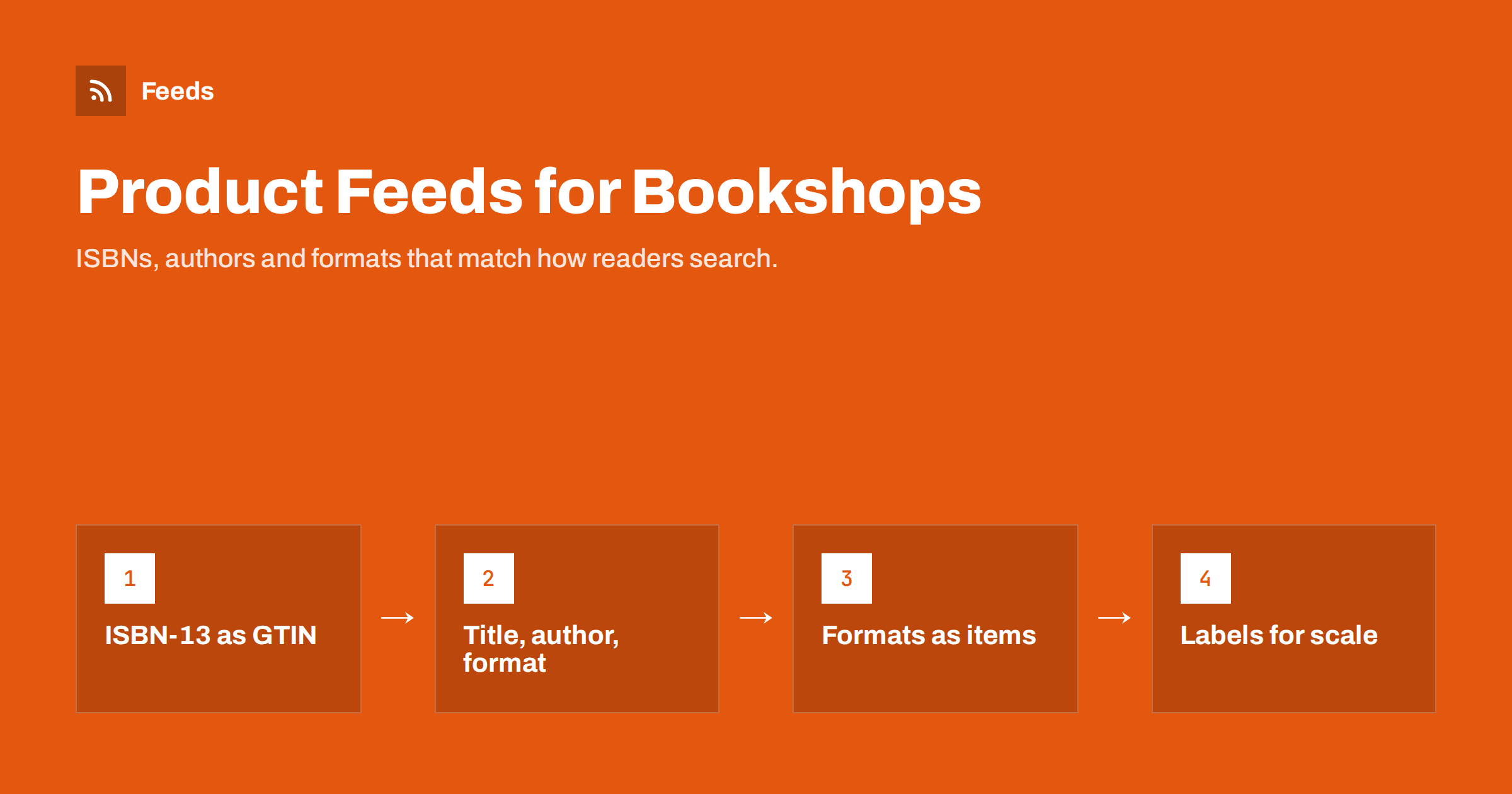
Short answer: A good bookshop feed treats every edition and format as its own item, uses the ISBN-13 as the GTIN, writes titles as “book title, author, format”, picks the right Books category, and marks second-hand copies with the correct condition. Because books are among the few products where brand is not required by Google, the ISBN does most of the identification work, so it must be accurate. Large catalogs benefit from custom labels and from skipping titles that are out of stock.
Why books are different from other products
Most online shops sell products that shoppers search for by brand and type: “running shoes”, “coffee grinder”, a specific model. Books work differently. Shoppers search by title, by author, by ISBN, or by a topic, and the same work often exists in several formats and editions at very different prices. A bookshop catalog is also usually large, with thousands of titles and a long tail of slow sellers.
That affects almost every decision in the feed:
- Identification relies on the ISBN, which is standardised across the whole book trade.
- Titles must carry the author and format, because the book’s title alone is often ambiguous.
- Formats and editions are separate products, not variants of one product.
- Many bookshops sell used, antiquarian or signed copies, where condition and uniqueness matter.
The general rules of product feeds still apply. If you are new to them, what a product feed is is a quick primer.
ISBN as GTIN: getting identifiers right
For books, the ISBN is the global trade item number. Channels such as Google Merchant Center use it to match your offer to the right book, group it with other sellers’ offers and show accurate information. A few rules keep it clean:
- Use ISBN-13. Modern ISBNs have 13 digits, starting with 978 or 979. If your system still holds older 10-digit ISBNs, convert them to the 13-digit form, which is what the barcode on the book encodes.
- Digits only. Remove hyphens and spaces in the feed, even though ISBNs are often printed with hyphens.
- One ISBN per format and edition. Hardback, paperback, large print and new editions each have their own ISBN. Never reuse one ISBN for several of them.
- No invented numbers. Items without an ISBN, such as old books printed before ISBNs existed, should not get a made-up number. Submit them without a GTIN and indicate that no identifier exists.
On brand: Google’s rules require a brand for most new products but make an exception for books, films and music recordings. You can still provide the publisher if your platform fills the brand field automatically, but the ISBN is what matters. More on identifiers in general is in GTIN, MPN and brand explained.
Titles that match how people search for books
A book title on its own is often not enough. Hundreds of books share titles like “Home” or “The Garden”, and shoppers usually know the author. A reliable pattern is:
Book title: subtitle – Author name – Format (edition, year if relevant)
For example: “The Quiet Orchard – Jane Example – Paperback” or “Practical Bookkeeping: A Guide for Beginners – John Sample – Hardcover, 3rd edition”. Keep the format near the end so the book title and author are visible first when titles are truncated. Avoid stuffing titles with words like “bestseller” or “cheap”, which do not help and can break editorial rules. General principles for titles are in product feed title optimization.
For descriptions, use the publisher’s blurb or your own short description of the book, not the full table of contents or a list of review quotes. Mention the audience and topic where helpful, for example “for children aged 6 to 8” or “an introduction to Roman history”.
Formats and editions: separate items, not variants
In clothing, sizes and colours of one product are variants grouped together with item_group_id, as explained in how item_group_id works. Books are different. A hardback and a paperback of the same title have different ISBNs, prices, page counts and sometimes covers, and channels treat them as different products.
In practice:
- List each format and edition as its own item with its own ID, ISBN, price, image and link.
- Do not group formats with
item_group_idunless your channel specifically asks for it. - Make sure each item links to a page, or a page state, that shows exactly that format and price. A link to a generic title page that defaults to the hardback while the feed says paperback is a classic cause of price mismatches.
Categories, product types and custom labels
Google’s product taxonomy has a Media category with Books and subcategories for print books, e-books and audiobooks. Set google_product_category to the most specific accurate category, and use product_type for your own shop structure, such as “Books > Fiction > Crime” or “Books > Children > Picture books”. The difference between the two is covered in google_product_category versus product_type.
Custom labels are especially useful for bookshops, because catalogs are large and margins vary. Common labels include:
| Label | Example values | Used for |
|---|---|---|
| custom_label_0 | new-release, backlist | Bidding more on new titles |
| custom_label_1 | high-margin, low-margin | Protecting profitability |
| custom_label_2 | bestseller, long-tail | Separating proven sellers |
| custom_label_3 | signed, first-edition, used | Special copies with their own audience |
| custom_label_4 | season or event names | School term, holidays, book prizes |
See custom labels in product feeds for how to use them in campaigns.
Used, rare and signed books
Second-hand and antiquarian bookshops have extra considerations:
- Condition. Set
conditionto used for second-hand copies. Describe the actual state in the description using familiar book-trade terms such as “very good, light shelf wear”. The rules are in used and refurbished products in feeds. - Unique copies. A signed first edition is one item. Give it its own ID and remove it from the feed promptly when sold, or mark it out of stock.
- Own photos. For used and rare books, photograph the actual copy. A stock cover image of a new edition misrepresents what the buyer gets.
- Old books without ISBN. Leave the GTIN empty and indicate that no identifier exists, then make the title and description carry the detail: author, publisher, year, edition.
Cover images and stock at scale
Cover images are the main visual in Shopping results. Use a clear, front-facing cover of the correct edition, without price stickers, promotional badges or watermarks, and at a good resolution. Image requirements for Google and Meta are listed in product feed image requirements.
Stock is the other large-catalog challenge. Many bookshops list titles they can order from a distributor within days. Be honest in availability: if a book is not on your shelf and ships in a week, your shipping times should say so. Books that you cannot supply at all should be out of stock or removed from the feed. Refreshing the feed regularly keeps prices and availability in line with your site, which matters more when you have tens of thousands of titles.
Common bookshop feed mistakes
- ISBNs with hyphens or missing digits. Spreadsheet software often drops leading characters or converts long numbers into scientific notation. Store ISBNs as text.
- Author missing from titles. The single most common reason book listings look generic and attract the wrong clicks.
- One page for all formats. The feed says paperback at one price, the page shows hardback at another, and the item is flagged for a price mismatch.
- Stock covers for used copies. Buyers expect to see the copy they will receive, especially for collectable books.
- Sold unique copies left in the feed. Ads keep spending on a book you can no longer sell.
How Feeds helps
Feeds creates Google Merchant Center and Meta catalog feeds straight from a WooCommerce or Shopify bookshop, or from a CSV file link for other systems, using the Google product XML format with id, title, link, image, price, availability and brand. You preview the products before the feed is created, can skip out-of-stock titles, rewrite titles, for example to add the format, and adjust prices, and the currency is detected automatically. Plans differ in how many products a feed can hold, which matters for large catalogs; see the pricing page.
Related reading
- How to set up a Google Merchant Center product feed
- 12 product feed mistakes that quietly cost you sales
- CSV product feeds: how to build one that platforms accept
The bottom line
Bookshop feeds succeed on identification and clarity. Use a correct 13-digit ISBN as the GTIN for every edition and format, write titles with the author and format, list formats as separate items, choose the Books category and your own product types, and use custom labels to manage a large catalog. For used and rare books, set the right condition, photograph the actual copy and remove unique items as soon as they sell.
SSS
Is an ISBN the same as a GTIN?
Yes, for books the ISBN-13 serves as the GTIN. Submit it as 13 digits without hyphens, and convert older 10-digit ISBNs to the 13-digit form.
Do books need a brand in Google Merchant Center?
Google makes an exception for books, films and music recordings, so brand is not required for them. The ISBN is the key identifier, so make sure it is correct.
Should hardback and paperback be variants in my feed?
No. Each format and edition has its own ISBN and price, so list them as separate items with their own IDs and links rather than grouping them as variants.
How should I list used books in a product feed?
Set the condition to used, describe the copy’s actual state, and use photos of the copy itself. Give unique copies their own ID and remove or mark them out of stock as soon as they sell.
What if an old book has no ISBN?
Do not invent one. Leave the GTIN empty, indicate that no identifier exists, and put the author, publisher, year and edition in the title and description.


