ENEnglish
 LTLietuviškai
 DEDeutsch
 FRFrançais
 RUРусский
 ESEspañol
 PLPolski
 ITItaliano
 UKУкраїнська
 CSČeština
 PTPortuguês
 JA日本語
JA日本語 LVLatviešu valoda
 ETEesti
 HUMagyar
 IDBahasa Indonesia
 TRTürkçe
 HIहिन्दी
 ELΕλληνικά
 ARالعربية
 THไทย
THไทย VITiếng Việt
 RORomână
 MSBahasa Melayu
 BNবাংলা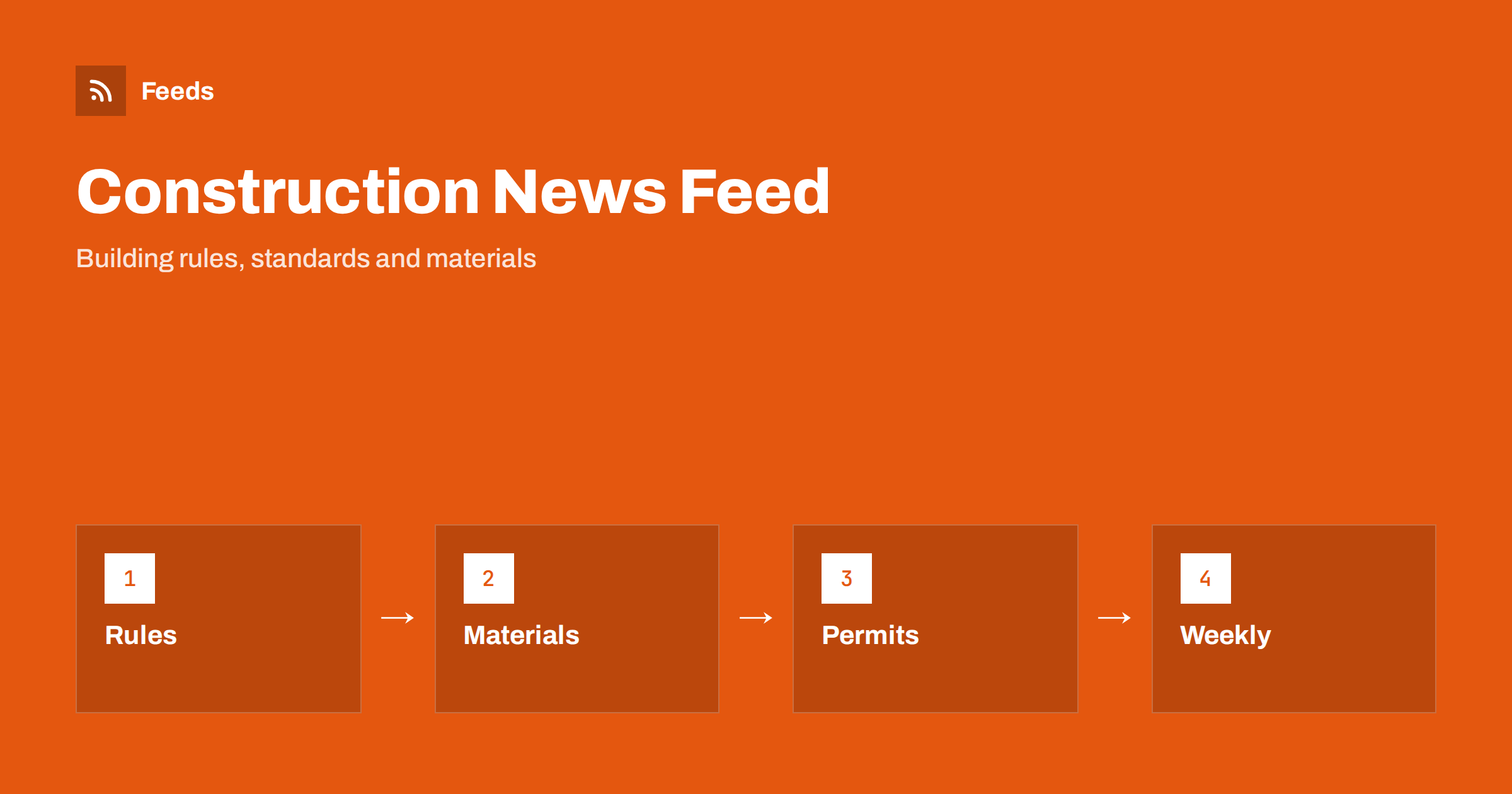
Short answer: Construction runs on rules, standards, materials and local approvals, and each of them is announced on a different website. RSS lets builders, architects, engineers and suppliers collect official pages, standards bodies, trade media and local planning notices in one reader, keep only the topics that affect their projects and review them in a short weekly routine. Use the news as an early signal, and read the official document before you change a design, a quote or a site procedure.
Why construction news is scattered
A single project touches many sources. Building regulations and technical standards come from public authorities and standards bodies. Product information comes from manufacturers and testing bodies. Safety notices and recalls come from regulators. Planning and permit decisions come from local councils. Trade media report on all of these, and social feeds add commentary. Nobody has time to visit all these pages regularly, yet a missed update can mean rework, delays or a rejected application.
A reading list in an RSS reader brings the primary sources together. It does not replace professional advice or the official text, but it makes sure you hear about a relevant change soon after it appears. The same approach used for government pages is described in tracking government and regulator updates with RSS.
Decide what your business needs to follow
Start with your work. A small builder needs local building rules, safety notices and material supply news. An architect needs standards, planning policy and product data. A supplier needs regulations that affect the products it sells, plus news about big projects and tenders. Write down the countries or regions you work in, the types of building you handle and the materials and trades you use most.
Then list the themes: building regulations, energy performance, fire and structural safety, health and safety on site, product standards, planning and permits, training and certification, and material prices. That list becomes your filter. If you quote for public projects, monitoring public tenders and procurement notices adds the tender side.
Find official sources and feeds
Look at the news or publication pages of the ministry or authority responsible for building rules, the national or regional standards body, the workplace safety regulator and the professional bodies for your trade. Many publish RSS or Atom feeds, and some publish separate feeds for consultations, guidance and decisions. Manufacturers and testing bodies often post technical bulletins and product changes on a news page.
If a page has no feed, you can build one from the list of items on it. Choose a page that lists items in date order and avoid a home page with a changing layout. The methods are explained in how to find the RSS feed of any website and getting alerts when a website publishes new reports or PDFs, which is useful because rules and standards are often published as documents.
Local permits and planning notices
Many councils publish new planning applications, decisions and consultations on pages that can be turned into feeds. For a builder or architect these are useful in two ways: they show what is being approved nearby, and they warn about changes in local policy. Follow only your area, and add keywords for the streets, wards or project types that matter.
A detailed method is described in tracking planning applications and building permits with RSS. Treat the notice as a pointer: always open the official record for dates, conditions and the deadline for comments.
Filter by rule, material and trade
Merge the sources into one list and add keyword filters. Words such as “regulation”, “standard”, “consultation”, “amendment”, “recall”, “fire”, “insulation”, “energy” and the names of your materials and trades keep the relevant items. Be careful with broad words: “sustainable” or “innovation” appear in many headlines, so combine them with a specific subject. The mechanics are explained in merging multiple RSS feeds into one clean feed and RSS keyword alerts.
Review the filter after two weeks. If you missed an update, look at how the source wrote it. Authorities often use formal titles, such as the name of a regulation or a document number, and announce changes inside longer documents. Widen the filter first and narrow it later.
Read an update like a professional
When an item looks relevant, find the official text and check four things. First, what exactly changes: a requirement, a limit, a procedure or only a recommendation. Second, who it applies to: all projects, new projects, certain building types or certain regions. Third, the date it takes effect and any transition period. Fourth, whether it needs action from you, such as new documentation, a change in materials or training.
Keep facts apart from interpretation. Trade articles often summarise and sometimes exaggerate. If a change affects a live project or a quote, ask the authority, the inspector or your adviser, and write down the answer with the date.
Product and material news needs the same care. Safety notices, recalls and changes to certification can affect what you may use on site. A feed of notices from regulators and manufacturers lets you hear about them early, and tracking product recalls and safety notices explains the method. When you use a product that has been recalled or changed, check the batch details in the official notice and tell the client and your team.
A weekly routine for small firms
Most firms do not need alerts every hour. Read the filtered list once or twice a week, copy items that need action into your task list and archive the rest. Share relevant items with colleagues through a Slack channel or Microsoft Teams, and agree who decides what to do. Use phone alerts only for urgent items, such as a safety notice for a product you are installing this week.
Keep a short log with the date, the source, a one-line summary, the link and the action. After a few months it shows which sources matter, and it helps when you need to explain why a specification or a procedure changed. Review the sources twice a year and remove those that bring only noise.
Limits and cautions
A feed shows what a source has published and how often it refreshes. It does not tell you whether a change applies to your project, and some updates appear first in a letter, an inspector’s advice or a meeting. The official text and your professional advisers remain the source of truth, and local rules can differ from national ones.
Check dates and web addresses before you act on a story or pass it on. When you share news with a client, link to the official page instead of copying the text, so that they see the latest version.
Teams that work on several sites at once can split the list by project. Keep a general feed for rules and standards, and add small feeds for the council of each project, the supplier of a key material and the authority responsible for the type of building. When a project ends, remove its feed, and keep the log as a record. This keeps the main list short and makes it easy for a new colleague to pick up where someone else stopped.
Training and certification are worth a place in the list too. Professional bodies and training providers announce new courses, changes in required qualifications and deadlines for renewals. A short item that reaches the right person early can save a lost contract, because clients and authorities often ask for proof of current qualifications before they award work.
How RSS Feed Creator helps
RSS Feed Creator turns the news, publication or notice page of an authority, standards body, manufacturer or council into a clean RSS feed, even when the site has no feed of its own. It reads titles, images, summaries and dates, uses an existing feed when there is one, and shows a preview of the items before the feed is created. You can merge several sources into one feed (up to 10 with the PostRSS add-on), keep only the items that contain your keywords and have duplicates removed automatically, which suits a reading list for your region and trade. Feeds refresh every 3 hours on the free plan and every 30 minutes on paid plans, and the PostRSS add-on sends an alert when a page changes and a feed stops finding items. The free plan allows up to 20 items per feed, and the details are on the pricing page.
Related reading
- Track Planning Applications and Building Permits with RSS
- How to Track Product Recalls and Safety Notices with RSS
- How to Monitor Public Tenders and Procurement Notices with RSS
The bottom line
Following construction news with RSS means choosing the rules, materials and local notices that affect your work, collecting official sources in one reader and reviewing them in a short weekly routine. Filter by subject, read the official text before you act and keep a short log. A small, well-filtered list protects projects better than a large one.
SSS
Which sources should I follow first?
Start with the authority that publishes your building rules, the standards body for your trade, the workplace safety regulator and the planning pages of your local council.
What if a council page has no RSS feed?
A page-to-feed tool can read the list of notices on the page and build a feed from it. Check the preview to confirm that it shows real items with titles and dates.
Can a feed tell me whether a rule applies to my project?
No. It tells you that something was published. Read the official text, check the scope and dates and ask your authority or adviser when you are unsure.
How often should I read the list?
Once or twice a week is enough for most firms. Use phone alerts only for urgent safety notices that affect work in progress.
Can I share the feed with my team?
Yes. Send the filtered feed to a shared channel or a weekly digest, decide who reviews it and keep a short log of the actions taken.