 ENEnglish
 LTLietuviškai
 DEDeutsch
 FRFrançais
 RUРусский
 ESEspañol
 PLPolski
 ITItaliano
 UKУкраїнська
 CSČeština
 PTPortuguês
 JA日本語
JA日本語 LVLatviešu valoda
 ETEesti
 HUMagyar
 IDBahasa Indonesia
 TRTürkçe
 HIहिन्दी
 ELΕλληνικά
 ARالعربية
 THไทย
THไทย VITiếng Việt
 RORomână
 MSBahasa Melayu
 BNবাংলা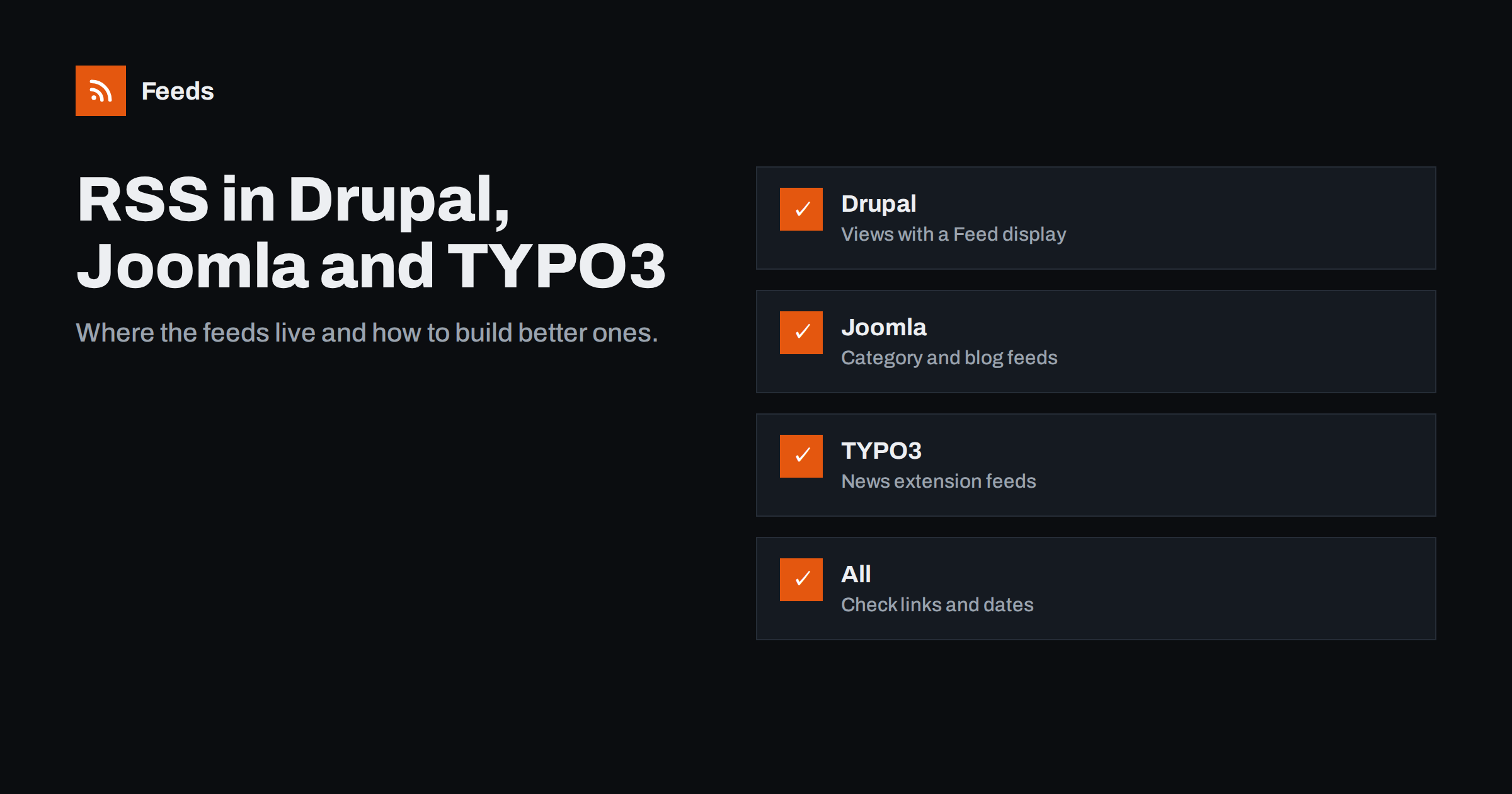
Short answer: Drupal builds feeds with Views: the front page and taxonomy terms have default feeds such as /rss.xml, and any list can get its own “Feed” display. Joomla offers RSS and Atom feeds for category blog and list views, usually by adding ?format=feed&type=rss to the page address. TYPO3 has no single site-wide feed by default; feeds usually come from an extension such as the widely used News extension. In all three, check absolute links, dates, identifiers and caching after setup.
WordPress gets most of the attention in discussions about feeds, but a large share of government, university, association and corporate websites run on Drupal, Joomla or TYPO3. These systems are powerful and flexible, and their feed support reflects that: almost anything is possible, but little is automatic. This guide explains where each system publishes feeds by default, how to create the feeds people actually need, and the problems that come up most often.
Why enterprise CMS feeds often go missing
Sites built on these systems frequently lack a useful feed even when the CMS supports one. Common reasons:
- Custom content types. News, press releases and events are often custom types that default feeds do not include.
- Themes that drop autodiscovery links, so readers cannot find the feed that exists.
- Feeds disabled for security or performance reasons years ago and never revisited.
- Multilingual setups where the feed shows the wrong language or mixes languages.
- Nobody asked. Site builders focus on pages; feeds come up only when a partner or reader requests one.
The good news is that each system can publish excellent feeds with modest effort, usually without writing any code, and the work is done once for years of use.
Plan which feeds to publish
Before touching configuration, decide what the feeds are for. Large organisations often need more than one, and a short plan prevents a confusing mix:
- A main news feed with press releases and announcements, for journalists, partners and the public.
- Topic feeds for departments, regions or subjects that different audiences follow.
- Special-purpose feeds, such as vacancies, tenders, events or publications, which often live in separate content types.
- One feed per language on multilingual sites.
Write down the path, content type, filter and audience of each feed. Give paths a consistent pattern, such as /news/feed and /vacancies/feed, so they are predictable and easy to document on a “Subscribe” or press page.
Drupal: feeds are Views
In Drupal, lists of content are built with Views, and a feed is simply another display of a view. Out of the box:
- The front page feed is at
/rss.xml, listing content promoted to the front page. - Taxonomy term pages have feeds at the term path plus
/feed.
To create a custom feed, for example of press releases:
- Open the view that lists press releases, or create a new one filtered by content type.
- Add a display of type Feed, set its path such as
/press/feed, and choose the RSS Feed style. - Choose the row plugin: “Content” with the RSS view mode, or “Fields” if you want to map specific fields to title, link, date and description.
- Set the number of items and the sort order by publication date, newest first.
- Attach the feed display to the page display so the feed icon and autodiscovery link appear on the listing page.
The RSS view mode of a content type controls what goes into the description. Configure it deliberately: include a summary or the body, and an image field if you want thumbnails.
Joomla: feeds from category views
Joomla generates feeds for category blog and category list views. On such a page, the feed is typically available by adding ?format=feed&type=rss or &format=feed&type=atom to the address, and many templates show a feed link. Settings to check:
- In the Articles options and in each menu item, the “Show Feed Link” setting controls whether the feed is advertised.
- The “For each feed item show” option chooses between intro text and full text.
- The global configuration includes settings for the feed limit and the feed email, which controls whether author or site email addresses appear in feeds. Choose “No email” if you do not want addresses published.
- The Syndication Feeds module displays a feed link for the current page in a module position.
If your news is spread across several categories, create a menu item for a category blog that includes subcategories, and use its feed as the main news feed.
TYPO3: feeds through extensions
TYPO3 does not publish a general site feed by default. Most TYPO3 sites that have news use the popular News extension (often referred to by its key, news), which supports RSS output through a dedicated page type or plugin configuration. A typical setup:
- A news list plugin configured for RSS output, often on a separate page or with a special
typeparameter in the URL. - TypoScript that sets the output as XML with the correct content type and disables the normal page template.
- Route enhancers so the feed has a clean URL, such as
/news/feed.xml.
Recent versions of the News extension document RSS and Atom output in their manuals, including example TypoScript, which makes the setup much quicker than building a feed from scratch. Because TYPO3 setups vary widely, work with your integrator on the exact configuration, and ask specifically about absolute URLs, language handling and caching.
Comparing the three systems
| Aspect | Drupal | Joomla | TYPO3 |
|---|---|---|---|
| Default feed | /rss.xml and term feeds | Category views | None without an extension |
| Custom feeds | Views Feed display | Menu items for categories | News extension or custom TypoScript |
| Full text or summary | RSS view mode | Global and menu options | Template configuration |
| Autodiscovery | Attached feed displays | Show Feed Link setting | Added in page head configuration |
| Typical pitfalls | Wrong view mode, missing images | Email addresses, intro-only text | Relative URLs, caching, languages |
Common problems and fixes
- Relative links and images. Make sure the base URL is configured and that rich text fields output absolute links in feeds.
- Wrong or missing dates. Use the publication date field, not the last-changed date, for item dates, and check the site time zone.
- Unstable identifiers. Use the node or article ID combined with the site URL, not the path alias, which editors may change.
- Caching. Page caches and reverse proxies can serve old feeds. Configure cache tags or invalidation so publishing clears the feed.
- Multilingual confusion. Provide one feed per language and make sure each page advertises the feed in its own language.
- Personal data. Check that author emails and internal fields are not exposed in the feed.
Test before you announce a feed
Enterprise sites often have staging and production environments with different settings, and a feed that works on staging can break on production because of a different base URL, cache or proxy. After deploying a new feed:
- Open the production feed URL and confirm it returns XML with status 200 and a feed content type.
- Run it through a validator and fix any errors.
- Check that links and images use the production domain.
- Publish a test item, or wait for the next real one, and confirm it appears after caches clear.
- Add the feed to a reader and look at a few items as a subscriber would.
Only then list the feed publicly. A broken feed that partners have already integrated is much harder to fix quietly than one that nobody knows about yet.
When you cannot change the CMS
Often the site that lacks a feed belongs to someone else: a ministry, a regulator, a university department or a partner company. Asking them to configure Views or TypoScript may take months. Our tool, Feeds, reads the public news page from the outside and turns its list of articles into an RSS feed with titles, images, summaries and dates, using the site’s existing feed if it finds one. You check the preview before creating it, and the feed refreshes automatically. Try it from the home page.
Related reading
- WordPress RSS Feed URLs: Every Feed Your Site Already Has
- RSS Feeds on Substack, Ghost, Medium and Other Platforms
- How to Track Government and Regulator Updates with RSS
The bottom line
Drupal, Joomla and TYPO3 can all publish solid feeds, but they rarely do so usefully without configuration. In Drupal, add Feed displays to the views that list your news; in Joomla, use category feeds and check the text and email options; in TYPO3, configure feed output in your news extension. Then check links, dates, identifiers, languages and caching, and advertise the feeds so readers and partners can find them.
SSS
Where is the RSS feed on a Drupal site?
The default front page feed is at /rss.xml, and taxonomy term pages have feeds at the term path plus /feed. Custom feeds are created as Feed displays in Views, with paths chosen by the site builder.
How do I get a Joomla category feed?
Open the category blog or list page and add format=feed&type=rss to the address. If the template shows a feed icon or link, that link points to the same feed.
Does TYPO3 have RSS feeds?
Not by default for the whole site. Feeds are usually provided by an extension, most often the News extension, configured by the site integrator with a dedicated page type or route.
Why does my CMS feed show only the intro text?
Most CMSs let you choose between intro or summary and full text for feeds. In Drupal it is the RSS view mode; in Joomla it is the feed item option in the articles settings; in TYPO3 it is the template.
Can I get a feed from a site that does not publish one?
Yes, if the site has a public page listing its articles. A page-to-feed tool can read that list and turn it into an RSS feed without any change to the site itself.


