ENEnglish
 LTLietuviškai
 DEDeutsch
 FRFrançais
 RUРусский
 ESEspañol
 PLPolski
 ITItaliano
 UKУкраїнська
 CSČeština
 PTPortuguês
 JA日本語
 LVLatviešu valoda
 ETEesti
 HUMagyar
 IDBahasa Indonesia
 TRTürkçe
 HIहिन्दी
 ELΕλληνικά
 ARالعربية
 THไทย
 VITiếng Việt
 RORomână
 MSBahasa Melayu
 BNবাংলা
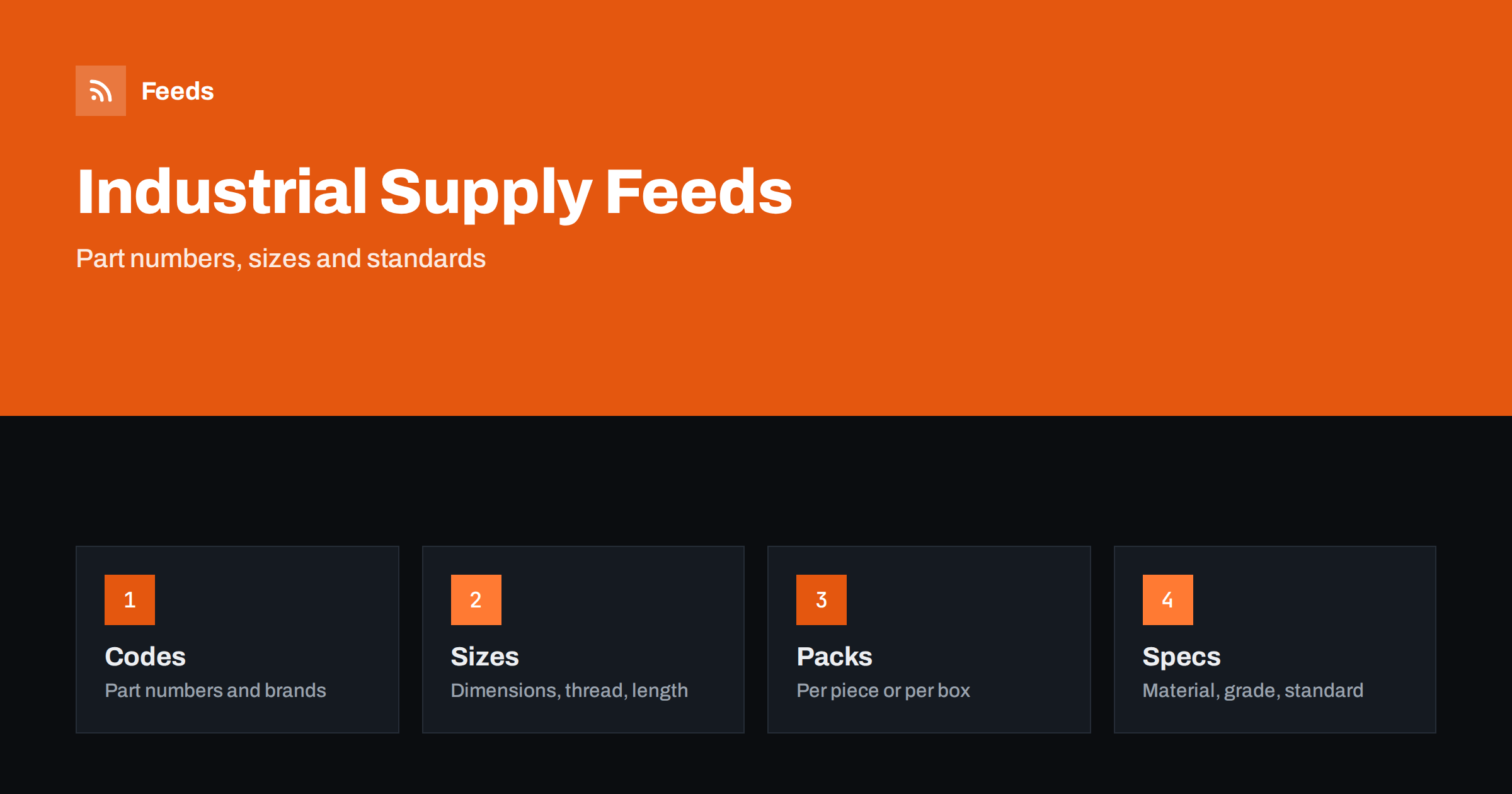
Short answer: Industrial supply, fastener and maintenance, repair and operations (MRO) shops sell thousands of similar products that differ by size, material, grade, standard and pack quantity. A good product feed gives each item a title that leads with product type and the key dimensions, sends the brand and manufacturer part number, states the material and standard exactly, makes the pack quantity and unit of measure unmistakable and sends shoppers to a landing page that shows the same item and price. Precision matters more than style in this category.
Why this category needs careful feeds
Buyers of industrial products know what they need and often search by part number or by exact specification: a bolt with a given thread, length, material and standard, a bearing with a size code, a filter with a model number or a glove with a certified rating. A small difference in one value means a different product, and a wrong delivery can stop a machine or a job. The feed has to carry every distinguishing detail.
Catalogs are large and repetitive. A single fastener family can have hundreds of variants, and many of them differ by one digit. That makes automation and consistent rules essential. The foundations are covered in what a product feed is, and the guidance for business buyers in product feeds for B2B and wholesale stores applies here too.
Titles that lead with type and key dimensions
Buyers search by product type and dimensions, for example “hex bolt M8 x 40 stainless steel” or “deep groove ball bearing 6204”. Start the title with the product type, then add the dimensions in the order that the trade uses, the material or grade, and the brand where it matters. Add the pack quantity at the end when the product is sold in packs. “Hex Head Bolt M8 x 40 mm, A2 Stainless Steel, Pack of 50” is clear. “Heavy Duty Fastener” is not.
Use the same pattern across each product family and write units and symbols consistently. More formulas and examples are in product feed title optimization. With a large catalog, define the title pattern once for each family and apply it with rules instead of editing products by hand.
Part numbers, brand and identifiers
Send the brand and the manufacturer part number for every branded product, and the GTIN where the maker has assigned one. Many industrial products have no GTIN, and that is fine: do not invent a number. For items you sell under your own label, send your brand and your own stable product code. The rules are explained in GTIN, MPN and brand: product identifiers explained.
Part numbers matter because buyers search for them, including numbers of replaced or superseded parts. Put the main part number in the title or the product details exactly as the maker prints it. If a part replaces an older number, say so on the product page, but do not list old numbers as if they were separate products.
Dimensions, materials and standards
List the facts that distinguish products in a consistent form: diameter, length, thread type and pitch, thickness, width, weight, material, coating, strength class or grade, and the standard the product meets, such as a recognised ISO, DIN or EN number as printed in the maker’s data. Take the values from the maker’s data sheet and use the same units on the page and in the feed.
Do not round or convert in a way that changes meaning. If you show both metric and imperial sizes, make sure they match the product and label them clearly. Richer fields help here, and product_highlight and product_detail show how to present such facts. Keep wording factual, in line with writing product descriptions for shopping feeds.
Pack sizes, units and pricing
In industrial supply the same product is sold per piece, per box, per hundred or per pallet, and confusion about the unit is a major cause of returns. State the quantity in the title and in the details, and make sure the price in the feed is the price for that exact pack. Do not show a per-piece price on a listing for a box, and avoid mixing pack sizes in one variant group.
In some markets the price per measure must be shown for certain goods, which is covered in unit pricing in product feeds. For multipacks and kits, bundles and multipacks in product feeds explains how to describe contents. Business customers also expect clear information about VAT and tax, as described in VAT and tax in product feed prices.
Volume discounts and contract prices are common, but a public feed can show only one price. Use the standard price that any visitor can see on the landing page, and keep discount tiers on the page as additional information. A mismatch between the feed price and the visible page price causes disapprovals, and customers who see a different price at the shop lose trust.
Variants and families
Fastener, bearing and fitting families create large variant sets. Use one parent product with variants only when the variants share the same product type, material and standard and differ by a small number of attributes, such as length or colour. Link them by a shared group ID, as described in how item_group_id works. When two products differ in material or standard, treat them as separate products.
Avoid variant groups with dozens of unrelated sizes in one product page, because shoppers cannot find the right one. A clear table of sizes on the landing page, with direct links to each variant, helps both the shopper and the feed match.
Compatibility and replacement parts
Many MRO products are replacement parts for machines, tools or vehicles: filters, belts, seals and cartridges. State the models they fit, and say clearly what they do not fit. Product feeds for spare parts and compatible accessories explains how to organise this information without making the title unreadable.
Safety equipment such as gloves, glasses and respirators has ratings and certifications. Show them only when they appear on the product and are current, using the maker’s wording. Product feeds for workwear and safety equipment stores covers this in more detail.
Images, landing pages and availability
Use clean photos of the real product on a plain background, plus a drawing or a dimensional diagram where it helps. Avoid text overlays and promotional badges. A family of products can share a photo only if the photo is accurate for each variant. The landing page must open the same product with the same price and availability, as covered in what feed links must lead to and product feed image requirements.
Stock in an industrial shop changes daily and some lines are made to order. Mark items correctly as in stock, out of stock or available to order, and state lead times on the page, as discussed in out-of-stock products in your feed and preorder and backorder products in feeds. Weekly, review disapproved items and compare the feed with the shop for a few popular part numbers.
Product data often comes from suppliers in spreadsheets, and the quality varies. Before you publish a family, check a sample against the maker’s catalog: dimensions, units, material names and part numbers. Fix errors at the source, not only in the feed, so that the shop page, the feed and the quotes you send all agree. Rules in the feed are best used for consistent titles, price adjustments and exclusions, as explained in feed rules vs fixing store data.
Also think about which products belong in advertising at all. A catalog with tens of thousands of parts may include items with no stock, no price margin or no demand, and sending all of them wastes effort. Start with the product families that sell most, make them excellent and add more as the process proves reliable. Which products to exclude from your feed and how to do it shows how to keep the feed focused.
How RSS Feed Creator helps
RSS Feed Creator builds Google Merchant Center and Meta catalog XML straight from your store. WooCommerce and Shopify are read automatically, and any other store can use a CSV link. You can skip out-of-stock products, rewrite titles with rules so that product type, dimensions and material appear in the same order every time, and adjust prices. Before you submit anything, check the preview and the Merchant Center diagnostics to confirm that part numbers, sizes and stock arrive as you expect. The free plan includes product feeds with up to 50 products, and the Store plan covers one store with 3 product feeds and up to 2,000 products. The details are on the pricing page.
Related reading
- Product Feeds for B2B and Wholesale Stores: What Works
- Product Feeds for Power Tools and Hand Tools: Specs and Voltage
- Product Feeds for Building Materials and Timber Merchants
The bottom line
Clean feeds for industrial supply and fastener shops come from exact titles with type and dimensions, correct part numbers and brands, factual materials and standards, unmistakable pack sizes and a landing page that matches the ad. Define title rules once for each product family, check the preview before you submit and fix what the diagnostics report. In this category, accuracy is the whole job.
SSS
What if my products have no GTIN?
Many industrial products do not. Send the brand and the manufacturer part number, or your own stable code for own-label items, and never invent a GTIN.
How do I show pack quantities?
Put the quantity in the title and details and make the price match that pack. Do not mix per-piece and per-box prices in one listing.
Should every bolt length be a separate product?
Use variants for lengths within the same product type, material and standard, linked by a group ID. Treat different materials or standards as separate products.
Can I show volume discount prices?
The feed carries one standard price that matches the page. Show discount tiers on the page as additional information.
How do I handle made-to-order items?
Mark availability correctly, state the lead time on the page and avoid showing such items as in stock.