ENEnglish
 LTLietuviškai
 DEDeutsch
 FRFrançais
 RUРусский
 ESEspañol
 PLPolski
 ITItaliano
 UKУкраїнська
 CSČeština
 PTPortuguês
 JA日本語
JA日本語 LVLatviešu valoda
 ETEesti
 HUMagyar
 IDBahasa Indonesia
 TRTürkçe
 HIहिन्दी
 ELΕλληνικά
 ARالعربية
 THไทย
THไทย VITiếng Việt
 RORomână
 MSBahasa Melayu
 BNবাংলা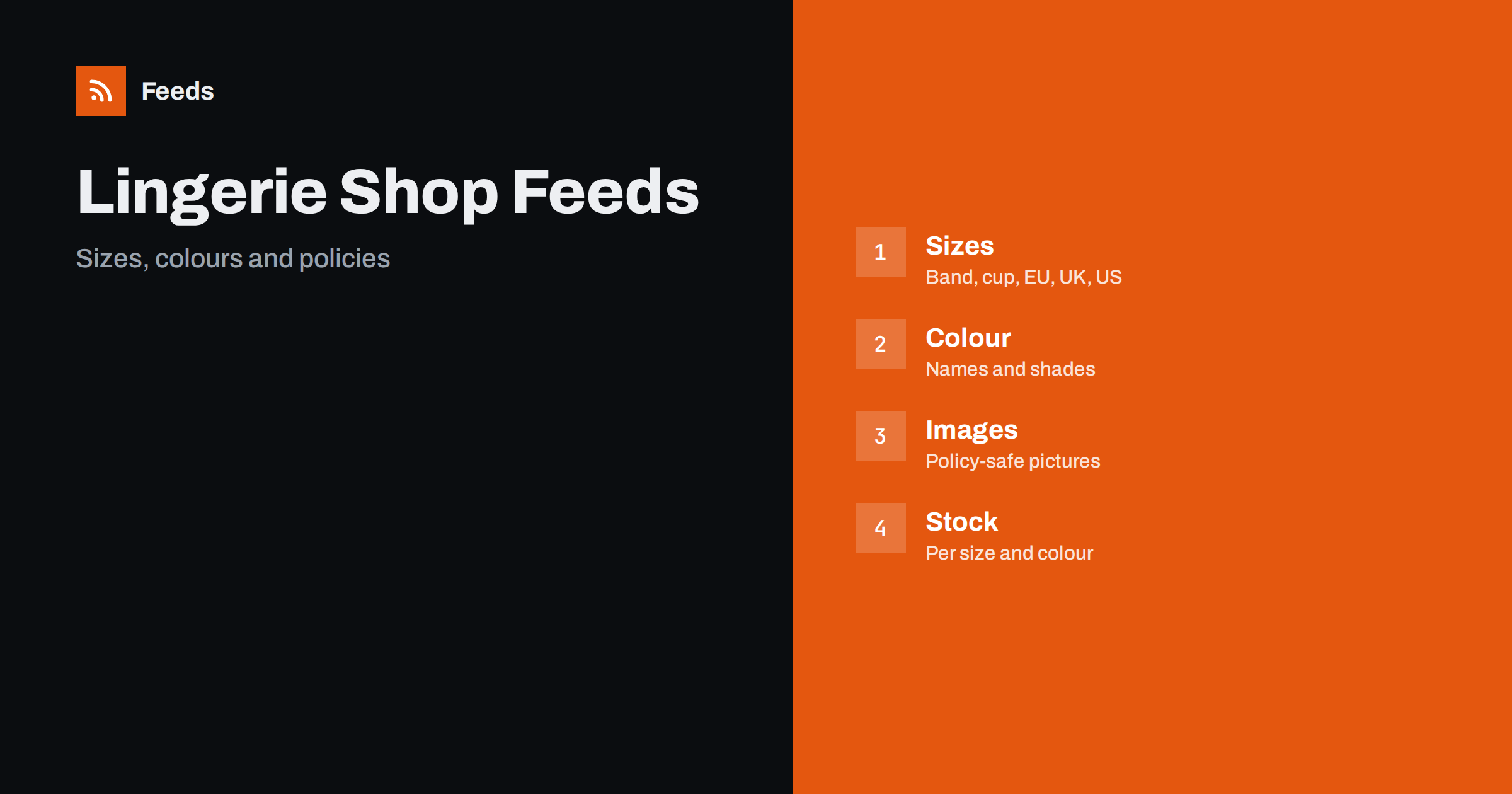
Short answer: Lingerie, swimwear and underwear are apparel with extra difficulty: complex size systems, many colours, strict image and ad policies and high return rates when the size is wrong. A good feed gives every size and colour its own variant, states the size system clearly, leads titles with brand and type, sets gender and age group correctly and uses images that follow the platform’s rules for sensitive categories. Honest per-size stock matters more than anywhere else.
Why this category needs careful feeds
A bra can come in dozens of band and cup combinations, a swimsuit may be sold in top and bottom pieces and a pack of briefs may contain several colours. Shoppers search by size and style, and a missing size in the feed means a missing audience. If the feed shows a product as available when the size they need is sold out, the click is wasted and the buyer leaves annoyed.
Platform policies add a second layer. Advertising systems treat adult-oriented and revealing products carefully, and apparel categories have their own required attributes. The basics are in apparel product feeds: color, size, gender and age group, and this article adds the points that matter for intimate apparel and swimwear.
Titles that lead with brand, type and style
Start with the brand, the type of product and the key style, then add colour and the most important detail. “Brand Name Underwired Bra, Full Cup, Black” is clear. “Gorgeous Everyday Comfort” is not. Use plain product terms that shoppers type, such as bra, briefs, bikini top, one-piece or sports bra, and keep descriptive adjectives to a minimum.
Keep the structure the same across the catalog, and avoid overly suggestive wording, which may lead to disapprovals. Examples of formulas are in product feed title optimization. Put the size in the variant attributes and not in the title of the parent product, unless the title is for a specific size.
Size systems done right
Sizes are the heart of this category. Send the size in the format shoppers use in your country, and set the size system and the size type correctly. For bras, give the band and cup together, for example in the same field in a consistent format, and keep the order of cup letters the same as on the site. For swimwear and underwear, use letter sizes or numeric sizes with the matching system, such as EU, UK or US, and say which one you use.
Do not mix systems in the same product. A product that lists sizes in two systems at once confuses buyers and platforms. If you sell in several countries, create the correct sizes for each market, as described in multi-country product feeds. Add a size guide to the landing page and link to it, since good guidance reduces returns more than anything in the feed.
Variants: colour, size and sets
Each combination of colour and size is a variant, and every variant needs its own availability and, when possible, its own image. Use a parent product with a shared group ID for all variants of one style, and make sure the colour names are consistent. Use simple names that buyers recognize, plus a base colour where the platform asks for one, instead of poetic names that nobody searches for.
Sets, such as matching top and bottom pieces or multipacks of briefs, are separate products unless they are variants of the same item. List the number of items in the pack, and state when pieces are sold separately. The rules are in bundles and multipacks in product feeds and how item_group_id works.
Gender, age group and sensitive categories
Set the gender and age group for every product, since these attributes are required for apparel. Adult products should be marked as adult products, and children’s clothing needs its own care and listing rules, as described in product feeds for children’s clothing. Maternity and nursing products are legitimate categories, and their titles should say so plainly.
Read the policies of each platform for sensitive categories before you launch. Rules for ads about intimate apparel and swimwear differ from one platform to another, and the list of what is allowed changes. Use clear, factual descriptions, avoid sexual wording and check how your products appear in the preview and in diagnostics. A policy problem on one product can delay approval for many others.
Images that meet the rules
Use clean, well-lit pictures of the product, preferably on a plain background or on a neutral mannequin or model, in line with platform rules. Show the front as the main image and use additional images for the back, details and fabric. Avoid pictures with text, price badges, watermarks and heavy filters. Follow the sizes and formats listed in product feed image requirements for Google and Meta.
Keep images consistent across colours, with the same angle and light, so shoppers can compare. The main image must show the exact product that is sold. A picture of a different colour or style is a quick way to get a disapproval, and it also causes returns.
Fit and comfort claims need care. Words such as “supportive”, “seamless” or “true to size” are only helpful if they are accurate, and customers compare them with reviews and returns. Describe features that can be checked, such as underwire, padding, adjustable straps, lining and coverage, and avoid promises about how a garment will look or feel on every body. Where size runs small or large according to the maker, say so on the page.
Materials, care and hygiene
Fabric and care instructions matter to buyers, and hygiene rules affect returns. Put the material, such as cotton, polyester or elastane percentages, in the description and on the page, and keep the values identical. State your return policy for underwear and swimwear clearly, since many shops cannot accept returns for hygiene reasons if the protective liner has been removed. Keep this message visible on the page, and consistent with the policy shown in the feed account settings.
Delivery settings follow the same logic: make the cost and time in the feed match the page. The settings are explained in shipping in product feeds. A clear policy is part of good service, and it makes the first purchase easier.
Pay attention to how products are grouped for shoppers who buy gifts or replacements. A buyer who loved a bra often wants the same style in another colour, and a family may buy several swimsuits at once. Clear parent products, consistent colour names and accurate stock per size make this easy, and they keep your best sellers visible after a restock.
Stock, sales and seasons
Swimwear sells in a short season, and the demand rises sharply in the first warm weeks. Prepare the feed before the season, check prices and availability and plan the removal of products that will not be restocked. Sale prices need valid dates and a clear original price, as covered in sale prices in product feeds.
Keep out-of-stock products out of ads, or mark them correctly, as described in out-of-stock products in your feed. When only a few sizes remain, the product can stay in the feed, but the available sizes must be exact, and the landing page must show them as such.
A short routine keeps the catalog in good shape. Each week, check disapproved items, look at new arrivals for missing sizes or colours and compare a few popular products between the shop and the feed. Apparel catalogs with many variants need rules and regular checks more than manual edits, and product feed health metrics lists what to watch. When returns are high for a product, check whether its size information is the cause.
How RSS Feed Creator helps
RSS Feed Creator builds Google Merchant Center and Meta catalog XML straight from your store. WooCommerce and Shopify are read automatically, and any other store can use a CSV link. You can skip out-of-stock products, rewrite titles with rules so that brand, type and colour appear in the same order every time, and adjust prices. Before you submit anything, check the preview and the Merchant Center diagnostics to confirm that sizes, colours and sets arrive as you expect. The free plan includes product feeds with up to 50 products, and the Store plan covers one store with 3 product feeds and up to 2,000 products. The details are on the pricing page.
Related reading
- Apparel Product Feeds: Color, Size, Gender and Age Group
- Product Feeds for Shoe Stores: Sizes, Widths and Systems
- Product Feeds for Children’s Clothing: Sizes by Age and Height
The bottom line
Clean feeds for lingerie, swimwear and underwear shops depend on one size system per product, exact variants for every colour and size, correct gender and age group, policy-safe images and honest stock. Read the platform rules before launch, review the diagnostics after each change and keep the return policy visible. Accurate sizes bring fewer returns than any other improvement.
SSS
How should I list bra sizes?
Give the band and cup together in one consistent format, state the size system you use and create a variant for each available combination.
Do I need different sizes for each country?
Yes, if you sell in several markets. Use the size system shoppers expect in each country and avoid mixing systems in one product.
Why are my lingerie products disapproved?
Common causes are images that break policy, suggestive wording, missing gender or age group and mismatched availability. Check the diagnostics for the exact reason.
Should every colour be a separate product?
Use one parent product with variants for colours and sizes of the same style, and give each variant its own image and availability when possible.
How do I handle returns for hygiene reasons?
State the policy clearly on the product page and in your account settings, and keep both consistent. Check local consumer rules for what you must accept.