 ENEnglish
 LTLietuviškai
 DEDeutsch
 FRFrançais
 RUРусский
 ESEspañol
 PLPolski
 ITItaliano
 UKУкраїнська
 CSČeština
 PTPortuguês
 JA日本語
JA日本語 LVLatviešu valoda
 ETEesti
 HUMagyar
 IDBahasa Indonesia
 TRTürkçe
 HIहिन्दी
 ELΕλληνικά
 ARالعربية
 THไทย
THไทย VITiếng Việt
 RORomână
 MSBahasa Melayu
 BNবাংলা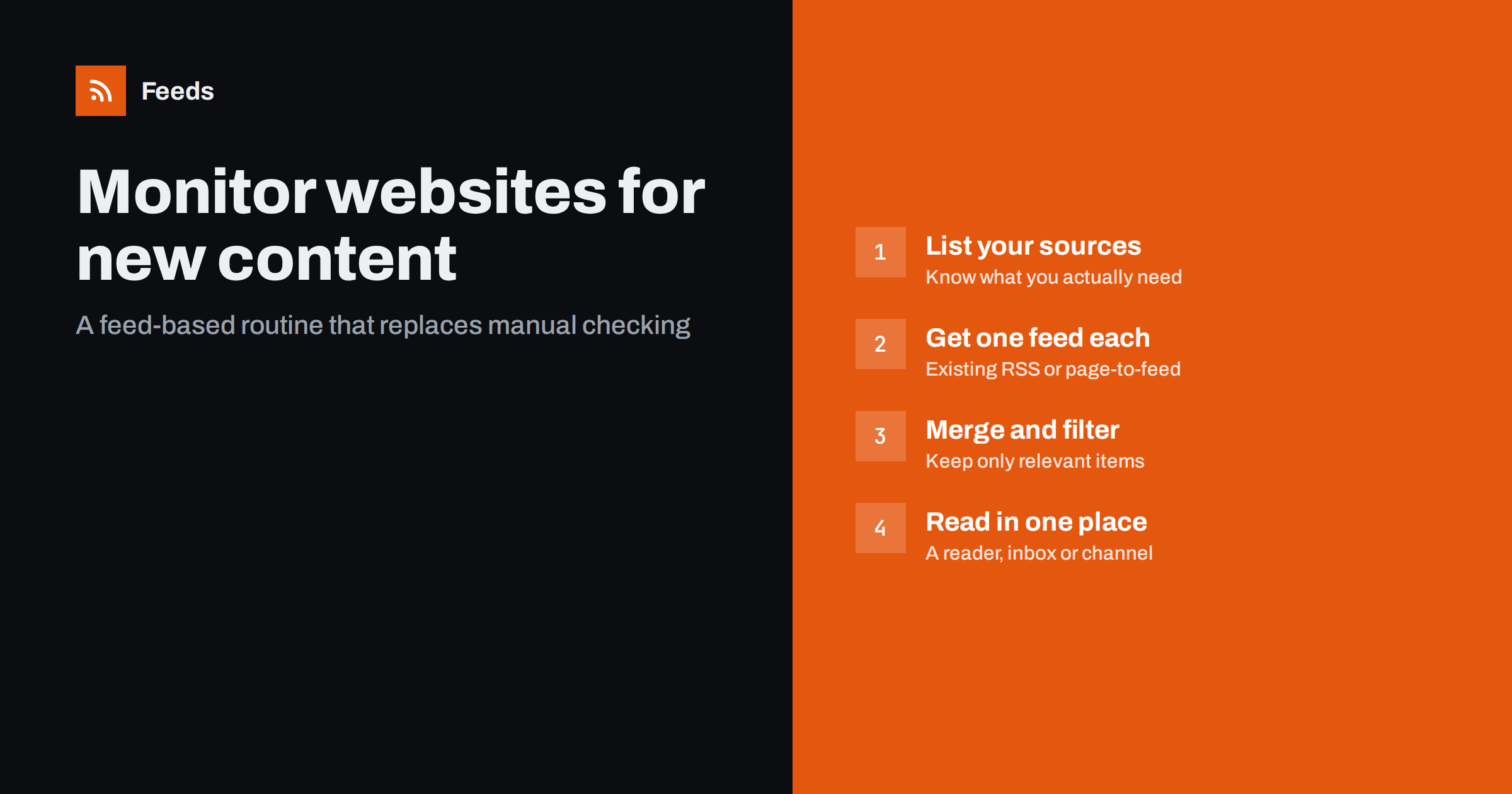
Short answer: The most reliable way to monitor websites for new content is to get an RSS feed for each source, either the site’s own feed or one generated from its list page, and then read all feeds in one place. Add keyword filters where a source is noisy and merge related sources into one stream. Page-change tools are better suited to single pages whose text changes, not to lists of new articles.
Many people still monitor websites the old way: a folder of bookmarks opened every morning, scanned by eye, and forgotten on busy days. It works until you follow more than a handful of sources. Then things slip through, and the time spent checking pages with nothing new becomes the largest part of the job. This guide explains the options and a routine that scales from five sources to a few hundred.
What “new content” monitoring actually means
Before choosing a tool, be clear about what you want to be told. There are two quite different needs, and mixing them up leads to the wrong setup.
- New items on a list. A new blog post, news article, job listing, press release or event. The page keeps its structure, but a new entry appears at the top. This is what feeds are designed for.
- Changes to a single page. A price that moves, a policy paragraph that is edited, a “sold out” label that disappears. There is no list of items, just one document that changes.
Most business monitoring, such as following competitors, news sources, regulators, partners and industry blogs, is the first kind. It is about new items, and it is best handled with feeds.
The main approaches compared
| Approach | Best for | Weak spots |
|---|---|---|
| Manual bookmarks | Two or three sources you visit anyway | Does not scale, easy to miss items |
| Email newsletters | Sources with good curated digests | Delayed, mixed with promotions, clutters the inbox |
| RSS feeds in a reader | Lists of new articles, jobs, announcements | Needs a feed for each source |
| Page-change detection | Single pages whose text or numbers change | Noisy on pages with ads, dates or rotating blocks |
| Custom scraping | Very specific data extraction | Code to maintain, breaks on redesigns |
For following many sources, feeds win on both effort and reliability. The only real obstacle is that not every site publishes a feed, which is solvable, as described below.
Step 1: Build your source list
Write down every website you check or should check, and for each one note the specific page that lists the content you care about. Being specific at this stage prevents noise later.
- Competitors: their blog, newsroom, changelog and careers page.
- Industry: the two or three trade publications that matter, ideally a specific section rather than the home page.
- Regulators and associations: the news or announcements page.
- Partners and suppliers: product updates or press releases.
- Customers or prospects, if you sell to organizations: their news page, which often signals buying moments.
Rank the list by importance. The top sources deserve faster refreshes and careful filters; the long tail can be checked less often.
It also helps to write one sentence per source explaining why you follow it. “Competitor A blog: to spot new features before sales calls” is a reason you can test later. When a source has produced nothing useful for three months, that sentence makes it easy to decide whether to keep it, filter it harder or drop it. Without a reason, lists only ever grow, and a monitoring system that only grows eventually becomes one nobody reads.
Step 2: Get a feed for every source
For each page on the list, first look for an existing feed. Check the page source for an application/rss+xml link, try paths such as /feed/ or /rss.xml, and let your reader try automatic discovery. Publisher feeds are the most stable option.
Where no feed exists, generate one from the list page. A page-to-feed tool reads the public page, detects the repeating items and produces standard RSS. Choose the narrowest page that contains what you need, because a section page gives cleaner items than a busy home page. Our guide on creating an RSS feed for a website without RSS covers this step in detail.
Step 3: Merge and filter to reduce noise
Once every source has a feed, you can shape the stream. Two techniques do most of the work.
- Merge related sources. Combine, for example, five competitor blogs into one competitor feed. You then read one list in date order instead of five separate ones, and duplicates across sources can be removed.
- Filter by keywords. For broad sources such as trade media, keep only items that mention your product category, your brand or your competitors. For sources that are mostly relevant, exclude words that mark items you never want, such as “webinar” or “sponsored”.
Start with loose filters and tighten them after a week of real results. Filters that are too strict on day one hide the items that would have taught you what to include.
Step 4: Decide where alerts should arrive
The destination should match how quickly you need to act.
- A feed reader is best for daily review of many sources. You scan headlines, open what matters and mark the rest as read.
- A team chat channel suits sources where someone must react the same day, such as mentions of your brand or a competitor’s launch.
- An email digest works for people who will never open a reader but read one summary a day.
- Other tools can take a feed link directly: dashboards, automation platforms and social publishing services all understand RSS.
Step 5: Set refresh rates and watch feed health
Match refresh frequency to how often a source publishes and how fast you need to know. A regulator that posts twice a month does not need checking every ten minutes. A news section that publishes all day may justify short intervals.
Also plan for feeds that stop working. A generated feed can stop finding items after a website redesign, and a silent feed looks exactly like a quiet source. Either use a tool that alerts you when a feed stops finding items, or review your feed list monthly and check the date of the latest item in each.
A simple weekly routine keeps everything healthy with very little effort:
- Monday: skim the merged streams and move anything that needs action into your task list or share it with the right colleague.
- Daily: glance at the high-priority channel, such as brand mentions or competitor launches, and react where needed.
- Monthly: sort feeds by the date of their newest item, investigate any that look silent for longer than the source’s normal rhythm, and adjust filters that let too much or too little through.
- Quarterly: remove sources that no longer earn their place and add new ones you have noticed in the meantime.
The routine matters more than the tooling. Teams that review their monitoring setup regularly get steady value from it, while teams that set it up once and forget it usually end up back at bookmarks within a year.
How Feeds helps
Feeds turns the pages on your list into RSS without any plugin or code on the source sites. When a site already has a feed, Feeds uses it. When it does not, it finds the list of articles on the page, reads JSON-LD article data where present, and shows you a preview before the feed is created. You can merge several sources into one feed, keep items with or without your words, and duplicates are removed automatically. Feeds refresh on their own, and paid plans send an alert if a feed stops finding items. The result works in any RSS reader or tool. See the plans for refresh intervals and limits.
Mistakes that make monitoring fail
- Following home pages. They mix every kind of content and change constantly. Use section pages.
- Too many unfiltered sources in one place. A reader with hundreds of unread items gets abandoned. Filter or split by priority.
- Using change detection for lists. A page-change alert on a news page fires on every rotating banner. Use a feed instead.
- No owner. In a team, someone must be responsible for reading each stream, or nobody does.
- Never reviewing the setup. Sources change, interests change. A quarterly review keeps the system useful.
Related reading
- What Is an RSS Feed? A Plain-English Guide for Site Owners
- How to Create an RSS Feed for a Website Without RSS
The bottom line
Automatic website monitoring comes down to one feed per source, a few sensible merges and filters, and a destination that fits how fast you need to act. Feeds handle lists of new items far better than page-change tools, and page-to-feed tools cover the sites that do not publish RSS. Build the list, get the feeds, filter lightly, and review the setup every few months.
SSS
What is the easiest way to monitor a website for new posts?
Subscribe to its RSS feed in a feed reader. If the site has no feed, create one from its blog or news page with a page-to-feed tool and subscribe to that link instead.
Should I use a page change monitor or RSS?
Use RSS for pages that list new items, such as blogs, newsrooms and job boards. Use a page change monitor for a single page where you care about edits to the text, such as terms of service or a specific product page.
How many websites can I realistically monitor?
With feeds, merging and keyword filters, one person can follow hundreds of sources, because the work shifts from visiting pages to scanning a filtered list. The practical limit is how many relevant items you can read, not how many sources you follow.
How do I know if a monitored feed has stopped working?
Look at the date of the newest item in each feed, or use a tool that alerts you when a feed stops finding items. A source that publishes weekly but shows nothing for two months usually means the feed needs attention.
Is monitoring other websites allowed?
Reading public pages at a reasonable rate is what feed readers and search engines do every day. Keep refresh rates modest, respect the site’s terms, and use the content for awareness rather than republishing it wholesale.


