 ENEnglish
 LTLietuviškai
 DEDeutsch
 FRFrançais
 RUРусский
 ESEspañol
 PLPolski
 ITItaliano
 UKУкраїнська
 CSČeština
 PTPortuguês
 JA日本語
JA日本語 LVLatviešu valoda
 ETEesti
 HUMagyar
 IDBahasa Indonesia
 TRTürkçe
 HIहिन्दी
 ELΕλληνικά
 ARالعربية
 THไทย
THไทย VITiếng Việt
 RORomână
 MSBahasa Melayu
 BNবাংলা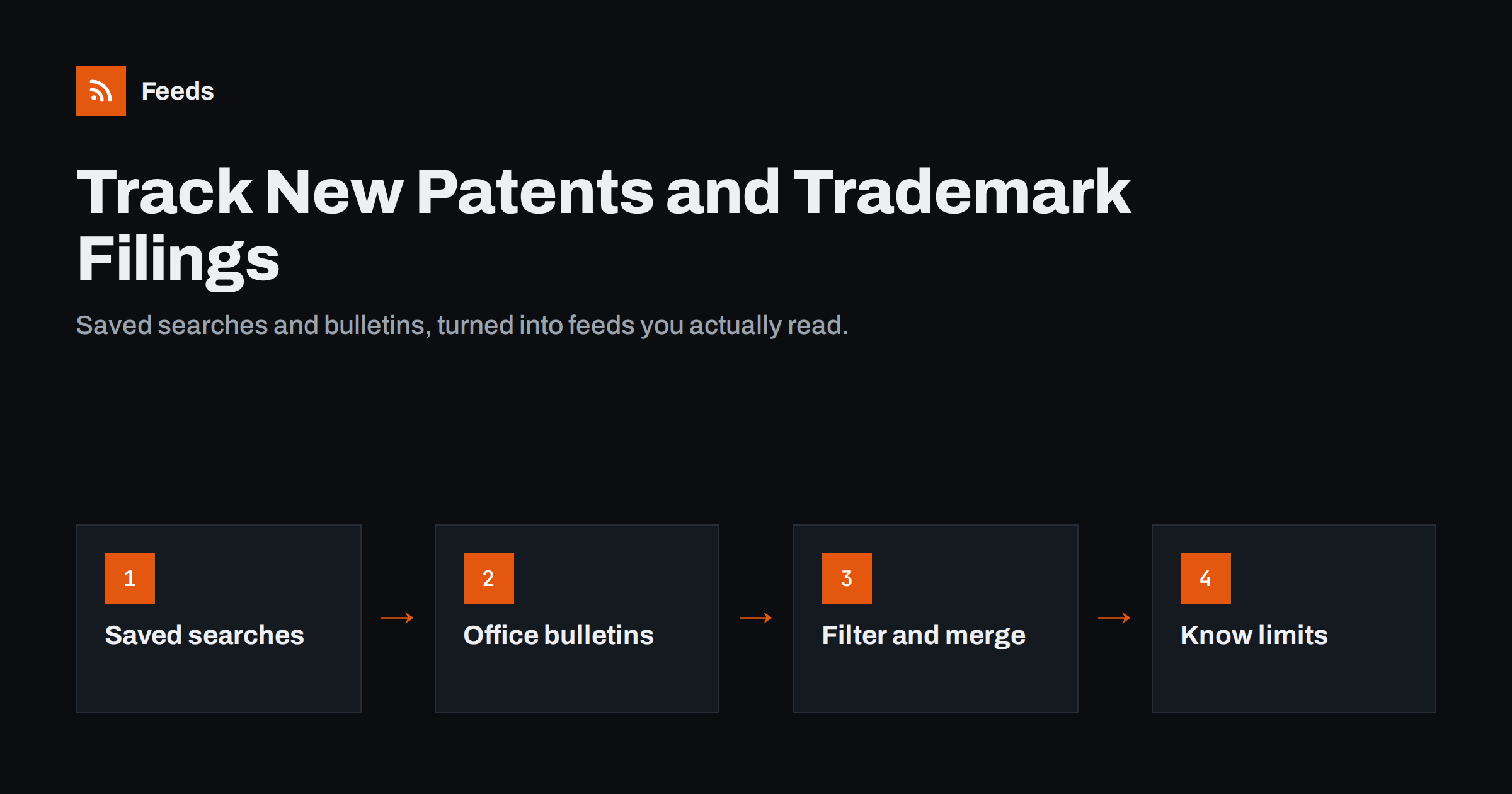
Short answer: To track new patents and trademark filings with RSS, build saved searches in the public databases of the patent and trademark offices you care about, by applicant, keyword, classification or mark, and follow them through the database’s own alerts or RSS where offered, or by turning the results page into a feed. Add the offices’ news and bulletin pages, merge everything into one filtered feed, and review it on the offices’ weekly publication rhythm. For protecting your own trademarks against conflicting filings, treat this as an early-warning layer next to a professional watch service or legal advice, not a replacement.
Why businesses watch patents and trademarks
Patent and trademark filings are public signals about what companies plan to do, often months or years before products appear. Watching them helps several groups:
- Product and R&D teams following competitors’ technical direction and spotting technologies to license or avoid.
- Brand owners noticing new trademark applications that look similar to their own marks, while there is still time to act.
- Startups and investors tracking activity in a field and the companies behind it.
- Marketing and strategy teams seeing new product names, which often appear first as trademark applications.
- Researchers and universities following how their work is cited or built upon.
Watching filings complements other competitor monitoring, such as following their websites and shops. Our guide to tracking new products on competitor stores covers the commercial side.
How publication works
Understanding when filings become public makes monitoring more effective.
- Patent applications are usually published about 18 months after the earliest filing date, not when they are filed. Granted patents are published again when they are granted.
- Trademark applications are usually published much sooner, often within weeks or a few months of filing, so that others can oppose them.
- Many offices publish on a weekly rhythm, releasing a bulletin or gazette with that week’s new applications and grants on a fixed day.
That rhythm matters. Checking daily is rarely necessary; checking weekly, shortly after the publication day of the offices you follow, catches everything with the least effort.
Remember too that a patent publication shows what was filed, not what will be built. Many applications never become products, and some are filed defensively.
Step 1: define what you are watching
Patent and trademark databases contain millions of records. Without a precise definition, monitoring drowns in results. Decide on:
| Watch type | Search by | Example use |
|---|---|---|
| Applicant watch | Company or inventor names, including subsidiaries | Everything a competitor files |
| Technology watch | Classification codes plus keywords | New filings in a technical field |
| Mark watch | Words similar to your trademark, in relevant classes | Possible conflicts with your brand |
| Name watch | New trademarks from specific companies | Upcoming product names |
Applicant names are tricky: large companies file under several legal entities and spellings. Include the variants you know, and check a few results to discover more.
Also decide which offices matter. A company selling only in Europe may need the European and a few national offices; one selling worldwide may add the United States, China, Japan and Korea. Starting with the two or three offices where your competitors file most is usually enough to see the pattern.
Step 2: build saved searches and look for alerts
Most national and regional offices offer free online databases for patents and trademarks, and there are also international and commercial databases that combine many offices. Run your searches there first and refine them until the results are what you want.
- Look for built-in alerts. Several databases let you save a search and receive email notifications, and some offer RSS feeds for saved searches or result lists.
- Sort by date. Make sure results are sorted by publication date, newest first, before using them as a feed source.
- Keep searches narrow. Several narrow searches are easier to manage than one broad one.
If a database has a public results page with a stable address but no RSS, that page can often be turned into a feed, provided each result has its own link and the page does not require a login. Some databases load results dynamically or restrict automated access; check their terms and use their official alert features where they exist.
Step 3: add office news and bulletin pages
Beyond individual filings, patent and trademark offices publish news about rule changes, fee changes, new procedures, deadlines and publication schedules. These pages are useful for anyone managing a portfolio, and many offices publish them with RSS feeds or as simple news lists. Our guide to tracking government and regulator updates with RSS applies directly.
Weekly bulletins and gazettes are often published as documents. If an office lists each new bulletin on a page, following that page as a feed tells you when the new issue is available; see our guide to alerts for new reports and PDFs.
Step 4: merge, filter and route
Once you have several feeds, combine them so the review stays manageable.
- Merge by purpose: one feed for competitor activity, one for technology watch, one for brand protection.
- Filter by keywords: keep items with your technology terms, competitor names or mark elements; exclude obvious noise. Our guide to keyword alerts with RSS filters explains include and exclude rules.
- Remove duplicates: the same patent family appears in several offices, and the same filing may appear as an application and later as a grant.
- Route to the right people: brand protection items to whoever manages trademarks, technology items to the R&D lead, competitor items to strategy or product.
A weekly digest suits most teams, timed after the main publication days.
Keep a short document describing each watch: which databases and searches it uses, which filters apply, who receives the results and when it was last reviewed. Competitors reorganise, new subsidiaries appear and your own product range changes, so revisit the searches every six months. A watch that has not been updated for two years is often quietly missing the filings that matter most.
Reviewing results efficiently
Raw filings are dense. A quick triage routine keeps the review short:
- Title and applicant first. Most items can be dismissed from these alone.
- Abstract or goods and services. For patents, the abstract; for trademarks, the classes and the description of goods and services.
- Flag and note. Record relevant items with a one-line comment in a shared list or database, with the publication date.
- Escalate conflicts quickly. For trademarks that look similar to yours, deadlines matter. Opposition periods are limited, for example three months after publication for EU trade marks, and shorter in some other systems.
Where DIY monitoring stops
RSS-based monitoring is excellent for awareness: seeing what competitors file, following a technology field, noticing obvious conflicts. It has limits you should be clear about:
- Similarity is hard to catch with keywords. Trademarks that sound alike, use different spellings, or share a logo concept will slip through text filters. Professional watch services use specialised similarity searches for this reason.
- Coverage varies. Not every office offers alerts or accessible result pages, and some publish only in their own language.
- Legal judgment is needed. Whether a filing conflicts with your rights, and what to do about it, is a question for a patent or trademark attorney.
For important brands, many businesses combine a professional trademark watch with their own lightweight monitoring. The DIY layer adds context and speed; the professional layer provides thoroughness and advice. For research-oriented monitoring, the same approach works alongside RSS alerts for academic journals.
How Feeds can help
Feeds creates RSS feeds from public web pages that have none, such as office news pages, bulletin lists and publicly accessible result pages, and uses existing feeds where a database already offers them. It can merge several sources into one feed, keep only items that contain or exclude your keywords, and remove duplicates automatically. Paid plans refresh more often and send an alert if a page changes and a feed stops finding items. It does not replace a legal watch service or advice. See the pricing page for plans.
Related reading
- Beyond Google Alerts: Building Source-Based Alerts with RSS
- How to Track Competitor Blogs and News with RSS Feeds
- How to Track Grant and Funding Announcements with RSS
The bottom line
Patent and trademark filings reveal plans early, and RSS makes them easy to follow. Define what you are watching, build narrow saved searches sorted by date, use built-in alerts or turn result pages into feeds, add office news and bulletins, then merge, filter and review weekly after publication days. For brand protection, act quickly within opposition periods and pair your monitoring with professional watch services and legal advice.
SSS
Can I get RSS alerts for new patent applications?
Often yes. Some patent databases offer RSS or email alerts for saved searches. Where they do not, a public results page sorted by date can sometimes be turned into a feed, subject to the database’s terms.
When are patent applications published?
Usually about 18 months after the earliest filing date. Granted patents are published again when they are granted, and many offices publish on a weekly schedule.
How do I watch for trademarks similar to mine?
Search for your mark’s key words and likely variants in the relevant classes, and follow those searches. Because similarity is hard to catch with keywords, important brands usually also use a professional watch service.
How often should I check patent and trademark alerts?
Weekly is usually enough, shortly after the publication days of the offices you follow. Trademark conflicts may need faster action because opposition periods are limited.
Is RSS monitoring a substitute for a trademark attorney?
No. It helps you notice filings early, but deciding whether a filing conflicts with your rights and how to respond requires legal advice.


