ENEnglish
 LTLietuviškai
 DEDeutsch
 FRFrançais
 RUРусский
 ESEspañol
 PLPolski
 ITItaliano
 UKУкраїнська
 CSČeština
 PTPortuguês
 JA日本語
JA日本語 LVLatviešu valoda
 ETEesti
 HUMagyar
 IDBahasa Indonesia
 TRTürkçe
 HIहिन्दी
 ELΕλληνικά
 ARالعربية
 THไทย
THไทย VITiếng Việt
 RORomână
 MSBahasa Melayu
 BNবাংলা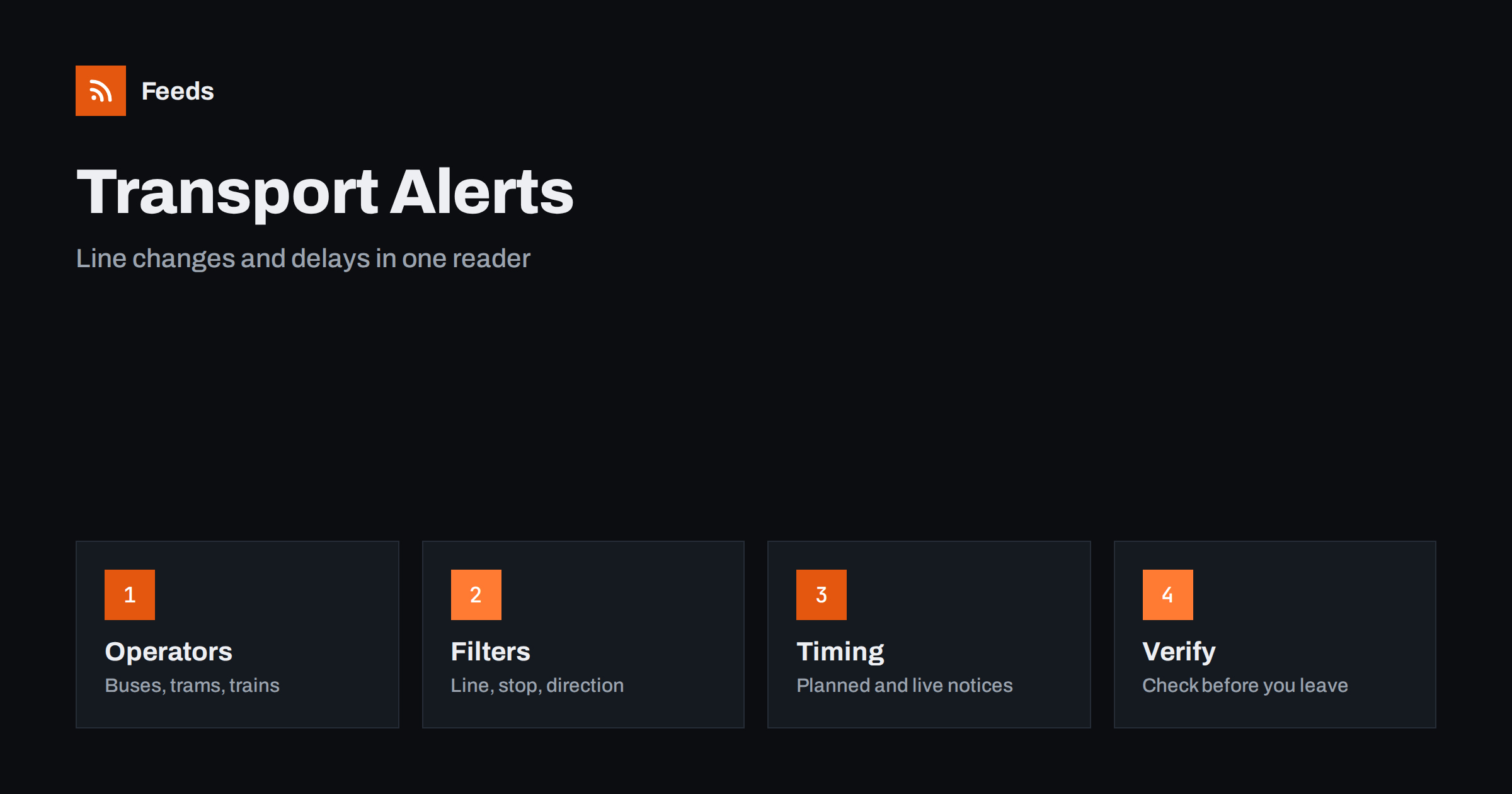
Short answer: Transit operators, city transport offices and rail companies publish timetable changes, planned works, route diversions and disruption notices on their own websites. RSS lets you collect those pages in one reader, keep only the lines and stations you use and see a new notice soon after it appears. A feed is a good way to learn about planned changes days ahead. For a delay that affects you in the next ten minutes, the operator’s live information service or app is still the right place to look.
Why transport notices are easy to miss
Public transport information is spread across many places. A city may have one operator for buses and trams, another for suburban trains and a regional company for long routes, and each has its own news page, social accounts and station posters. A planned closure announced three weeks in advance often appears once on a website and once on a poster, and then it is gone from view when the day arrives.
That is why a calm, central reading list helps. Commuters, school staff, event organizers and small businesses with staff or customers who travel by transit all benefit from learning about changes early. The same primary-source habit is described in fact-checking with RSS, and it applies well here: the operator’s notice is the version that gives exact dates, stops and alternatives.
Decide which lines and places matter
Start with a short list. Write down the lines you use, the stations or stops at both ends of your usual trip and any interchange point where a delay would hurt. Add the times of day that matter, because many notices describe night works or weekend closures that never touch your commute. A person who only takes one tram line does not need a feed of every bus route in the region.
Organizations can build the list differently. A school may follow the lines that students use, a shop may follow the routes that bring customers, and an event venue may follow the stations closest to its doors. The related habit of watching street-level disruption is covered in road works and traffic disruption alerts with RSS, and it pairs well with transit notices.
Find the feeds and pages to follow
Look at the news, service updates or “planned works” section of each operator website. Some offer an RSS or Atom feed, often with a separate feed for each line or each type of notice. Others publish a page of notices ordered by date with no feed at all. City transport authorities and regional ticketing bodies may collect several operators in one place, which saves time.
If a page has no feed, you can build one from the list of notices on it. Choose the page that lists notices in date order, not a home page with a changing layout. The methods are described in how to find the RSS feed of any website, and the page-based approach is explained in how page-to-feed tools find the articles on a web page. Use the official operator domain and avoid third-party copies, which can be out of date.
Filter by line, stop and type of notice
Merge the sources you chose into one reading list and add keyword filters. Line numbers or names, station names and words such as “diversion”, “replacement”, “cancelled” and “works” keep the relevant items. Be careful with short numbers, because a filter for “5” will match dates and prices too. A line name together with the word “line” or the operator code is safer.
Review the filter after two weeks. If you miss a notice, check how the operator wrote it: some use the street name instead of the stop name, and others list affected lines in a table or an image. Widen the filter first, and add exclusions later. The mechanics are explained in merging multiple RSS feeds into one clean feed and RSS keyword alerts.
Read a service notice carefully
Start with the dates and times. Many notices apply only for a few days, only at night or only on one side of a route, and the headline rarely says so. Then look at the affected section: which stops are skipped, which direction is changed and where the replacement service leaves from. Note the alternative the operator suggests, such as a different line, a shuttle or a longer walk, and think about whether it works for you.
If the notice mentions ticket validity, accessibility or luggage, read those lines too. Elevators out of service and temporary stop moves matter a great deal to parents with strollers, wheelchair users and travellers with heavy bags. Keep your own interpretation separate from the facts, and take the instructions from the notice itself.
Choose which alerts deserve a push
Most notices are informational and belong in a daily list. Send a push notification only for the narrow feed that concerns your regular trip, for example the one line you take every day or the station you use for work. Sending everything to your phone leads to alert fatigue, and you may start ignoring the one message that matters.
Teams can send that narrow feed to a shared channel so everyone sees a closure on the same day. Options are described in getting RSS alerts as push notifications on your phone and sending feed updates to a Slack channel. A short rule such as “who reads the notice, who updates the schedule, who tells the others” removes confusion on a busy morning.
Plan ahead with the calendar
The strongest use of a transport feed is planning. When a notice announces works two weeks ahead, put the dates in your calendar the same day and decide what changes: earlier departure, working from home or a different route. Events and school trips benefit the same way, because a closure near a venue can change how guests arrive and when staff should be there.
For regular journeys a simple log helps. Note the date, the line, a one-line summary and the link to the notice. After a few months you will see patterns such as summer works or yearly maintenance weeks, and you can plan for them. Importing feeds into Google Sheets can fill such a log automatically.
Limits and cautions
A feed shows what the operator has published and how often the feed refreshes. It does not know about a breakdown that happened a minute ago, and a notice may be updated after you read it. Before you leave, check the operator’s live journey information, and keep a backup plan for trips with a fixed deadline such as a flight or an exam.
Be careful with unofficial accounts and old notices that reappear. Check the publication date and the web address before you act on a notice or pass it on. When you tell other people about a change, link to the official page instead of copying the text, so that they always see the latest version.
How RSS Feed Creator helps
RSS Feed Creator turns the service updates or planned works page of a transport operator into a clean RSS feed, even when the site has no feed of its own. It reads titles, images, summaries and dates, uses an existing feed when there is one, and shows a preview of the items before the feed is created. You can merge several sources into one feed (up to 10 with the PostRSS add-on), keep only the items that contain your keywords and have duplicates removed automatically, which suits a feed for your own lines and stations. Feeds refresh every 3 hours on the free plan and every 30 minutes on paid plans, and the PostRSS add-on sends an alert when a page changes and a feed stops finding items. The free plan allows up to 20 items per feed, and the details are on the pricing page.
Related reading
- Road Works and Traffic Disruption Alerts With RSS Feeds
- How to Follow Travel Advisories and Airline Notices with RSS
- RSS Feeds for Municipalities and Public Bodies: A Guide
The bottom line
Following public transport changes with RSS means choosing your lines, collecting the official notices in one reader, filtering by line and station and reading the dates carefully. Use the feed for planned works and service changes, and the operator’s live service for what is happening right now. A small, well-filtered list saves more time than a large one.
SSS
Which transport pages should I follow?
Start with the news or service updates page of each operator you use, and add a city or regional transport authority if it collects several operators. Use official domains and only the lines and stations that matter to you.
What if my operator has no RSS feed?
A page-to-feed tool can read the list of notices on the page and build a feed from it. Check the preview to confirm that it shows real notices with titles and dates, not menu links.
Can a feed tell me about a delay happening right now?
Not reliably. A feed shows publications with a delay set by its refresh interval. For live delays, use the operator’s real-time information or app, and use the feed for planned changes.
How do I keep the feed from becoming noisy?
Filter by line and station names, exclude notices about routes you never use and send only the narrow feed to your phone. Review the filter after two weeks and adjust it.
Can businesses use this for staff and customers?
Yes. A school, shop or venue can follow the lines near it and share the official notice with staff or guests. Link to the operator’s page instead of copying the text.