 ENEnglish
 LTLietuviškai
 DEDeutsch
 FRFrançais
 RUРусский
 ESEspañol
 PLPolski
 ITItaliano
 UKУкраїнська
 CSČeština
 PTPortuguês
 JA日本語
JA日本語 LVLatviešu valoda
 ETEesti
 HUMagyar
 IDBahasa Indonesia
 TRTürkçe
 HIहिन्दी
 ELΕλληνικά
 ARالعربية
 THไทย
THไทย VITiếng Việt
 RORomână
 MSBahasa Melayu
 BNবাংলা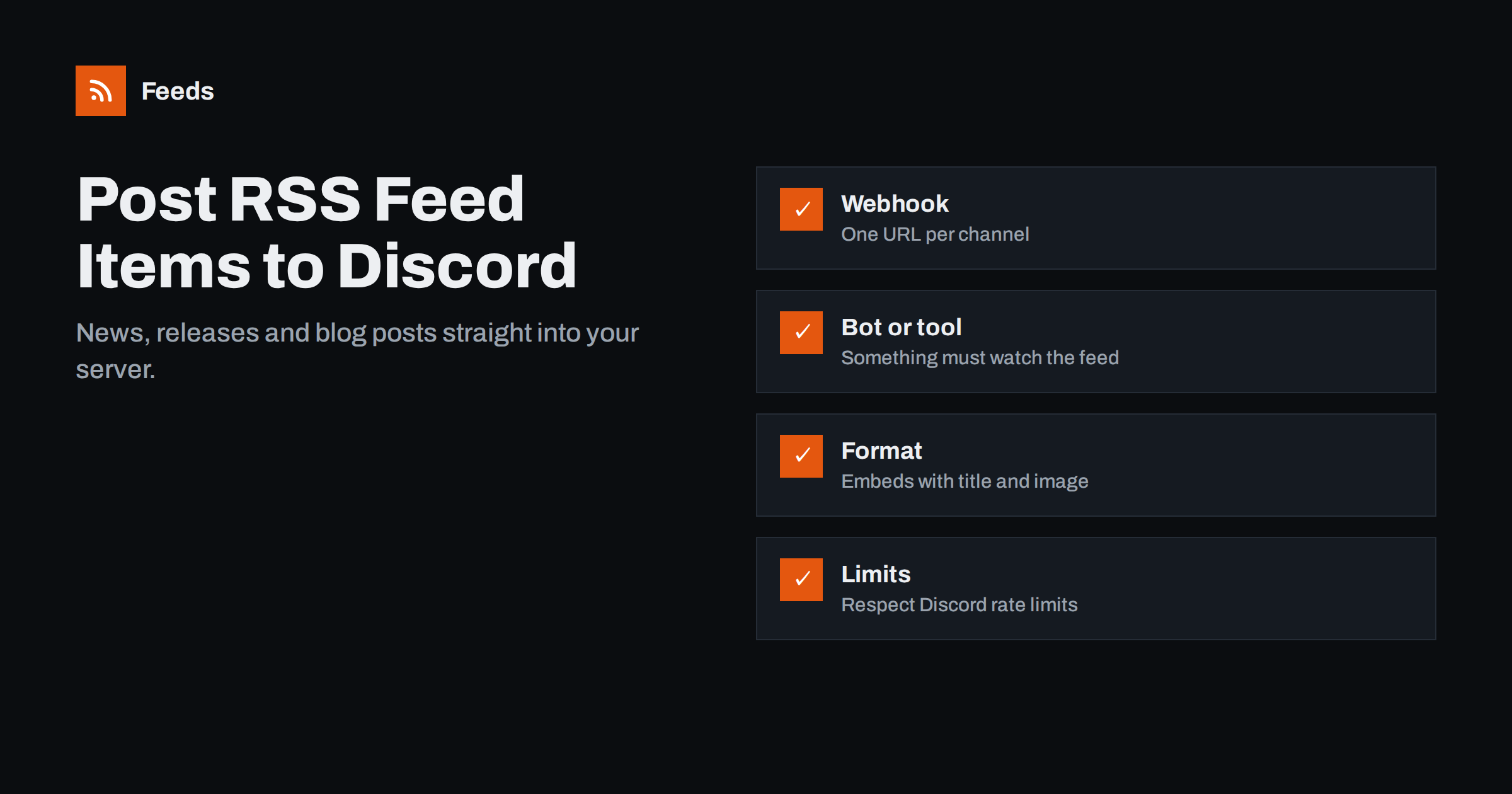
Short answer: Discord cannot read RSS feeds on its own, so something has to watch the feed and post new items into a channel. The three common options are an RSS bot added to your server, an automation platform that posts to a Discord channel webhook, or a small script that sends messages to that webhook. Create a dedicated channel, use embeds so items show a title, link and image, and filter the feed so only relevant items are posted.
Why communities and teams bring feeds into Discord
Discord started as a gaming chat app, but many communities, open-source projects, creators, startups and even small companies now use it as their main place to talk. Feeds fit naturally into that: members see news without leaving the server, and discussion happens right under the item.
Common examples include:
- A creator’s own content: new blog posts, videos or podcast episodes announced in an announcements channel.
- Project updates: release notes, changelogs and security advisories for software projects.
- Game or hobby news: patch notes, official announcements and fan sites for a community’s shared interest.
- Deals and job posts: filtered feeds of offers or openings relevant to members.
- Industry news for a startup team that uses Discord instead of Slack.
In all of these cases, the alternative is a moderator copying links by hand. That works for a week, then someone goes on holiday and the channel falls silent. Automation keeps the channel alive regardless of who is online, and frees moderators to spend their time on conversation instead of copy-paste. It also makes posting times consistent, which helps members know when to expect news.
How Discord webhooks work
Almost every RSS-to-Discord method relies on webhooks. In a channel’s settings, under Integrations, a server member with the right permission can create a webhook. Discord gives you a URL; anything that sends a correctly formatted HTTP POST request to that URL appears as a message in the channel. You can give the webhook its own name and avatar, so feed messages look distinct from members’ posts.
Messages can be plain text or embeds, which are richer cards with a title, link, description, colour, image, footer and timestamp. Embeds are ideal for feed items. Discord’s developer documentation describes the exact JSON structure and current limits, such as the maximum length of titles and descriptions and how many requests a webhook accepts in a given time.
Treat the webhook URL like a password. Anyone who has it can post into your channel. If it leaks, delete the webhook and create a new one.
Option 1: an RSS bot
Several community-built Discord bots specialise in RSS. You invite the bot to your server, give it permission to post in a channel and add feeds with its commands or a web dashboard. Many offer free tiers with limits on the number of feeds and how often they are checked, and paid tiers for more.
Pros: quick setup, no external accounts beyond the bot, often with built-in formatting options and keyword filters.
Cons: you depend on a third-party bot’s availability and policies, and you grant it permissions in your server. Review what permissions it asks for and give it only what it needs, ideally limited to the feed channels.
Option 2: an automation platform with a webhook
Zapier, Make, IFTTT and n8n can all watch an RSS feed and then send a request to a Discord webhook, or use a native Discord action. The workflow is simple: trigger on a new feed item, optionally filter by keywords, then post the item’s title, link and summary to the webhook.
Pros: no bot in your server, full control over formatting, and the same workflow can do other things too, such as logging items or posting them to other channels.
Cons: costs grow with volume on task-based platforms, and polling intervals on cheaper plans can delay posts.
Option 3: your own script
For developers, a short script run on a schedule is a reliable option. It downloads the feed, compares item GUIDs with a stored list of already-posted IDs, builds an embed for each new item and posts it to the webhook, pausing between requests to respect rate limits. It can run as a cron job, a serverless function or a small container.
Pros: free apart from hosting, completely customisable, no third party with access to your server.
A typical script needs only a feed parser library, an HTTP client and a small file or database table for posted IDs. Most languages have mature feed parsing libraries that handle both RSS and Atom, including date formats and encodings, so you do not need to parse XML by hand.
Cons: you maintain it. Store the posted IDs reliably, or a restart will repost the entire feed, and handle errors so a single bad item does not stop the whole run.
Formatting feed items well
A few details make a feed channel pleasant to read:
- Use the item title as the embed title and link it to the article, rather than pasting a bare URL.
- Keep the description short. Two or three sentences are plenty; strip HTML tags from feed summaries first.
- Show the image when the feed provides one, but make sure the layout still works without it.
- Include the source and date in the footer, especially if several feeds share one channel.
- Use a consistent colour per source, which helps members recognise items at a glance.
- Avoid mass mentions. Feed posts should not ping
@everyoneunless the channel is explicitly for rare, important announcements.
If you use the channel as an announcement channel, members of other servers can follow it and receive the same posts in their own servers. This is a handy way to distribute a project’s updates widely without extra work.
Keeping the channel relevant
Discord members leave or mute noisy channels quickly. Keep feed channels focused with the same habits that work in any team chat:
- One channel per topic, clearly named, for example
#releasesor#industry-news. - Keyword filters that keep only relevant items and exclude recurring noise.
- Merged sources with duplicates removed, so the same story does not appear three times from three sites.
- Permissions that stop members from posting in pure feed channels, with discussion happening in threads.
- A periodic review of which sources members actually react to.
Getting a clean feed first
Bots, platforms and scripts all need a feed URL. When the source you want to follow has no feed, or you want several sources combined and filtered before they reach Discord, the feed itself is the missing piece.
Feeds creates an RSS feed from any page that lists articles, such as a news page, a changelog page or a job board, and uses the site’s own feed when it already has one. You can merge several sources, keep only items with (or without) your keywords, and duplicates are removed automatically. You check a preview before the feed is created, and it refreshes on its own afterwards. The resulting link works with any Discord RSS bot or webhook workflow. The free plan covers one website, and the pricing page describes the paid plans.
Troubleshooting common problems
- Nothing is posted: open the feed URL and confirm it has new items; then check the bot’s or workflow’s logs; finally check that the webhook still exists and the bot still has permission in the channel.
- Everything is posted again: the tool lost its memory of posted items, or the source changed its item GUIDs. Restore the stored IDs or configure the tool to post only items newer than now.
- Messages are cut off: descriptions or titles exceed Discord’s embed limits. Truncate text before sending.
- Some posts fail during bursts: you are hitting rate limits. Add a short delay between messages or batch items into one message.
- Images do not show: the feed has no image field, or the image URL is not publicly accessible.
Related reading
- How to Send RSS Feed Updates to a Slack Channel
- Zapier vs Make vs IFTTT vs n8n for RSS Automation
- How to Set Up Keyword Alerts Using RSS Feed Filters
- How to Create an RSS Feed for a Website Without RSS
The bottom line
Posting RSS items to Discord needs a helper that watches the feed: a bot for the quickest setup, an automation platform for flexibility, or a script for full control. Use webhooks and embeds for clean formatting, keep the webhook URL secret, give feeds their own channels and filter the sources so members see only what matters to them.
SSS
Does Discord have built-in RSS support?
No. Discord does not fetch feeds by itself. You need a bot, an automation platform or a script that reads the feed and posts new items to a channel, usually through a webhook.
Who can create a Discord webhook?
Members with the Manage Webhooks permission for the channel or server can create one in the channel’s Integrations settings. Server owners and administrators have this permission by default.
Is it safe to share a Discord webhook URL with an automation tool?
Share it only with tools you trust, because anyone with the URL can post to the channel. If you suspect it has leaked, delete the webhook and create a new one.
Why does my RSS bot repost old items?
Usually because the source changed item IDs or links, or the bot lost its record of posted items. Configure it to post only new items from now on and check whether the source edits its GUIDs.
Can I post only items that contain certain words?
Yes. Many RSS bots and all major automation platforms support keyword filters, or you can filter the feed itself before it reaches Discord.


