ENEnglish
 LTLietuviškai
 DEDeutsch
 FRFrançais
 RUРусский
 ESEspañol
 PLPolski
 ITItaliano
 UKУкраїнська
 CSČeština
 PTPortuguês
 JA日本語
JA日本語 LVLatviešu valoda
 ETEesti
 HUMagyar
 IDBahasa Indonesia
 TRTürkçe
 HIहिन्दी
 ELΕλληνικά
 ARالعربية
 THไทย
THไทย VITiếng Việt
 RORomână
 MSBahasa Melayu
 BNবাংলা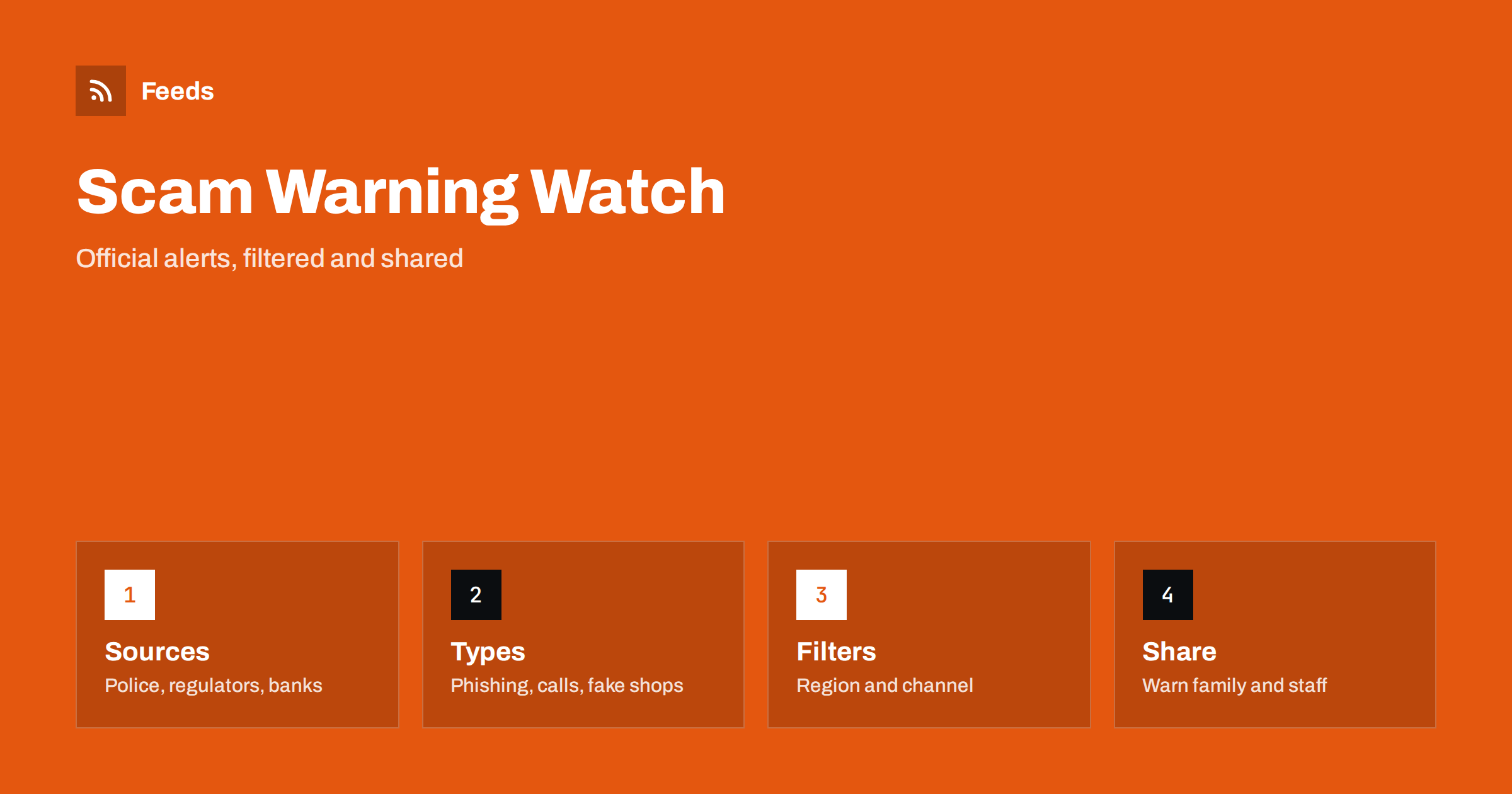
Short answer: Police forces, consumer agencies, financial regulators, banks and trade bodies publish warnings about new scams, fake websites, phishing messages and fraud trends. RSS lets you collect those official pages in one reader, filter them by type and region, and share the relevant ones with family, customers or colleagues. A feed does not block a scam, but it helps you recognise patterns early, which is often the best protection.
Why early warnings matter
Scams change quickly. A message that pretends to be a parcel carrier this month may pretend to be a tax office next month, and criminals reuse what works. Official warnings usually appear after reports from victims, and they describe the method, the wording used and what to do. If you read them early, you recognise the trick the first time you see it, instead of the second.
The people most at risk are often those who do not follow the news: older relatives, new employees and customers who deal with you only occasionally. A short warning passed on at the right moment can prevent a large loss. A feed makes it easy to be the person who passes it on.
Know where warnings are published
Several kinds of organization publish scam warnings, and each has a different focus. Police and national cybercrime centres report current campaigns and arrests. Consumer protection agencies describe fake shops, subscription traps and misleading offers. Financial regulators list unauthorised firms and investment schemes. Banks and payment providers explain the tricks aimed at their customers. Telecoms and postal services warn about fake messages that use their names.
Pick the ones that match your situation. A small business should add its bank, payment provider, carriers and supplier names. A family might choose the national police and consumer agency. Use the official domains only and avoid pages hosted by unknown third parties. If a source lists “scam alerts” separately from general news, follow that section, not the whole site.
Do not forget local sources. Municipalities, neighbourhood groups, schools and local news sites often report scams that target your area, such as fake door-to-door sellers or false notices about utilities. These items are small but very relevant, and they rarely appear in national lists. Add one or two local sources and check how often they publish before you keep them.
Find or create the feeds
Many agencies offer RSS feeds for news or alerts, usually linked from a news or media page. Look for a feed icon, a link labelled RSS or a feed link in the page source. Where there is no feed, you can create one from the page that lists the warnings in date order. Choose a stable list page, such as “scam alerts” or “latest warnings”, not the home page.
The methods for locating feeds are in how to find the RSS feed of any website, and the page-based approach is explained in how page-to-feed tools find the articles on a web page. Check the preview to confirm that the feed shows real warnings with titles and dates, and not menu links or ads.
Filter by type, channel and region
Once you have several sources, merge them into one reading list and filter. Keywords for types might include “phishing”, “fake shop”, “investment”, “romance”, “parcel”, “bank”, “invoice” and “impersonation”. Keywords for channels might include “text message”, “phone call”, “email”, “social media” and “marketplace”. Add your country or region so that you see local campaigns first.
Exclude items that do not concern you, such as notices in other countries or about products you do not use. Review the results after two weeks and adjust; official titles are plain, and a relevant item may not contain your keyword. The mechanics are described in merging multiple RSS feeds into one clean feed and RSS keyword alerts, and a calm reading list is covered in how to reduce RSS alert noise.
Turn warnings into a short routine
You do not need to read every item. A short weekly routine works well: open the list, scan the titles, read the two or three that match your situation and note anything that seems to be spreading. If a warning concerns something you use, such as a bank or a carrier, check your own accounts and settings the same day.
Keep it simple and repeatable. Choose a day, a time and a place, such as Friday morning with coffee. For quick triage the approach in RSS triage: a fast daily routine for reading less works well. A routine you keep is more effective than a perfect system you abandon in a month.
Share what matters with others
Warnings are most useful when they reach the people who need them. For family, a short message with the main point and a link to the official page is enough: what the message looks like, what not to do and whom to contact. Avoid forwarding long texts or screenshots without a source. Always link to the original so that people can see the latest version.
For a business, send relevant warnings to staff, especially to those who handle payments, invoices, customer data and email. A shared channel can receive a narrow feed of high-priority items; see sending feed updates to a Slack channel and to Microsoft Teams. Agree who reads it and what the rule is: for example, nobody changes bank details after an email request without a call to a known number.
Recognise common patterns
Official warnings repeat the same patterns, and learning them is the main benefit of following them. Typical signs include urgency, pressure to act now, requests for codes, passwords or card details, payment by gift cards or transfers to personal accounts, offers that are too good to be true and messages from “support” that you did not ask for. Links in messages often lead to copies of real websites.
When you see a suspicious message, do not click, do not call the number in it and do not reply. Contact the organization through an address or phone number you already know. Report the message to the relevant authority or provider. Related events such as data leaks often lead to scams, and following cybersecurity breach and data leak news with RSS explains how to monitor them.
Limits and cautions
A feed shows what has been published, not what is happening to you right now. Warnings can be late, and not every scam is reported. If you think you have been targeted or have already sent money or data, contact your bank, the provider and the police through their official channels immediately. Do not wait for a warning to confirm it.
Be careful with sites that imitate official warning pages, with unverified claims on social media and with “scam checker” tools that ask for personal data. Do not enter passwords or card numbers on pages you reached through a warning without checking the address carefully. When you share a warning, share the link to the official page, not a copy, and check the date.
How RSS Feed Creator helps
RSS Feed Creator turns the alerts or news page of a police force, consumer agency, regulator or bank into a clean RSS feed, even when the site has no feed of its own. It reads titles, images, summaries and dates, uses an existing feed when there is one, and shows a preview of the items before the feed is created. You can merge several sources into one feed (up to 10 with the PostRSS add-on), keep only the items that contain your keywords and have duplicates removed automatically, which suits a themed watch on one region or type of fraud. Feeds refresh every 3 hours on the free plan and every 30 minutes on paid plans, and the PostRSS add-on sends an alert when a page changes and a feed stops finding items. The free plan allows up to 20 items per feed, and the details are on the pricing page.
Related reading
- How to Track Product Recalls and Safety Notices with RSS
- How to Monitor Security Advisories for Your Website Stack
- Local News Monitoring: Follow Your Town’s Sources with RSS
The bottom line
Following scam and fraud warnings with RSS means collecting official sources, filtering by type and region, spending a few minutes a week on the relevant items and passing the important ones to the people around you. Learn the common patterns, check the original page and contact your bank or the authorities through official channels when something goes wrong. Awareness is the cheapest protection there is.
SSS
Which sources publish scam warnings?
Police and cybercrime centres, consumer agencies, financial regulators, banks, payment providers, carriers and trade bodies. Follow the ones that match your country and the services you use.
Can a feed protect me from a scam?
Not directly. It helps you recognise tricks early and warn others, but you still need to check messages carefully and avoid clicking links or sharing codes.
How do I share a warning safely?
Send a short summary and the link to the official page, not a screenshot or a long forwarded text. Check the date, so that you do not spread an old or corrected alert.
What if the agency has no feed?
A page-to-feed tool can read the list of alerts and build a feed. Check the preview to make sure it shows real warnings with dates and links.
What should I do if I already fell for a scam?
Contact your bank, payment provider and the police through their official channels immediately, change affected passwords and keep records of messages and payments. Do not wait for a warning to confirm it.