ENEnglish
 LTLietuviškai
 DEDeutsch
 FRFrançais
 RUРусский
 ESEspañol
 PLPolski
 ITItaliano
 UKУкраїнська
 CSČeština
 PTPortuguês
 JA日本語
JA日本語 LVLatviešu valoda
 ETEesti
 HUMagyar
 IDBahasa Indonesia
 TRTürkçe
 HIहिन्दी
 ELΕλληνικά
 ARالعربية
 THไทย
THไทย VITiếng Việt
 RORomână
 MSBahasa Melayu
 BNবাংলা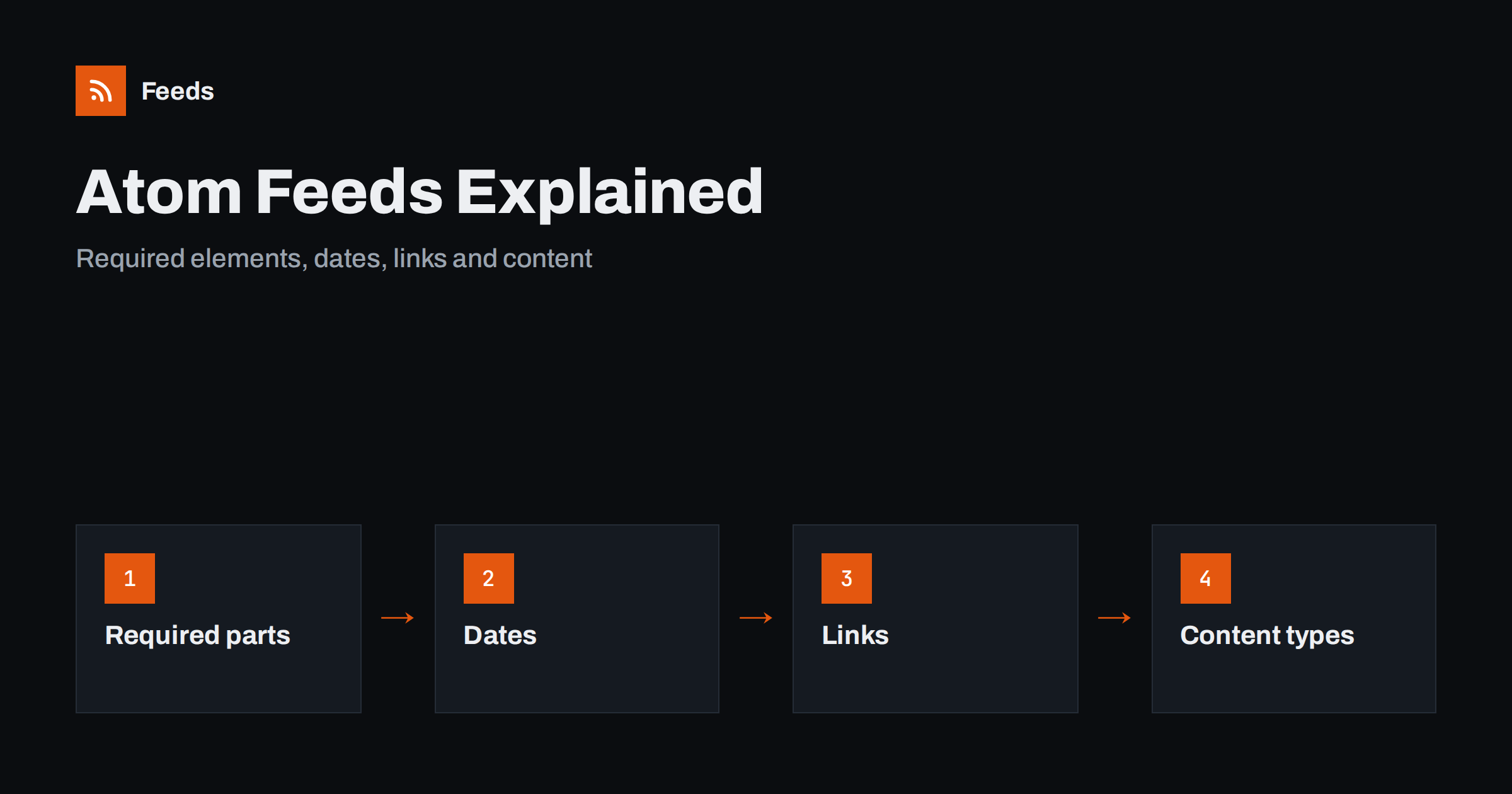
Short answer: Atom is an XML feed format standardised by the IETF in 2005 as RFC 4287. Like RSS, it lists a site’s latest items for readers and software, but it is stricter. Every feed and every entry needs an id, a title and an updated date, dates follow one fixed format, links say what they are through a rel attribute and content states its type. If you meet these rules, nearly every reader and tool can use your feed.
What Atom is and where it is used
Atom, officially the Atom Syndication Format, was created to give feeds a clear specification after the RSS family had grown into several versions. It describes a feed as a document with a feed element at the top and entry elements inside. Its media type is application/atom+xml. Many platforms use Atom: blog services, code hosting sites that publish activity and release feeds, and a number of content management systems that offer both Atom and RSS for the same content.
For readers, the format hardly matters. Nearly all feed readers and automation tools read both. It matters when you publish a feed, when you build a tool that must parse feeds, or when you search for the cause of an error. If you are deciding between formats for your own site, RSS versus Atom compares them, and if you already work with RSS, the anatomy of an RSS 2.0 feed shows the equivalent elements.
A minimal example
The following is a small but valid Atom feed with one entry. Every element in it is required by the specification or is strongly recommended.
<?xml version="1.0" encoding="utf-8"?>
<feed xmlns="http://www.w3.org/2005/Atom">
  <title>Example Blog</title>
  <id>https://example.com/</id>
  <updated>2026-10-18T08:30:00Z</updated>
  <link rel="self" href="https://example.com/atom.xml"/>
  <link rel="alternate" href="https://example.com/"/>
  <author><name>Jane Writer</name></author>
  <entry>
    <title>First post</title>
    <id>https://example.com/first-post/</id>
    <updated>2026-10-18T08:30:00Z</updated>
    <link rel="alternate" href="https://example.com/first-post/"/>
    <summary>A short summary of the post.</summary>
  </entry>
</feed>
Notice the namespace declaration on the feed element. Without it, the document is not an Atom feed at all, even if every other element is right.
Required elements
The specification asks for the following:
- Feed level:
id,titleandupdated. A feed also needs an author, unless every entry has its own author. - Entry level:
id,titleandupdated. An entry needs content, or a link to the content with a suitable relation, or a summary when the content is not present in the entry.
The id is a permanent, unique identifier written as an address, and it plays the role of the GUID in RSS. It must not change when the entry is edited, and it should not be reused for another entry. Mistakes with identifiers cause the duplicates described in RSS GUIDs explained, and the same advice applies to Atom.
Dates in Atom
Atom uses one date format, based on RFC 3339: a year, month and day, a letter T, the time and a time zone such as Z for UTC or an offset like +02:00. A date such as “2026-10-18T08:30:00Z” is valid, while a date written in the style of RSS, with the day name and month name, is not. The updated element says when the entry or the feed was last changed in a meaningful way, and the optional published element gives the first publication time.
Use both when it makes sense. Readers that sort by date often prefer published if it exists, and use updated to detect changes. Be careful not to touch updated for small changes such as a fixed typo, since some readers show an entry as new when it changes. Time zone problems are common in every format and are explained in RSS dates and time zones.
Links and their relations
In RSS, a link is a simple text value. In Atom, each link is an element with attributes, and the rel attribute states what the link is. The main relations are:
- alternate, the page that shows the same content as a normal web page. This is the default when rel is missing.
- self, the address of the feed itself. Including it helps readers and tools that move or cache feeds.
- enclosure, a related file such as audio or an image, with a type and a length.
- related and via, for related pages and the original source of an entry.
Always use full, absolute addresses. Relative links that work on your site often break in a reader, a problem that is covered more broadly in RSS autodiscovery when it comes to helping readers find your feed.
Content types
An Atom entry can include its text in content or give only a summary. The type attribute says how to read the text. Plain text is the default. With type “html”, the text contains escaped HTML, so the angle brackets are written as entities. With type “xhtml”, the content is real XML inside a div element. Most publishers use “html” because it is easy to produce. Choose full content or a summary according to your goals, and the trade-offs are covered in full text or summary: choosing what your RSS feed shows.
Check encoding too. Characters that are not escaped correctly break the XML, and the reader may reject the entire feed, as described in RSS feed encoding errors and CDATA. Extra elements such as media or podcast tags belong to their own namespaces, which are explained in RSS namespaces explained.
Mapping RSS elements to Atom
If you already have an RSS feed and want to understand or produce the Atom version, the mapping is simple. The RSS channel becomes the Atom feed, and each item becomes an entry. The item title is the entry title, the item link becomes a link with the alternate relation, and the GUID becomes the id. The publication date becomes published and, when you track changes, updated. The description becomes a summary or the content, and each category becomes a category element with a term attribute.
The main differences are the strictness and the extra detail. RSS lets you leave out the date or use a loose identifier, while Atom insists on both. When you convert, you may need to invent values that your RSS feed never had, such as a stable id for each entry or an updated date for the whole feed. Use the original address of the item for the id and the most recent entry date for the feed, and keep them stable from then on.
Developers who read feeds should write a parser that accepts both formats, or use a library that does. A good library hides the differences and returns the same fields for either format, which saves a great deal of special-case code.
Common pitfalls
| Mistake | What happens | Fix |
|---|---|---|
| No namespace on the feed element | Readers do not recognise Atom | Declare the Atom namespace |
| Missing id, title or updated | Validators fail, some readers drop the entry | Add all three to the feed and each entry |
| RSS-style dates | Date ignored or entry sorted wrongly | Use the RFC 3339 format |
| Changing the id on edit | Duplicates in readers | Keep the id stable forever |
| Wrong media type or HTML errors | Browser shows code, parser fails | Serve as Atom and check the XML |
A validator catches almost all of these. The process is described in how to validate an RSS feed and fix the most common errors, and the same approach works for Atom feeds.
How RSS Feed Creator helps
When a website offers neither format, RSS Feed Creator turns the article list of a page into a clean RSS feed with titles, images, summaries and dates, and uses an existing feed when the page has one. You see a preview of the items before the feed is created. You can merge several sources into one feed (up to 10 on paid plans), keep only the items with your keywords and have duplicates removed automatically. Because the result is a standard feed link, it works in any reader or automation tool. The free plan allows up to 20 items per feed, and the details are on the pricing page.
Related reading
- JSON Feed vs RSS: is the newer format worth publishing?
- How to parse an RSS feed in Python, JavaScript and PHP
- What is an RSS feed? A plain-English guide for site owners
The bottom line
Atom is a strict, well specified feed format. Declare the namespace, give the feed and every entry an id, a title and an updated date, write dates in the required format, use links with clear relations and state the content type. Keep identifiers stable and validate the result. Readers will then show your feed correctly, whether they prefer Atom or RSS.
FAQ
Is Atom better than RSS?
Neither is better for readers, since nearly all of them support both. Atom is stricter and more precisely specified, while RSS 2.0 is simpler and very widely used.
Which elements are required in an Atom feed?
The feed needs an id, a title, an updated date and an author, unless each entry has one. Every entry needs an id, a title and an updated date, plus content or a suitable link or summary.
What date format does Atom use?
An RFC 3339 timestamp, such as 2026-10-18T08:30:00Z. Dates in the style of RSS, with day and month names, are not valid in Atom.
Can I publish both RSS and Atom?
Yes, and some platforms do. Make sure the identifiers and dates match in both, and tell readers which one to use through autodiscovery links.
Why does my Atom feed not show in a browser?
Browsers often display XML as code or offer a download. Open the feed in a feed reader or validate it, and check that the server sends the correct media type.