ENEnglish
 LTLietuviškai
 DEDeutsch
 FRFrançais
 RUРусский
 ESEspañol
 PLPolski
 ITItaliano
 UKУкраїнська
 CSČeština
 PTPortuguês
 JA日本語
JA日本語 LVLatviešu valoda
 ETEesti
 HUMagyar
 IDBahasa Indonesia
 TRTürkçe
 HIहिन्दी
 ELΕλληνικά
 ARالعربية
 THไทย
THไทย VITiếng Việt
 RORomână
 MSBahasa Melayu
 BNবাংলা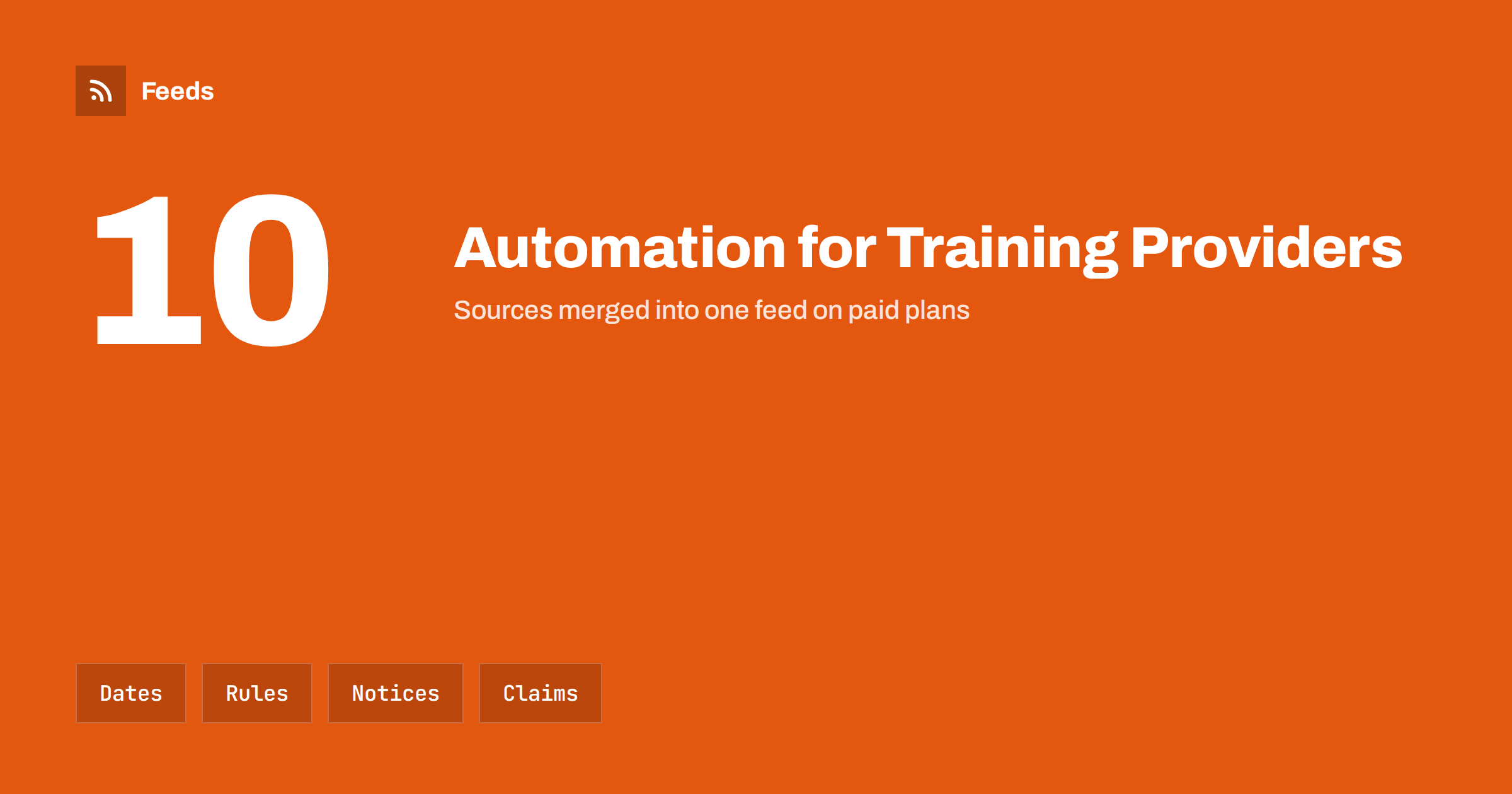
Short answer: Driving schools and vocational training providers depend on information that changes: course start dates, test and exam rules, fees set by authorities, road conditions and the availability of instructors. Automation helps in two ways. It watches the official sources for changes that affect students and warns you early, and it schedules the routine messages, such as course dates, reminders and weather notices, so that students always see current information. Claims about results, such as pass rates, should be published only if they are accurate and documented.
A business where information goes out of date quickly
Whoever teaches people to drive, operate machinery, work safely or pass a professional exam is a mediator between students and official rules. The rules are set elsewhere: by a transport authority, an exam body, an accreditation scheme or a ministry. They change, sometimes with little warning: new test formats, revised fees, updated syllabus, new booking systems, changed age limits.
If your website still shows last year’s information, students plan around it, and you answer complaints or lose them to a competitor who is up to date. Automation does not remove the need to read the rules, but it makes sure you notice when they change and that your own pages follow. For a general view of what a small business can automate, see a small business content automation stack.
Watch the official sources
List the organisations whose decisions affect your courses and find the page on each of their sites where news, notices or changes are posted. Some publish feeds. Many do not, and a page-to-feed tool fills that gap; the principle is explained in how a page becomes a feed.
- Transport and licensing authorities: test formats, booking rules, fees and waiting times.
- Exam and accreditation bodies: syllabus updates, session dates and certificate rules.
- Health and safety regulators: new requirements for courses on equipment and workplace safety.
- Road safety organisations: campaigns and statistics you may want to share.
- Local authorities: road closures and works that affect lessons, as described in road works and traffic disruption alerts with RSS.
Merge them into two or three themed feeds, such as “rules and fees”, “exams and syllabus” and “local roads”, and filter by keywords that match your courses. The method is covered in how to merge RSS feeds, and the habit of following regulators in tracking regulator updates with RSS.
From a change to a correction
When an item in a feed suggests a change, the work starts: open the original, read it, decide whether it affects your courses, and update the relevant pages and materials. A simple register helps. For each page that states a rule, a fee or a date, note the source, the date you last checked it and the person responsible. When a feed item matches, the register shows which pages to review.
Show the date of the last check on pages that carry rules, for instance “Information checked on” with a date, and update it only when you have really checked. Link to the official source so that students can verify. A page that states a rule without a source is a risk, because the student cannot tell whether it is current. The same approach applies to any provider that explains official terms, as described in tracking policy and terms updates with RSS.
Course dates and enrolment
Keep all course dates on one page: start dates, times, places, prices, available seats and the way to enrol. When a date changes or a course fills, update that page first. Everything else, such as newsletters, social posts and the home page, should draw from it. A page like this can be published as a feed and fed to a scheduling tool or a newsletter, which sends the items on time.
Schedule reminders for the points students tend to forget: enrolment deadlines, documents to bring, medical or eyesight requirements where they apply, payment dates and the day of the exam. For theory sessions and classroom courses, a reminder the day before reduces no-shows. Keep messages short and factual, and do not promise results. The ideas for building a posting calendar are in building a content calendar from feeds.
Weather, closures and last-minute changes
Lessons and practical training are affected by weather, road conditions and instructor illness. Decide in advance how you will announce changes: a banner on the site, a message to the students booked that day, a post on your main channel. Feeds from weather warning services help you notice hazards early; see weather and hazard alerts with RSS. A fixed template for “lessons cancelled due to conditions” makes the announcement quick and clear.
Do not automate the decision. A person should decide whether a lesson goes ahead, and the message should follow. When circumstances change, pause scheduled posts that no longer apply; the approach is described in how to pause automated posting.
Results, reviews and claims
Prospective students ask about pass rates, and many training providers publish them. Do so only if the figure is accurate, covers a defined period and group, and can be supported by your records or by an official statistic. Say how it is calculated. A pass rate that counts only the students who reached the exam, or that is compared with a national figure measured differently, can mislead, and consumer authorities treat misleading claims seriously. If you cannot document a figure, leave it out and describe your method of teaching instead.
Student reviews and photographs need permission. Ask for a review after the course, quote it accurately and obtain written consent before you show a student’s name, face or exam result. Keep a list of students who said no, and make sure that no scheduled post uses their material. For the balance between automatic and approved posting, see full automation vs an approval queue.
Fees deserve the same attention. Prices set by authorities, such as test or exam fees, should be shown separately from your own lesson or course prices, with the source named. Students often compare the two, and a clear split avoids the impression that you are charging more than you are.
Instructors, safety and trust
Instructors are the face of the business. A short profile for each, with qualifications you can verify, languages spoken and the vehicles or subjects they teach, builds trust. Update the profiles when qualifications or availability change, and obtain the instructor’s agreement before you publish anything personal.
Safety messages deserve care. Share road safety news from official sources, and credit them, rather than creating your own statistics. Avoid fear-based claims. A calm, accurate tone fits a business that teaches people to be careful. Related ideas for education providers are in content automation for schools, colleges and universities, and for providers of practical services in content automation for trades and home services.
Review the setup every quarter. Check which feeds produced items that led to a change on your pages, which produced only noise and whether any official page has moved or stopped updating. Rules and fees tend to change at the start of a year or a term, so look again at those points. A short routine like this keeps the register honest and prevents the quiet decay of pages that nobody has checked for a long time.
How RSS Feed Creator helps
RSS Feed Creator turns the news page, notices page or fee list of an authority, exam body or local council into a clean RSS feed, even when the site has no feed of its own. It reads titles, images, summaries and dates, uses an existing feed when there is one, and shows a preview of the items before the feed is created. You can merge several sources into one feed (up to 10 on paid plans), keep only the items that contain your keywords and have duplicates removed automatically, which suits a themed watch on rules, exams and local roads. Feeds refresh every 3 hours on the free plan and every 30 minutes on paid plans, and paid plans send an alert when a page changes and a feed stops finding items. The free plan allows up to 20 items per feed, and the details are on the pricing page.
Related reading
- Content Automation for Online Courses and Training Providers
- RSS Feeds for Municipal and Public Body Websites
- UTM Tags for Automated Posts: A Simple Naming System
The bottom line
For driving schools and training providers, automation is an early warning system plus a reliable messenger. Follow the official sources, keep dates on one page, show when information was last checked, announce weather changes with a template and publish results only when you can prove them. Accurate, current information is the best advertising.
FAQ
How can a driving school keep up with changing test rules?
Create feeds from the news and notices pages of the licensing and test authorities, filter them by words such as test, fee, booking or theory, and review any matching item on the original page.
Can I publish my pass rate?
Only if it is accurate, covers a clear period and group, is supported by records or official data and comes with a note on how it is calculated. Otherwise leave it out.
What reminders should students receive?
Enrolment deadlines, documents to bring, payment dates, and a reminder the day before a session or exam. Keep each message short and factual and avoid promises about results.
Should weather cancellations be automatic?
No. A person should decide, and a template can then send the message quickly. Watch weather warning feeds to notice hazards early.
Do I need consent to show a student’s review or photo?
Yes. Obtain written permission, quote reviews accurately and keep a list of students who declined, so that scheduled posts never use their material.