ENEnglish
 LTLietuviškai
 DEDeutsch
 FRFrançais
 RUРусский
 ESEspañol
 PLPolski
 ITItaliano
 UKУкраїнська
 CSČeština
 PTPortuguês
 JA日本語
JA日本語 LVLatviešu valoda
 ETEesti
 HUMagyar
 IDBahasa Indonesia
 TRTürkçe
 HIहिन्दी
 ELΕλληνικά
 ARالعربية
 THไทย
THไทย VITiếng Việt
 RORomână
 MSBahasa Melayu
 BNবাংলা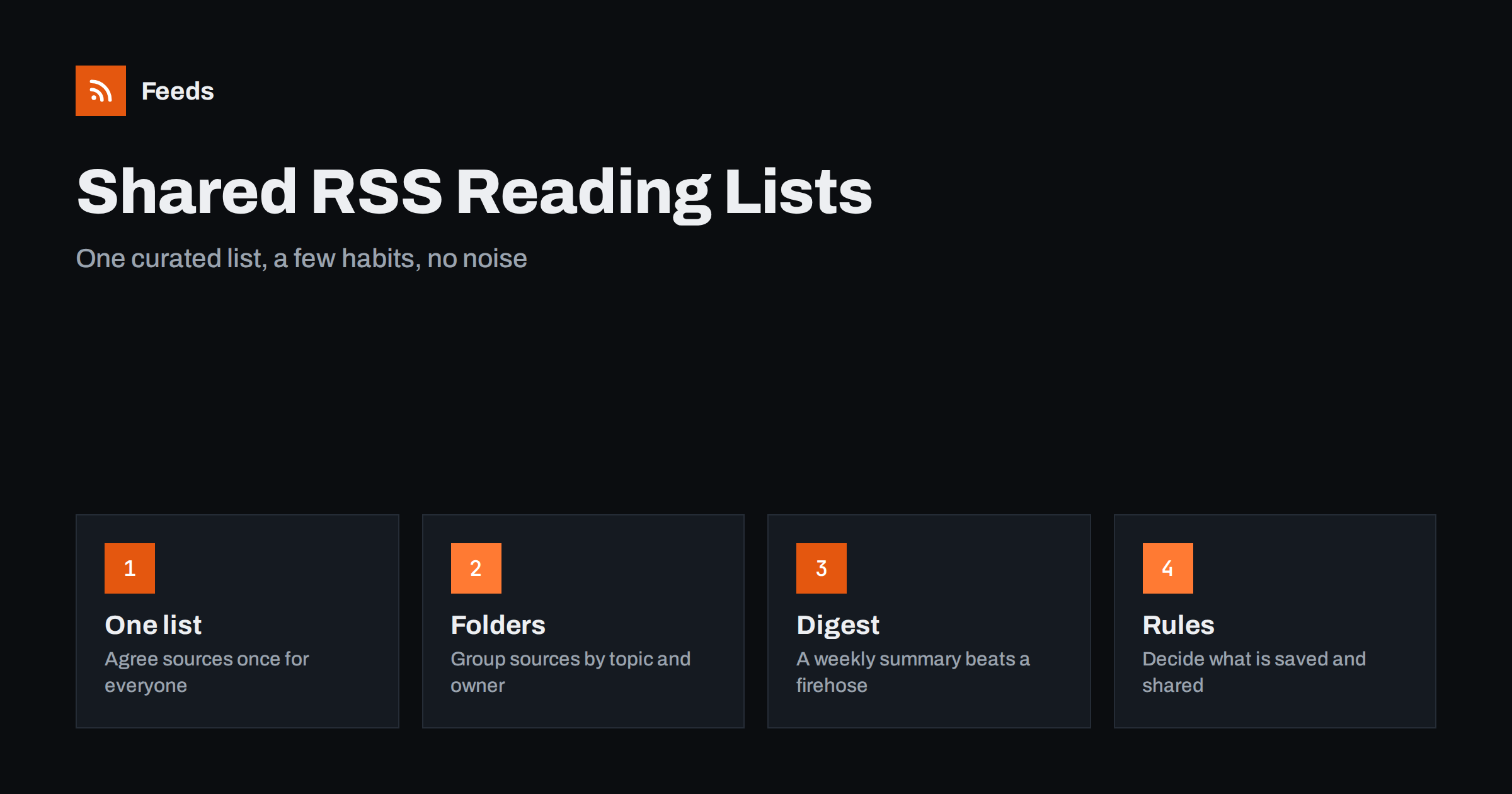
Short answer: A team can share RSS without everyone drowning in items if it keeps one curated source list, groups sources into a few topic folders, names an owner for each folder and sends the best items to a shared place on a schedule, such as a weekly digest or a chat channel. The list itself travels as an OPML file or as a merged feed, so a new colleague can be set up in minutes. The habits matter more than the tool: a short rule for what is worth sharing, and a regular clean-up of sources that no longer earn their place.
Why teams need a shared list
Most people who use RSS keep a private list. That works well for one person and badly for a team. Three colleagues follow the same five industry sites, two of them follow a competitor’s blog that the third has never seen, and the one person who followed the regulator’s notice page has just gone on holiday. When something important appears, nobody can be sure that the right person saw it.
A shared list fixes three problems at once. It removes duplicated effort, because each source is followed by the person who understands it best. It makes coverage visible, so gaps are easy to spot. And it turns reading into something the team can build on: a comment, a short summary, a decision. If you are new to the idea of choosing a reader, start with how to choose an RSS reader, then come back to the team setup.
Start with one source list and an owner for each part
Resist the urge to import everyone’s subscriptions into one giant file. The result is a few hundred sources, most of which nobody reads. Instead, begin by asking what the team needs to know: customers, competitors, suppliers, regulators, the trade press and the tools it depends on. Write down five to ten sources for each group, and give each group one owner.
The owner is not the only reader. The owner is the person who keeps the group healthy: adds a new source when a competitor launches a blog, removes a feed that has stopped updating, and answers the question “is this source still worth it?”. A group with no owner decays within a few months. Dead sources pile up, the list becomes noisy and people stop looking at it. Our guide to feeds that stop updating explains the checks an owner can run every quarter.
Share the list as OPML or as a merged feed
There are two practical ways to hand a list to colleagues. The first is an OPML file, a plain XML file that holds feed addresses and folder names. Every reader can import one and most can export one. It is the standard way to move subscriptions between tools, and it is explained in OPML files and RSS subscriptions. Keep the master copy in a shared drive or a repository, and treat it as a document: change it deliberately, with a note of what was added or removed.
The second way is a merged feed. Instead of asking each person to subscribe to forty sources, you combine the sources of one topic into a single feed and share that one address. Colleagues subscribe once and see everything from the folder in date order, with duplicates removed. This suits groups with many small sources that are only interesting in aggregate, such as local news sites or a set of supplier announcement pages. The method is covered in how to merge RSS feeds.
The two approaches combine well. Use OPML for sources that deserve their own line in a reader, and merged feeds for the long tail.
Folders that match how the team works
Folders should follow decisions, not the alphabet. “Competitors”, “Customers and market”, “Regulation”, “Suppliers”, “Tools we use” and “Ideas” are more useful than a folder per website. When a new item appears, the reader should be able to tell at a glance why it is in front of them and what kind of action it might need.
Keep the structure shallow. Two levels at most, and no more than eight folders. If a folder has more than twenty sources, split it or prune it. People skim folders with a short, predictable shape and abandon ones that scroll forever. For more on keeping a personal reader tidy, see how to organize an RSS reader and avoid overload; the same rules apply to a team list, only with an owner attached.
Turn reading into sharing
A shared list is only valuable if the best items reach the people who need them. Do not ask everyone to read everything. Ask the folder owner, or a rotating reader, to pick the few items that matter and share them where the team already talks.
- A chat channel. New items from one folder can be posted to a channel automatically, which works well for fast-moving topics such as outages or competitor launches. The setup is described in RSS feeds in Slack and RSS feeds in Microsoft Teams.
- A weekly digest. For slower topics, a short email or page with five to ten links and one line each is easier to read than a stream. A simple starting point is the approach in automating a weekly link roundup.
- A shared database. Items worth keeping can go into a team notes tool, with tags for the project or customer. See sending RSS items to a Notion database for one way to do it.
- A task list. If an item needs action, such as a rule change that affects a contract, turn it into a task with an owner and a date, as in turning feed items into tasks.
Pick one or two of these. A team that sends everything everywhere ends up ignoring all of it.
A short rule for what is worth sharing
Agree on a simple test and write it at the top of the shared document. For example: share an item if it changes something we do, if a customer or partner is likely to ask about it, or if it will still be useful in three months. Everything else can be read and forgotten, which is a perfectly good outcome.
It also helps to agree on format. A shared item needs a link, a one-line reason and, where relevant, a name for whoever should look at it. “Interesting” is not a reason. “Affects our returns wording from January, Anna to check” is one. Lines like this take thirty seconds to write and save a long meeting later.
Noise is the main enemy. If a folder produces thirty items a day, filter it. Keyword filters, exclusion words and a cap on items per day make the difference between a list people open and one they mute. The practical side is in how to reduce RSS alert noise.
Keep the list alive
Put a review in the calendar every quarter and keep it short: each owner reads the list of sources for their folder and answers three questions. Did this source produce anything useful? Is it still updating? Is there a better source for the same topic? Remove what fails, add what is missing, and update the master file.
Also decide what happens when someone leaves. Their folders go to a named colleague, and their personal sources that were useful move into the shared list. A short handover note is enough. The cost of skipping this step is a gap in coverage that nobody notices until a customer mentions it first.
If your team monitors a lot of sources, a regular health check on the feeds themselves is worth the effort; the article on monitoring hundreds of sources with RSS shows how to do it without reading each one.
How RSS Feed Creator helps
Many of the sources a team wants to follow have no feed: a competitor’s news page, a supplier’s announcements, a regulator’s list of notices. RSS Feed Creator turns the list of items on a web page into a clean RSS feed, uses an existing feed when there is one, and shows a preview of the items before the feed is created. You can merge several sources into one feed (up to 10 on paid plans), keep only the items that contain your keywords and have duplicates removed automatically, which makes one shared feed per topic practical. Feeds refresh every 3 hours on the free plan and every 30 minutes on paid plans, and paid plans send an alert when a page changes and a feed stops finding items. The free plan allows up to 20 items per feed, and the details are on the pricing page.
Related reading
- How to Build an Internal Company News Feed
- Self-Hosted RSS Readers: Is Running Your Own Worth It?
- Monitoring Clients and Their Competitors with RSS for Agencies
The bottom line
A shared RSS list works when it is small, owned and tied to a place where the team already talks. Keep one master list, group sources by decision, share through OPML or merged feeds, send only the best items on a schedule and prune every quarter. The tool matters less than the habit.
FAQ
How do I share my RSS subscriptions with a colleague?
Export your list as an OPML file from your reader and send it, or keep a master OPML file in a shared folder. The colleague imports it and gets the same sources and folders. For long tails of small sources, share a merged feed address instead.
What is the difference between an OPML file and a merged feed?
An OPML file is a list of separate feeds that each person subscribes to individually. A merged feed combines several sources into one new feed, so there is a single address to subscribe to and one stream in date order.
How many sources should a team follow?
Fewer than you think. Five to ten sources per topic, and no more than eight topic folders, is a good start. If nobody reads a source for a quarter, remove it.
Who should be responsible for the shared list?
Give each folder an owner who adds, removes and checks sources. One person should also keep the master file. Without owners, lists decay and people stop trusting them.
Should every item go to a team chat channel?
No. Send fast-moving items from one or two folders to a channel and use a weekly digest for everything else. Posting every item everywhere trains people to ignore the channel.