ENEnglish
 LTLietuviškai
 DEDeutsch
 FRFrançais
 RUРусский
 ESEspañol
 PLPolski
 ITItaliano
 UKУкраїнська
 CSČeština
 PTPortuguês
 JA日本語
 LVLatviešu valoda
 ETEesti
 HUMagyar
 IDBahasa Indonesia
 TRTürkçe
 HIहिन्दी
 ELΕλληνικά
 ARالعربية
 THไทย
 VITiếng Việt
 RORomână
 MSBahasa Melayu
 BNবাংলা
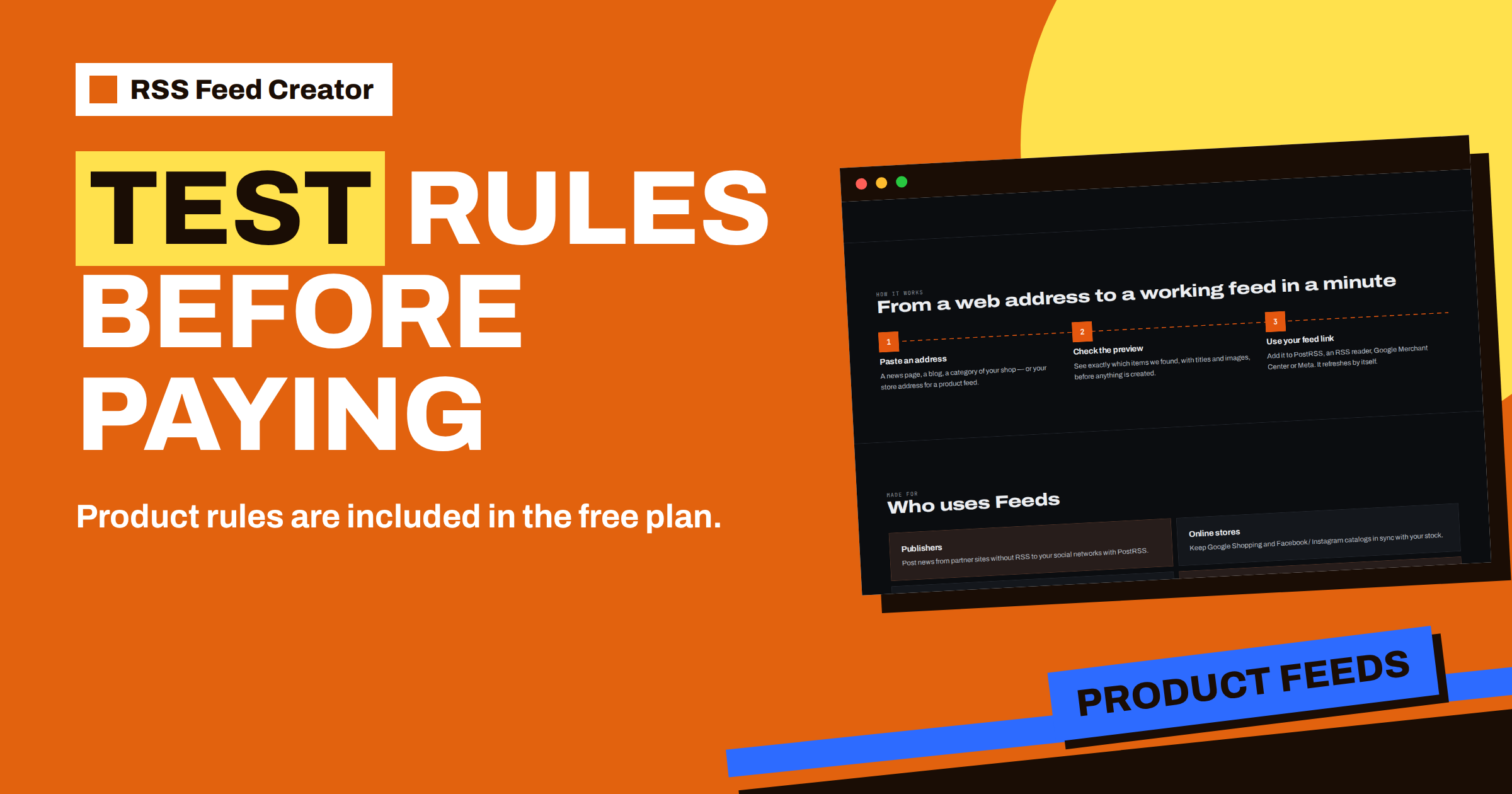
Short answer: The free plan of RSS Feed Creator lets you build a product feed with up to 50 products, and it includes the product rules: skipping out-of-stock products, a title template, a fallback currency and a percentage change for prices. That makes it a proper test bench. You can try every rule on real products, look at the result on the management page and in the preview, and only then decide whether you need the Store plan for more products, more feeds and a 30-minute refresh.
Why testing first is worth the time
A product feed is read by advertising channels, and a mistake in it can cost money: wrong prices that lead to disapproved products, titles that bury the product type, sold-out items that still get clicks. Most of these mistakes are not technical. They come from rules that sounded right and were never looked at on real data.
RSS Feed Creator removes the main excuse for skipping the test. The pricing page lists “Product feeds up to 50 products” and “Keyword filters and product rules” among the things you get for €0. So you can run the whole routine, from the store address to the finished feed address, before you spend anything. If the rules do what you want, the paid plan is a decision about volume, not about trust.
What the free plan includes for stores
Put together, the free plan gives you everything needed for an honest trial:
- reading of WooCommerce and Shopify stores, or a CSV link for any other platform;
- automatic currency detection, with a fallback currency you can set;
- up to 50 products in the feed;
- all four product rules;
- a feed address in the Google product XML format that Meta can read as well;
- a refresh every 3 hours.
What it does not include is volume and speed. The Store plan at €19 per month adds one store with 3 product feeds, up to 2,000 products and a refresh every 30 minutes. The practical difference is explained in the Store plan at €19: product feeds for one online store.
Choose a test set of products
A trial needs the right products. If your catalog has fewer than 50 items, test with all of them. If it has more, use a small group that shows your variety: a few cheap items, a few expensive ones, some with long titles, some with missing brands and at least one that is out of stock. For a store on a platform that is not WooCommerce or Shopify, the easiest route is a CSV file with those products only. The columns the tool expects are covered in the columns RSS Feed Creator reads from a CSV link.
Write down in advance what you expect to see. A short note such as “sold-out products should disappear” or “titles should start with the brand” turns the test into a check against a goal, not a casual look around.
Test one rule at a time
Rules interact, so add them one by one. After each change, press “Save and update” on the management page. Saving stores the settings and starts a rebuild at once, so you do not have to wait for the 3-hour refresh. Then reload the page and read the list of latest items, which shows each product with its picture, title, price and availability.
The stock rule
Tick the box that skips out-of-stock products. Check that the sold-out product from your test set has left the list and that the item count fell by the right number. If you sell products that come back often, notice what you lose: a product that is skipped is not in the catalog at all while it is out of stock. That is the trade-off explained in product rules in RSS Feed Creator: stock, titles and prices.
The title template
The template accepts the placeholders title, brand and category. Try a pattern that puts the brand first, then the original title, and look at ten products. Watch for products with an empty brand or category, because the template can only use what the store provides. If gaps appear, the cause is in the store data, and fixing it there improves your website as well as the feed.
The fallback currency
The tool detects the currency from the store. The fallback is used when the store gives none, which is common in CSV files. Test it with a CSV that has prices but no currency column and check that the feed shows the one you expect.
The price percentage
The price rule changes the price by a percentage. Test it with a small number, such as 5, and compare three products: the price in the feed against the price in your store. This is the rule to handle with most care, because the price in the feed has to match the price a shopper sees after the click. If your landing page shows the old price, the product can be rejected for a price mismatch. In many cases the right test result is: leave the percentage at zero.
Read the result like a reviewer
When all rules are set, do a review in three passes. First, the numbers: does the item count match what you expect after the stock rule? Second, the text: read the five longest titles aloud. A title that sounds odd when spoken will look odd to a shopper. Third, the facts: open two products in the store and compare price, availability and picture. This routine takes ten minutes, and it is the same one you will repeat each time you change a rule later. Missing items have their own guide: why items are left out of a product feed.
A test plan for one afternoon
If you like a schedule, this one fits into a quiet afternoon and leaves you with a clear decision:
- Fifteen minutes: set up. Choose “My store”, paste the address or the CSV link and read the preview. Compare three products with the shop pages.
- Fifteen minutes: stock and currency. Switch the stock rule on and check the count. Confirm that every price shows the right currency.
- Twenty minutes: titles. Try two different templates on the same products. Keep the one that reads better to a stranger.
- Ten minutes: prices. Leave the percentage at zero unless you have a real reason to change it, and write that reason down if you do.
- Thirty minutes: channel. Add the feed address to Merchant Center or Meta and read what the channel says about the first products.
At the end, write three lines: what worked, what the channel complained about and what you would change in the store itself. Those notes are worth more than the feed, because they point to improvements that benefit every channel you will ever use. If the feed passes without surprises, you know that a paid plan will only add volume.
It also helps to keep the test feed after the trial. A small feed with a few well-chosen products is a good smoke test: whenever you change a theme, a plugin or a rule, look at it first. If those fifty products still look right, the full catalog is very likely fine as well, and if they do not, you have found the problem before it reached a shopper.
Take the feed to the channel, still free
The free feed address works in Google Merchant Center and Meta Commerce Manager too, so you can go one step further and let the channel read it. That shows you how the channel reacts: which products it accepts, which warnings it gives and how it displays titles. The steps are in add your feed to Google Merchant Center and Meta. Do this with the test set only, and keep the live catalog as it is until you are happy.
When it is time to move to a paid plan
Three signs tell you that the free trial has done its job. Your catalog is larger than 50 products, so the free limit cuts it. You need a second or third feed, for example one per channel. Or stock changes quickly, and a refresh every 3 hours is too slow. Any of these points to the Store plan; several stores point to Business at €39 per month. The pricing page lists the limits, and nothing you tested is wasted, because the rules you chose are the rules you will use later.
Related reading
- Free Product Feed for a Small Shop: What 50 Products Can Do
- Connect WooCommerce, Shopify or a CSV to RSS Feed Creator
- Product Feed Checklist: 25 Checks Before You Submit
The bottom line
The free plan is not a demo with the interesting parts removed. It holds 50 products and all four product rules, which is enough to test stock, titles, currency and prices on real data. Change one rule at a time, read the result, compare it with the store, and move to a paid plan only when volume or speed demands it.
FAQ
Are product rules really included in the free plan?
Yes. The pricing page lists keyword filters and product rules for the free plan, together with product feeds of up to 50 products.
Do rule changes apply at once?
Yes. Saving the settings starts a rebuild of the feed straight away.
Can I use the free feed in Google Merchant Center?
Yes. The feed address is in the Google product XML format, and Meta reads the same file.
What does the Store plan add to the free test?
One store with 3 product feeds, up to 2,000 products and a refresh every 30 minutes. The free plan has up to 50 products and a refresh every 3 hours.