 ENEnglish
 LTLietuviškai
 DEDeutsch
 FRFrançais
 RUРусский
 ESEspañol
 PLPolski
 ITItaliano
 UKУкраїнська
 CSČeština
 PTPortuguês
 JA日本語
JA日本語 LVLatviešu valoda
 ETEesti
 HUMagyar
 IDBahasa Indonesia
 TRTürkçe
 HIहिन्दी
 ELΕλληνικά
 ARالعربية
 THไทย
THไทย VITiếng Việt
 RORomână
 MSBahasa Melayu
 BNবাংলা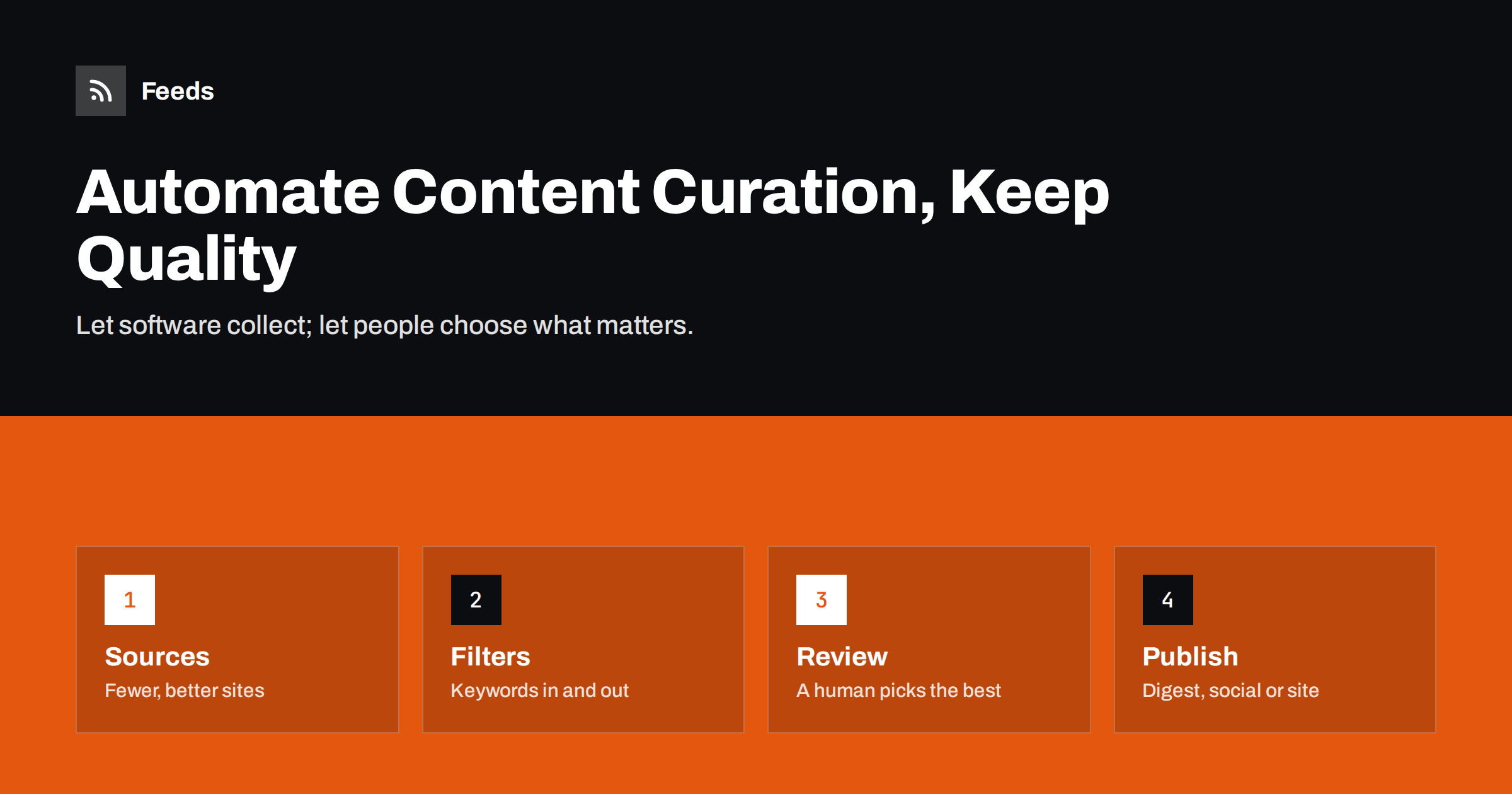
Short answer: Automated content curation works best as a pipeline: software collects new items from a chosen list of sources through RSS feeds, removes duplicates and filters by keywords, and a person spends a few minutes choosing and commenting on the best items before they are published as a newsletter, social posts or a web page. Full automation is possible for narrow, trusted sources, but a short human review is what keeps curated content valuable.
What content curation is, and why it is worth automating
Content curation is selecting the most useful content from many sources for a specific audience and adding context. Industry newsletters, “weekly links” posts, LinkedIn pages that share news for a niche, and internal briefings for a sales team are all forms of curation.
The value of curation lies in judgment: which ten items out of three hundred deserve your audience’s attention. The cost lies in collection: visiting sites, scanning headlines and copying links. Automation is excellent at the second part and poor at the first. A good curation workflow uses software for collection and people for judgment.
Done well, automated curation lets one person maintain a high-quality stream that would otherwise take hours a week. Done badly, it becomes an automated firehose of loosely related links that followers learn to ignore.
Stage 1: choosing sources deliberately
Quality starts with the source list, not the filters. A handful of excellent sources beats fifty mediocre ones, because every weak source adds noise you then have to filter out.
- Primary sources: official blogs, regulators, standards bodies, product release notes and research institutions. They are accurate and often underused.
- Specialist publications: trade media and respected independent writers in your niche.
- Community sources: forums and aggregators, used sparingly because they are noisy.
- Your own content: include it, but do not let it dominate a curated stream.
For each source, note why it is on the list. When you review the list later, sources without a clear reason are the first to remove. Keep the list in a shared document so colleagues can suggest additions.
Stage 2: collecting items with feeds
RSS feeds are the backbone of automated collection. Each source’s feed lists new items in a standard format, so a reader, automation platform or script can collect them without anyone visiting the sites.
Many sources publish a feed; some publish several, for example one per category, which lets you subscribe only to the relevant section. Others have no feed at all. For those, you need a tool that creates a feed from the page listing the articles. The article on creating a feed for a website without RSS explains the options.
Collect everything into one place: a feed reader for manual review, a spreadsheet via an automation platform, or a single merged feed. One inbox for all sources is far easier to review than a dozen tabs.
Stage 3: filtering and deduplication
Filtering reduces the pile to items that could plausibly interest your audience. The simplest and most transparent method is keyword rules.
- Include rules keep items that mention your core topics, product categories, regions or named organisations.
- Exclude rules drop recurring noise: sponsored content labels, event promotions, job ads, or topics adjacent to yours that you deliberately do not cover.
- Word variants matter. Include singular and plural forms and common abbreviations, or you will miss items.
- Review what was filtered out occasionally. If important items are being dropped, loosen the rules.
Deduplication is the other half. When several sources cover the same story, you want to see it once, ideally from the best source. Removing exact duplicates by link is straightforward; near-duplicates with different URLs still need a human eye during review.
Stage 4: human review and commentary
This is where curation earns its name. Set aside a fixed slot, for example fifteen minutes each morning or an hour on Thursday, to go through the filtered items and pick the best.
- Scan headlines and open only promising items.
- Pick a fixed number, such as five items for a weekly newsletter or one or two per day for social media. Constraints force better choices.
- Add one sentence of context to each: why it matters to your audience, what the key takeaway is, or how it relates to earlier news.
- Check the facts of anything surprising before sharing it under your name.
- Credit the source clearly and link to the original.
That single sentence of commentary is what separates curation from reposting. It is also what makes your stream worth following instead of the original sources.
Stage 5: publishing curated content
Where the curated items go depends on your audience:
- Email digest: a weekly or daily email with your picks and comments. Email platforms with RSS campaigns can even build this automatically from a feed of approved items.
- Social media: one post per item with your commentary, scheduled through the week.
- A page on your website: a regularly updated “news” or “resources” page, which can also serve visitors who prefer not to subscribe.
- Internal channels: a Slack or Teams channel for colleagues, where the bar for inclusion can be lower.
A practical approval trick
A neat way to connect human review with automated publishing is an “approved” list. During review, the curator adds chosen items to a spreadsheet, a bookmark folder or a read-later tool that publishes its own feed. The publishing side, whether a newsletter or a social scheduler, then watches only that approved feed. The curator never has to copy links into several tools, and nothing reaches the audience without being picked by a person.
Consistency beats volume
Whatever the channel, publish on a predictable schedule. A reader who knows that five hand-picked links arrive every Friday forms a habit. A stream that posts twenty items one day and nothing for two weeks is hard to rely on, however good the individual picks are. If you cannot sustain a daily rhythm, choose weekly and stick to it.
When full automation is acceptable
Sometimes skipping human review is fine. Internal channels following a few trusted sources, alerts about your own brand, or a feed of official announcements from one regulator can go straight to the destination. The conditions are simple: the sources are few and reliable, the filters are narrow, and the audience knows the stream is automatic.
A typical fully automated example is a sales team channel that receives every new item from a handful of customers’ press pages. The sources are known, the volume is low, and the worst outcome of an irrelevant item is a few seconds of someone’s attention. Another is a feed of a standards body’s announcements posted to a developer channel.
For public-facing curation under your brand, keep a human in the loop. An automatically shared article that turns out to be inaccurate, offensive or from a competitor reflects on you, not on the software.
Where Feeds fits in the pipeline
Feeds covers the collection and filtering stages. It creates an RSS feed from any page that lists articles, or uses the existing feed where one exists. Several sources can be merged into one feed, items can be kept or dropped based on your words, and duplicates are removed automatically. You see a preview of the items found before a feed is created, and the feed refreshes on its own. The result is one clean feed you can open in a reader for review or connect to a newsletter or automation platform. The free plan covers one website; paid plans add more feeds and merged sources.
Measuring whether your curation works
- Click-through on curated links shows which topics and sources your audience values.
- Replies, shares and forwards are strong signals that your commentary adds value.
- Time spent on review tells you whether filters need tightening. If review takes longer each week, the pile is growing faster than it should.
- Sources that never get picked are candidates for removal at the next quarterly review.
Related reading
- How to Set Up Keyword Alerts Using RSS Feed Filters
- How to Monitor Websites for New Content Automatically
- How to Turn an RSS Feed into an Automatic Email Newsletter
- How to Choose an RSS Reader: Features That Actually Matter
The bottom line
Automate the collection, filtering and deduplication; keep a person for selection and commentary. Start with a short list of excellent sources, collect them through feeds into one place, filter with transparent keyword rules and spend a fixed, small amount of time choosing the best items. That combination gives you the reach of automation with the trust that only human judgment earns.
FAQ
Is automated content curation the same as autoblogging?
No. Autoblogging republishes other people’s content automatically, often in full, which raises copyright and quality problems. Curation selects items, adds commentary and links to the original sources.
How many sources should a curated feed have?
There is no fixed number, but most focused curation streams work well with somewhere between ten and forty good sources. Beyond that, the filtering and review effort grows faster than the value.
Can I curate content from sites that have no RSS feed?
Yes. You can create a feed from the page where the site lists its articles and add it to your sources like any other feed.
How often should I publish curated content?
Match the frequency to your niche and capacity. A weekly digest is sustainable for most small teams, while fast-moving fields may justify daily picks.
Is it legal to share other people’s articles?
Sharing a link with a headline and your own short commentary is common practice. Copying full articles or large parts of them usually needs permission, so link to the original and keep quotes short.


