 ENEnglish
 LTLietuviškai
 DEDeutsch
 FRFrançais
 RUРусский
 ESEspañol
 PLPolski
 ITItaliano
 UKУкраїнська
 CSČeština
 PTPortuguês
 JA日本語
JA日本語 LVLatviešu valoda
 ETEesti
 HUMagyar
 IDBahasa Indonesia
 TRTürkçe
 HIहिन्दी
 ELΕλληνικά
 ARالعربية
 THไทย
THไทย VITiếng Việt
 RORomână
 MSBahasa Melayu
 BNবাংলা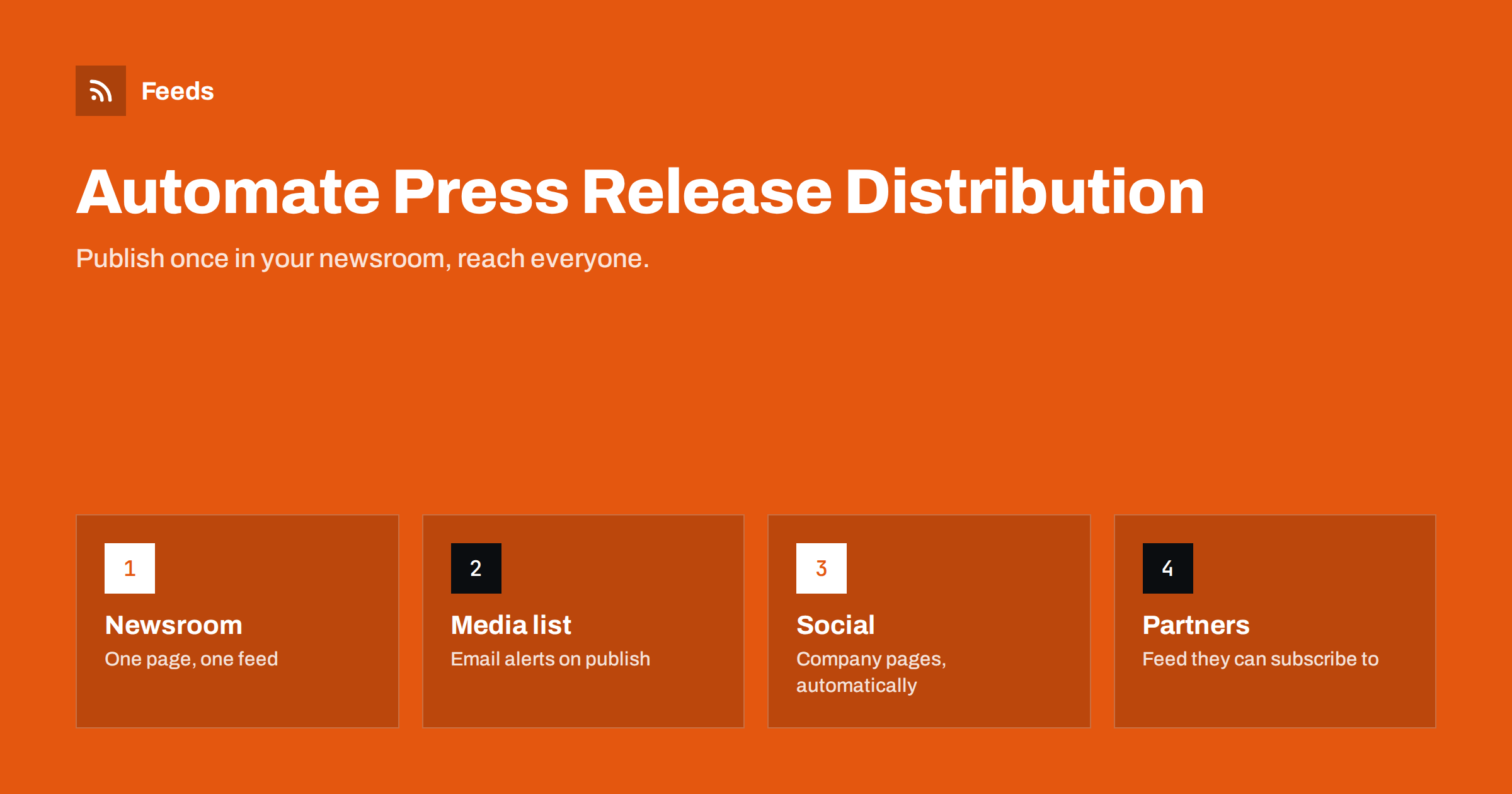
Short answer: Publish every press release first in a newsroom section of your own website, make sure that section has its own RSS feed, and let the feed drive distribution: an email alert to journalists and stakeholders who opted in, posts on your company’s social pages, a feed that partners, investors and media monitoring services can subscribe to, and an internal notification. Keep the release itself and the timing under human control; automate only what happens after you press publish.
Why the newsroom should be the source
Many companies distribute press releases by attaching a document to an email, uploading it to a paid wire service and posting a separate text on social media. The result is several versions of the same announcement, scattered across channels, with no permanent home.
A newsroom on your own website fixes this. Each release has its own page with a permanent URL, a date, contact details and downloadable assets. Journalists can link to it, search engines can index it, and everything else, emails, social posts and partner feeds, points back to that single, official version. If you need to correct something, you correct it in one place.
It also helps with speed. When the release page is the trigger, every channel receives the announcement within minutes of publication, in the same wording, without someone copying text into five tools under time pressure on launch morning.
The newsroom also becomes an archive. Journalists researching your company months later will look for past announcements, and a clean list of releases with dates is far more useful to them than a search through old emails.
Give the newsroom its own feed
If your newsroom runs on a CMS, the press release section or category usually has its own feed, for example the category feed in WordPress. Check that:
- It contains only press releases, not every blog post.
- Each item has the full headline, a clear summary and the correct date.
- Links go to the release page, not to a PDF.
- Images, such as a logo or product photo, are available for previews.
Publish the feed link visibly on the newsroom page with a short line such as “Subscribe to our press releases via RSS”. Journalists, analysts and monitoring services still use feeds, and a visible link saves them the trouble of looking.
If your newsroom lives on a platform that does not offer a feed, a feed can be created from the newsroom page that lists the releases.
Automation 1: email alerts for media and stakeholders
Journalists, analysts and some investors or partners want to hear about releases by email. An email platform’s RSS campaign can send an alert whenever a new item appears in the newsroom feed.
- Consent matters. Only send to people who asked for your releases, such as through a sign-up form on the newsroom page. Media lists bought from third parties are a different matter and raise both legal and reputational issues in many jurisdictions.
- Instant rather than digest. Press releases are time-sensitive, so send one email per release rather than a weekly roundup.
- A plain, professional template: headline, first paragraph, link to the full release, media contact details.
- Segment if needed, for example by language or region, using separate feeds for each.
Personal outreach to key journalists stays manual. The automated alert makes sure everyone on the opt-in list is informed; individual pitches build relationships.
Automation 2: company social pages
Connect the newsroom feed to your posting tool for LinkedIn, Facebook, X or other networks where you publish company news. Use a template that reads like an announcement rather than a blog promotion, for example a short statement of the news followed by the link.
For major announcements, a hand-crafted post usually works better than a template. A common approach: automation posts every release, while the communications team adds a separate, hand-written post for the most important ones, with a quote, an image or a video.
Timing deserves attention. If a release is under embargo until a specific time, the newsroom page must not be published before then; otherwise the feed will distribute it early. Schedule the page publication in the CMS for the embargo time, and the automation will follow.
Automation 3: partners, investors and syndication
Partners, resellers, investors and industry portals may want to display or forward your news. Rather than emailing each one, point them to the newsroom feed. They can subscribe in a reader, show headlines on their own sites or feed them into their own systems.
If a partner republishes your full releases, agree on how: with a link to the original page and, where possible, a canonical reference to it. That keeps the official version clear and avoids confusion about which page is authoritative.
Automation 4: internal notification
Employees should never learn about a company announcement from outside. Send new releases to an internal channel or email list at the same moment they go public, or slightly earlier if your policies allow, with a note on who to contact for questions. Sales and support teams in particular need to know what was announced before customers ask them. A short list of likely customer questions with agreed answers helps even more.
A launch-day timeline
Here is how the pieces fit together on the day of an announcement, assuming a release embargoed until 9:00.
- The day before: the release is final and approved. The communications lead schedules the newsroom page to publish at 9:00 and prepares a hand-written LinkedIn post with a quote from the CEO for the most important announcement.
- 8:45: employees receive an internal note with the release text and a contact person for questions, so nobody is surprised.
- 9:00: the page goes live. The newsroom feed now contains the release.
- Within minutes: the email platform’s RSS campaign detects the new item and sends the alert to opted-in journalists and stakeholders. The posting tool picks it up and queues posts for the company’s social pages.
- 9:15: the hand-written LinkedIn post goes out as scheduled. The automated LinkedIn post for this release is skipped, which the team configured by excluding a “featured” tag from the automation.
- During the day: the communications lead calls three key journalists personally. Partners who subscribe to the feed see the release in their readers or on their portals.
- Following days: the coverage monitoring stream collects articles mentioning the company, and the team shares the best ones internally.
The only manual steps are the ones that need judgment: approval, timing, personal outreach and the showcase post. Everything else follows from publishing one page.
What should stay manual
- Writing and approval of the release itself, including legal and management review where required.
- Timing and embargoes, decided by people and implemented through scheduled publication.
- Personal pitches to journalists and follow-up conversations.
- Crisis communications, where every word and every channel needs deliberate handling. Consider pausing automated distribution during a crisis and posting manually.
- Corrections, which should be clearly marked on the release page and communicated deliberately.
Monitoring coverage
Distribution is half the job; the other half is knowing who picked up your news. Feeds help here too. Follow the news pages of the publications you care about, filtered by your company and product names, and deliver matching items to the communications team. The related article on media monitoring with RSS covers this in detail.
Feeds supports both halves. It creates an RSS feed from a newsroom page that lacks one, and it turns the news pages of trade publications and portals into feeds that can be merged, filtered by your names and deduplicated, so the team sees coverage in one place. Feeds refresh on their own. The pricing page shows the limits of each plan.
Related reading
- How to Turn an RSS Feed into an Automatic Email Newsletter
- How to Automate Social Media Posts from an RSS Feed
- Full Auto vs Approval Queue: Choosing a Content Workflow
- Media Monitoring with RSS: Track Brand Mentions in the News
The bottom line
Treat your website newsroom as the single source of truth for announcements, give it a clean feed, and let that feed drive email alerts to opted-in contacts, company social posts, partner subscriptions and internal notifications. Keep writing, approval, timing and personal outreach in human hands. The result is faster, more consistent distribution with one official version of every release.
FAQ
Do journalists still use RSS feeds?
Many journalists, analysts and media monitoring services use feeds or tools built on them. Offering a visible newsroom feed costs nothing and makes it easy for them to follow your announcements.
Can I automate emails to journalists?
You can send automated alerts to people who opted in to receive your releases. Personal pitches to specific journalists should remain individual and manual.
How do embargoes work with automated distribution?
Schedule the release page to publish at the embargo time. Because the feed only shows published pages, automated emails and social posts will follow at the right moment.
Should press releases be PDFs?
Publish each release as a web page with its own URL, and offer a PDF as an optional download. Web pages are easier to link, search and distribute automatically.
Is a paid wire service still necessary?
It depends on your goals and industry. Wire services reach certain outlets and databases, while an owned newsroom with a feed ensures a permanent official version and direct distribution to your own contacts.
How do I avoid duplicate social posts for major announcements?
If you write a special post by hand for a major release, exclude that release from the automated workflow, for example with a tag the automation filters out, so followers do not see the same news twice.


