 ENEnglish
 LTLietuviškai
 DEDeutsch
 FRFrançais
 RUРусский
 ESEspañol
 PLPolski
 ITItaliano
 UKУкраїнська
 CSČeština
 PTPortuguês
 JA日本語
JA日本語 LVLatviešu valoda
 ETEesti
 HUMagyar
 IDBahasa Indonesia
 TRTürkçe
 HIहिन्दी
 ELΕλληνικά
 ARالعربية
 THไทย
THไทย VITiếng Việt
 RORomână
 MSBahasa Melayu
 BNবাংলা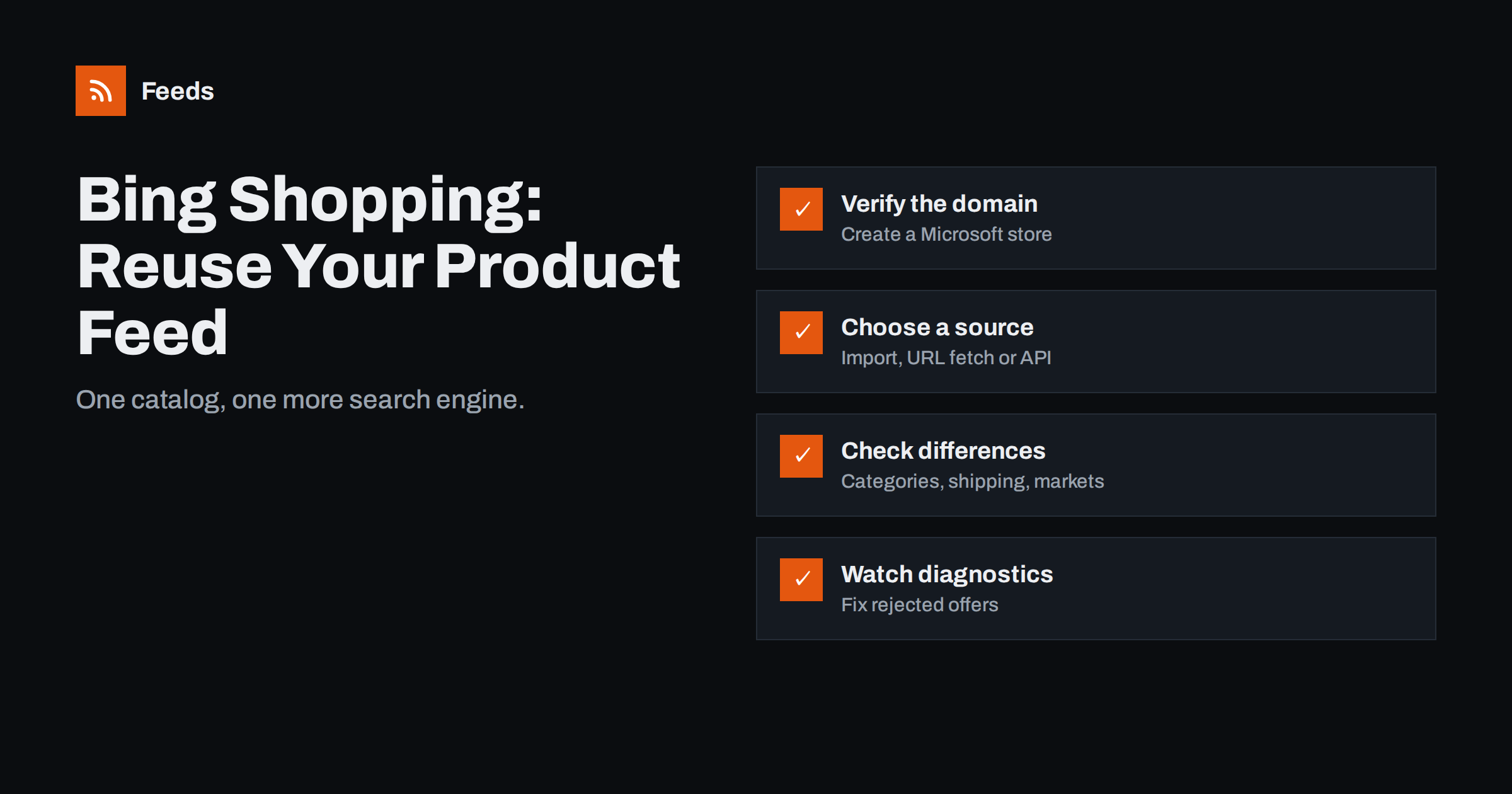
Short answer: to advertise products on Bing and Microsoft’s partner sites, you create a store in Microsoft Merchant Center, verify your website and give it a product catalog. The quickest route is to import your existing Google Merchant Center data; alternatively, Microsoft can fetch a feed file from a URL on a schedule, or you can send data through its API. Microsoft uses a product data format very close to Google’s, so a clean Google-format feed usually works with few changes. Check categories, shipping, target markets and identifiers, then watch the diagnostics for rejected products.
Why bother with Bing Shopping
Google dominates search in most countries, so stores naturally start there. But Microsoft’s search engine still has a meaningful audience, especially on desktop computers and in workplaces where Windows and Edge are the default, and Microsoft Advertising also serves ads on partner sites. For many stores, that audience is smaller but often cheaper to reach, with less competition in Shopping ads.
The strongest argument is effort: if you already maintain a good Google product feed, reusing it for Microsoft is a small project. Once the connection is in place, the same catalog supports Microsoft Shopping campaigns and, in markets where Microsoft offers them, free product listings on its shopping surfaces.
What you need
- A Microsoft Advertising account with access to Microsoft Merchant Center.
- A store in Microsoft Merchant Center, with your website URL and store details.
- Website verification, typically by adding a tag, uploading a file or using the verification of your Microsoft webmaster account for the same domain.
- A product catalog source: an import from Google, a feed file, or API access.
- Policy compliance, as with Google: accurate prices, clear return and contact information, and allowed product types.
Microsoft’s interface and requirements change over time, so follow its current help pages for the exact clicks. The principles below apply regardless of layout.
Option 1: import from Google Merchant Center
Microsoft Advertising offers an import from Google Merchant Center that can bring in your product data, and it can also import Google Ads campaigns. For stores that already run a healthy Google feed, this is usually the fastest way to start:
- Connect your Google account in Microsoft Advertising’s import tool.
- Select the Google Merchant Center account and the data to import.
- Choose the Microsoft store and catalog that should receive it.
- Schedule the import to repeat, so price and stock changes follow automatically.
The import depends on the quality of your Google data. Any problem there, such as missing identifiers or wrong prices, is copied across. Fix issues in the source first; the Google side is covered in setting up a Google Merchant Center product feed. Also check how often the import repeats, since a daily import cannot follow stock that changes hourly.
Option 2: scheduled fetch from a feed URL
If you prefer to control Microsoft independently, or you do not use Google Merchant Center, give Microsoft the URL of a feed file and let it fetch the file on a schedule. This works well when your feed is generated automatically and hosted at a stable address. Guidance on hosting is in product feed URL: hosting, access and reliability.
- Microsoft accepts delimited text files and XML feeds in formats similar to Google’s; the Google product XML format is a common starting point.
- Use the same product IDs as in your Google feed, so reporting across channels lines up.
- Make sure the URL is reachable without a login and not blocked by a firewall or bot protection.
A third option, the Content API, suits large catalogs with frequent changes and in-house developers. For most small and mid-sized stores, the import or a URL fetch is enough.
Differences to check
Microsoft’s product attributes are deliberately close to Google’s, but “close” is not “identical”. Check these areas when you reuse a feed:
| Area | What to check |
|---|---|
| Target market | The store’s country, currency and language must match the feed’s prices and pages |
| Categories | Microsoft uses its own product category mapping; some Google categories may need review |
| Shipping and tax | Account-level settings do not always carry over; confirm shipping costs for each market |
| Identifiers | GTIN, MPN and brand are just as important; missing identifiers limit visibility |
| Custom labels | Useful for campaign structure; confirm they import and are used in product groups |
| Promotions | Promotions and extra features may need separate setup |
Identifiers are the most common weakness in any feed; see GTIN, MPN and brand explained. Custom labels, explained in custom labels in product feeds, let you mirror your Google campaign structure on Microsoft.
Common errors and fixes
- Domain not verified: products link to a domain the store cannot confirm. Complete verification for the exact domain, including www or non-www as used in the links.
- Price or currency mismatch: the feed currency differs from the store’s market, or prices do not match the pages. Use one feed per market.
- Missing required fields: title, link, image, price, availability or condition is empty for some items. Fix at the source.
- Images not reachable: image URLs that block unknown user agents or require cookies are rejected.
- Import not repeating: the one-time import worked, but stock and prices drift because no schedule was set.
- Disallowed products: product categories restricted by Microsoft’s policies are rejected even if Google accepts them, and the other way round.
Microsoft Merchant Center shows offer status and reasons for rejection. Review it after the first import and then weekly, just as you would in Google.
Import or separate feed: how to decide
Both main routes work, and the right one depends on how you run Google today and how much control you want on Microsoft:
- Choose the Google import if your Google Merchant Center data is clean, your stock changes at a moderate pace and you want the least maintenance. Every improvement you make for Google then benefits Microsoft automatically.
- Choose a separate feed URL if you want different titles, a different product selection or different custom labels for Microsoft, or if you use supplemental feeds and rules in Google that do not carry over cleanly.
- Choose the API if prices and stock change many times a day across a large catalog and you have developers to maintain the integration.
Whichever route you choose, write it down: which source feeds Microsoft, how often it updates and who checks the diagnostics. Channels that are set up once and then forgotten are where outdated prices and rejected products accumulate unnoticed. A short monthly look at offer status and at the import or fetch history is usually enough to keep a secondary channel healthy.
It also pays to compare the number of approved products in Google and Microsoft now and then. A large gap usually points to a mapping or policy difference that can be fixed once for the whole catalog.
Campaigns: keep the structure simple
Once products are approved, you can build Shopping campaigns in Microsoft Advertising or import campaigns from Google Ads. Keep the first structure simple: one campaign per market, product groups by category or custom label, and sensible budgets. Microsoft also offers campaign types that use your catalog automatically, similar to Performance Max on Google, where feed quality matters even more because the system decides where products appear.
Compare results with Google after several weeks rather than days, since smaller audiences need more time to produce reliable data.
How Feeds helps
Feeds creates product feeds in the Google product XML format, with id, title, link, image, price, availability and brand, straight from a WooCommerce or Shopify store or a CSV file link. It is built for Google Merchant Center and Meta catalogs, and because Microsoft accepts feeds in a closely related format, many stores use the same file, either through a Google import or as a URL Microsoft fetches, and then check the diagnostics. Rules let you skip out-of-stock products, rewrite titles and adjust prices; currency is detected automatically, and the feed refreshes on its own. Marketplace formats are available on request in the business plan; see the plans.
Related reading
- One Product Feed or Several? When to Split Your Catalog
- Feed Plugin, Channel App or Feed Service: How to Choose
- Supplemental Feeds in Merchant Center: When and How to Use
The bottom line
Getting products onto Bing Shopping is mostly a matter of reusing what you already have. Create and verify a Microsoft Merchant Center store, import your Google data or let Microsoft fetch your feed URL on a schedule, check markets, categories, shipping and identifiers, and review rejected offers regularly. A clean, automatically generated feed makes the extra channel almost free to maintain.
FAQ
Can I use my Google product feed for Bing Shopping?
Usually yes. Microsoft Merchant Center can import Google Merchant Center data or fetch a feed file in a closely related format. Check categories, shipping, markets and identifiers after the import.
Do I need to verify my website for Microsoft Merchant Center?
Yes. The store’s website must be verified, and product links must point to that domain, including the same www or non-www version.
How often does Microsoft update my product data?
That depends on the import or fetch schedule you set. Choose a schedule that matches how often your prices and stock change, and make sure the source feed is always current.
Why were some of my products rejected by Microsoft but not by Google?
The two platforms have different policies and checks. Microsoft may restrict product categories Google allows, or reject items with unreachable images or mismatched prices. The offer status shows the reason.
Is Bing Shopping worth it for a small store?
Often yes, because the extra setup is small when you reuse an existing feed and competition can be lower. Judge results over several weeks, as the audience is smaller than Google’s.


