 ENEnglish
 LTLietuviškai
 DEDeutsch
 FRFrançais
 RUРусский
 ESEspañol
 PLPolski
 ITItaliano
 UKУкраїнська
 CSČeština
 PTPortuguês
 JA日本語
JA日本語 LVLatviešu valoda
 ETEesti
 HUMagyar
 IDBahasa Indonesia
 TRTürkçe
 HIहिन्दी
 ELΕλληνικά
 ARالعربية
 THไทย
THไทย VITiếng Việt
 RORomână
 MSBahasa Melayu
 BNবাংলা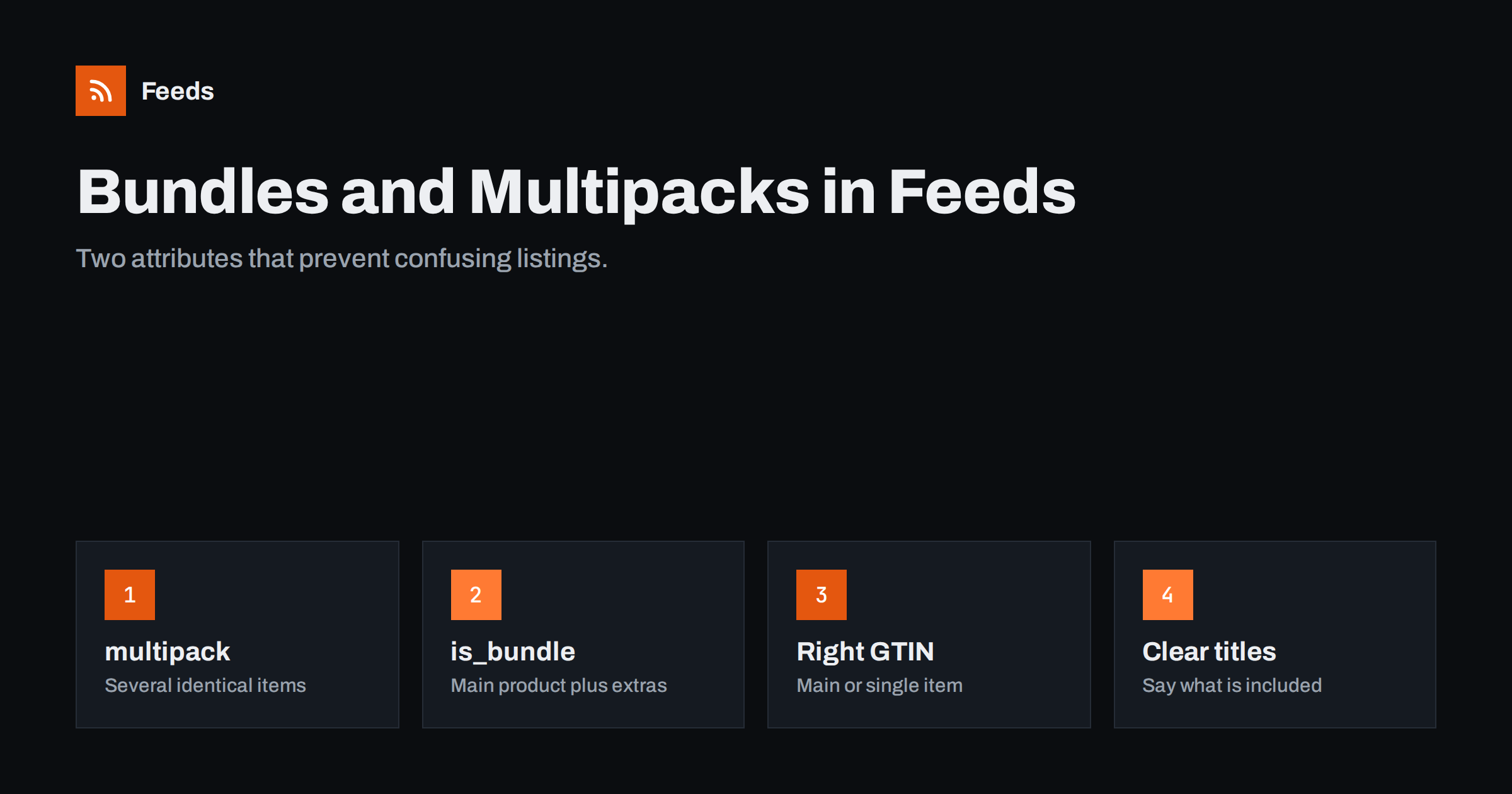
Short answer: In Google product feeds, a multipack is several identical items sold together, marked with the multipack attribute set to the number of items; a bundle is a main product sold with different accessories or items, marked with is_bundle set to yes. For a multipack you create yourself, use the GTIN of the single item; for a bundle, use the GTIN of the main product. Titles, images and prices must make clear what is included, and the landing page must sell exactly that combination.
Why bundles and multipacks need special handling
Platforms match products by identifiers and compare offers for the same product. That works well when every listing is a single unit of a standard product. It gets confusing when you sell six bottles of a shampoo for the price of six, or a camera with a bag, a memory card and a tripod. Without extra information, a platform may think your six-pack is an overpriced single bottle, or that your camera kit is the camera alone at an inflated price.
Two attributes solve this. multipack tells the platform how many identical units are included. is_bundle tells it that the offer is a main product plus other items. With them, your listing can be understood correctly, compared fairly and shown for relevant searches.
Getting it wrong is not only a performance issue. Listings that look overpriced or misleading can confuse shoppers and lead to price-related warnings.
These attributes are part of Google’s product data specification and are also recognized in several other channels. Even where a channel ignores them, clear titles and images carry the same information to shoppers, so the effort is never wasted.
Before changing anything, list the kinds of combined offers your store actually sells. Many stores discover they have a mix: a few manufacturer packs, some self-made multipacks and a handful of kits. Treating each type consistently is more important than getting any single listing perfect.
Multipacks: several identical items
A multipack is a pack of identical products sold as one item, such as 6 cans of the same drink or 3 identical T-shirts. Two cases matter:
- Merchant-defined multipack: you combine several single units into a pack yourself. Send the GTIN of the single unit and set multipack to the number of units.
- Manufacturer multipack: the manufacturer sells the pack with its own barcode. Send the pack’s GTIN; the multipack attribute is not needed because the GTIN already identifies the pack.
The price is the price of the whole pack. Mention the quantity in the title, for example “Pack of 6”, and show the whole pack in the image where possible. If the page offers several pack sizes as variants, each pack size is its own item with its own multipack value and price.
Be careful with variants that are really pack sizes. A product page offering “1 bottle”, “3 bottles” and “6 bottles” in a dropdown looks like one product with variants, but for feeds each option is a separate item with its own multipack value. Share an item_group_id across them so platforms know they belong together.
Bundles: a main product plus extras
A bundle combines a main product with other, different items, such as a laptop with a mouse and a case, or a coffee machine with a starter set of beans. Mark it with is_bundle = yes, and use the identifiers of the main product: its GTIN, brand and MPN.
The title should start with the main product and then say what is included: “Brandname Espresso Machine X200 with Milk Frother and 1 kg Coffee Beans”. The image should show the main product, and additional images can show the included items. The price is the total bundle price, as shown on the landing page.
Not every combination is a bundle in this sense. A curated gift box of several different small products with no clear main item is better treated as its own product, with your brand if you assemble it and identifier_exists set to no if it has no barcode.
Bundles are popular for gifts and seasonal promotions. If a bundle is only offered for a limited time, remove it from the feed when the offer ends, and make sure the page is also removed or clearly marked as unavailable. Expired bundles lingering in feeds are a frequent source of landing page errors.
Meta catalogs have no exact equivalent of every Google attribute, so for Meta the title, description and images do most of the work of explaining what a bundle contains.
Choosing the right identifiers
| Offer | GTIN to send | Attribute |
|---|---|---|
| Single item | Item GTIN | None |
| Your own pack of identical items | Single item GTIN | multipack = number of units |
| Manufacturer pack with own barcode | Pack GTIN | None needed |
| Main product with accessories | Main product GTIN | is_bundle = yes |
| Curated set without a main item | None, unless it has its own barcode | identifier_exists = no if no identifiers |
A common error is to use the single-item GTIN for a pack without setting multipack. The platform then sees a single item at several times the usual price, which looks uncompetitive at best and misleading at worst.
If you are unsure whether an offer counts as a bundle or a multipack, ask whether the items are identical. Identical items make a multipack; different items with one clear main product make a bundle; different items with no main product make a new product of their own.
Titles, images and descriptions
Bundles and multipacks depend on clear communication, because shoppers compare them with single items listed nearby:
- State the quantity or contents in the title, early enough to be visible.
- Show the whole pack or the main product with visible extras; avoid images of a single unit for a six-pack.
- List everything included in the description, with quantities and sizes.
- Avoid promotional wording such as “free gift” in titles; describe what is included instead.
Unit pricing may be required in some countries for products sold by quantity, weight or volume. If it applies to your products, send the unit pricing attributes so the price per unit can be shown consistently.
Also check that the price of a pack or bundle makes sense to shoppers. If a six-pack costs exactly six times the single price, many shoppers will buy singles instead. A visible saving per unit, shown honestly on the page, is often what makes packs worth listing at all.
Landing pages and stock
The link must open a page that sells exactly the combination in the feed, at the price in the feed. If the pack size is a variant selector on a product page, the link should preselect the right option. Availability must reflect whether the whole bundle can be delivered: if one component of a bundle is out of stock and the bundle cannot ship, the bundle is out of stock too.
Stores that assemble bundles from individual stock should make sure the store calculates bundle availability from its components. Otherwise the feed may show a bundle in stock long after one of its parts has sold out.
Check a few pack and bundle listings in Merchant Center after the first fetch. The item details show how Google interpreted the multipack and bundle attributes, and any warnings about identifiers or prices appear there first. Fixing a mapping problem at that stage is much easier than after it has spread across hundreds of items.
Should you list singles, packs and bundles together?
Listing a single item, a multipack and a bundle of the same product can make sense, because they serve different shoppers. Each needs its own id, price and correct attributes. Watch for cannibalization in campaigns: if the three compete for the same searches, use custom labels to separate them and decide which deserves more budget. Often the single item attracts clicks and the pack or bundle drives larger orders.
Reports split by these labels show which format actually sells, which helps decide whether to keep all three or focus on one.
How Feeds helps
Feeds builds product feeds from WooCommerce, Shopify or a CSV link in Google’s XML format, with id, title, link, image, price, availability and brand for each item, refreshed automatically for Merchant Center and Meta. Title rules help you add quantities or contents consistently, and other rules skip out-of-stock items and adjust prices. See the pricing page for plans.
Related reading
- GTIN, MPN and Brand: Product Identifiers in Feeds Explained
- Product Variants in Feeds: How item_group_id Works
- How to Fix Price Mismatch Errors in Google Merchant Center
The bottom line
Use multipack for several identical units and is_bundle for a main product with extras. Send the single-item GTIN for your own packs, the pack GTIN for manufacturer packs and the main product’s GTIN for bundles. Make contents clear in titles, images and descriptions, link to the exact combination, and calculate availability from all components.
FAQ
What is the difference between a bundle and a multipack?
A multipack contains several identical items; a bundle combines a main product with different items such as accessories.
Which GTIN should I use for a multipack I create?
The GTIN of the single item, together with the multipack attribute set to the number of units.
Which GTIN should a bundle use?
The GTIN of the main product in the bundle, with is_bundle set to yes.
Can I list a single item and a pack of the same product?
Yes. Each needs its own id, price and correct attributes. Consider custom labels to manage them separately in campaigns.
What if one bundle component is out of stock?
If the bundle cannot ship complete, mark the bundle as out of stock or exclude it until all components are available.


