ENEnglish
 LTLietuviškai
 DEDeutsch
 FRFrançais
 RUРусский
 ESEspañol
 PLPolski
 ITItaliano
 UKУкраїнська
 CSČeština
 PTPortuguês
 JA日本語
JA日本語 LVLatviešu valoda
 ETEesti
 HUMagyar
 IDBahasa Indonesia
 TRTürkçe
 HIहिन्दी
 ELΕλληνικά
 ARالعربية
 THไทย
THไทย VITiếng Việt
 RORomână
 MSBahasa Melayu
 BNবাংলা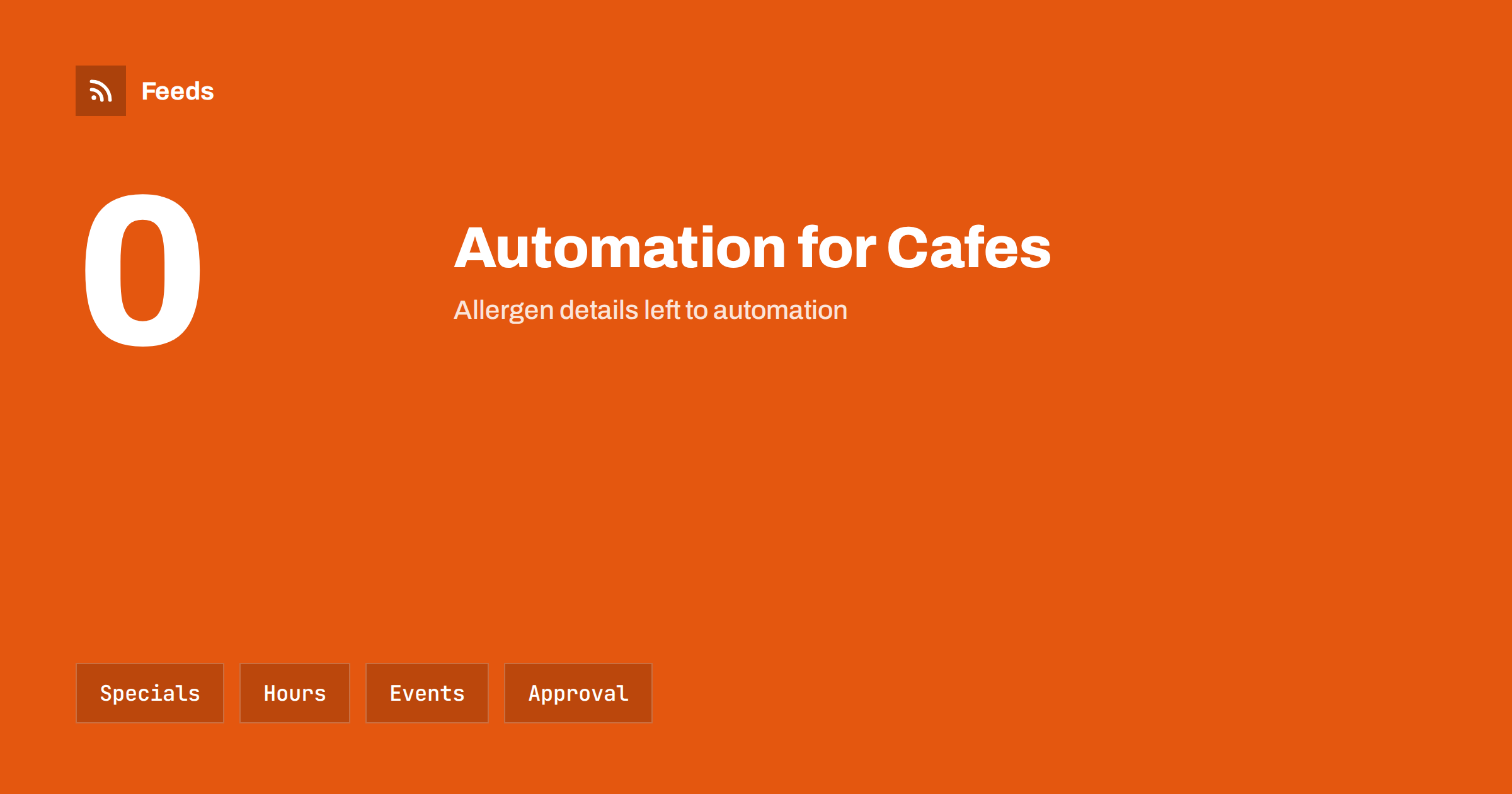
Short answer: Cafes, bakeries and food trucks have plenty to say every day, but little time to say it: today’s specials, opening hours, a new seasonal item, a pop-up at a market or a change of location. Automation can prepare and schedule these posts from a simple weekly plan, keep hours and locations in one place and bring in local events from feeds. It should not decide allergen statements, prices or anything that depends on what is on the counter right now; a person checks those before they go out.
What food businesses need to communicate
Customers decide quickly where to eat or buy bread, and they look online first. They want to know whether you are open, what is on offer today, where the truck is parked, whether there is a seat and what it costs. Photos of fresh food and a clear, friendly tone matter more than clever slogans. The content is repetitive by nature, which makes it a good candidate for light automation.
Typical recurring messages include the weekly menu or specials, new products, seasonal launches, holiday opening hours, pre-order deadlines, events and community news. A small team can plan most of these on a Sunday evening and let the schedule do the rest. The principles for small firms are covered in content automation for local businesses.
Keep one source of truth for hours and locations
Wrong opening hours are the most frustrating mistake for customers and the easiest to prevent. Keep one master record of hours, holiday changes and, for trucks, the weekly route. Everything else, such as your website, social profiles, map listing and posts, should read from or be updated from that record, so that a change is made once.
For holidays and special days, schedule the announcement a week ahead and a reminder the day before. If you run a business profile on a map service, post updates there too; the approach is discussed in auto-posting to Google Business Profile from RSS. Check each profile after a change, because automated updates sometimes fail silently.
Plan a weekly rhythm
A simple weekly plan keeps posting consistent without becoming a burden. For example: a Monday post with the week’s specials, a midweek behind-the-scenes photo, a Friday post for weekend treats and a Sunday note for pre-orders. Write the text and choose photos in one session and schedule them. Then you only react to what changes, such as an item selling out.
Do not post more often than you can maintain. Two or three good posts a week beat daily filler. The trade-off between scheduling and feed-triggered posting is explained in scheduled posts vs feed-triggered automation, and the question of frequency in how often automated feeds should post to social media.
Daily specials and sold-out items
Specials change daily and stock is limited. An automated post that promotes a pastry that sold out at ten o’clock disappoints customers. Keep the special-of-the-day post as a manual or semi-manual task: prepare a template with a photo placeholder, a short line and the price, and fill it in each morning in two minutes. For items with a limited quantity, add “while stocks last” and update or remove the post when the item is gone.
Template-based posts are easy to build and keep your tone consistent; see writing post templates for automated social media feeds. Use clear, honest photos of the real product, not stock images of something different. If a product is made with a specific ingredient or method, describe it in plain words and do not exaggerate.
Allergens, ingredients and prices need a human check
Food businesses have legal and ethical duties around allergen information and accurate descriptions, and these rules differ by country. Do not let an automated tool generate or change allergen statements, dietary claims such as “gluten-free” or “vegan” or ingredient lists. Those must come from a person who knows the recipe and the kitchen, and who checks them each time the recipe or supplier changes.
The same applies to prices and offers. A scheduled post with an old price can lead to disputes at the counter. Keep a short checklist: is the item available, is the price right, are allergen details correct and is the photo current? Only then approve the post. The choice between full automation and review is explained in full auto vs approval queue, and for a food business a review step is the safer default.
Measure what works in simple terms. Note which posts bring comments, messages, pre-orders or visits, and ask new customers how they found you. After a month, keep the formats that people respond to and drop the rest. A small business does not need a complicated dashboard; a notebook with a weekly note of what worked is enough to improve the plan.
Events, markets and local news
Food trucks and bakeries often take part in markets, festivals and pop-ups, and the local calendar affects trade. Local councils, tourism offices and market organizers publish event lists, and many offer feeds. You can follow them to learn about dates, road closures and new events, and prepare your own posts about where you will be.
If an event calendar is published as a web page without a feed, a page-to-feed tool can read it and build one. The approaches are described in local news monitoring with RSS and promoting upcoming events automatically from a calendar. Always check the organizer’s page for the latest details before you post, since times and locations can change at short notice.
For a food truck, location is the most important message. Post the next stop and time the evening before and again on the morning of service, and update it if the plan changes because of weather or a permit. Customers who follow a truck rely on that information, so a wrong or missing location costs sales and goodwill more than any other mistake.
Photos, hashtags and consistent style
Food is a visual product, so photos do most of the work. Take a batch of good photos each week in natural light and store them in a folder named by date, so that scheduled posts always have a picture. Posts without images may look empty or get cropped; see why automated social posts lose images and how to fix it.
Use a small set of hashtags, such as your town, your product type and your name, and avoid long lists. The rules for keeping reach clean are in hashtags in automated posts. Keep the style consistent: the same tone, the same way of writing prices and opening hours and the same logo placement. A recognisable look builds familiarity faster than any single clever post.
Reviews, replies and pausing the schedule
Automation should never reply to customer reviews or complaints. A person should read them and answer in a sincere way. You can use feeds or alerts to be notified of new mentions, but the response is yours. Reply quickly and politely, thank customers for kind words and handle problems offline where possible.
Know when to pause. If you close unexpectedly, run out of a key item, have a health or safety incident or a local emergency, scheduled posts can look careless or insensitive. Keep a simple way to pause the whole queue; the plan is described in when to pause automated posting: a crisis and holiday plan. Check the queue before holidays and unusual days.
How RSS Feed Creator helps
RSS Feed Creator turns the events or news page of a council, tourism office or market organizer into a clean RSS feed, even when the site has no feed of its own. It reads titles, images, summaries and dates, uses an existing feed when there is one, and shows a preview of the items before the feed is created. You can merge several sources into one feed (up to 10 with the PostRSS add-on), keep only the items that contain your keywords and have duplicates removed automatically, which suits a local events watch. Feeds refresh every 3 hours on the free plan and every 30 minutes on paid plans, and the PostRSS add-on sends an alert when a page changes and a feed stops finding items. The free plan allows up to 20 items per feed, and the details are on the pricing page.
Related reading
- Content Automation for Hotels, Restaurants and Tourism
- Content Automation for Farms and Local Food Producers
- Content Automation for Breweries, Wineries and Distilleries
The bottom line
For a cafe, bakery or food truck, content automation works best as a weekly plan with scheduled posts, a single source for hours and locations and feeds that bring in local events. Keep allergen information, prices and sold-out items in human hands, check images and the queue before busy days and pause the schedule when something unexpected happens. The tool saves time, but the personal touch stays yours.
FAQ
Can I automate daily specials?
Partly. Prepare a template and fill it in each morning, or schedule only items that are always available. Avoid scheduling posts for products that might sell out.
Should allergen information be automated?
No. Allergen and dietary details must come from a person who knows the recipe and check them whenever it changes. Do not let a tool create or alter them.
How often should a small food business post?
Two or three good posts a week are enough for most. Choose a rhythm you can keep, and add extra posts only for real news such as a new item or an event.
How do I keep opening hours correct everywhere?
Keep one master record and update every profile from it. Schedule holiday announcements in advance and check each profile after a change.
Can I follow local events with RSS?
Yes. Many councils, tourism offices and market organizers publish feeds, and a page-to-feed tool can create one when there is none. Always check the organizer’s page for the latest details.