ENEnglish
 LTLietuviškai
 DEDeutsch
 FRFrançais
 RUРусский
 ESEspañol
 PLPolski
 ITItaliano
 UKУкраїнська
 CSČeština
 PTPortuguês
 JA日本語
 LVLatviešu valoda
 ETEesti
 HUMagyar
 IDBahasa Indonesia
 TRTürkçe
 HIहिन्दी
 ELΕλληνικά
 ARالعربية
 THไทย
 VITiếng Việt
 RORomână
 MSBahasa Melayu
 BNবাংলা
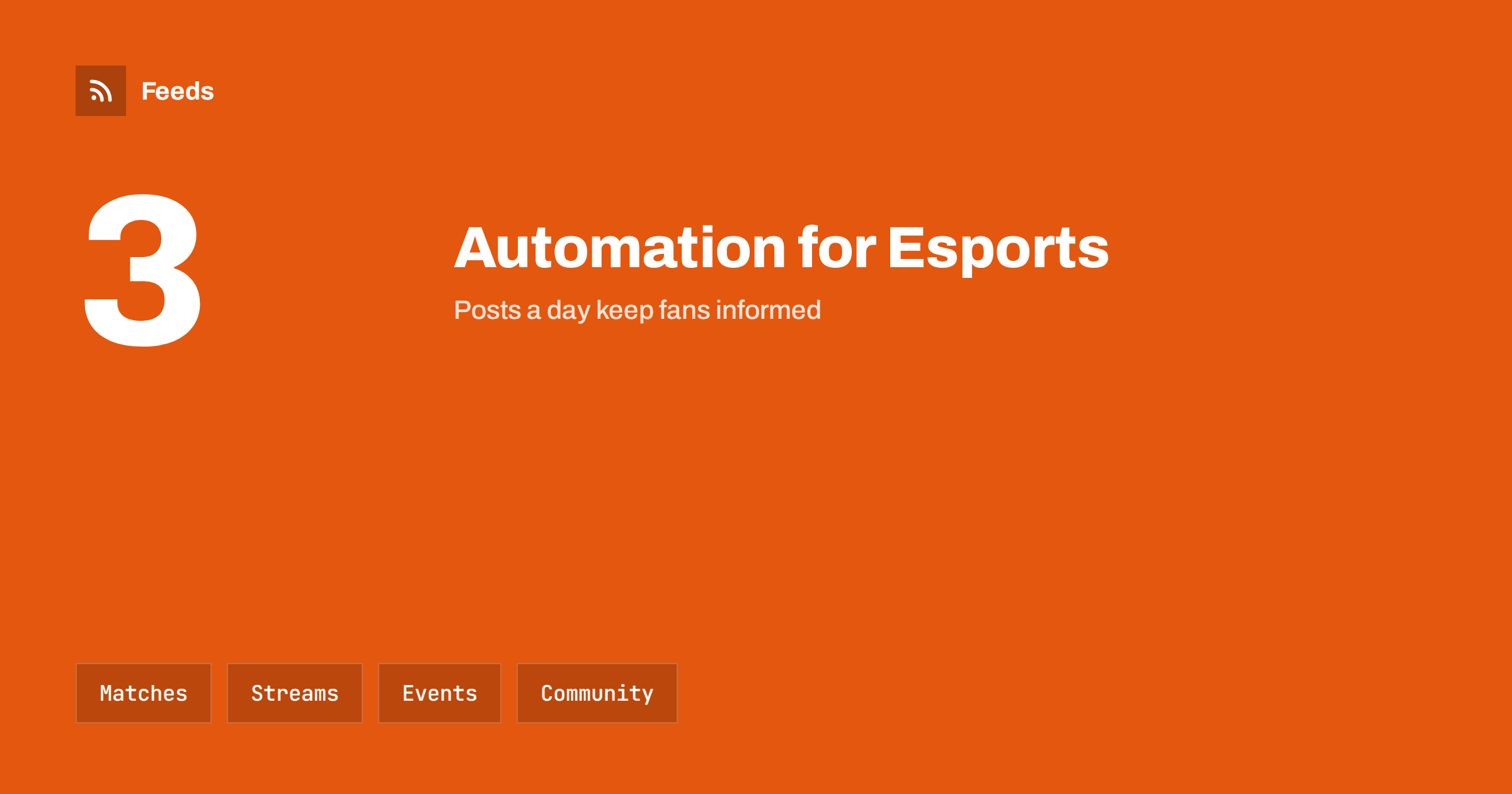
Short answer: Esports teams, clubs and gaming communities publish the same few things again and again: match schedules, results, stream reminders, roster news, event announcements and community highlights. Most of this can be prepared and scheduled, and game news and patch notes can be collected with RSS. Keep live reactions, roster changes, apologies and moderation decisions in the hands of people, because fans notice a cold or wrong message at once.
What a team or community needs to publish
Fans want to know when the next match is, where to watch, who is playing and how the last game ended. They also want clips, behind the scenes content, merchandise news and a place to talk. A community server or a local gaming club needs similar things: event dates, signup links, rules and news about the games that its members play.
The team is often a handful of volunteers or a few staff who also play, coach and manage. Posting by hand at the right moment is difficult when matches are in the evening and across time zones. If the idea is new, what is content automation explains the basics in plain words.
Match schedules, results and reminders
The schedule is the most predictable content. Prepare a weekly post with the matches, the times with the time zone and the link to the stream, and add a reminder shortly before each match. A result post after the match, with the score and a link to the highlights, completes the cycle. Templates make this fast, and only the variable parts need to be filled in.
Time zones are the usual source of mistakes. Show the time in the zone of the main audience and add a link or a second zone for others. Check the schedule against the organizer’s page before the queue goes out, because dates change. Post templates for automated social feeds shows how to build reusable messages.
Plan for the quiet periods between tournaments. Fans do not disappear in the off season, but they need a reason to look. Share training clips, player interviews, throwback matches and community art, and ask a question that invites replies. A calendar of themes, such as one day for throwbacks and one day for community content, keeps the channel alive without extra work every day.
Streams, clips and highlights
Streams and videos bring the most engagement. A go-live post, a reminder of the VOD and a clip of the best moment can be prepared for each match. Many video platforms provide a feed for each channel, and posting new videos from a feed is a classic automation. Auto-share YouTube channel posts with RSS describes the steps.
Do not post the same text in every place. A short clip and a line of text suit a social network, a longer summary suits a website and a message in a group needs a link and nothing more. Respect the rules of the game publisher and the tournament organizer about the use of footage and music, and check the rights of any clip that includes players who are not on your team.
Think about accessibility. Add captions or a short description to clips, use readable colours and avoid flashing effects. These small steps make your content easier for many fans and show that the community cares.
Patch notes, game news and community discussion
Game updates change the meta, the balance and the way a team plays, and fans discuss them at once. Official patch notes and publisher news pages can be followed with RSS, and a short summary of the changes that matter can be shared with the community. Game patch notes and esports news with RSS shows how to build such a list.
Keep a clear line between news and opinion. Share the official note with a link, add your own comment as a separate sentence and do not spread rumours as facts. If you cover several games, use a separate folder for each one, so that a fan of one game is not flooded with another. A community that trusts your summary will come back for the next one.
Welcome new members with care. A short pinned post or a welcome message that explains the rules, the channels and the next event saves moderators many repeated answers, and a regular post for newcomers keeps the community open. Update it whenever the rules change, and do not let an old version stay in circulation.
Events, tournaments and meetups
Tournaments, signups, practice sessions, watch parties and local meetups need a few posts each: the announcement, a reminder a week before, a final call and a summary. Put the rules, the prize details and the contact in a page on your website and link to it from every post. Keep a calendar of events and let the schedule reuse the same text, adjusted for the date.
For public events, check dates, venues and age limits before each release. If you run events for young players, follow the rules for the protection of minors and keep communication in open channels. Promote an event calendar automatically shows how to turn calendar items into posts.
Be careful with giveaways and competitions. Rules, age limits, prizes and the way winners are chosen must be clear and published, and the laws about prize draws differ by country. Publish the full terms on a page, link to it in every post and keep a record of the winners. An automated reminder is fine, but a person should pick and announce the winner.
Sponsors, merchandise and partners
Sponsors expect agreed mentions, and a missing or doubled mention is a common complaint. Keep a simple list of the partners, the number of mentions and the dates, and let the queue remind the team when one is due. For merchandise, publish a launch post, a reminder and a last call, and make sure the shop shows the same price and stock. Label sponsored posts as such, following the rules that apply to advertising in your market.
Partners such as game publishers, venues and other teams publish news that you can follow and share. A feed of their news pages saves you from checking each one, and an approval step keeps you from sharing something unfinished.
What should stay human
Some posts must be written by a person at the time. Roster changes, a player leaving, a conflict, an apology, a ruling on cheating or a message about harassment need care and a clear voice. A scheduled cheerful post next to such news looks careless. Keep an approval step in front of the queue, as described in full auto vs approval queue, and a pause switch for sensitive moments.
Moderation also belongs to people. Automatic filters can remove spam, but decisions about bans, complaints and sensitive topics need judgement and a record. Write the rules in plain words, publish them and apply them evenly. Brand safety for automated posting offers a checklist for the team.
Measure what the community values. Look once a month at which posts brought viewers to the stream, which clips were shared by fans and which questions came back again and again. Add a short tag to the links, as described in UTM tags for automated posts, so that you know where the viewers came from. Remove what does not work and repeat what does, and ask the community directly what they want to see.
How RSS Feed Creator helps
RSS Feed Creator turns the news, patch note and event pages of game publishers, tournament organizers, venues and partner teams into clean RSS feeds, even when the site has no feed of its own. It reads titles, images, summaries and dates, uses an existing feed when there is one, and shows a preview of the items before the feed is created. You can merge several sources into one feed (up to 10 sources), keep only the items that contain your keywords and have duplicates removed automatically, which suits a feed of game and event news worth sharing with fans. Feeds refresh every 3 hours on the free plan and every 30 minutes on paid plans. The free plan allows up to 20 items per feed, and the details are on the pricing page.
Related reading
- How to Follow Game Patch Notes and Esports News with RSS
- Content Automation for Indie Game Studios and Developers
- How to Auto-Share New YouTube Videos Using the Channel Feed
The bottom line
Esports teams and gaming communities can automate the steady parts of communication: match schedules, results, stream reminders, event announcements and game news. Keep live reactions, roster changes, apologies and moderation in human hands, check times and links before posts go out and keep an approval step in front of the queue. Good automation leaves more time to play and to talk with fans.
FAQ
Which posts are safe to schedule in advance?
Match reminders, stream announcements, event posts and weekly summaries, as long as times and links are checked before release.
What should never be automated?
Roster changes, apologies, rulings, moderation decisions and any reaction to a sensitive event. A person should write and approve these.
How often should a team post?
Around three posts a day cover most needs on match days: a reminder, a go-live post and a result. Quieter days need fewer.
How do I follow game updates?
Follow the official news and patch note pages of the game publisher. A feed brings new notes to you instead of you checking each site.
How do I handle time zones?
Show the time in the zone of your main audience, name the zone and add a link that shows the local time for others.