 ENEnglish
 LTLietuviškai
 DEDeutsch
 FRFrançais
 RUРусский
 ESEspañol
 PLPolski
 ITItaliano
 UKУкраїнська
 CSČeština
 PTPortuguês
 JA日本語
JA日本語 LVLatviešu valoda
 ETEesti
 HUMagyar
 IDBahasa Indonesia
 TRTürkçe
 HIहिन्दी
 ELΕλληνικά
 ARالعربية
 THไทย
THไทย VITiếng Việt
 RORomână
 MSBahasa Melayu
 BNবাংলা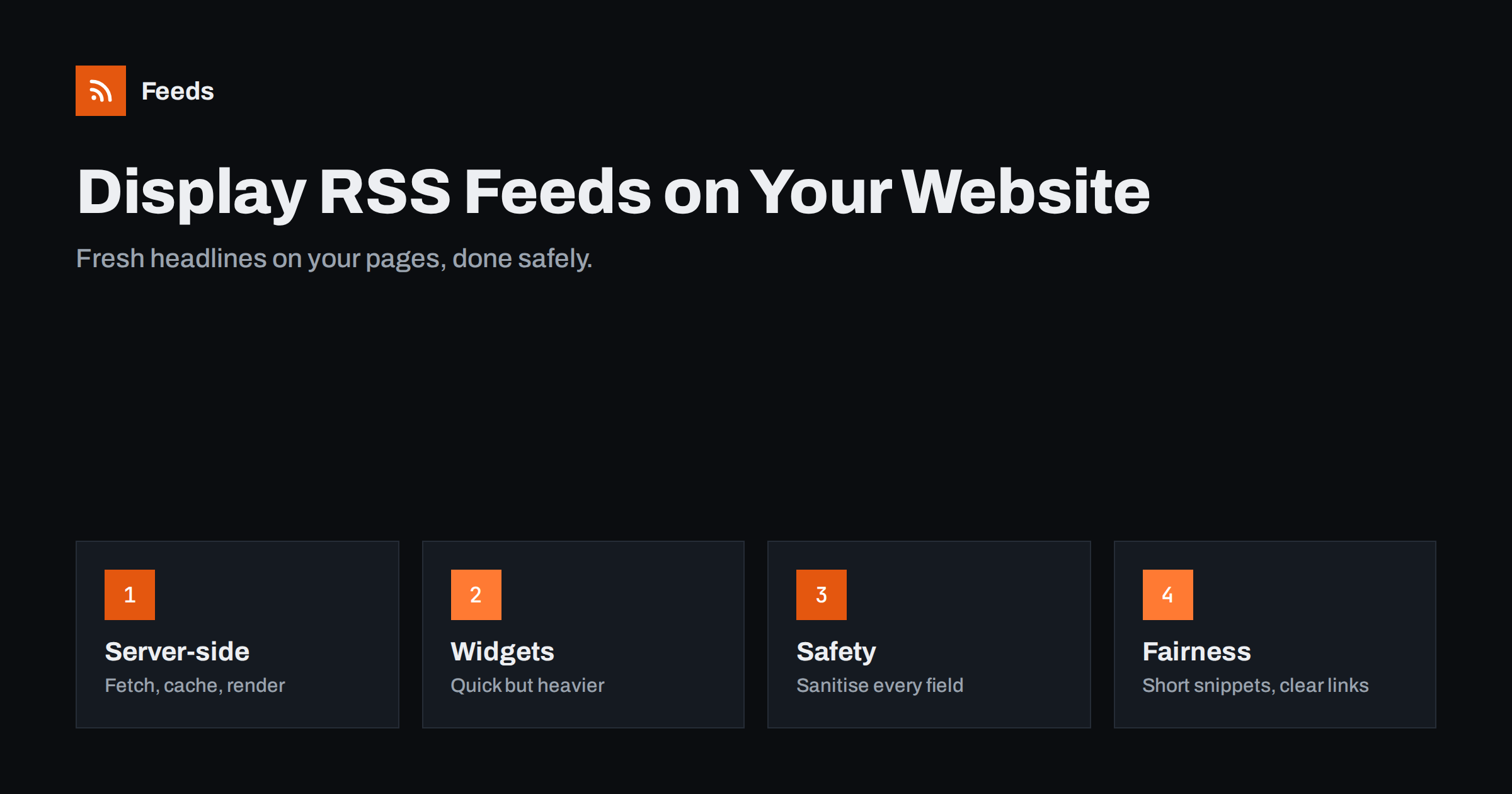
Short answer: You can display an RSS feed on a website with a CMS plugin or block, a third-party widget, or your own server-side code that fetches the feed, caches it and renders a list of headlines. Server-side rendering with caching is usually the fastest and most robust option. Show titles, dates and short snippets that link to the original, sanitise everything that comes from the feed, and never present other sites’ content as your own.
Why show feeds on a website?
Displaying feed items on your pages keeps them fresh without manual updates. Common reasons include:
- Showing your own content elsewhere, for example the latest blog posts on a product site, a shop or a microsite that runs on a different system.
- Aggregating a group’s news, such as an umbrella organisation showing its members’ latest announcements.
- Adding a news section about your industry to an intranet, a portal or a dashboard.
- Showing updates from partners, such as a supplier’s product news on a reseller’s site, with permission.
- Listing new videos or podcast episodes from your channel feed on your homepage.
Feeds are a good fit for this because they are designed to be read by software. Scraping another site’s HTML to show its headlines breaks whenever the layout changes; a feed stays stable across redesigns in most cases.
In each case the feed becomes a small, self-updating content block. The key is to implement it so it does not slow the page, break the layout or create legal and security problems.
Option 1: CMS plugins and blocks
Most content management systems have built-in or plugin-based ways to display feeds. WordPress, for example, includes an RSS block and widget that shows items from any feed URL, and many plugins offer more layouts, images and caching. Other CMSs and site builders have similar components.
Pros: no coding, fits the site’s design, usually renders on the server so content is in the page’s HTML.
Cons: basic options may lack images or filters; heavy aggregator plugins can slow sites or create many database entries if they import items as posts. Prefer display-only options unless you truly need to store items.
Option 2: third-party widgets
Hosted widget services give you a snippet of JavaScript or an iframe that loads the feed from their servers and displays it in your page.
Pros: quick, often with attractive templates, works on any site, including static ones.
Cons: extra scripts slow the page and may affect Core Web Vitals; content loaded by JavaScript or in an iframe may not be seen by all crawlers; you depend on the widget provider’s uptime and privacy practices, and some widgets add tracking or branding. Check what the script loads before adding it, particularly on sites subject to privacy regulations.
Option 3: server-side code with caching
Developers can fetch the feed on the server, parse it with a feed library, cache the result and render the list in the page template.
- Fetch the feed with a timeout, so a slow source never delays your page.
- Parse it with a well-maintained feed library that handles RSS, Atom, encodings and date formats.
- Cache the parsed items for a sensible period, for example 15 to 60 minutes, and serve the cached version if the source fails.
- Sanitise every field before output.
- Render a simple list: title as a link, date, optional short snippet and image.
Most web languages have mature libraries for this, and many frameworks offer caching helpers, so the code is usually short.
Pros: fast, robust, no third-party scripts, full control over design and markup. Cons: needs development and occasional maintenance.
Security: treat feed content as untrusted
A feed is data from another server. Even a trusted partner’s feed can be compromised or contain unexpected markup. Displaying it unsafely can inject scripts into your pages.
- Escape titles and any text you output as plain text.
- Strip or sanitise HTML in descriptions with an allow-list of harmless tags, or remove all tags and show plain text.
- Validate links: only allow http and https URLs, never javascript: links.
- Be careful with images: hotlinking images from other servers exposes visitors’ IP addresses to those servers and may break if the source blocks it. Consider not showing third-party images or caching them with permission.
- Open external links in a way that does not give the target page control over yours, for example with rel=”noopener” when using new tabs.
Performance
A feed block should never make your page noticeably slower. Server-side caching is the most effective measure. If you use a widget, load it lazily, below the fold, or after the main content. Limit the number of items to what visitors actually scan, often five to ten, and use small, properly sized images. Monitor page speed after adding any feed component.
Also consider the source’s server. If your site has many visitors and fetches the feed on every page view without caching, you may send a surprising number of requests to the source, which is unfriendly and may get your server blocked. Caching protects both sides.
Designing a feed block visitors actually use
A feed block is only useful if visitors notice and understand it. A few design choices make a big difference.
- A clear heading that says what the block is and where the items come from, such as “Latest from our blog” or “News from member clubs”. Visitors should never mistake external headlines for your own articles.
- Source labels on each item when the block combines several sources, so readers know which site they are about to visit.
- Relative or short dates such as “2 days ago” or “12 Mar”, which tell visitors at a glance that the block is alive. Hide dates only if the source’s dates are unreliable.
- Consistent item height. Titles and snippets from feeds vary a lot in length. Truncate snippets to a fixed number of characters and limit titles to two lines with CSS, so the block does not jump around.
- An empty state. If the feed fails and the cache is empty, show a neutral message or hide the block, rather than an error or a blank box.
- A “more” link to the full source, such as the partner’s news page or your blog archive, for visitors who want to read further.
- Accessible markup: use a proper list, meaningful link text and alt text for images, so screen reader users can navigate the block.
Test the block on a phone. Feed blocks designed for a wide sidebar often become long, awkward lists on mobile screens, where three or four items are usually enough.
Fairness, copyright and SEO
Showing headlines and short excerpts with links to the original is a common and generally accepted use of feeds. Showing full articles from other sites is not, unless you have permission. Keep snippets brief, show the source name, link to the original and follow any terms the publisher states. The related guide on the legal side of using other websites’ feeds covers this in more detail.
For SEO, a block of external headlines adds little value to a page on its own and should not be the main content. If you build a whole page of aggregated headlines, add your own context or consider keeping it out of search indexes. Pages that consist mainly of copied content from other sites can be treated as low quality.
Getting a feed for sources that lack one
You may want to show updates from a site that has no RSS, for example a partner’s news page or a member organisation’s announcements. Feeds creates RSS feeds from pages that list articles, merges several sources, keeps only items with your keywords and removes duplicates, so a single clean feed can drive a news block on your site. Feeds refresh on their own, which pairs well with server-side caching on your side. See the pricing page for plans.
Related reading
- Autoblogging from RSS: SEO, Legal and Quality Risks
- Is It Legal to Create RSS Feeds from Other Websites?
- Content Syndication With RSS: A Practical Guide for Publishers
- What Is Content Automation? A Practical Guide for Small Teams
The bottom line
Displaying RSS feeds on a website is an easy way to keep pages fresh. Use your CMS’s feed block or server-side code with caching for speed and robustness, reserve third-party widgets for quick needs, sanitise everything from the feed, keep snippets short with clear links to the source, and do not rely on external headlines as your page’s main content.
FAQ
What is the easiest way to show an RSS feed on a WordPress site?
Use the built-in RSS block or widget, which displays items from any feed URL. For images, filters or custom layouts, a display-focused plugin can help.
Do RSS widgets slow down websites?
Third-party JavaScript widgets can, because they load extra scripts and fetch data in the browser. Server-side rendering with caching is usually faster.
Is it safe to display another site’s feed?
Yes, if you treat the content as untrusted: escape text, sanitise HTML, validate links and consider how images are loaded.
Can I show full articles from another site’s feed?
Not without permission. Headlines, short snippets and links to the original are the generally accepted way to display other sites’ feeds.
Does a feed widget help SEO?
Rarely on its own. External headlines add little unique value, so treat them as a convenience for visitors rather than as content that should rank.
How often should a displayed feed be refreshed?
For most sites, caching the feed for 15 to 60 minutes is a good balance between freshness and speed. Fast-moving news blocks can use shorter intervals, while blog blocks can use longer ones.


