 ENEnglish
 LTLietuviškai
 DEDeutsch
 FRFrançais
 RUРусский
 ESEspañol
 PLPolski
 ITItaliano
 UKУкраїнська
 CSČeština
 PTPortuguês
 JA日本語
JA日本語 LVLatviešu valoda
 ETEesti
 HUMagyar
 IDBahasa Indonesia
 TRTürkçe
 HIहिन्दी
 ELΕλληνικά
 ARالعربية
 THไทย
THไทย VITiếng Việt
 RORomână
 MSBahasa Melayu
 BNবাংলা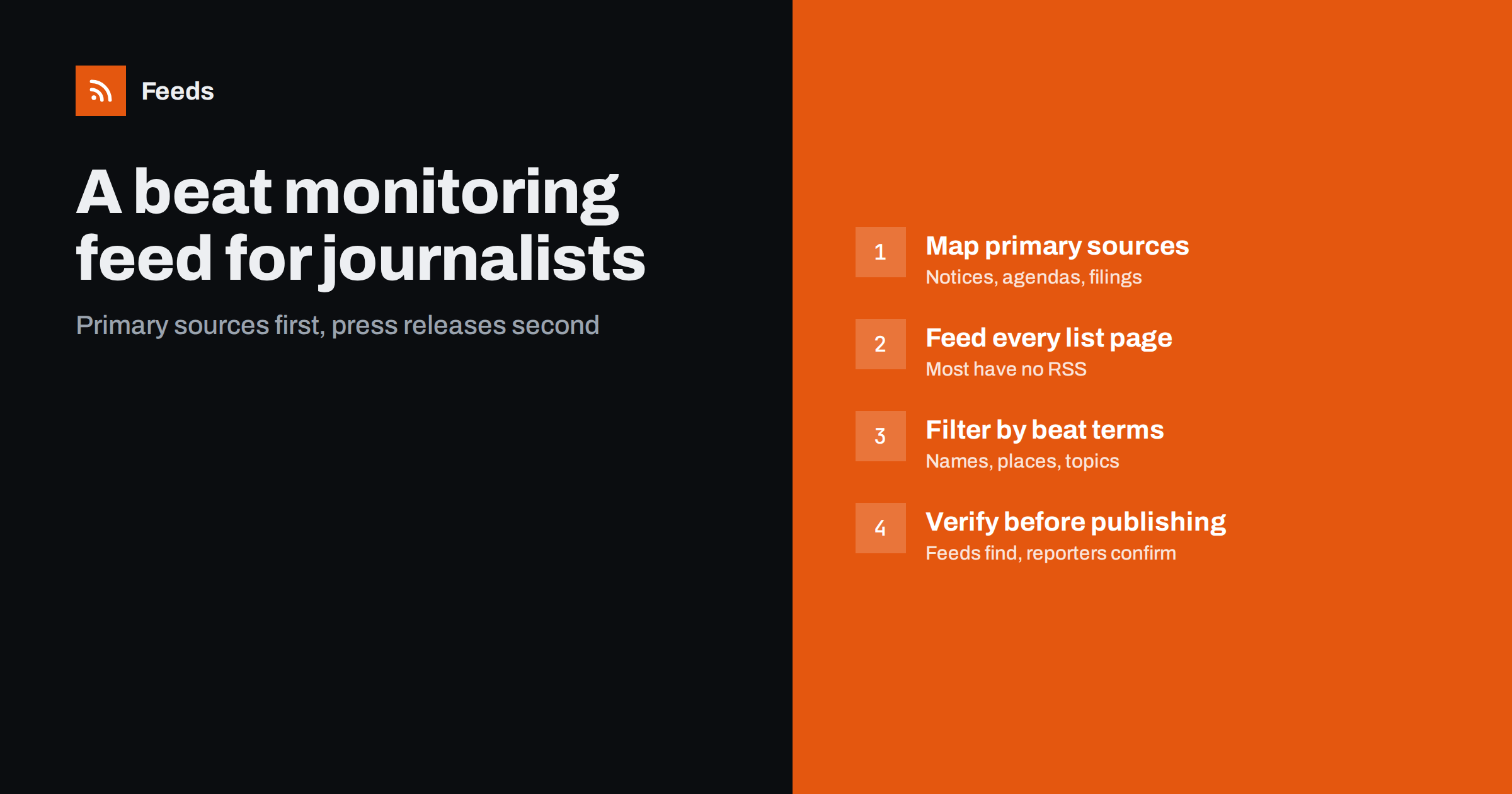
Short answer: A beat monitoring feed collects the primary sources behind your beat, such as public notices, meeting agendas and minutes, court and regulator lists, company newsrooms, procurement notices and data releases, into a few merged RSS feeds. Most of these pages have no feeds, so create them from the list pages, filter busy sources with the names, places and topics of your beat, and scan the feeds daily. The feed finds leads; reporting and verification turn them into stories.
Many stories do not start with a press release. They start with an item on a council agenda, a notice in a regulator’s enforcement list, a planning application, a procurement award, a change in a company’s list of directors or a new dataset. Reporters who find these items first get the story first, and often get a better one, because they read the source rather than someone’s summary of it. The difficulty is that primary sources are scattered across dozens of websites that rarely announce anything. A beat feed does the watching, so the reporter can do the reporting.
This is not a replacement for sources, contacts and time on the ground. It is a complement: a systematic way to make sure that nothing published on the record escapes attention. In smaller newsrooms, where one reporter may cover several beats, it can be the difference between noticing a council decision on the day and hearing about it weeks later from readers.
Primary sources worth following
| Source | Typical page | Possible stories |
|---|---|---|
| Local councils and public bodies | Agendas, minutes, decisions, public notices | Decisions, spending, planning, local services |
| Regulators | Enforcement actions, warnings, consultations | Sanctions, investigations, policy changes |
| Courts and tribunals | Published judgments or hearing lists, where public | Cases involving local organizations or people in the news |
| Procurement portals | Contract notices and awards | Who wins public money, and for what |
| Company newsrooms and investor pages | Press releases, results, announcements | Layoffs, expansions, acquisitions |
| Statistics offices and data portals | Release lists, new datasets | Data-driven stories and trends |
| Police and emergency services | News and appeals pages | Incidents and public safety |
Which sources matter depends on the beat. A local reporter needs the council, planning and police pages; a business reporter needs company newsrooms, regulators and courts; a health reporter needs health authorities, regulators and research publishers.
Some important sources are not public websites at all: embargoed press lists, subscription databases, court systems that require registration. Those remain part of the reporter’s toolkit. The beat feed covers the open web, which is where a surprising share of stories first become visible.
Step 1: Map your beat’s sources
List the institutions, companies and people your beat covers, then for each one find the pages where it publishes decisions, notices and announcements. Veteran colleagues, press officers and documents from past stories are good guides: every story you have written was based on some source, and many of those sources publish regularly.
Include sources that rarely produce stories but produce important ones when they do, such as an ombudsman’s decisions or an auditor’s reports. Their low volume makes them easy to follow and easy to forget without a feed.
Keep the source list in a shared document with the address, what the source publishes, how often, and which past stories came from it. The list becomes part of the beat’s institutional memory, useful for colleagues who cover it during holidays and for whoever takes over the beat later.
Step 2: Get feeds, mostly by creating them
News organizations and large companies often publish feeds; public bodies, courts and regulators often do not. For each page:
- Check for an existing feed in the page source or on a “subscribe” page.
- If there is none, create a feed from the list page with a page-to-feed tool.
- Check the preview: each item should be one notice, agenda, decision or release, with its own link.
- Where lists link directly to PDF documents, that is fine; each new document becomes an item that you can open straight from your reader.
Some pages require a search before showing results. If the search results have a stable address, for example filtered by date and your area, use that address as a source. Respect the terms of each site, and keep refresh rates modest; public bodies’ websites are often small, and a daily or twice-daily check is enough for most sources.
Step 3: Merge by rhythm and filter by beat
Organize feeds by how you will read them, not by source type:
- Daily must-read: the sources most likely to produce same-day stories, such as council decisions, police appeals and regulator enforcement lists.
- Daily scan with filters: busy sources like procurement portals, court lists and regional news, filtered for the names, places and topics of your beat.
- Weekly: slower sources such as reports, statistics and association publications.
Filters should use the names of institutions, companies, officials and places on your beat, plus topic words. Keep must-read sources unfiltered; a notice about something unexpected is often the best story.
Include spelling variants of names, previous names of companies and departments, and the names of places at different levels, such as district, town and county. Official documents are formal and inconsistent, and a single missing variant can hide the item you most needed.
Step 4: Scan, note, verify
A feed gives you leads, not stories. A good routine:
- Scan the daily feeds at the start of the day and again in the afternoon, when many public bodies publish their documents.
- Note promising items with the link, date and a line on the possible angle.
- Read the source document in full before drawing conclusions. Titles of notices and agendas can be misleading.
- Verify and seek comment as you would for any story. Official documents can contain errors, and context matters.
Keep your notes in one place. Items that are not stories today can become part of a bigger story later, when a pattern emerges across several notices or decisions. Searching your own notes months later for a company or official’s name is often how investigative stories begin.
A worked example
A reporter covering a mid-sized city builds a beat feed from the council’s agendas and decisions pages, the planning portal’s weekly list, the police news page, the regional procurement portal filtered for the city’s name, the business registry’s announcements filtered for the city’s largest employers, and the regional health authority’s news page. Only the police and health authority pages have feeds; the rest are generated from list pages.
One morning, the procurement feed shows a contract award for a school building project to a company whose name also appeared weeks earlier in the business registry feed in connection with a change of ownership. The reporter reads both documents, requests comment from the council and the company, and publishes a story explaining the award and the company’s background. The lead came from two routine items that would have been easy to miss separately, and it reached the reporter because both sources were in the same daily scan.
Common mistakes
- Relying on press releases. They show what organizations want reported. Primary sources show what they did.
- Filtering must-read sources. Unexpected items are often the best leads.
- Publishing from titles. Always read the full document and verify.
- Not handing over. When a beat changes hands, pass on the source list and feeds, not just contacts.
- Silent feeds. Public websites are migrated often. Check that feeds still find items.
- Too many sources at once. Start with the ten most productive sources for your beat and add others as you learn where stories come from.
How Feeds helps
Feeds turns agendas, notice lists, procurement pages and other list pages into RSS feeds even when they publish none, using existing feeds where available and showing a preview before anything is created. You can merge sources into daily and weekly feeds and keep items with your beat’s names and topics, with duplicates removed automatically. Feeds refresh on their own, and paid plans alert you if a feed stops finding items. See the plans.
Related reading
- How to Track Government and Regulator Updates with RSS
- How to Get Alerts When a Website Publishes New Reports or PDFs
- How to Get Alerts for New Statistics and Open Data Releases
The bottom line
Strong beat reporting starts with primary sources. Map the pages where the institutions on your beat publish decisions and notices, turn them into feeds, organize them by reading rhythm, filter only the busy ones, and scan them every day. Then do the real work: read the documents, verify and report. The feed makes sure the lead reaches you first.
FAQ
What is a beat monitoring feed?
It is a set of merged RSS feeds that collect the primary sources behind a journalist’s beat, such as notices, agendas, filings and releases, so new items can be scanned in one place.
Do council and court websites have RSS feeds?
Some do, but many do not. Their list pages, such as agendas, decisions or published judgments, can usually be turned into feeds with a page-to-feed tool.
Should I filter all beat sources?
No. Filter busy sources by the names, places and topics of your beat, and read low-volume must-read sources unfiltered so unexpected items are not missed.
Can I publish directly from what the feed shows?
No. A feed item is a lead. Read the full source document, verify the facts and seek comment before publishing.
How do I hand over a beat feed to a colleague?
Share the list of sources, the feed links and filters, and your notes on which sources produce stories. It saves the new reporter months of rebuilding.


