 ENEnglish
 LTLietuviškai
 DEDeutsch
 FRFrançais
 RUРусский
 ESEspañol
 PLPolski
 ITItaliano
 UKУкраїнська
 CSČeština
 PTPortuguês
 JA日本語
JA日本語 LVLatviešu valoda
 ETEesti
 HUMagyar
 IDBahasa Indonesia
 TRTürkçe
 HIहिन्दी
 ELΕλληνικά
 ARالعربية
 THไทย
THไทย VITiếng Việt
 RORomână
 MSBahasa Melayu
 BNবাংলা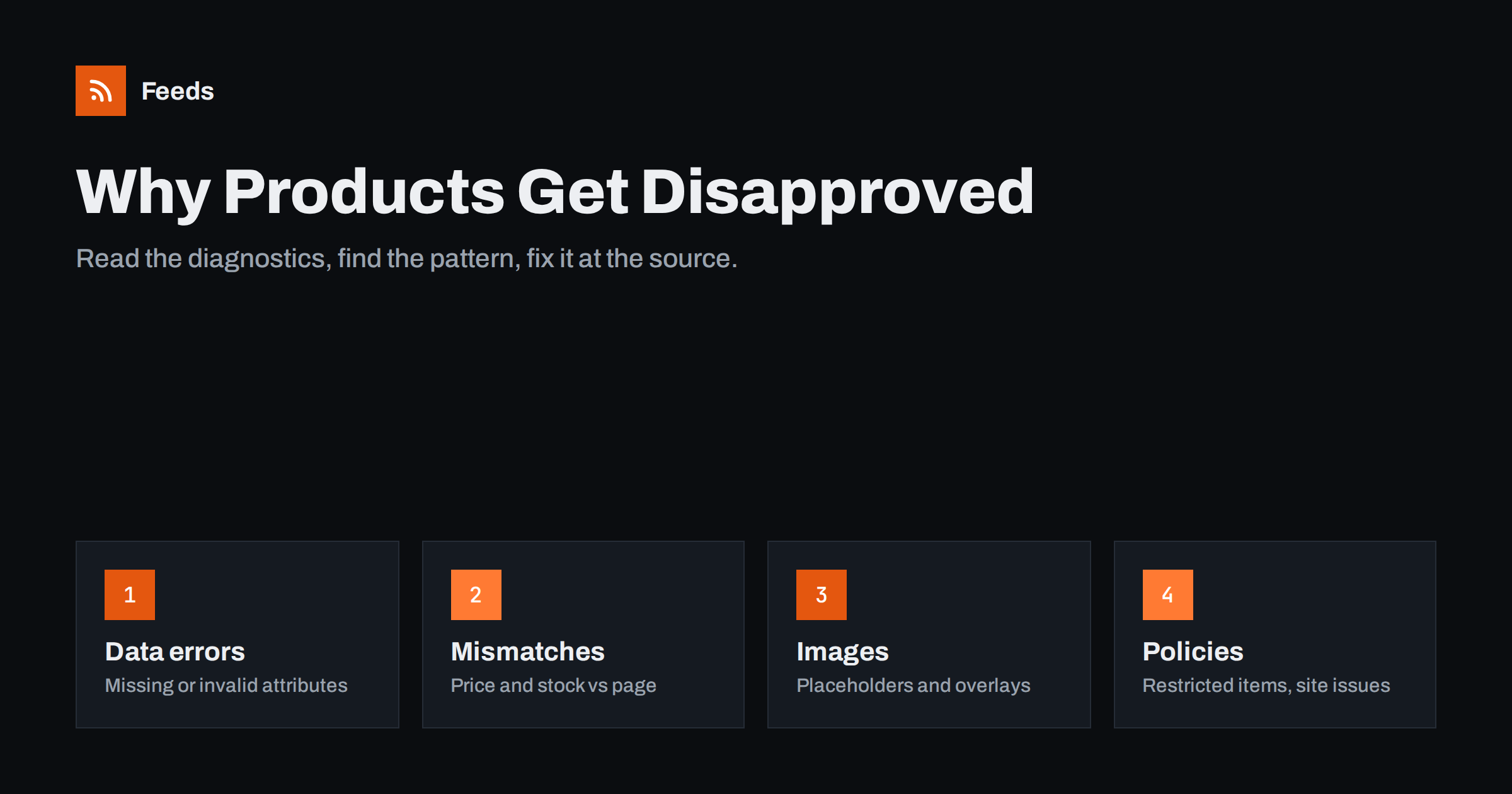
Short answer: Products in Google Merchant Center are usually disapproved for one of four reasons: missing or invalid data (such as no GTIN, invalid price or missing required apparel attributes), mismatches between the feed and the landing page (price or availability), image problems (placeholders, watermarks, promotional overlays or images Google cannot crawl), or policy issues with the product or the website. Open the diagnostics, fix the largest pattern first at its source in the store or feed rules, then let Google re-fetch.
How to read Merchant Center diagnostics
Merchant Center groups problems into account-level issues and item-level issues. Account-level issues affect everything: an unverified website, missing return policy, suspected misrepresentation. Item-level issues affect individual products and are grouped by type, with a count of affected items and an example list. Each issue shows whether it disapproves the item, limits its visibility, or is only a warning.
The most important habit is to read the counts before the details. A single issue affecting 800 items almost always has one cause, such as a mapping mistake or a missing field in the export, and one fix. Twenty different issues each affecting one item are probably individual data errors. Sorting by affected items and working from the top usually clears most of the problem list within a few fetches.
Also note the difference between “disapproved” and “limited”. Disapproved items do not show at all in the affected destinations. Limited items still show but with reduced performance, often because of missing identifiers or incomplete optional data. Fix disapprovals first, then limitations.
Missing or invalid required attributes
The simplest disapprovals are data that is absent or malformed. Common examples:
- Missing value [price], [link] or [image_link]: the export skipped a field for some products, often variants or products created by a different process.
- Invalid value [availability]: a value such as “yes” or “available” instead of the allowed in_stock, out_of_stock, preorder or backorder.
- Invalid GTIN: a number with a wrong check digit, a lost leading zero, or an internal code in the GTIN field.
- Missing apparel attributes: color, size, gender or age_group for clothing in countries where they are required.
- Text too long: titles over 150 characters or descriptions over 5,000.
These are fixed in the mapping or the source data. If one category lacks sizes, the problem is usually where sizes are stored for that category, such as a differently named attribute, rather than in each product individually.
Price and availability mismatches
Google crawls landing pages and compares what it sees with your feed. When the price or availability differs, items can be disapproved. The typical causes are tax included on the page but not in the feed (or vice versa), a different currency shown to the crawler, variant links that open the default variant, sale prices that start or end at different times on the site and in the feed, and pages served from an outdated cache.
Look for patterns. If every item is off by the same percentage, check tax. If only products with variants are affected, check variant links. If mismatches spike at the start of a promotion, check sale timing and feed refresh frequency. Turning on automatic item updates in Merchant Center helps bridge small timing gaps, but it does not fix a systematic mapping problem.
Availability mismatches deserve particular attention because they tend to come in waves. A busy weekend can sell out dozens of products, and if the feed only refreshes once a day, the page and the feed disagree for hours. Refreshing more often during sales, and marking sold-out items quickly, keeps these waves small.
Image problems
Images are reviewed automatically, and several patterns lead to disapproval or limited visibility:
- Placeholder images such as “image coming soon”, a store logo or a generic category picture.
- Promotional overlays: text like “SALE” or “Free shipping”, badges, borders or watermarks on the main image.
- Images too small: below the minimum size, often because the feed uses a thumbnail URL instead of the full image.
- Images Google cannot crawl: blocked by robots.txt, behind a login, on a slow server, or returning errors.
- Wrong image for the variant: a red shirt shown for the blue variant.
The fix is usually structural: map the full-size image instead of the thumbnail, move promotional graphics to additional images or remove them, and exclude products without a real photo until they have one. Keep image URLs stable; changing them forces Google to re-crawl every image.
Landing page problems
An item can be disapproved because of the page it links to, even when the feed data is perfect. Google needs to reach the page and see a working product listing. Typical problems:
- The page returns an error, redirects to the homepage or a category, or requires a login.
- The link domain does not match the website claimed in Merchant Center.
- The page is blocked for Google’s crawler in robots.txt or by a firewall rule.
- The page loads the product only after scripts run in a way the crawler cannot follow.
- The buy button is missing, or the product cannot actually be purchased.
Test a sample of links from a private browser window and, if possible, with a URL inspection tool. If products are discontinued, remove them from the feed rather than leaving links to pages that no longer sell anything.
Policy disapprovals
Some disapprovals have nothing to do with data quality. Google’s shopping policies restrict or prohibit certain products and content, for example some healthcare items, weapons and weapon parts, dangerous products, adult content and counterfeit goods. Restricted products may be allowed only in some countries or with certification; prohibited ones cannot be advertised at all.
Policy flags can also be wrong. Automated review sometimes misreads a product, for example a kitchen knife flagged as a weapon, or a supplement flagged because of a word in the description. Where you believe the decision is incorrect, check the product text for ambiguous wording, adjust it if it is misleading, and request a review for the item. Account-level policy issues, such as misrepresentation, require fixing the website first: clear contact details, transparent pricing and shipping, working checkout and honest claims.
A practical fixing order
- Account-level issues first. They can block every product, and they take longest to review.
- Largest item-level patterns next. One fix in the mapping or export can clear hundreds of items.
- Mismatches. Fix the timing or the price and availability source, then consider automatic item updates as a safety net.
- Images. Switch to full-size images, remove overlays, exclude products without photos.
- Individual items and policy reviews. Handle the long tail one by one.
- Warnings and limitations. Add identifiers and recommended attributes to improve performance.
After each round of fixes, regenerate the feed, trigger a fetch and wait for processing before judging the result. Avoid editing products directly in Merchant Center; those changes are easy to lose and hide the real cause.
Preventing disapprovals from coming back
Fixing a wave of disapprovals is satisfying, but the real win is not seeing the same issues next month. Most recurring problems come from processes, not from individual products. A few habits keep the diagnostics page quiet:
- Make the feed a product of the store. Generate it from live data on a schedule, so fixes in the store reach Merchant Center automatically and nobody maintains a separate copy.
- Add feed fields to the product checklist. When the team adds a new product, GTIN, brand, a real photo and variant attributes should be part of the definition of done.
- Review diagnostics weekly. Five minutes a week catches a new pattern while it affects ten items instead of a thousand.
- Test changes before they go live. Theme updates, new pricing plugins and platform migrations are the classic triggers for sudden mass disapprovals. Check a sample of items in the feed and on the page right after such changes.
- Keep notes. A short log of what caused past issues and how they were fixed shortens the next investigation dramatically.
Merchant Center can also send email notifications for new issues. Make sure they go to someone who reads them, not to an old shared inbox.
How Feeds helps
Feeds generates product feeds in Google’s XML format from WooCommerce, Shopify or a CSV link, with id, title, link, image, price, availability and brand for every item. Because the file is built from live store data and refreshes automatically, fixes you make in the store reach Merchant Center on the next fetch. Rules let you skip out-of-stock products, rewrite titles and adjust prices, and a preview shows the products before the feed is created. See the pricing page for plans.
Related reading
- How to Fix Price Mismatch Errors in Google Merchant Center
- GTIN, MPN and Brand: Product Identifiers in Feeds Explained
- Google Product Feed Attributes: Required and Recommended
The bottom line
Disapprovals fall into a few families: missing or invalid data, feed and page mismatches, image problems, landing page problems and policy issues. Read the diagnostics by affected item count, fix the biggest pattern first at its source, and let the next fetch confirm the fix. A feed generated from live store data prevents most problems from coming back.
FAQ
How long does it take for disapproved products to be approved again?
Usually a few hours to a few days after the fixed data is fetched and the pages are re-crawled. Account-level reviews can take longer.
Should I request a review for every disapproved item?
No. Data and mismatch issues clear automatically after the next fetch. Requests are for policy decisions you believe are wrong, after checking the product text.
Why are my products disapproved even though the feed looks correct?
Google also checks the landing page and the image. A page error, blocked crawler, cached old price or promotional overlay can cause disapprovals with a correct feed.
What is the difference between disapproved and limited?
Disapproved items do not show in the affected destinations. Limited items still show, but performance may be reduced because of missing identifiers or other gaps.
Can I fix errors directly in Merchant Center?
You can, but it is better to fix them in the store or the feed rules. Direct edits are easily forgotten and can be overwritten by the next fetch.


