 ENEnglish
 LTLietuviškai
 DEDeutsch
 FRFrançais
 RUРусский
 ESEspañol
 PLPolski
 ITItaliano
 UKУкраїнська
 CSČeština
 PTPortuguês
 JA日本語
JA日本語 LVLatviešu valoda
 ETEesti
 HUMagyar
 IDBahasa Indonesia
 TRTürkçe
 HIहिन्दी
 ELΕλληνικά
 ARالعربية
 THไทย
THไทย VITiếng Việt
 RORomână
 MSBahasa Melayu
 BNবাংলা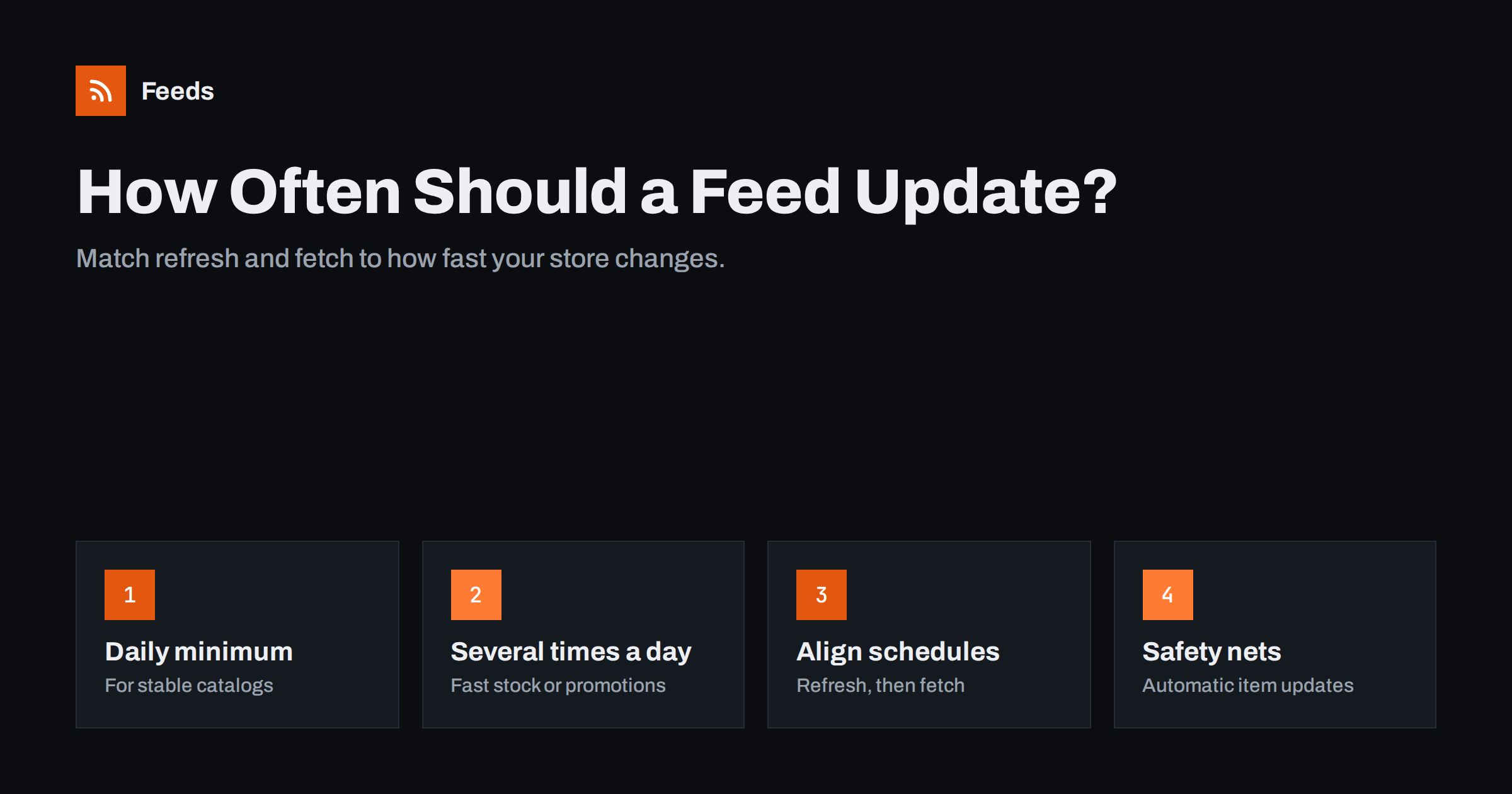
Short answer: A product feed should be refreshed at least once a day, and more often when prices or stock change during the day: several times a day for busy stores and during promotions, hourly for fast-selling or limited stock. Two schedules matter: when the feed file is regenerated from the store, and when Google or Meta fetches it. Align them so each fetch picks up fresh data, and use automatic item updates as a safety net between fetches.
Two schedules, not one
When people ask how often their feed updates, they usually mean one thing, but there are two separate processes. The first is feed generation: your plugin, app or feed service reads store data and writes a new file. The second is the fetch: Merchant Center or Commerce Manager downloads that file and processes it. The data platforms show is only as fresh as the older of the two.
A common mistake is to set Merchant Center to fetch hourly while the feed file is only regenerated once a night. Merchant Center then downloads the same file twenty-four times, and nothing changes until the next morning. The reverse also happens: a feed regenerated every hour but fetched once a day at a time chosen years ago.
Before changing anything, write down both schedules for each platform. Often the fix is not more frequent updates, but a better alignment of the ones you already have.
Also check whether the platform actually processed each fetch. A fetch can succeed in downloading the file but still be rejected during processing, for example because of a format error introduced by a store change. The processing history in Merchant Center and the upload reports in Commerce Manager show this, and a failed run means the platform is still using older data.
What determines the right frequency
The right frequency depends on how quickly your data changes and how costly stale data is:
- Stock velocity: how quickly products sell out. A store with deep stock of evergreen items can update less often than one selling limited drops.
- Price changes: how often prices change, including automated repricing, scheduled sales and currency updates.
- Catalog changes: how often products are added or removed.
- Ad spend: the more you spend, the more each hour of stale data costs in wasted clicks.
- Technical limits: how long generation takes for your catalog, and any fetch limits the platform imposes.
A simple way to estimate: look at how many stock and price changes happen in your store on a typical day and on your busiest day. If significant changes happen within hours, daily updates are not enough.
Recommended frequencies
| Store profile | Feed refresh | Platform fetch |
|---|---|---|
| Small, stable catalog, few price changes | Daily | Daily, after refresh |
| Regular store with daily sales and restocks | Several times a day | Daily or more, aligned |
| Fast-moving stock or frequent promotions | Every few hours or hourly | As frequent as the platform allows |
| Big promotion days | Hourly or more | Hourly where available, plus manual fetches |
Google Merchant Center scheduled fetches are typically daily, with options that vary by account and setup, while Meta allows schedules down to hourly. For changes that must reach Google faster than the fetch schedule, automatic item updates and API-based updates are the tools.
It also helps to think in terms of risk. A price that is a few hours stale for a slow-moving accessory costs almost nothing. The same delay for a best seller in the middle of a campaign can cost a noticeable share of the day’s budget. If you cannot refresh everything often, at least make sure the products that receive the most ad spend are covered by the most frequent updates.
Aligning refresh and fetch
Once you know how often the feed regenerates, schedule the fetch shortly after a regeneration completes. If the feed regenerates at 5:00 and generation takes 20 minutes, schedule the fetch for 5:30 or 6:00, not 4:45. Leave a margin for slower runs on busy days.
- Check the feed file’s timestamp or last-modified header to see when it was really regenerated.
- Compare with the fetch time shown in the platform’s processing history.
- After changing schedules, check a price change end to end: store, feed, platform.
For stores in several time zones, remember that Merchant Center schedules use the time zone you select in the data source settings. A fetch scheduled at “6:00” may not be 6:00 where your server runs.
Safety nets between fetches
No schedule is perfect. Prices can change minutes after a fetch. Two mechanisms reduce the impact:
- Automatic item updates in Merchant Center use the structured data on your product pages to update price and availability when Google finds them different from the feed. This requires accurate Product structured data on the pages.
- Manual fetches after large planned changes, such as the start of a sale or a bulk price update. Trigger a regeneration and then a fetch instead of waiting for the schedule.
For Meta, product sets that exclude out-of-stock items and campaign-level controls add another layer of protection, so ads do not keep promoting items that sold out since the last upload.
These safety nets are worth setting up even for stores with frequent refreshes, because they catch the unexpected: a supplier sells out, a staff member changes a price by mistake, or a scheduled generation fails silently overnight.
Performance and generation time
Frequent regeneration only helps if it does not overload the store. Feeds generated inside the store, by a plugin, consume server resources during generation. For large catalogs, generating every hour can slow the store for customers. Consider:
- generating in the background rather than on each request;
- scheduling heavier runs at quieter times;
- generating outside the store with an external service;
- incremental updates where the tool supports them.
Measure how long generation takes. If it takes 40 minutes, an hourly schedule leaves little margin, and failures may go unnoticed.
Planning for promotions and peak season
Update frequency is not a setting you choose once. Most stores have quiet weeks and a few intense periods, such as seasonal sales, product launches and holidays. During those periods, stock moves faster, prices change on a schedule, and every hour of stale data costs more because ad budgets are higher.
A practical approach is to keep a normal schedule most of the year and a peak schedule for defined events:
- Before the event: schedule sale prices with effective dates where possible, so platforms know about them in advance and do not depend on a fetch at the right minute.
- At the start: regenerate the feed and trigger manual fetches right after prices change.
- During the event: increase refresh and fetch frequency, and check stock of top sellers several times a day.
- At the end: regenerate and fetch again as soon as prices return to normal, then return to the normal schedule.
Write the peak schedule down and put it in the event plan, next to the marketing tasks. It is easy to forget in the rush of preparing a sale, and it is exactly when stale data hurts most.
Signs your frequency is too low
- Regular price or availability mismatch warnings in Merchant Center, especially after sales start or end.
- Customers complaining about sold-out items they found through ads.
- Automatic item updates constantly correcting prices.
- Meta catalog items showing prices that differ from the website.
- Ad spend on products that have been out of stock for hours.
Any of these is a signal to shorten the refresh interval, align schedules better, or both. If the signs appear only during promotions, a temporary higher frequency around those events may be enough.
The opposite problem exists too, though it is rarer: updating so often that the platform spends effort processing files that barely change, or that generation competes with customers for server resources. If your catalog changes only a few times a week, a daily refresh is plenty.
How Feeds helps
Feeds regenerates product feeds automatically from WooCommerce, Shopify or a CSV link, outside your store, so generation adds no load to your server. The refresh interval depends on your plan and is listed on the pricing page; an out-of-date feed is also refreshed when it is read. The Google product XML output works with both Merchant Center and Meta, and rules can skip out-of-stock products, rewrite titles and adjust prices.
Related reading
- Out-of-Stock Products in Your Feed: Keep, Mark or Remove?
- How to Fix Price Mismatch Errors in Google Merchant Center
- Product Structured Data vs Product Feed: Do You Need Both?
The bottom line
Refresh the feed at least daily, more often if stock and prices change during the day, and align platform fetches with feed regeneration so each fetch gets fresh data. Use automatic item updates and manual fetches as safety nets, keep generation from overloading the store, and watch for mismatch warnings as the sign that your frequency is too low.
FAQ
How often does Google fetch a product feed?
As often as you schedule it in the data source settings, typically daily. Faster updates are possible through automatic item updates or the API.
How often can Meta update a catalog feed?
Scheduled feeds in Commerce Manager can run hourly, daily or weekly. Choose based on how fast your stock and prices change.
Why does my feed show old prices even though it updates daily?
The fetch may happen before the feed is regenerated, so it picks up the previous file. Align the fetch to run after regeneration.
Is hourly updating always better?
Only if data changes that fast and generation does not overload the store. For stable catalogs, daily is usually enough.
Should I trigger a manual fetch before a sale?
Yes, if sale prices are not scheduled with effective dates. Regenerate the feed and trigger a fetch right after the sale starts.


