 ENEnglish
 LTLietuviškai
 DEDeutsch
 FRFrançais
 RUРусский
 ESEspañol
 PLPolski
 ITItaliano
 UKУкраїнська
 CSČeština
 PTPortuguês
 JA日本語
JA日本語 LVLatviešu valoda
 ETEesti
 HUMagyar
 IDBahasa Indonesia
 TRTürkçe
 HIहिन्दी
 ELΕλληνικά
 ARالعربية
 THไทย
THไทย VITiếng Việt
 RORomână
 MSBahasa Melayu
 BNবাংলা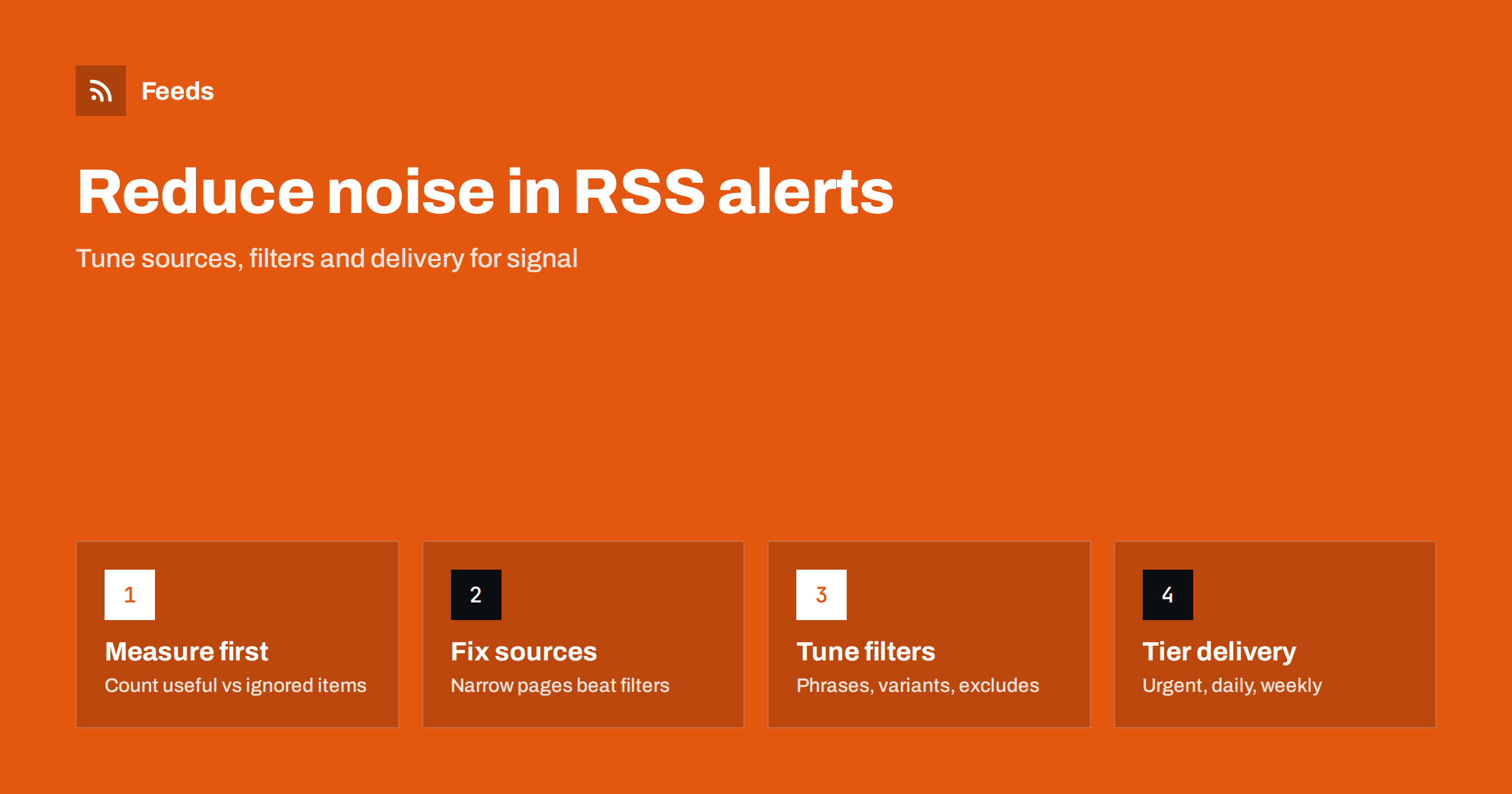
Short answer: Reduce RSS alert noise in this order: measure which items are useful, narrow the source pages, merge overlapping sources so duplicates disappear, tighten include words into phrases and add targeted exclude words, and finally split delivery into urgent, daily and weekly tiers. Protect against missing items by keeping a small unfiltered “safety” stream for your most important sources and by checking feed health regularly.
Every monitoring setup faces the same tension. If alerts are broad, people receive dozens of irrelevant items a day and learn to ignore them, including the ones that matter. If alerts are strict, they stay quiet and trusted, but important items slip through unseen. There is no perfect filter, but there is a reliable method for getting close, and it depends more on routine than on clever rules. The steps below are ordered deliberately: the early ones remove noise with little risk, and the later ones carry more risk and need more care.
Step 1: Measure before you tune
Most people tune alerts based on a feeling that “there is too much”. That leads to random changes. Instead, spend one or two weeks recording what the alerts produce.
- For each item, note whether it was useful (led to an action or real knowledge), marginal (nice to know) or noise (irrelevant).
- Note which source and which filter word produced it.
- Separately, note anything important you learned elsewhere that your alerts should have caught. These are your misses.
A simple tally is enough. After two weeks, patterns are usually obvious: one source produces most of the noise, one word matches an unrelated meaning, one topic is consistently missed.
It also helps to agree on what “useful” means before you start counting. For a sales team, useful might mean “an item I mentioned to a prospect or added to an account note”. For a compliance team, it might mean “an item that required a decision”. A clear definition keeps the measurement honest and stops the loudest opinion from deciding which alerts survive.
Step 2: Fix sources before filters
The most effective noise reduction happens before any filter runs. If a source is broad, narrowing it removes noise without any risk of filtering out relevant items by accident.
- Replace home pages with sections. A publication’s technology section is far quieter than its home page.
- Use filtered list pages. Many sites let you filter lists by category, region or type, and the filter often appears in the page address. A feed made from the filtered address carries only those items.
- Remove low-value sources. If a source produced only noise during your measurement period, drop it.
- Prefer original sources to aggregators. Aggregators repeat stories from many outlets and create duplicates.
Source fixes are also easier to explain and maintain than long lists of filter words. “We follow the energy section of these four publications” is a rule anyone on the team understands. “We follow everything and filter with forty include words and twelve excludes” is a rule only its author understands, and only for a while.
Step 3: Remove duplicates by merging
Duplicates are pure noise. They appear when several sources carry the same item, or when a site publishes the same article in several category feeds. Merging related sources into one feed with automatic duplicate removal eliminates items with identical links.
Duplicate removal does not catch different articles about the same story. If three outlets cover one announcement, you will see three items. That is often acceptable, but if a beat is heavily overlapping, keep only the sources that are fastest or most thorough on it. Your measurement from Step 1 tells you which ones those are: the source that repeatedly delivered a story first is the one to keep, and the rest can move to the weekly tier or be dropped.
Step 4: Tighten include words
Include words decide what passes. Broad or ambiguous words are the most common cause of noise.
| Problem | Example | Better approach |
|---|---|---|
| Ambiguous word | “apex” matches mountains and sports teams | Use the full brand phrase or add a context word |
| Too general | “energy” matches everything in an energy publication | Use specific terms: “heat pump”, “grid storage” |
| Part of other words | “AI” matching unrelated words, depending on the tool | Use phrases or longer terms, test matching behavior |
| Missing variants | “organisation” vs “organization” | Add both spellings and common abbreviations |
After each change, check your list of useful items from Step 1. A good change removes noise without removing any of those.
Step 5: Add targeted exclude words
Exclude words are powerful and dangerous. Used well, they remove whole categories of noise; used carelessly, they silently hide important items.
- Add exclude words only based on real noise you have seen, one at a time.
- Prefer distinctive words or phrases: “sponsored content”, “webinar recording”, “weekly roundup”.
- Avoid excluding common words that might appear in relevant items, such as “update” or “new”.
- Review exclude words every few months, since sources change their formats.
Before adding an exclude word, search your list of useful items from Step 1 for it. If the word appears in even one useful item, find a narrower phrase instead. This thirty-second check prevents the most common way that noise reduction turns into missed items.
Step 6: Tier delivery by urgency
Noise is partly a delivery problem. Twenty relevant items a day can feel like noise if each one interrupts you. Split alerts into tiers.
- Urgent: a small, strictly filtered stream for items that need same-day action, delivered where someone sees it during the day.
- Daily: the main filtered stream, read once a day in a reader.
- Weekly: broad background sources, skimmed once a week.
Each tier can use different filters. The urgent tier should be strict and small; the weekly tier can be broad.
Be disciplined about what enters the urgent tier. Every item there should justify an interruption. If the urgent stream produces more than a few items a week, most of them probably belong in the daily tier, and the interruptions are teaching people to ignore that channel too. Revisit the urgent filter whenever someone says “I stopped looking at that channel”.
Protecting against misses
Tuning for less noise always carries the risk of missing something. Three safeguards keep that risk low.
- An unfiltered safety stream. For your five to ten most important sources, keep an unfiltered feed that you skim weekly. If something important was filtered out, you will see it there.
- A miss log. Whenever you learn about something important from outside your alerts, write it down and ask why the alerts missed it: missing source, missing word or broken feed.
- Feed health checks. A source that stops working produces zero noise and zero signal, which can feel like success. Check the newest item date of each source monthly, or use alerts for feeds that stop finding items.
A worked example
A product marketing team receives about sixty alert items a day and admits to ignoring most of them. Two weeks of measurement show that most of the noise comes from two general news sites followed via their home pages, and much of the rest from the word “cloud”, which matches weather stories. The team replaces the home pages with the sites’ technology sections, replaces “cloud” with “cloud storage” and “cloud backup”, and adds “weather” as an exclude word. It also creates an urgent tier containing only competitor names and the company’s own brand. Volume drops to around twelve items a day, the misses log stays empty over the next month, and the team starts reading alerts again.
How Feeds helps
Feeds gives you the building blocks for this method. You can create feeds from specific section or filtered list pages, even on sites without RSS, which is the most effective way to cut noise at the source. You can merge several sources into one feed with duplicates removed automatically, and keep items with or without your words. Paid plans alert you if a feed stops finding items, which protects against silent misses. Plans are compared on the pricing page.
Related reading
- How to Set Up Keyword Alerts Using RSS Feed Filters
- How to Merge Multiple RSS Feeds into One Clean Feed
- Beyond Google Alerts: Building Source-Based Alerts with RSS
The bottom line
Noisy alerts are ignored, and ignored alerts are worthless. Measure what your alerts produce, fix sources before filters, merge to remove duplicates, tighten include words, add exclude words carefully and tier delivery by urgency. Keep an unfiltered safety stream and a miss log so lower noise never quietly becomes lower coverage.
FAQ
Why am I ignoring my RSS alerts?
Usually because too many items are irrelevant or arrive at the wrong time. Measure which sources and words cause noise, narrow sources and filters, and move non-urgent items to a daily or weekly review.
Are exclude words risky?
They can be, because excluded items disappear silently. Add them one at a time based on real noise, prefer distinctive phrases, and keep an unfiltered safety stream for key sources.
How do I remove duplicate items from alerts?
Merge related sources into one feed with automatic duplicate removal, which drops items with identical links. For similar stories from different outlets, reduce overlapping sources instead.
How often should I review my alert filters?
Review them briefly every month and more thoroughly every quarter. Sources change their formats and your interests shift, so filters that worked once can drift.
How can I tell if I am missing important items?
Keep a log of important things you learned elsewhere and trace why alerts missed them. Also check that every source feed is still finding new items.


