 ENEnglish
 LTLietuviškai
 DEDeutsch
 FRFrançais
 RUРусский
 ESEspañol
 PLPolski
 ITItaliano
 UKУкраїнська
 CSČeština
 PTPortuguês
 JA日本語
JA日本語 LVLatviešu valoda
 ETEesti
 HUMagyar
 IDBahasa Indonesia
 TRTürkçe
 HIहिन्दी
 ELΕλληνικά
 ARالعربية
 THไทย
THไทย VITiếng Việt
 RORomână
 MSBahasa Melayu
 BNবাংলা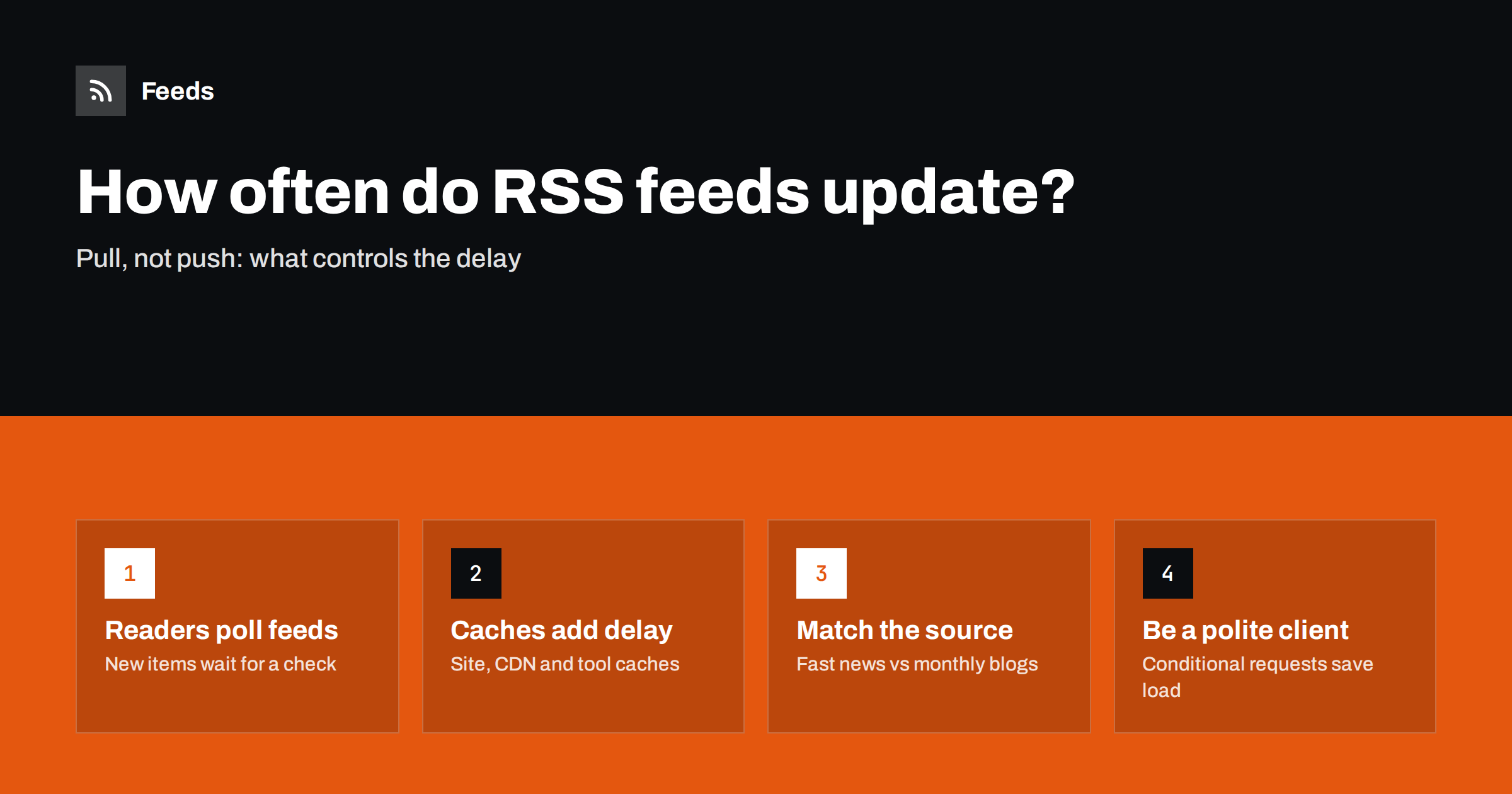
Short answer: An RSS feed does not notify anyone when it changes; readers and tools check it on a schedule, called polling. How quickly you see a new item depends on that polling interval plus any caching along the way, so delays range from minutes to several hours. Choose shorter intervals for fast-moving, time-sensitive sources and longer ones for sources that publish weekly or monthly.
People new to RSS often assume that a feed “sends” new items the moment they are published. It does not. A feed is a file on a server, and every subscriber has to come and look at it. Understanding that simple fact explains most questions about delays, missing items and why one reader seems faster than another.
Pull, not push: how feed updates reach you
When a website publishes an article, its feed file is updated to include the new item. Nothing else happens until a client requests the feed. Your reader, automation tool or monitoring service requests the feed at intervals, compares the items with what it already has, and shows you anything new.
So the delay you experience is roughly the time until the next check, plus any delay before the feed file itself was updated. If a reader checks every hour and an article is published one minute after a check, you will see it about an hour later. If the reader checks every ten minutes, you will see it within ten minutes.
There are push-style extensions that let a publisher notify subscribers immediately, such as the WebSub protocol, but support is patchy and many sources do not use them. For monitoring other people’s websites, polling is the normal case, and for pages without RSS it is the only one.
What determines the delay
Several layers can each add time between publication and the moment you see an item.
| Layer | What it does | Typical effect |
|---|---|---|
| Website feed generation | Rebuilds the feed after publishing, sometimes on a schedule | Usually immediate, occasionally delayed |
| Server or CDN cache | Serves a stored copy of the feed for a while | Minutes to an hour or more |
| Feed generator (for pages without RSS) | Reads the page and rebuilds the feed at its own interval | Depends on the tool and plan |
| Reader or tool polling | Checks the feed on a schedule | Minutes to hours, varies by product and plan |
| Downstream processing | Filters, notifications, posting queues | Usually small |
Most of the delay usually comes from polling intervals and caches. Some readers also adapt their schedule: a feed that rarely changes may be checked less often than one that updates constantly.
How often should a feed be checked?
There is no universal right answer. The interval should reflect how often the source publishes and how quickly you need to act.
- Breaking news and fast markets. Sources publishing many items a day where hours matter, such as a major news section you use for rapid response, justify short intervals.
- Competitor and industry updates. Blogs, newsrooms and changelogs that publish a few times a week are well served by checks every few hours. Learning about a competitor’s blog post two hours later rarely changes anything.
- Regulators, associations and slow sources. Sources that publish a few times a month can be checked a few times a day.
- Job listings and tenders. These have deadlines measured in days, so a few checks a day are usually enough, unless competition for the listing is intense.
A useful question is: “if I learned about this item three hours later, would it matter?” If the honest answer is no, a short interval only adds load.
A simple tiering plan
Instead of choosing an interval for every feed individually, sort your sources into three tiers and give each tier one setting. This keeps the setup understandable and easy to change.
- Tier 1, act today. A small number of sources where an item can require a response the same day: mentions of your brand in key outlets, a main competitor’s newsroom, a regulator in the middle of a consultation you care about. Use the shortest interval your tools offer and deliver items to a place someone watches during the working day.
- Tier 2, read daily. Industry news, competitors’ blogs and changelogs, partner updates. Checks every few hours are plenty, and a daily reading session in a reader works well.
- Tier 3, background. Slow sources and broad reading. A few checks a day, reviewed weekly, is enough.
Review the tiers occasionally. Sources move up when they become important, for instance during a product launch or a regulatory change, and move down again when the moment passes. Most people find that tier 1 stays surprisingly small, which is good news: it means only a few feeds need the fastest and most expensive treatment.
Why shorter is not always better
It is tempting to check everything as often as possible. There are good reasons not to.
- Load on the source. Every check is a request to someone else’s server. Small sites in particular do not appreciate being polled every minute by many clients.
- Blocking risk. Aggressive polling can trigger rate limits or bot protection, which may then block your checks entirely.
- No real gain. A source that publishes weekly will not produce items faster because you look more often.
- Noise. Faster alerts for low-priority sources mean more interruptions, which makes people ignore alerts that matter.
How polite clients reduce load: conditional requests
Well-behaved feed clients use HTTP conditional requests. When a server sends a feed, it can include an ETag (a version identifier) and a Last-Modified date. On the next check, the client sends these back in If-None-Match and If-Modified-Since headers. If the feed has not changed, the server answers with a short “304 Not Modified” response instead of the whole file. The mechanism is defined in the HTTP specification, RFC 9110.
This makes frequent polling much cheaper for both sides, but only when the server supports it and the client uses it. For generated feeds, where a tool has to read a full web page to know whether anything changed, each check costs more, which is another reason to keep intervals sensible.
Feeds from pages without RSS: two schedules
When you follow a feed created from a web page, there are two schedules in the chain. The feed generator reads the source page on its refresh schedule and updates the feed. Your reader then polls the generated feed on its own schedule. The total delay can be up to the sum of both intervals.
Some generators shorten this by refreshing a feed when it is requested and turns out to be out of date, so a reader’s check can itself trigger a fresh read of the source page. Either way, if speed matters, look at both the generator’s refresh interval and your reader’s polling interval.
Troubleshooting slow updates
- Check the feed directly. Open the feed address in a browser. If the new item is there, the delay is in your reader; if not, it is at the source, a cache or the generator.
- Check your reader’s last update time. Many readers show when a subscription was last fetched. A time far in the past suggests fetch errors.
- Trigger a manual refresh. If new items appear immediately, polling frequency is the issue, not the feed.
- Consider plan limits. Free plans of readers and tools commonly poll less often than paid plans.
- Allow for caching. If a site just published, wait a little before concluding something is broken.
How Feeds handles refresh
Feeds refreshes every feed automatically on a schedule, with shorter intervals on paid plans than on the free plan; the current intervals are listed on the pricing page. An out-of-date feed is also refreshed when it is read, so a reader’s request can bring in new items without waiting for the next scheduled run. Each refresh detects the list of items on the source page again, or uses the site’s own feed when one exists. The bot identifies itself as FeedsBot, so site owners can recognize its visits.
Related reading
- RSS Feed Stopped Updating? How to Find Out Why
- How to Choose an RSS Reader: Features That Actually Matter
- How to Monitor Websites for New Content Automatically
The bottom line
RSS updates are pulled on a schedule, so the delay you see is mostly polling interval plus caching. Match intervals to each source’s publishing rhythm and to how fast you need to act, keep checks polite, and remember that feeds generated from pages have two schedules in the chain. When something seems slow, open the feed directly to find out which layer is responsible.
FAQ
Are RSS feeds updated in real time?
Not usually. The feed file changes when the site publishes, but readers only see the change when they next check the feed, which may be minutes or hours later depending on their polling interval.
How often do RSS readers check feeds?
It varies by reader and plan, from every few minutes to every few hours. Many readers check less often on free plans or for feeds that rarely change.
Can I make my feed reader update faster?
Often you can refresh a subscription manually, and some readers offer shorter intervals on paid plans. For feeds generated from web pages, the generator’s refresh interval also affects how quickly items appear.
Does checking a feed often harm the website?
Occasional checks are harmless, but very frequent polling by many clients adds load, especially on small sites. Conditional requests with ETag and Last-Modified reduce the cost when the feed has not changed.
Why do different readers show the same item at different times?
Each reader polls on its own schedule and may cache feeds differently. One reader may have checked just after publication while another is still waiting for its next scheduled check.


