 ENEnglish
 LTLietuviškai
 DEDeutsch
 FRFrançais
 RUРусский
 ESEspañol
 PLPolski
 ITItaliano
 UKУкраїнська
 CSČeština
 PTPortuguês
 JA日本語
JA日本語 LVLatviešu valoda
 ETEesti
 HUMagyar
 IDBahasa Indonesia
 TRTürkçe
 HIहिन्दी
 ELΕλληνικά
 ARالعربية
 THไทย
THไทย VITiếng Việt
 RORomână
 MSBahasa Melayu
 BNবাংলা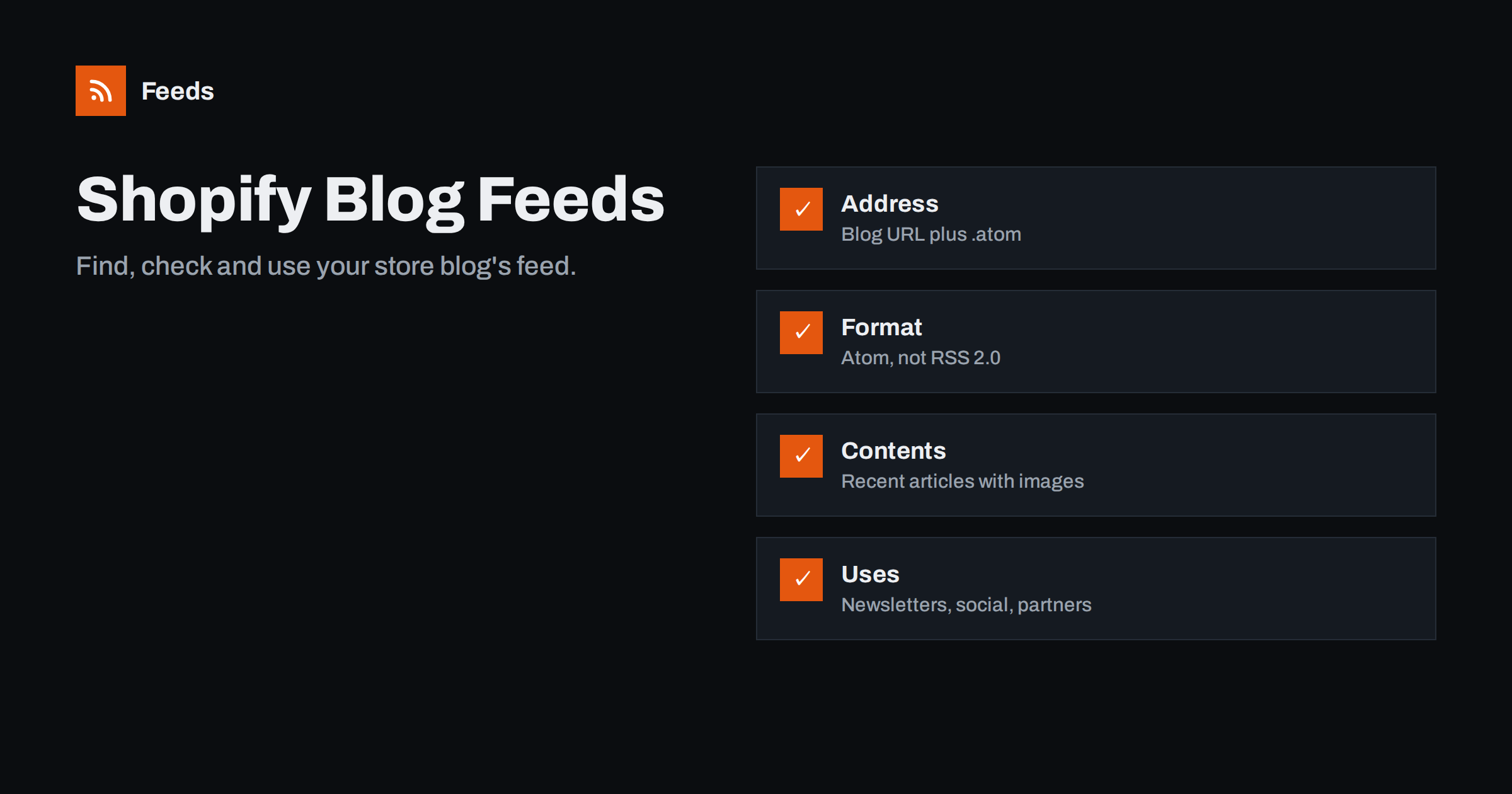
Short answer: Every Shopify blog publishes an Atom feed at the blog’s address followed by .atom, for example https://yourstore.com/blogs/news.atom. It lists recent articles with titles, links, dates, authors, content and usually images, and it works in any feed reader, newsletter tool or social posting tool that accepts RSS or Atom. Each blog on the store has its own feed. Themes control the autodiscovery link, and apps or theme edits are needed if you want to change what the feed contains.
Content marketing has become a normal part of running an online shop: articles bring search traffic, answer customers’ questions before they ask, and give social channels something to share besides discounts. Many Shopify stores run a blog for guides, product stories, recipes, lookbooks or company news. The blog feed is often overlooked, yet it is the easiest way to send new articles to email campaigns, social profiles, partner sites and customers who use feed readers. This guide explains where the feed lives, what is in it, how to check it and how to put it to work.
Where to find the feed
Shopify stores can have several blogs, each with its own handle. The default blog is usually called “News” with the handle news. The feed for each blog is:
/blogs/news.atomfor the default blog./blogs/your-blog-handle.atomfor any other blog.
Use your primary domain rather than the myshopify.com address when giving the feed to tools and readers, so links match the domain customers see. Tag-filtered blog pages, such as /blogs/news/tagged/recipes, may also offer a feed in some themes, but the reliable feed is the one for the whole blog.
If you are not sure of a blog’s handle, open the blog in your browser: the handle is the part of the address after /blogs/. To confirm, open your blog page, view the page source and search for application/atom+xml. Most themes include an autodiscovery link there.
What the feed contains
| Element | Typical content |
|---|---|
| Feed title | Store name and blog title |
| Entry title | Article title |
| Link | Article URL on your store |
| id | A permanent identifier for the article |
| published and updated | Publication and last update dates |
| author | The article author’s name |
| content | The article’s HTML |
| summary | The article excerpt, if set |
Because the full article HTML is included, readers can usually read the whole article without visiting the store, while tools that need only a short text use the summary. Images inside the article body travel with the content. The featured image may or may not appear, depending on the theme and article. Feeds include a limited number of recent articles, which is enough for readers and tools that check regularly.
Atom, not RSS 2.0: does it matter?
Shopify publishes Atom rather than RSS 2.0. For almost all uses this makes no difference: feed readers, newsletter platforms, social schedulers and automation services read both formats. A few older plugins or partner scripts expect RSS 2.0 specifically. If a partner says your feed “does not work”, ask whether their system supports Atom before changing anything. Where RSS 2.0 is strictly required, a conversion service or a tool that reads Atom and outputs RSS can bridge the gap.
Checking and improving the feed
- Open the feed in a browser and confirm recent articles appear.
- Validate it with a feed validator; Shopify’s output is normally valid, but custom theme changes or unusual characters in articles can cause issues.
- Write excerpts for every article. Shopify’s article editor has an excerpt field, which becomes the summary tools use in emails and social posts.
- Use a strong first image in the article content if you want images to travel reliably, since many tools pick the first image in the content.
- Check the autodiscovery link in your theme’s head, so readers and tools find the feed from any blog page.
Common problems and their causes
- The feed shows the myshopify.com domain. Tools were given the internal address. Use your primary domain in every tool and link.
- A tool says the feed is empty. The blog handle is wrong, or the articles are hidden or scheduled for the future. Check the blog’s handle in the admin and whether articles are visible.
- Old articles reappear in a newsletter. Articles were deleted and recreated, giving them new identifiers, or the tool was reconnected to a different feed address. Edit articles rather than recreating them.
- No feed link in the page source. A custom or heavily modified theme removed the autodiscovery tag. The feed still exists at the .atom address; ask your developer to restore the link in the theme’s head.
- Password-protected store. While the storefront password is on, outside tools cannot fetch the feed. This is common on stores that are still being built.
- Special characters look wrong. Text pasted from word processors can include invisible characters. Paste as plain text into the article editor.
Writing articles that travel well
Because the feed carries your articles into emails, social posts and readers, a few writing habits make every article look better outside your store:
- Specific titles. “How to Care for Linen Bedding” works everywhere; “Spring Update” means nothing in a reader list or an email subject.
- A real excerpt of one or two sentences, written for someone who has not seen the article yet.
- A landscape image near the top, large enough for social posts and email headers.
- Absolute links to products, so links still work when the article is shown on a partner site or in a reader.
- Consistent authors and tags, which some tools use for filtering and attribution.
These habits also improve the blog itself for visitors and search engines, so the effort pays off twice.
Putting the feed to work
Once the feed is clean, connect it to the channels you already use. Each connection saves a small amount of work on every article, and over a year that adds up to many hours:
- Email: many email marketing platforms can send a campaign automatically when the blog feed has new articles, or build a digest.
- Social media: scheduling tools can post each new article with its title, image and link.
- Partners and wholesalers: give them the feed so their sites can show your latest guides or collection stories.
- Customers: add a small “RSS” link to your blog page for readers who prefer feeds.
- Internal: pipe the feed into a team chat channel so staff know when new content goes live.
Several blogs, several audiences
Shopify makes adding a blog a matter of a few clicks in the admin, and each new blog gets its own address, navigation entry if you want one, and feed automatically. Because each Shopify blog has its own feed, separate blogs are an easy way to create topic feeds: “Guides” for customers, “Press” for journalists and partners, “Recipes” for a food store’s community. Connect each tool to the feed that fits its audience. This avoids sending press releases to customers or recipes to journalists, and it keeps automations predictable.
Blog feeds versus product feeds
Store owners sometimes confuse the blog feed with product feeds, especially when an app or agency mentions “your store’s feed” without saying which one. They are different things. The blog feed lists articles for readers and publishing tools. Product feeds list products with prices, availability and identifiers for shopping platforms such as Google Merchant Center and Meta catalogs, in their own formats. Shopify does not publish a reader-friendly RSS feed of new products by default; stores that want one use an app, a collection page converted into a feed, or a dedicated tool.
Our tool, Feeds, covers both sides from the outside: it can build an RSS feed from a public page that lists items, such as a blog or a “new arrivals” collection, and it creates product feeds for Google Merchant Center and Meta directly from Shopify stores. See the plans for what each plan includes.
Related reading
- RSS Feeds on Substack, Ghost, Medium and Other Platforms
- RSS vs Atom: Which Feed Format Should Your Site Publish?
- Shopify Product Feed for Google Merchant Center Explained
The bottom line
Every Shopify blog has an Atom feed at the blog address plus .atom. It works in virtually every reader and tool, carries articles with their content and dates, and is the simplest way to automate emails, social posts and partner updates from your store’s content. Write good excerpts, use a strong first image, keep separate blogs for separate audiences, and remember that product feeds for shopping platforms are a different job.
FAQ
What is the RSS feed URL for a Shopify blog?
It is the blog’s address followed by .atom, for example yourstore.com/blogs/news.atom for the default blog. Each additional blog has its own feed with its own handle.
Is a Shopify blog feed RSS or Atom?
Shopify publishes Atom feeds. Almost all readers, email platforms and social tools accept Atom as well as RSS, so it works as an “RSS feed” in practice. Only a few older scripts require RSS 2.0 specifically.
Does Shopify have an RSS feed for products?
Not a reader-oriented one by default. Blog feeds cover articles. For product updates, stores use apps, feeds built from collection pages, or product feeds made for shopping platforms.
Why do images not show for my Shopify articles in some tools?
Many tools use the first image in the article content. If your featured image is not in the content, add a strong image near the top of the article.
Can I have different feeds for different topics?
Yes. Create separate blogs for different topics or audiences. Each blog has its own feed, which you can connect to the tools and partners that need it. This keeps each audience’s feed focused and each automation predictable.


