 ENEnglish
 LTLietuviškai
 DEDeutsch
 FRFrançais
 RUРусский
 ESEspañol
 PLPolski
 ITItaliano
 UKУкраїнська
 CSČeština
 PTPortuguês
 JA日本語
JA日本語 LVLatviešu valoda
 ETEesti
 HUMagyar
 IDBahasa Indonesia
 TRTürkçe
 HIहिन्दी
 ELΕλληνικά
 ARالعربية
 THไทย
THไทย VITiếng Việt
 RORomână
 MSBahasa Melayu
 BNবাংলা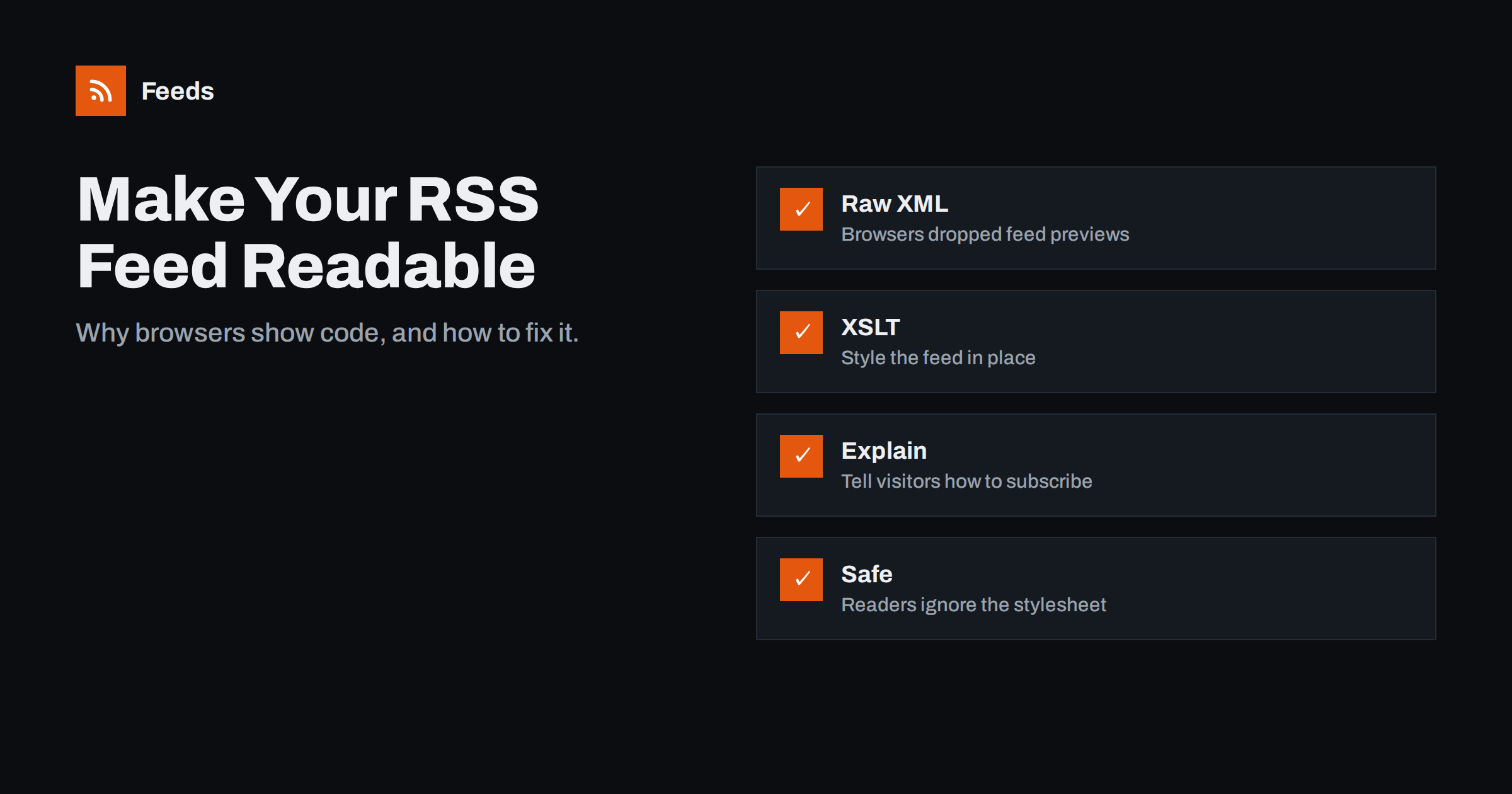
Short answer: Modern browsers no longer have built-in feed previews, so opening an RSS feed shows raw XML, a plain text dump or a file download. You can fix this for human visitors by adding an XSLT stylesheet to the feed with an xml-stylesheet processing instruction. Browsers then render the feed as a friendly page that lists recent posts and explains how to subscribe, while feed readers ignore the stylesheet and read the XML exactly as before.
Many visitors click an RSS link out of curiosity and are greeted by a wall of angle brackets. Some think the site is broken; others download a file they cannot open. For a technology that is supposed to make following a site easier, that first impression is poor. The fix is small, standards-based and invisible to feed readers. This guide explains why browsers behave this way, how feed styling works and how to add it to WordPress, static sites and custom feeds.
Why browsers stopped showing feeds nicely
Around the late 2000s, major browsers had built-in feed previews: a styled page with the feed’s items and a “Subscribe” button. Over the following years they removed them. Firefox dropped its feed preview and Live Bookmarks in 2018, and Chrome never had a built-in preview in the first place. Today, opening a feed in a browser typically produces one of three results:
- A tree view of the XML, with a note that the file has no style information.
- Unformatted text, when the server sends the feed with a generic content type.
- A download prompt, when the browser does not know how to display the content type.
None of these helps someone who clicked “RSS” wanting to subscribe. The irony is that the people most likely to click such a link are exactly the curious newcomers who would benefit from a short explanation. Browser extensions can restore previews, but you cannot rely on visitors having them.
How XSLT styling works
XSLT is a W3C language for transforming XML into other formats, including HTML. Browsers have supported applying an XSLT stylesheet to an XML document for many years. You add one line near the top of your feed, right after the XML declaration:
<?xml version="1.0" encoding="UTF-8"?>
<?xml-stylesheet type="text/xsl" href="https://example.com/feed-style.xsl"?>
<rss version="2.0"> ...
When a browser opens the feed, it downloads the stylesheet and renders the result as a web page. When a feed reader fetches the feed, it ignores the processing instruction and parses the RSS as usual. The feed itself does not change.
The stylesheet is a template: it matches the channel and item elements and outputs HTML with your title, description and a list of items with links and dates. You can include CSS for your site’s look and a short explanation of what RSS is.
A minimal stylesheet, explained
You do not need to be an XSLT expert. A basic feed stylesheet has only a few parts, and most people start from an existing open-source template:
- The stylesheet declaration, which states the XSLT version and the namespaces used in your feed, such as the Atom or content namespace if your feed uses them.
- An output instruction telling the browser to produce HTML.
- A main template that matches the root of the feed and writes the HTML page: the head with a title and CSS, and the body with your heading and explanation.
- A loop over items that outputs each item’s title as a link, its date and, optionally, a short description.
Two practical warnings. First, descriptions in feeds are usually escaped HTML; XSLT will show them as text with visible tags unless you output them carefully, so many templates show only titles and dates. Second, if your feed uses namespaces, the stylesheet must declare the same namespaces or its templates will not match anything, and the page will appear empty. When the styled page is blank, a namespace mismatch is the first thing to check.
Test the styled feed in at least two browsers, and confirm that the raw feed still validates after adding the processing instruction. Validators accept the instruction, but a typo in it can break the XML.
What a good styled feed page contains
- A clear heading such as “This is the RSS feed for Example Blog”.
- A short explanation: “Copy this page’s address into your feed reader to get new posts automatically.”
- The feed URL in a copyable box, because the reader needs the address, not the page.
- Links to a few popular readers or to a page explaining RSS, if you want to help newcomers.
- A list of recent items with titles, dates and links, so the page is useful even for people who never subscribe.
- A link back to the site’s home page.
Keep it light and fast. The point is to reassure and guide, not to replicate your website. A simple layout with your logo, one paragraph of explanation and a clean list of posts is enough, and it will still look right years from now when your main design has changed twice.
Adding styling in WordPress
WordPress does not add a feed stylesheet by default. Options:
- A plugin. Several feed-related and SEO plugins can add a styled feed; check the options of plugins you already use first.
- A small snippet. Output the processing instruction with the
rss_tag_preaction, which runs just before the openingrsstag, and place the XSL file in your child theme or a site plugin. - Test all feeds. The same hook applies to category and tag feeds, which is usually what you want.
Place the stylesheet on the same domain as the feed. Browsers restrict loading XSLT from other origins, and a stylesheet on a CDN domain may silently fail.
Adding styling on static sites and custom feeds
On a static site, add the processing instruction to your feed template and put the XSL file in the static assets folder. Hugo, Jekyll, Eleventy and Astro all let you edit the feed template directly. Many starter templates for these generators include a ready-made “pretty feed” stylesheet that you can adapt.
For custom feeds generated in code, emit the processing instruction immediately after the XML declaration. Nothing else in your feed changes.
Content type and caching considerations
| Setting | Recommendation | Reason |
|---|---|---|
| Feed content type | application/rss+xml or application/xml | Browsers apply XSLT to XML types; some download rss+xml, so test |
| Stylesheet content type | text/xsl or application/xslt+xml | Lets browsers recognise the stylesheet |
| Stylesheet location | Same domain as the feed | Cross-origin XSLT is blocked in browsers |
| Caching | Cache the XSL file for a long time | It rarely changes |
Behaviour varies slightly between browsers and content types. Some browsers download feeds served as application/rss+xml instead of displaying them; serving the feed as application/xml or text/xml usually makes browsers display it with the stylesheet. Feed readers accept all of these types.
Keep an eye on browser support
Browser support for XSLT is long-standing, but browser vendors have discussed reducing or removing built-in XSLT processing in the future because few sites use it. If that happens, styled feeds would fall back to showing raw XML, which is exactly today’s situation without a stylesheet, so there is little downside to adding one now. Readers and tools will be unaffected either way. If you want a solution that does not depend on XSLT, link visitors to a normal HTML “Subscribe” page that explains RSS and shows the feed URL, and use the feed link itself only for readers.
Other ways to help visitors subscribe
Styling the feed is one part of a friendly subscription experience. Also consider:
- A “Subscribe” page that lists your feeds with one-line descriptions.
- Autodiscovery tags in every page’s head, so readers find feeds from any URL.
- A newsletter option next to the feed for people who prefer email.
And if you want to offer visitors a feed of a section that your site cannot produce, such as a combined feed of your blog and your news page, our tool, Feeds, can create feeds from public pages and merge several sources into one link that you can then feature on your subscribe page. See the plans.
Related reading
- RSS Autodiscovery: Help Readers and Apps Find Your Feed
- Anatomy of an RSS 2.0 Feed: Every Element Explained
- Adding RSS to a Static Site: Hugo, Jekyll, Eleventy and Astro
The bottom line
Browsers no longer preview feeds, so visitors who click your RSS link see code or a download. A short XSLT stylesheet, referenced by one processing instruction and hosted on the same domain, turns the feed into a friendly page with recent posts and subscription instructions, without affecting feed readers at all. Pair it with a clear subscribe page and autodiscovery, and following your site becomes easy for everyone.
FAQ
Why does my RSS feed show code in the browser?
Modern browsers removed their built-in feed previews, so they display feeds as raw XML or plain text. This is normal and does not mean the feed is broken; feed readers still read it correctly.
Will an XSLT stylesheet break my feed for readers?
No. Feed readers ignore the xml-stylesheet processing instruction and parse the RSS as usual. Only browsers apply the stylesheet when a person opens the feed.
Why does my browser download the feed instead of showing it?
The server probably sends a content type the browser does not display, such as application/rss+xml in some browsers. Serving the feed as application/xml or text/xml usually makes browsers display it.
Can the stylesheet be on a CDN?
It is safer to host it on the same domain as the feed. Browsers restrict XSLT loaded from other origins, so a stylesheet on a different domain may fail silently.
Is XSLT still supported by browsers?
Current major browsers support it, but vendors have discussed phasing it out. If support is removed, a styled feed simply shows raw XML again, so adding a stylesheet carries little risk.


