ENEnglish
 LTLietuviškai
 DEDeutsch
 FRFrançais
 RUРусский
 ESEspañol
 PLPolski
 ITItaliano
 UKУкраїнська
 CSČeština
 PTPortuguês
 JA日本語
 LVLatviešu valoda
 ETEesti
 HUMagyar
 IDBahasa Indonesia
 TRTürkçe
 HIहिन्दी
 ELΕλληνικά
 ARالعربية
 THไทย
 VITiếng Việt
 RORomână
 MSBahasa Melayu
 BNবাংলা
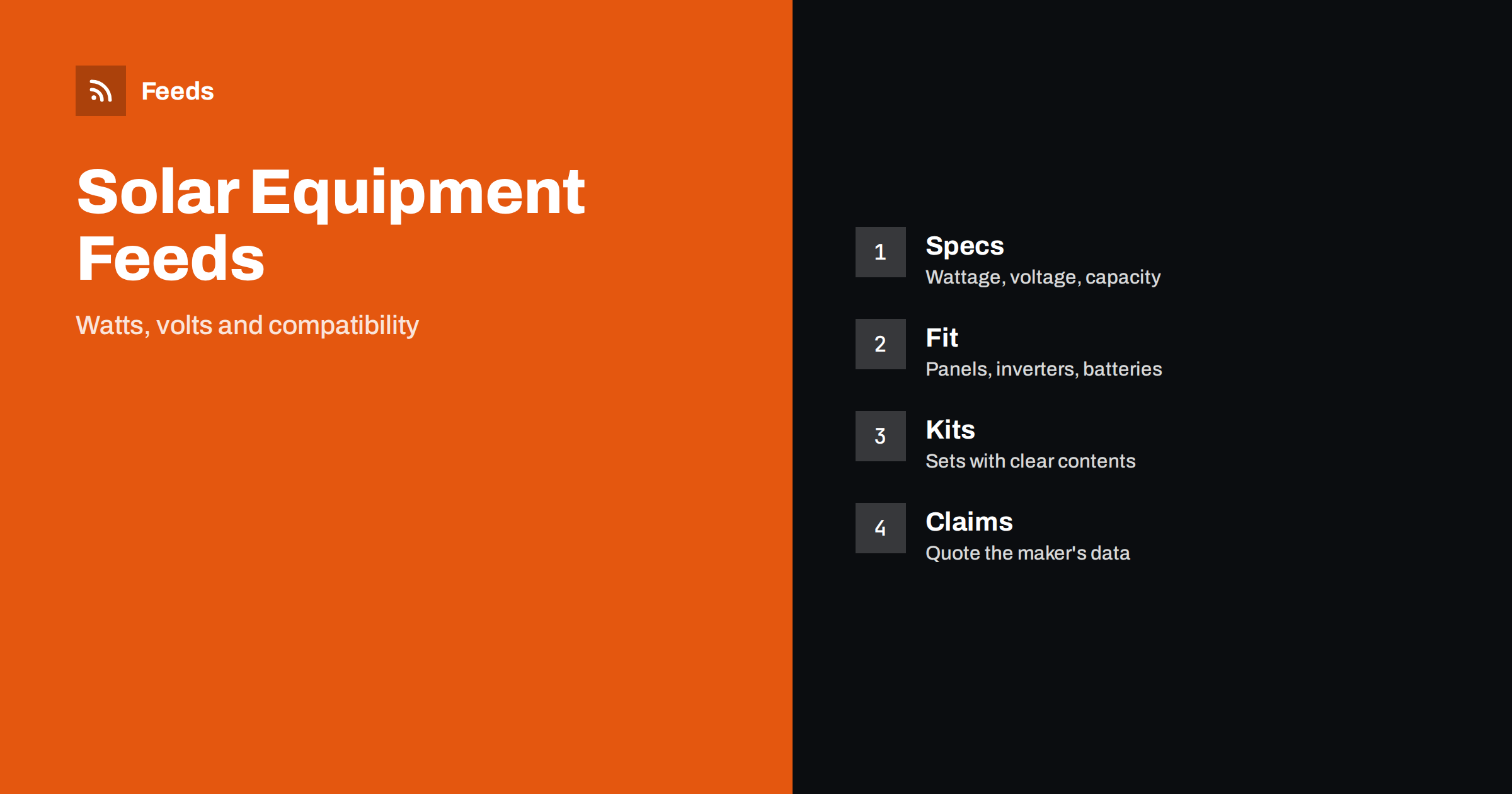
Short answer: Solar panels, inverters, batteries, chargers and other home energy equipment are bought by technical specification, so a product feed must state the exact brand, model, power, voltage, capacity and connection type. A good feed gives each item a title that leads with brand, product type and the key rating, sends the correct GTIN and manufacturer part number, keeps compatibility notes precise, lists kits as separate products with clear contents and avoids claims about output or savings that the maker does not state. The landing page must show the same model, rating and price.
Why this category needs careful feeds
Home energy equipment is technical, and a wrong match can mean a product that does not work with the rest of the system. A panel has a rated power and a voltage, an inverter has input and output limits, a battery has capacity and a chemistry, and a charge controller has current limits. Shoppers compare these numbers carefully, and professionals who buy for projects check them even more closely.
A feed that hides the numbers, mixes units or lists a kit as a single panel creates returns and complaints. The category also has strict rules about safety and certification, and about what can be claimed. The foundations are covered in what a product feed is, and this category needs precise details from the first product.
Titles that lead with brand, type and rating
Shoppers search by product type and key rating, for example “400 W solar panel” or “12 V 100 Ah battery”. Start the title with the brand and the product type, then add the rating that defines the product: power in watts, capacity in amp-hours or kilowatt-hours, voltage or output. Add the model name or code and the colour or frame type where relevant. “Brand 400 W Monocrystalline Solar Panel, Black Frame” is clear. “Power Your Future” is not.
Use the same order across the catalog so that products compare easily, and always write units exactly as the maker does. More formulas and examples are in product feed title optimization, and the same logic applies to related categories such as product feeds for e-bikes, scooters and batteries.
Specifications that need to be exact
List the facts that distinguish products in a consistent form. For panels: rated power, cell type, dimensions, weight, connector type and warranty terms as stated by the maker. For inverters: input voltage range, output power, output type and number of inputs. For batteries: nominal voltage, capacity, chemistry and maximum current. For chargers and controllers: current rating and supported battery types. Take the values from the maker’s data sheet and use the same units on the page and in the feed.
Do not round or combine figures in a way that makes a product look better. If a figure depends on test conditions, say so in the way the maker does. Richer fields help here, and product_highlight and product_detail show how to present such facts. Keep wording factual, in line with writing product descriptions for shopping feeds.
Compatibility and system fit
Compatibility is the main source of returns in this category. A battery must match the inverter, a panel must fit the mounting system and a cable needs the right connectors. State what a product is designed to work with, and say clearly what it does not include, such as cables, mounting hardware or a controller. Do not imply that a product is a complete system when it is a single part.
For parts and accessories, name the models that they fit and keep one product per distinct part. Product feeds for spare parts and compatible accessories explains how to organise them. When a shopper may need professional installation or a licensed electrician, say so plainly on the page.
Kits, bundles and packs
Many shops sell starter kits with panels, a controller, cables and mounting parts, or battery packs of several units. Give each kit its own product with a title that says what is included, its own identifier where one exists, its own price and an image that shows the real contents. Do not list the kit price on a single part, and do not describe a pack of four as a single item.
The setup is explained in bundles and multipacks in product feeds. Keep the contents list identical on the page and in the feed, and update both when a component changes.
Pallet and bulk orders deserve their own treatment. Installers buy panels by the pallet, and a feed that shows only single-unit prices can mislead them. If you offer pallet prices, give them a separate product with the number of units in the title, and do not mix unit and pallet prices in one listing. The same applies to cable by the metre and to items sold by the box.
Certifications, safety and honest claims
Energy products come with certificates and safety marks, and shoppers look for them. Show certifications only when they appear on the product and the page and are current, and use the maker’s wording. Do not make claims about how much electricity a product will generate or how much money it will save, because results depend on location, installation and use. Where the maker publishes test figures, quote them with the conditions.
Check the advertising rules of each country for energy and safety products, and keep descriptions factual. Include warnings and installation notes on the product page when they are required. A cautious, accurate approach is better for customers and avoids disapproval.
Identifiers, brand and variants
Branded products usually have a GTIN for each model and variant, and you should send it together with the manufacturer part number and brand. For products sold under your own label, send your brand and a stable product code and never invent a number. A wrong identifier is worse than a missing one. The rules are explained in GTIN, MPN and brand.
Use one parent product with variants for sizes, colours or capacities where they share the same model family, linked by a shared group ID, as described in how item_group_id works. Do not group products with different ratings in the same set unless the rating is the variant itself.
Shipping, images and landing pages
Panels and batteries are heavy, fragile or regulated for transport, and shipping can decide whether a sale is profitable. Make sure the shipping settings reflect what you offer, as explained in shipping in product feeds, and state delivery times and any restrictions on the page. Batteries often have special carrier rules, so check them before you advertise delivery to a country.
Use clean photos of the real product on a plain background, plus pictures that show connectors and the label with ratings. Avoid text overlays and promotional badges. The landing page must open the same product with the same price and availability, as covered in what feed links must lead to and product feed image requirements. Before a busy period or a subsidy-driven rush, check stock and prices with preparing your product feed for peak season.
Keep an eye on the market and the rules around it. Subsidy schemes, grid connection rules and product safety notices change over time, and they influence what shoppers search for and what you may claim. Following official energy and consumer authority pages with a feed helps you update product pages in time, and the same sources are useful when you write guides for customers. Check each change against the official text before you update a listing.
Finally, run a short routine. Weekly, look at disapproved items, at products with missing identifiers and at prices that differ from the page. Monthly, compare ten popular products with the maker’s data sheet and the landing page. A checklist such as the product feed checklist keeps this work small, and it catches the small errors that otherwise accumulate when ranges and prices change often.
How RSS Feed Creator helps
RSS Feed Creator builds Google Merchant Center and Meta catalog XML straight from your store. WooCommerce and Shopify are read automatically, and any other store can use a CSV link. You can skip out-of-stock products, rewrite titles with rules so that brand, product type and key rating appear in the same order every time, and adjust prices. Before you submit anything, check the preview and the Merchant Center diagnostics to confirm that ratings, models and stock arrive as you expect. The free plan includes product feeds with up to 50 products, and the Store plan covers one store with 3 product feeds and up to 2,000 products. The details are on the pricing page.
Related reading
- Product Feeds for E-Bikes, Scooters and Batteries
- Product Feeds for Spare Parts and Compatible Accessories
- Content Automation for Solar and Energy Installers
The bottom line
Clean feeds for solar and home energy shops come from exact ratings, correct identifiers, precise compatibility notes, kits with clear contents, factual safety and certification wording and a landing page that matches the ad. Check the preview before you submit and fix what the diagnostics report. Accurate details reduce returns more than any clever title.
FAQ
Which rating should go in the title?
Use the rating that defines the product, such as watts for a panel or capacity for a battery, written exactly as the maker states it.
Can I write how much a panel will save?
It is safer not to. Results depend on location, installation and use. Quote the maker’s test figures with their conditions instead.
How do I list a starter kit?
Create a separate product with a title that lists the contents, its own price and an image of the real kit. Do not reuse the single-part listing.
What about products that need professional installation?
Say so clearly on the product page and keep the wording the same in the feed details. Do not suggest that a part is a complete, ready system.
How do I handle pallet or bulk pricing?
Give pallets and bulk packs their own products with the quantity in the title, and keep unit prices on the single-unit listing.