ENEnglish
 LTLietuviškai
 DEDeutsch
 FRFrançais
 RUРусский
 ESEspañol
 PLPolski
 ITItaliano
 UKУкраїнська
 CSČeština
 PTPortuguês
 JA日本語
JA日本語 LVLatviešu valoda
 ETEesti
 HUMagyar
 IDBahasa Indonesia
 TRTürkçe
 HIहिन्दी
 ELΕλληνικά
 ARالعربية
 THไทย
THไทย VITiếng Việt
 RORomână
 MSBahasa Melayu
 BNবাংলা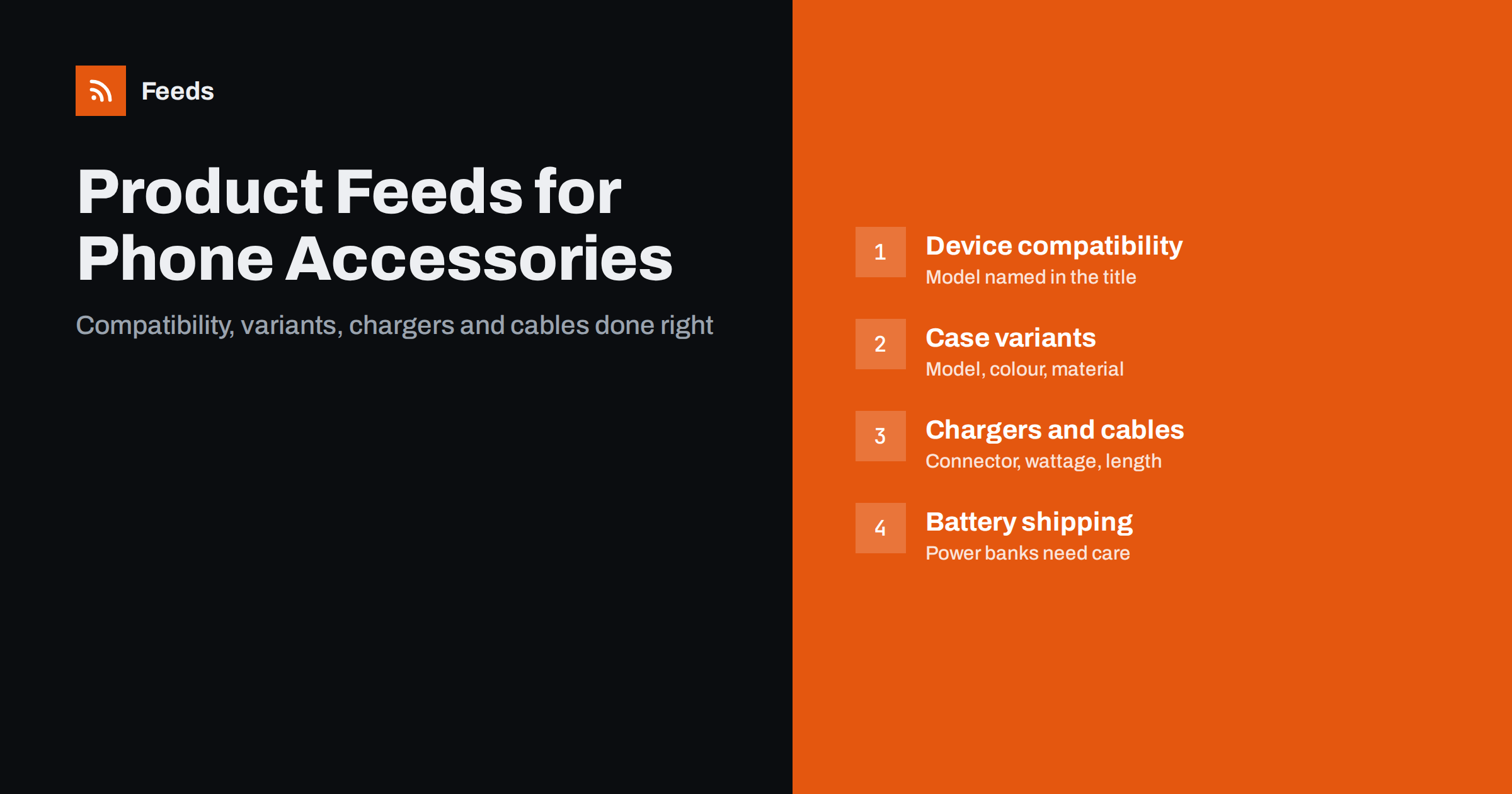
Short answer: A phone accessory feed works when the shopper can see at once which device the product fits. Name the compatible model in the title, list each device, colour and material combination as its own item grouped by item_group_id, and state the technical details of chargers and cables, such as connector type, wattage and length. Use real GTINs where they exist, and check carrier rules before listing power banks or other batteries.
The compatibility problem
Phone accessories have one overriding question: will it fit my device? A case designed for one phone is useless on a similar-looking one a few millimetres smaller. A charger that works with one connector will not work with another. Shoppers know this, so they search for the model first and the product second: “case for [model]”, “screen protector [model]”, “wireless charger [standard]”.
It follows that compatibility is the most valuable piece of data in an accessory feed. If the title does not name the device, the product will not appear for the searches that matter, and when it does appear the shopper cannot tell whether it fits. At the same time the catalogue grows quickly, because every case design must be repeated for every phone model, and each model in several colours.
Naming compatible devices in titles
Put the device the product fits near the front of the title, after the product type. A reliable pattern is: brand, product type, device or standard, key feature, colour. For example: “Brand Clear Case for Phone Model X, Shockproof, Transparent”.
- Use the full, exact model name, not a family name. A series can include several different sizes.
- Do not list long strings of compatible models in the title. If a product fits several devices, put the main one in the title and list the rest in the description or in structured product details.
- Describing what a product fits is normal and expected. What you must not do is suggest that the accessory is made, approved or endorsed by the phone maker unless it is.
- Avoid filler such as “best”, “top” or “hot sale”, which platforms disapprove of.
The general approach to titles is described in product feed title optimization.
Variants: device, colour and material
Cases and screen protectors come in a matrix of device, colour and sometimes material or finish. Each combination you can sell should be its own item with its own id, price, availability and image, and all of the combinations of one design should share an item_group_id. The mechanics are explained in product variants and how item_group_id works.
There is one subtlety for accessories. When the device is the main difference, many shops treat each device as a separate product, because shoppers search for the device. When colour is the difference, it is a variant. Whichever model you choose, apply it consistently and make sure the product page reflects the same choice. Mismatches between the feed and the page are a common cause of disapproval.
Screen protectors, camera lens covers, holders, mounts and wireless earbuds follow the same logic with their own twists. For protectors, state the material, such as tempered glass or film, and whether a case-friendly design is offered. For mounts and holders, state where they attach and the range of device sizes they hold. For earbuds and headphones, give the connection type and the main features, and list the charging case separately if it is sold on its own. In every case, think about what a shopper would ask a shop assistant, and answer it in the feed.
Chargers, cables and adapters
For power products the title and details should answer the technical questions without the shopper opening the page.
- Connector type: name the connector at each end, for example USB-C to USB-C or USB-A to a device-specific connector.
- Length: state it in the units your market uses, for example 1 m or 2 m.
- Power: give the wattage or output, and say which fast-charging standards the product supports, but only those it really supports.
- Number of ports: for chargers and hubs, say how many ports and what type.
- Certifications: mention a standard or certification only if you can document it.
Technical specifications that do not fit in the title belong in the description or in the product_detail attribute, described in product_highlight and product_detail. Consistent values, for example always writing wattage the same way, make filtering and matching more accurate.
Power banks, batteries and shipping
Power banks and other products containing lithium batteries are subject to special carrier rules, which can restrict air transport, certain destinations and some shipping services. Before you add these products, check what your carriers allow, and make sure the shipping settings in your merchant account match your real offer. If you cannot ship a product to a country, do not offer it there.
The guide to shipping in product feeds explains how to separate account-level shipping rules from product-level attributes. Add the weight and package size if your rates depend on them. In the description, state the battery capacity honestly, with the unit, since this is a common source of complaints.
Identifiers: GTINs, MPNs and generic products
Products from established accessory brands normally have a GTIN and a manufacturer part number. Include both, with the brand name. Generic or white-label products, and products you design and source yourself, may have no GTIN. For those, leave the GTIN empty, supply your own brand name and part number and set identifier_exists to no. Never copy a GTIN from a look-alike product, which causes mismatches and can lead to disapproval. The full explanation is in GTIN, MPN and brand in product feeds.
Be careful with counterfeit and misleading listings. Selling unauthorised copies of branded accessories is prohibited by shopping platforms, and so is using a brand name in a way that makes a third-party product look like the original. Describe third-party accessories as what they are.
Images that show the product itself
The main image should show the accessory clearly on a plain background, ideally without the phone, or with the phone only if that is the only way to show the fit. Do not add promotional text, logos, badges or watermarks to the main image. Show the other angles, the camera cut-outs on cases, the ports on chargers and the packaging contents as additional images. Colour accuracy matters, since colour is a common reason for returns. The detailed rules are in product feed image requirements for Google and Meta.
Keeping up with new devices and old stock
Accessory catalogues age quickly. New phone models arrive every year, bringing a wave of new cases and protectors, while accessories for old models slow down. A few habits keep the feed healthy.
- Add new device variants as soon as you can supply them, since interest is highest around a launch.
- Mark discontinued or sold-out items as out of stock promptly, or remove them. The options are discussed in out-of-stock products in your feed.
- Review the oldest and slowest products regularly and decide whether they deserve a place in the feed.
- Use custom labels to separate new arrivals, bestsellers and clearance items, as explained in custom labels in product feeds.
Building and maintaining the feed
The size of the device and colour matrix makes a manual feed impractical. The data should come from your store system. RSS Feed Creator creates Google Merchant Center and Meta catalog XML feeds straight from a WooCommerce or Shopify store, or from a CSV file link for other platforms. It can skip out-of-stock products, apply title and price rules, and detects the currency automatically. The feed refreshes on its own and you see a preview before anything is created. Plan limits are on the pricing page.
After the first upload, check the diagnostics, fix missing attributes and mismatches, and repeat the check regularly.
Related reading
- Product feeds for electronics stores: specs, GTINs, variants
- Product feed checklist: 25 checks before you submit
- 12 product feed mistakes that quietly cost you sales
The bottom line
A phone accessory feed is won or lost on compatibility. Name the exact device in the title, treat device, colour and material combinations as properly grouped variants, give chargers and cables their technical details, check carrier rules for batteries, use real identifiers and clean images, and keep the catalogue fresh as new devices arrive. Done well, the feed answers the shopper’s first question before they click.
FAQ
Should every phone model be a separate product?
Many shops treat each device as its own product, because shoppers search by device, and use variants for colour or material. Pick one approach, apply it consistently and make sure the product page matches the feed.
Can I mention a phone brand in my accessory titles?
Naming the device that an accessory fits is normal and expected. Do not suggest that the accessory is made or approved by the phone maker unless that is true.
Do cables and chargers need a GTIN?
Branded products usually have one and it should be included. Generic or own-brand products may have none, in which case leave it empty, give your brand and part number and set identifier_exists to no.
Can I list power banks like other products?
You can, but lithium batteries are subject to carrier restrictions. Confirm which carriers, services and countries you can use, and make sure the shipping settings in your account match what you really offer.
What should the main image of a case show?
The case itself on a plain background, without promotional text or badges. Add other angles, details such as cut-outs and the product in use as extra images.