ENEnglish
 LTLietuviškai
 DEDeutsch
 FRFrançais
 RUРусский
 ESEspañol
 PLPolski
 ITItaliano
 UKУкраїнська
 CSČeština
 PTPortuguês
 JA日本語
JA日本語 LVLatviešu valoda
 ETEesti
 HUMagyar
 IDBahasa Indonesia
 TRTürkçe
 HIहिन्दी
 ELΕλληνικά
 ARالعربية
 THไทย
THไทย VITiếng Việt
 RORomână
 MSBahasa Melayu
 BNবাংলা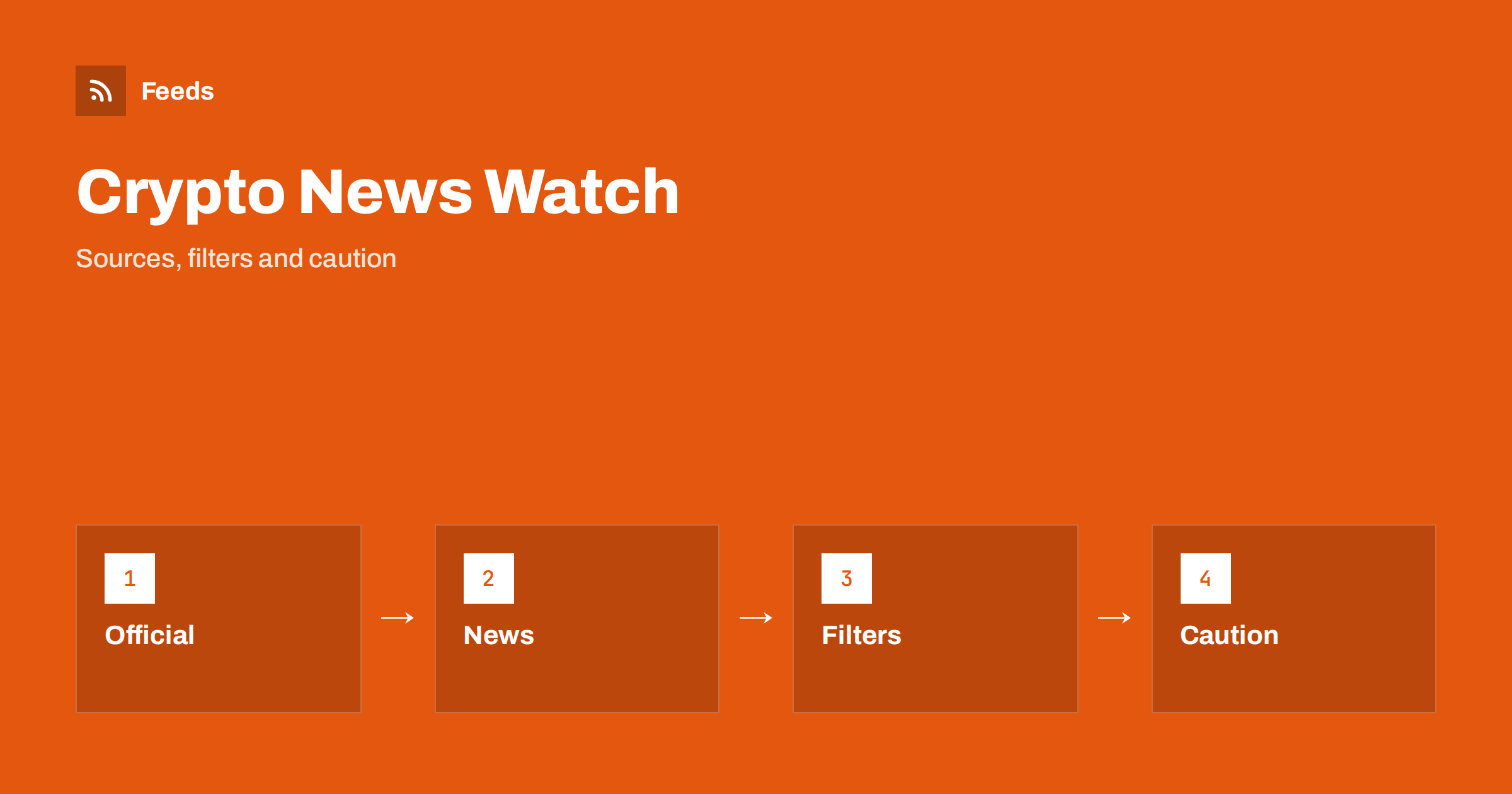
Short answer: Cryptocurrency and blockchain news moves fast and mixes facts with rumours, promotion and outright scams. RSS lets you collect the sources you trust, such as official project blogs, exchanges’ announcement pages, regulators, standards bodies and respected news outlets, into one reader, filter them by project or topic and read them at your own pace instead of reacting to social media. A feed delivers information; it does not tell you what to buy or sell, and nothing in it is financial advice.
Why a feed beats a social timeline for this topic
On social platforms the loudest posts win, and in crypto the loudest posts are often promotional. Screenshots of “announcements” circulate without a source, prices are discussed as if they were news and impersonation accounts copy the look of real projects. A feed does the opposite: you choose the sources, the items arrive in date order, and each one links to its original page.
This makes it easier to separate categories of information. A project’s own announcement is a primary source. A news article about it is a report. A comment on a forum is an opinion. The habit of going back to the original source is described in fact-checking with RSS, and it is especially important when money is involved.
Choose the types of source you need
Start with a list of what you actually follow: a few projects, the exchanges you use, the rules that apply in your country and the security news that could affect you. Then pick sources in each group. Official project blogs and developer announcements cover upgrades, schedule changes and incident reports. Exchange and wallet announcement pages cover listings, maintenance windows and withdrawals. Regulators and central banks publish rules, warnings and consultations. Trade publications and general news outlets report and analyse.
Include a few sources that disagree with each other. If every feed praises the same project, you are not following news, you are following marketing. Keep the list short at the beginning, ten to fifteen sources are enough, and add more only when you notice a gap. A short list is easier to read every day, which is the habit that matters.
Find the feeds
Many blogs, news sites and project pages publish RSS feeds. Look for a feed icon or a link labelled RSS, or check the page source for a feed link. Announcement pages on exchanges and project documentation sites are often plain web pages without a feed. For those, create a feed from the list of announcements on the page. Pick the page that lists items in date order, not a home page with a changing layout.
The methods for finding feeds are in how to find the RSS feed of any website, and the page-based approach in how page-to-feed tools find the articles on a web page. Always use the official domain. Copies of announcement pages on look-alike domains are a common way to spread fake notices, so check the address before you subscribe.
Filters that keep the signal
Crypto sources publish a lot, much of it repetitive. Merge your sources into one reading list and add keyword filters. Include the names of the projects and assets you follow and topics such as “regulation”, “audit”, “exploit”, “upgrade” and “delisting”. Exclude words that signal pure promotion, such as “giveaway”, “airdrop” and “presale”, if you do not want them. Review the results after two weeks and adjust, because project names and slang change quickly.
Create a second, smaller feed for security items, since those may need immediate attention: incident reports, withdrawals paused, vulnerabilities and wallet advisories. Keep the main reading list calm. The mechanics are explained in merging multiple RSS feeds into one clean feed and RSS keyword alerts, and further ways to avoid overload in how to reduce RSS alert noise.
One more practical tip: name your feeds by purpose, such as “projects I use”, “security” and “rules”. When you open your reader, you then know in one second what kind of item you are about to read and how urgent it is, and you can skip the groups that do not need attention today.
Follow regulators and rule changes
Rules about digital assets differ by country and change often. They cover who may offer services, how firms must register, which taxes apply and how consumers are warned about risks. Regulators, financial supervisors, tax authorities and consumer agencies publish notices, guidance and consultations on their sites, and many of them offer RSS feeds.
If you run a business that touches digital assets, or you are simply a user who wants to understand your obligations, follow the authorities of your own country first. The approach is similar to tracking regulator updates with RSS. Read the official text, note the date it takes effect and, where the details affect you, ask a qualified adviser. A news summary of a rule is not the rule.
Spot scams and impersonation
Crypto attracts scammers: fake support accounts, copied websites, “guaranteed return” schemes and urgent messages asking you to connect a wallet or share a phrase. A feed will not stop you from clicking a bad link, but it helps you build habits. Read news only from sources you chose, open project pages by typing the address or using a bookmark and never act on a message that arrives from nowhere with pressure to hurry.
Follow the warning pages of your regulator, police or consumer agency, since they often list common tricks and names of known fraudulent sites. The topic is covered more broadly in following cybersecurity breach and data leak news with RSS. No legitimate project or exchange will ask for your private keys or recovery phrase, so treat any such request as a sign of fraud.
Separate news from price talk
Prices are data, not news, and price commentary is opinion. If you include price movement articles in your feed, read them as opinions with a date. A forecast is not a fact, and “analysts expect” is not a promise. Do not make decisions based on a single headline, and be careful with anything that creates urgency, such as “last chance” or “about to surge”.
Write down your own rules before you read. For example: you will not act on news the same hour it appears, you will check the official source first and you will never invest an amount you cannot afford to lose. These rules protect you from the emotional pull of fast news. If you are unsure about a decision, consider the advice of a qualified professional who knows your situation.
Keep a simple record
If you follow a project or a rule closely, a small log helps. Record the date, source, title, a one-line summary and a link. Add a note about what changed and whether it affects you. A spreadsheet is enough, and importing feeds into Google Sheets explains how to fill it automatically. A log turns scattered reading into a timeline, which is more useful when you need to review a decision later.
Keep copies of important official notices, such as terms changes or incident reports, because pages can be edited or removed. Save the link and the date you read it, and take a copy if the information matters for tax or legal reasons. Old notices can also reappear as if they were new, so always check the publication date.
How RSS Feed Creator helps
RSS Feed Creator turns the announcements, blog or news page of a project, exchange or regulator into a clean RSS feed, even when the site has no feed of its own. It reads titles, images, summaries and dates, uses an existing feed when there is one, and shows a preview of the items before the feed is created. You can merge several sources into one feed (up to 10 with the PostRSS add-on), keep only the items that contain your keywords and have duplicates removed automatically, which suits a themed watch on specific projects or rules. Feeds refresh every 3 hours on the free plan and every 30 minutes on paid plans, and the PostRSS add-on sends an alert when a page changes and a feed stops finding items. The free plan allows up to 20 items per feed, and the details are on the pricing page.
Related reading
- How to Follow Startup Funding and Acquisition News with RSS
- How to Track Investor Relations Announcements with RSS
- Media Monitoring with RSS: Track Brand Mentions in the News
The bottom line
To follow cryptocurrency and blockchain news with RSS, choose a short list of official and reputable sources, merge them, filter by the projects and topics you follow and keep security items in a separate feed. Read the original page, check the date and the address, and treat price talk as opinion. The feed organizes the information; the decisions, and the responsibility for them, stay with you.
الأسئلة الشائعة
Which sources should I follow first?
Start with the official blogs of the projects you use, the announcement pages of your exchange or wallet, your national regulator and one or two reputable news outlets.
Do exchanges and projects offer RSS feeds?
Some do. Where they do not, a page-to-feed tool can read the list of announcements and create a feed. Check the preview and use only the official domain.
How do I avoid fake announcements?
Subscribe only to official addresses, type or bookmark them, and never act on a message that pressures you to hurry. No legitimate service asks for your private keys or recovery phrase.
Can a feed help me trade?
A feed shows news after a delay set by its refresh interval and is not a trading tool. It is for staying informed, not for timing markets.
Is this financial advice?
No. A feed delivers information only. Decisions about buying, selling or holding assets depend on your situation, and a qualified professional can advise you on them.