 ENEnglish
 LTLietuviškai
 DEDeutsch
 FRFrançais
 RUРусский
 ESEspañol
 PLPolski
 ITItaliano
 UKУкраїнська
 CSČeština
 PTPortuguês
 JA日本語
JA日本語 LVLatviešu valoda
 ETEesti
 HUMagyar
 IDBahasa Indonesia
 TRTürkçe
 HIहिन्दी
 ELΕλληνικά
 ARالعربية
 THไทย
THไทย VITiếng Việt
 RORomână
 MSBahasa Melayu
 BNবাংলা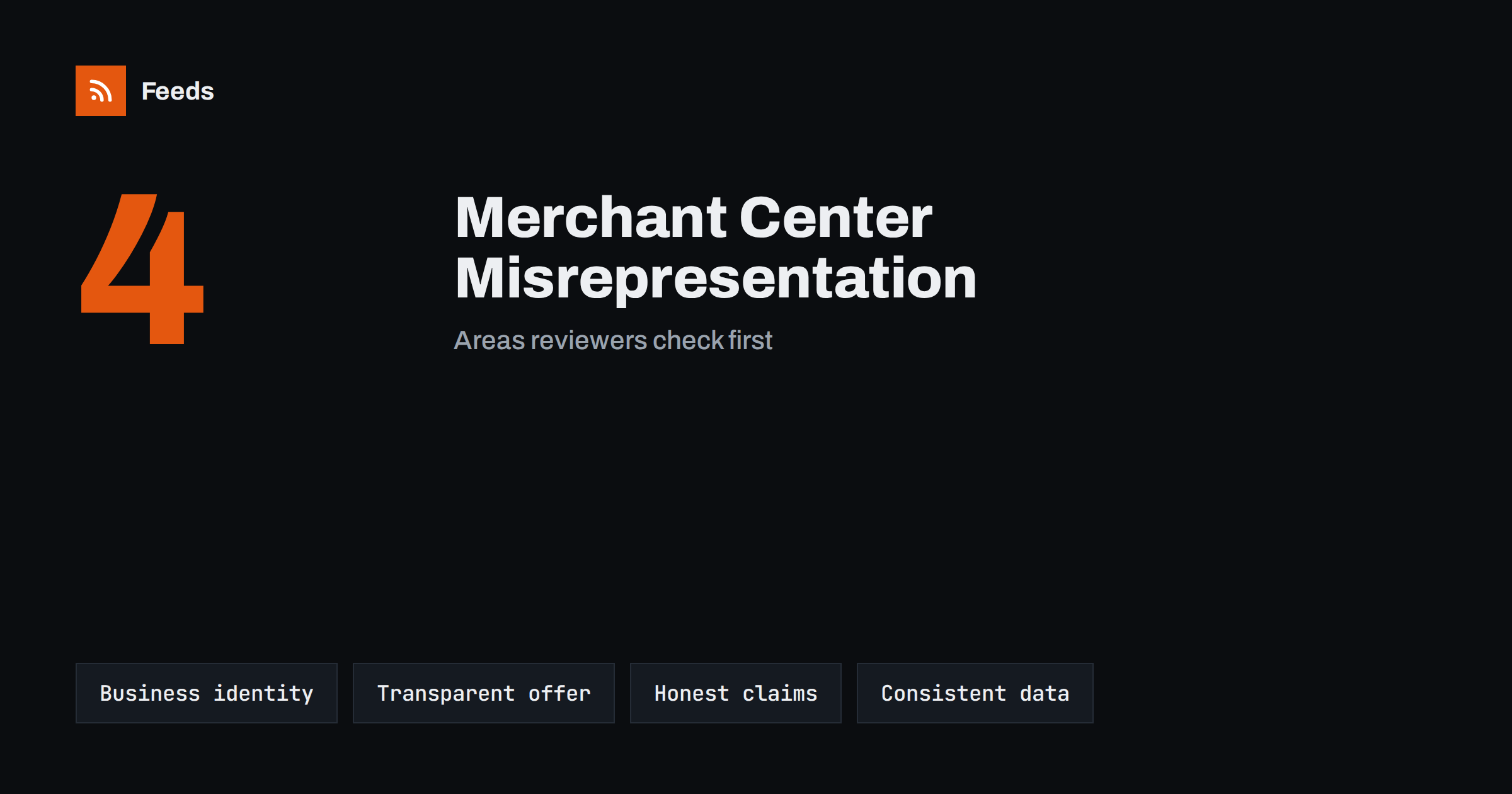
Short answer: A misrepresentation suspension means Google believes shoppers might be misled about your business, products or terms. Common causes are missing or unclear business information, hidden fees or unclear shipping and returns, exaggerated or unsupported claims, fake urgency or trust badges, and inconsistencies between the feed and the website. Recovery means fixing the website and data thoroughly, making the business identity and terms transparent, and then requesting a review. Repeated reviews without real changes usually lengthen the process.
What a misrepresentation suspension is
Misrepresentation is one of Google’s shopping policies. It covers situations where a business, its products or its terms may not be presented honestly or clearly enough for shoppers to make informed decisions. When Merchant Center flags an account for misrepresentation, products usually stop showing until the issue is resolved and a review succeeds.
The notice itself is often brief and does not list every specific problem. That is frustrating, but it reflects how the policy works: reviewers look at the overall impression of the business and website, not only at a single rule. Recovering therefore means reviewing the site as a skeptical first-time shopper would, and fixing everything that could reduce trust.
The policy applies to all stores, but new stores, dropshipping stores and stores launched quickly from templates are flagged more often, usually because basic trust information is missing.
It helps to remember that the policy protects shoppers, not platforms. A useful mindset is not “what does Google want to see” but “what would a careful shopper need before trusting this store with their money”. Sites that answer that question well tend to pass reviews without special tricks.
Area 1: business identity
Shoppers must be able to understand who they are buying from and how to reach them. Check that your website has:
- A clear business name, consistent across the site, Merchant Center, invoices and email.
- Contact information: at least an email address, and ideally a phone number and a physical or registered address where appropriate for your country.
- An about page that explains who runs the store, without invented history or exaggerated claims.
- Legal information required in your country, such as company registration details.
The business information in Merchant Center should match what the site says. A different name or address in the account and on the website is a common source of doubt.
If you sell under a brand name that differs from the legal company name, explain the relationship somewhere visible, for example “Brandname is a trading name of Company Ltd”. Mismatched names without explanation are a frequent source of doubt during reviews.
Area 2: transparent offer and terms
Shoppers must be able to see what they will pay and receive before they commit:
- Prices, including taxes where required, clearly shown on product pages.
- Shipping costs and delivery times published on the site and consistent with checkout and Merchant Center settings.
- No hidden fees added late in checkout, such as handling charges that were not mentioned earlier.
- A clear return and refund policy that states the conditions, time limits and who pays return shipping.
- Payment methods shown, and a secure checkout.
If delivery times are long, for example because products ship from abroad, say so clearly. Long but honest delivery times are acceptable; short promises that are not kept are not.
Subscriptions and recurring charges need particular clarity. If a purchase starts a subscription, say so plainly on the product page and at checkout, with the price, billing frequency and how to cancel.
Area 3: honest claims and design
Some common website patterns look persuasive but can be read as misleading:
- Countdown timers that restart on every visit or discounts that never end.
- “Only 2 left” messages that do not reflect real stock.
- Trust badges, certifications or awards the business does not actually have.
- Reviews or testimonials that cannot be verified or look copied.
- Health, performance or durability claims without support.
- Reference prices (“was 199, now 49”) that were never actually charged.
Removing these elements is often the single most effective step toward a successful review. Real scarcity, genuine reviews and honest discounts are fine; manufactured ones are the problem.
Customer reviews deserve special care. Showing only selected positive reviews, copying reviews from suppliers or other stores, or displaying ratings without a visible source can all be seen as misleading. If you show reviews, make sure they come from real customers of your store.
Pop-ups that promise a discount in exchange for an email address are generally fine, as long as the discount is real and its conditions are clear.
Area 4: consistency between feed and website
Inconsistencies between product data and the website also undermine trust. Check a sample of products for:
| Check | Feed | Website |
|---|---|---|
| Price and currency | price, sale_price | Visible price for the linked variant |
| Availability | availability | Stock status and buy button |
| Condition | condition | New, used or refurbished clearly stated |
| Brand | brand | Brand shown on the page |
| Shipping | Account settings or shipping attribute | Shipping page and checkout |
Used or refurbished items marked as new, or third-party brands presented as your own, are especially sensitive under this policy.
A self-review from the shopper’s side
Before requesting a review, walk through the site as someone who has never heard of your business. Ideally, ask a friend or colleague who does not know the store to do it and note every moment of doubt. Useful questions:
- Within ten seconds on the homepage, is it clear what the business sells and who runs it?
- Can I find a way to contact a real person without searching?
- Before adding a product to the cart, do I know the total price, including shipping, and when it will arrive?
- If I want to return the product, do I know how, where and at whose cost?
- Are the reviews, badges and discount claims believable, and could the business prove them if asked?
- Does the checkout ask for anything unexpected, or add fees I did not see earlier?
Every “no” or “not sure” is a candidate for improvement. Write the answers down, fix the issues, and repeat the walkthrough. This exercise often surfaces problems that the team no longer notices, because they see the site every day.
Also check pages that are rarely visited but important for trust, such as the terms of service, privacy policy and legal notice. Template text that mentions another company, placeholder addresses or outdated information on these pages is a common and easily fixed problem.
Requesting a review
- Fix everything you can find, not just the most obvious issue. Go through all four areas above.
- Test the site as a shopper: browse, add to cart, go through checkout, read the policies.
- Update Merchant Center business information, shipping and return settings to match the site.
- Request a review from the account issue notice.
- Wait for the result. Reviews can take several days or longer.
If the review fails, read any new information in the notice, look at the site again with fresh eyes, and fix what remains before requesting another review. Repeated requests without changes may lead to longer waiting periods before you can request again.
Keep a record of what you changed and when. If the review fails and you need to contact support, a clear list of improvements helps the conversation and shows that the issues were taken seriously.
Preventing it in the first place
For new stores, the safest approach is to prepare trust information before connecting Merchant Center: contact details, policies, a real about page, accurate shipping and a checkout that works. Avoid launching with template content or placeholder pages. For established stores, review the site whenever you add new marketing features such as pop-ups, badges or urgency messages, and ask whether a skeptical shopper could find them misleading.
Keep the feed generated from the same data that the site shows, so prices, stock and condition always match. Consistency will not guarantee a successful review, but inconsistency makes one much harder.
How Feeds helps
Feeds keeps the product side consistent: it builds a Google product XML feed from your WooCommerce or Shopify store, or a CSV link, with id, title, link, image, price, availability and brand taken from the same data your pages show, and refreshes it automatically. Rules can skip out-of-stock products, rewrite titles and adjust prices. See the pricing page for plans.
Related reading
- Merchant Center Disapproved Products: Causes and Fixes
- Product Landing Pages: What Feed Links Must Lead To
- Product Feeds for Dropshipping Stores: A Practical Guide
The bottom line
Misrepresentation suspensions are about trust. Make your business identity clear, show prices, fees, shipping and returns transparently, remove manufactured urgency and unsupported claims, and keep feed data consistent with the website. Fix everything thoroughly before requesting a review, and treat the review as a check on the whole site, not a single rule.
الأسئلة الشائعة
Why does Google not tell me exactly what to fix?
Misrepresentation reviews assess the overall trustworthiness of the business and site, so notices are often general. Review all key areas rather than looking for one issue.
How long does a misrepresentation review take?
Often several days, sometimes longer. Make all fixes before requesting the review to avoid repeated cycles.
Can a new store be flagged for misrepresentation?
Yes, and new stores are flagged relatively often, usually because contact details, policies or business information are missing or unclear.
Do countdown timers cause misrepresentation issues?
Timers that restart or never end can be seen as misleading. Use urgency only when it reflects a real deadline.
Does feed data matter for misrepresentation?
Yes. Differences between the feed and the website, such as prices, condition or brand, reduce trust and can contribute to the finding.


