 ENEnglish
 LTLietuviškai
 DEDeutsch
 FRFrançais
 RUРусский
 ESEspañol
 PLPolski
 ITItaliano
 UKУкраїнська
 CSČeština
 PTPortuguês
 JA日本語
JA日本語 LVLatviešu valoda
 ETEesti
 HUMagyar
 IDBahasa Indonesia
 TRTürkçe
 HIहिन्दी
 ELΕλληνικά
 ARالعربية
 THไทย
THไทย VITiếng Việt
 RORomână
 MSBahasa Melayu
 BNবাংলা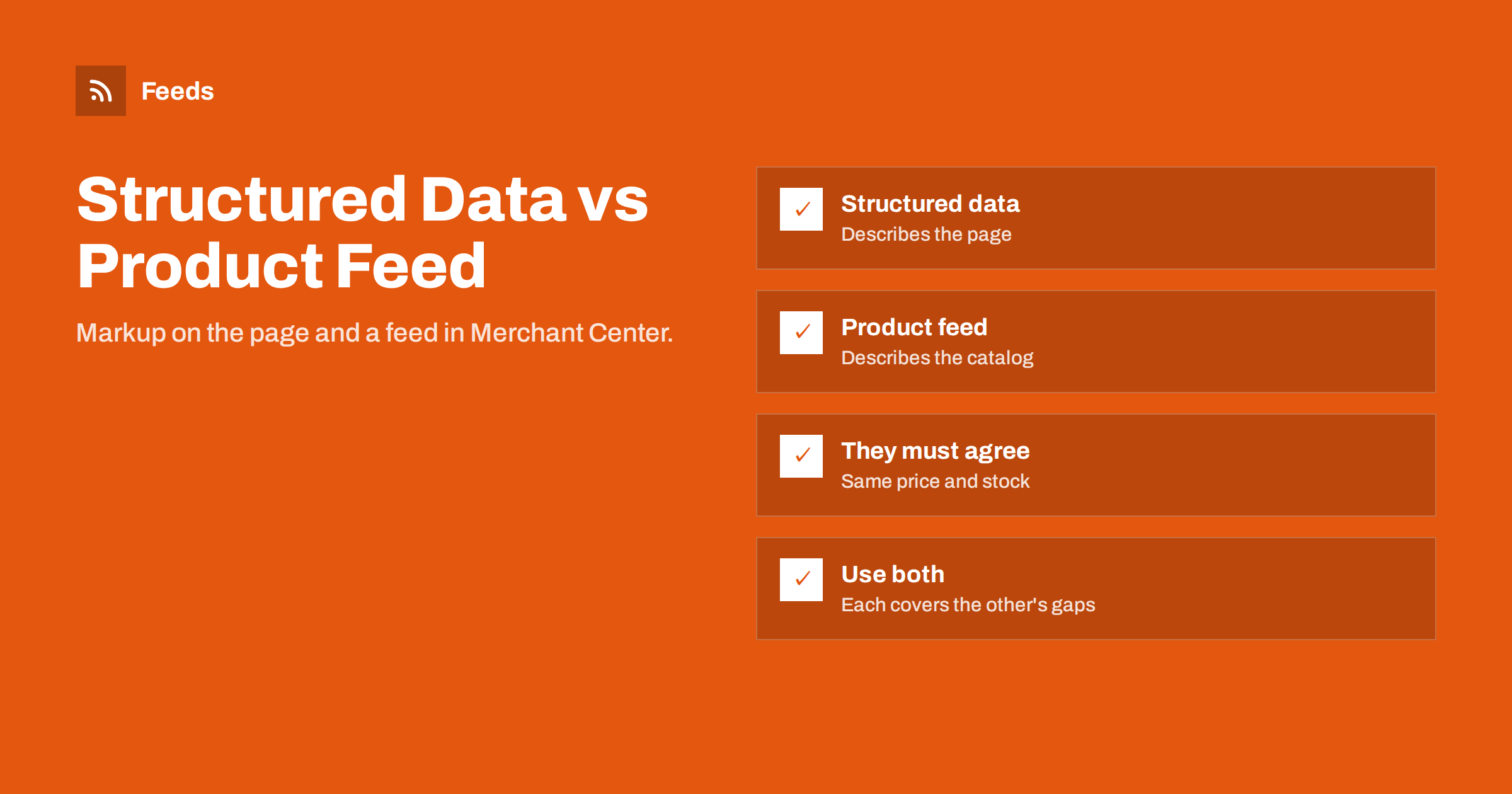
Short answer: Product structured data is schema.org markup on each product page that tells search engines the product’s name, price, availability and other details. A product feed is a separate file listing your whole catalog for Merchant Center and other platforms. Structured data helps Google understand and display individual pages and can keep Merchant Center data current between feed fetches; the feed gives you complete, controlled catalog data for Shopping and ads. Most stores benefit from both, as long as they say the same thing.
What product structured data is
Structured data is machine-readable information embedded in a web page, usually as JSON-LD in the page’s HTML. For product pages, it follows the schema.org Product type, with properties such as name, image, description, brand, gtin, sku and an offers section that contains price, priceCurrency and availability. Search engines read it when they crawl the page.
Google uses Product structured data to understand what a page is about and to show rich results, such as price, availability and review ratings in search listings, and to show products in other surfaces. Google’s documentation on product structured data describes the supported properties and the difference between product snippets and merchant listings.
Most modern e-commerce platforms and themes output Product structured data automatically. The quality varies: some include only the basics, some output the lowest variant price instead of the selected one, and some duplicate markup from several plugins. It is worth checking what your pages actually contain.
What a product feed is
A product feed is a file, or a data connection, that lists every product you want to show in shopping channels, with attributes defined by the platform: id, title, description, link, image_link, availability, price, brand, gtin, shipping information, custom labels and more. Merchant Center fetches it on a schedule, and Meta and other platforms can use the same or similar files.
The feed is a catalog-level view. It includes products whether or not Google has crawled their pages recently, it can carry attributes that never appear on the page, such as custom labels or google_product_category, and it gives you direct control over what each platform receives. Changing a title in the feed changes it in Shopping, without touching the page.
The feed also works independently of your website’s crawlability. Pages that load slowly, use heavy scripts or are rarely crawled still appear in Merchant Center through the feed. That makes the feed the more predictable source for catalogs with thousands of products, where crawlers may not visit every page often enough to keep data current.
How they differ
| Aspect | Structured data | Product feed |
|---|---|---|
| Where it lives | On each product page | In a file or data source for the platform |
| Who reads it | Search engine crawlers when they visit pages | Merchant Center, Meta and other platforms on a schedule |
| Coverage | Pages that have been crawled | Every product in the file |
| Campaign attributes | Not supported | Custom labels, exclusions, categories |
| Freshness | As fresh as the last crawl | As fresh as the last fetch |
| Main benefit | Rich results and page understanding | Complete, controlled Shopping data |
Neither is strictly better. They are two views of the same products, designed for different consumers.
How they work together in Merchant Center
Merchant Center connects the two in several ways. Google can create product data directly from structured data on your website, which is a way to get products listed without any feed. That is convenient for small stores, but you give up control over titles, categories and labels, and coverage depends on crawling.
More commonly, the feed is primary and structured data acts as a safety net. With automatic item updates enabled, Google can update price and availability in Merchant Center when it finds different values in the page’s structured data, for example after a price change that happened between feed fetches. This reduces mismatches and keeps items showing with correct data.
Google also compares feed values with what it sees on pages, including structured data, when checking for mismatches. If the feed says 49 EUR, the visible price says 49 EUR, but the structured data says 39 EUR because it reflects another variant, the inconsistency can still cause trouble.
Automatic item updates have limits. They update only certain attributes, such as price and availability, and only when Google has crawled the page recently. They do not create products, fix titles or add identifiers. Treat them as a way to smooth over short gaps, not as a replacement for a feed that refreshes often enough.
Why they must agree
The single most important rule is consistency. Price, currency, availability and identifiers should be the same in the visible page, the structured data and the feed. Common reasons they diverge include:
- Themes that output the lowest variant price in structured data while the feed lists each variant separately.
- Tax: the page shows a gross price, structured data contains a net price.
- Currency switchers that change the visible price but not the markup, or the reverse.
- Several plugins outputting duplicate Product markup with different values.
- Cached pages with old markup after a price change.
When they disagree, automatic item updates can even work against you, changing Merchant Center data to a value that is wrong for the variant in the feed.
A simple consistency test is to pick three products that recently changed price and check all three sources the same day. If the page, the markup and the feed show the same new price, the pipeline works. If one of them still shows the old price, you have found the weak link.
Checking your structured data
- Open a few product pages, including variants, and view the page source. Look for the JSON-LD block with the Product type.
- Test the URLs with Google’s Rich Results Test and review the detected product and offer data.
- Compare price, currency and availability with the visible page and with the feed.
- For variant pages, check whether the markup reflects the selected variant when the URL preselects it.
- Check Search Console’s merchant listings and product snippets reports for errors across the site.
Fix problems in the theme or plugin that outputs the markup, and remove duplicate sources so there is one clear Product block per page.
Properties worth including in the markup
If you control your theme or can configure the plugin that outputs structured data, a few properties make the markup far more useful for shopping surfaces:
- offers with price, priceCurrency and availability, reflecting the selected variant on variant URLs.
- gtin (or a specific form such as gtin13) and brand, matching the feed’s identifiers.
- sku, ideally equal to the id used in the feed, which makes cross-checking easier.
- image with the full-size product image.
- shippingDetails and hasMerchantReturnPolicy where supported, so shipping and returns information is consistent across page, markup and account settings.
- aggregateRating and review only when they reflect genuine reviews shown on the page.
For products with variants, schema.org and Google’s documentation describe ways to represent variant groups in markup. Whatever approach your theme uses, the essential test remains the same: the markup on a variant URL should describe that variant’s price and availability.
Which one to prioritize
If you are just starting and have limited time, the answer depends on your goal. For organic search visibility with rich results, structured data is essential and usually comes with your platform. For Shopping ads, catalog ads and full control in free listings, a feed is the stronger foundation, because it covers the whole catalog and supports campaign attributes.
Agencies often inherit stores where only one of the two exists, or where both exist but were set up by different people years apart. In that situation, auditing consistency between them is usually the first quick win, because mismatches found there tend to explain a large share of Merchant Center issues.
For most stores, the practical plan is: make sure the platform’s structured data is correct and consistent, then add a feed generated from the same store data. Both then describe the same reality, and each covers gaps the other leaves.
How Feeds helps
Feeds provides the feed side: a Google product XML file generated from WooCommerce, Shopify or a CSV link, with id, title, link, image, price, availability and brand, refreshed automatically. Because it is built from the same store data your pages show, feed and page values stay aligned. Rules let you skip out-of-stock items, rewrite titles and adjust prices. See the pricing page for plans.
Related reading
- How to Fix Price Mismatch Errors in Google Merchant Center
- Google Shopping Free Listings: How Small Stores Get Started
- What Is a Product Feed? A Plain-English Guide for Stores
The bottom line
Structured data describes each product page for search engines; a product feed describes your catalog for shopping platforms. Use both, generated from the same store data, and make sure price, currency, availability and identifiers agree everywhere. Structured data then supports rich results and keeps Merchant Center current between fetches, while the feed gives you complete control.
الأسئلة الشائعة
Can Google list my products without a feed?
Yes. Merchant Center can create product data from structured data on your website. A feed gives more control and complete coverage, though.
Do I still need structured data if I have a feed?
Yes. Structured data supports rich results in search and helps Google verify and update prices and availability between feed fetches.
What are automatic item updates?
A Merchant Center setting that updates price and availability from your pages’ structured data when they differ from the feed, reducing temporary mismatches.
Why does my structured data show the wrong price?
Themes often output the lowest variant price or a net price. Check the markup on variant URLs and fix the theme or plugin that generates it.
Which is more important for Shopping ads?
The feed. It covers the whole catalog and supports campaign attributes like custom labels. Structured data supports it by keeping data consistent.


