 ENEnglish
 LTLietuviškai
 DEDeutsch
 FRFrançais
 RUРусский
 ESEspañol
 PLPolski
 ITItaliano
 UKУкраїнська
 CSČeština
 PTPortuguês
 JA日本語
JA日本語 LVLatviešu valoda
 ETEesti
 HUMagyar
 IDBahasa Indonesia
 TRTürkçe
 HIहिन्दी
 ELΕλληνικά
 ARالعربية
 THไทย
THไทย VITiếng Việt
 RORomână
 MSBahasa Melayu
 BNবাংলা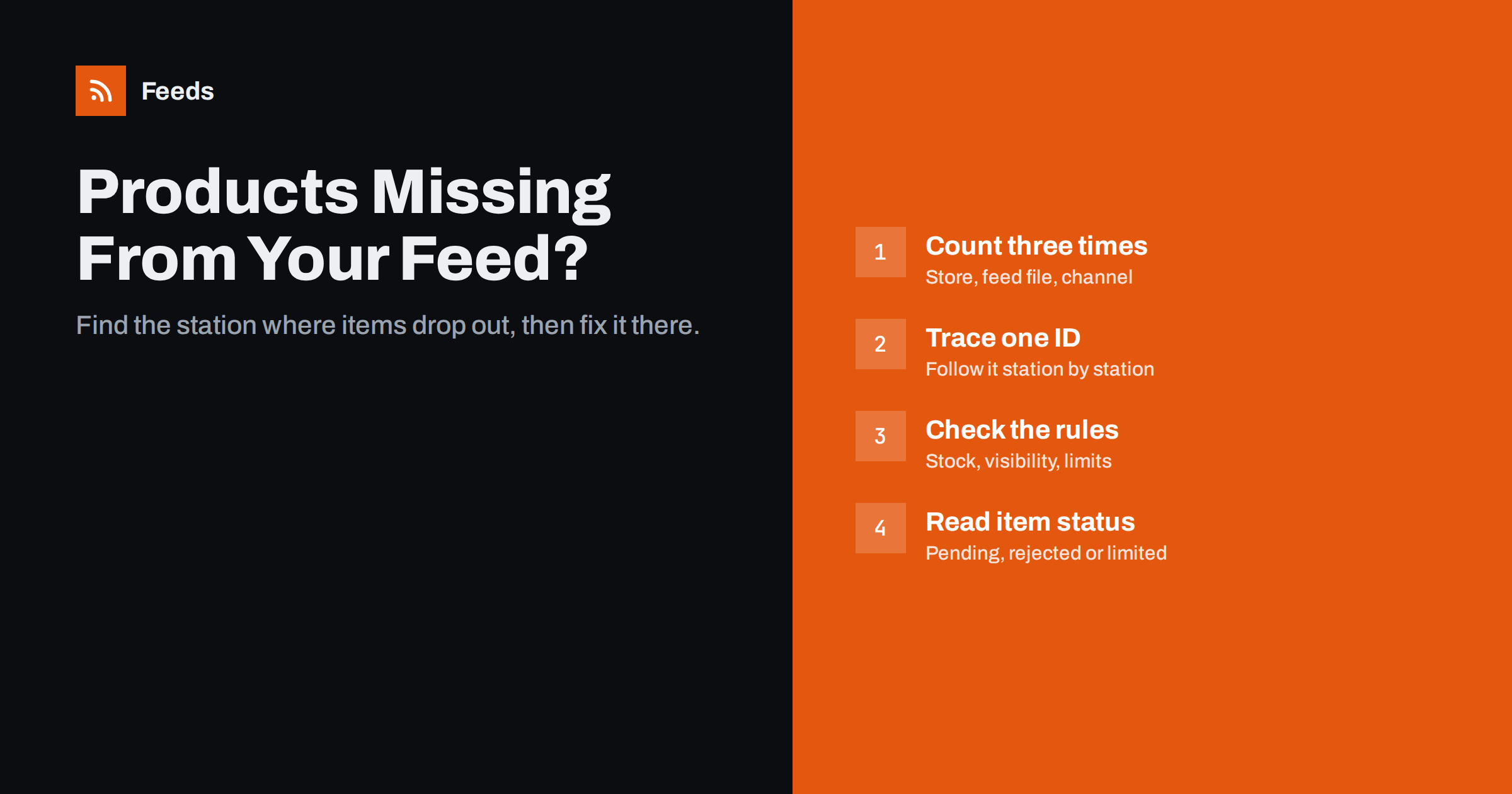
Short answer: Products usually go missing at one of three stages: they never enter the feed file (hidden, unpublished, excluded by a rule, over a product limit or missing a price), they are in the file but the channel has not processed them yet, or the channel processed and rejected them. Compare three counts, store versus feed versus Merchant Center or Meta, then trace one missing product ID through each stage. The stage where it disappears tells you exactly what to fix.
Three places a product can disappear
It helps to picture a product feed as a pipeline with three stations. First, your store holds the catalog. Second, a feed generator reads that catalog and writes a feed file, usually XML or CSV. Third, a channel such as Google Merchant Center or a Meta catalog fetches the file, checks every item and decides what can be shown.
A product can drop out at each station, and the fixes are completely different. A product hidden in your store is a catalog setting. A product left out of the file is a feed rule or limit. A product that is in the file but not showing in ads is a channel review issue. Guessing wastes hours; locating the station takes minutes.
Start with three numbers
Before you open any single product, write down three counts:
- Store: how many products are published and meant to be sold. Count variants separately if your feed lists each size or colour as its own item.
- Feed file: how many items the feed contains. Open the feed URL and count the
<item>or<entry>elements, or the rows in a CSV. - Channel: how many items Merchant Center or Meta has received, and how many are approved, pending or rejected.
If the store and feed counts differ, the problem is in the catalog or the feed generator. If the feed and channel counts differ, the problem is fetching or processing. If the channel received everything but shows fewer approved items, it is a review problem. Tracking these numbers every week is also the core of good product feed health monitoring.
Why products never make it into the feed
When the feed file itself is short, check these causes in order:
- Not published or not visible. Drafts, private and password-protected products are normally left out. In WooCommerce, catalog visibility set to hidden can have the same effect. In Shopify, a product that is not available on the online store sales channel is usually not public.
- Excluded by a rule. Many feeds skip out-of-stock items on purpose, or exclude categories, brands or price ranges. That is often the right choice, as explained in how to handle out-of-stock products in your feed, but it surprises people who forgot the rule exists.
- Missing essential data. Some generators skip products without a price, an image or a title because the channel would reject them anyway.
- Plan or product limit reached. Feed tools and plugins often cap the number of products per feed. If your catalog grew past the limit, the newest products are the ones missing.
- Variants collapsed. A product with twelve variants might appear as one item or as twelve, depending on the setup. Read how item_group_id works for variants if your counts are off by a multiple.
- The feed has not refreshed yet. A product added this morning will not be in a feed that refreshes every few hours until the next refresh.
Why products in the feed do not reach the channel
If a product is in the file but Merchant Center or Meta does not list it at all, the channel has not read it successfully:
- Fetch schedule. Channels fetch scheduled feeds on their own timetable, typically once a day. New items appear only after the next successful fetch.
- Fetch failed. Check the feed’s processing history for errors such as timeouts, HTTP errors, blocked access or a file that is too large.
- Wrong feed or country settings. The item might be processed under a different feed, language or target country than the one you are looking at.
- Parsing problems. A broken character or an invalid XML structure can make the channel skip items or the whole file.
- Duplicate IDs. Two items with the same
idare treated as one product, so one of them effectively vanishes.
A stable, reachable feed address avoids most fetch problems; the guide to product feed URLs and hosting covers what makes one reliable.
Why received products are not shown
This is the most common case. The channel has the item but will not show it, or shows it only on some surfaces:
- Disapproved. Missing required attributes, invalid GTINs, price mismatches with the landing page, image problems or policy issues. The item-level diagnostics tell you the exact reason, and this guide to disapproved products covers the usual fixes.
- Pending review. New items and changed items can take a while before they are eligible.
- Limited performance. Some issues do not block an item but reduce where it can appear, for example missing identifiers.
- Destination excluded. An item can be eligible for free listings but not for ads, or the other way around, depending on settings and attributes.
- Meta catalog errors. Meta reports its own item errors; fixing common Meta catalog errors walks through them.
Trace one product, station by station
Counts tell you where to look. A single traced product tells you why. Pick one product that you know is missing and follow it:
- Find its ID. Note the product or variant ID your feed uses, often the SKU or the platform’s product ID.
- Check the store. Is it published, visible, in stock and priced? Open its public page in a private browser window to see what a visitor sees.
- Search the feed file. Open the feed URL and search for the ID. If it is not there, go back to the causes in the feed section.
- Search the channel. Look the ID up in the product list of Merchant Center or the Meta catalog. If it is absent, check the latest fetch. If it is present, read its status and issues.
- Fix at the right station. Change the catalog setting, the feed rule or the item data, never all three at once, so you know what worked.
- Wait for the next cycle and recheck. Both the feed refresh and the channel fetch have to happen before the fix is visible.
Once one product is solved, look for others with the same pattern. Missing products rarely go missing alone; usually a whole category, brand or batch shares the cause.
Quick diagnosis table
| Symptom | Likely station | First thing to check |
|---|---|---|
| Feed has fewer items than the store | Catalog or feed generator | Visibility, exclusion rules, product limit |
| Newest products always missing | Feed generator | Refresh time and product limit |
| Item in file, not in the channel | Channel fetch | Fetch history, duplicate IDs, XML errors |
| Item in the channel, not shown | Channel review | Item status and issue details |
| Whole category missing | Feed rule or policy | Category exclusions, restricted products |
How Feeds helps
Feeds creates product feeds for Google Merchant Center and Meta catalogs straight from a WooCommerce or Shopify store, or from a CSV link, using the Google product XML format. Before a feed is created you see a preview of what was found, which makes the store-versus-feed comparison immediate. Rules are explicit: you choose whether to skip out-of-stock products and how to rewrite titles or adjust prices, so an exclusion never happens by accident. Each plan has a product limit, listed on the pricing page, which is worth checking against your catalog size before you start.
Related reading
- Product feed checklist: 25 checks before you submit
- Google product feed attributes: required and recommended
- Which products to exclude from your feed and how to do it
The bottom line
Missing products are a location problem before they are a data problem. Compare the store, feed and channel counts to find the station where items drop out, trace one missing ID through every station, and fix the cause at that station only. Most cases come down to visibility settings, forgotten exclusion rules, product limits, fetch timing or item-level disapprovals, and all of them are fixable once you know which one you are dealing with.
الأسئلة الشائعة
Why are some of my products not in my Google Shopping feed?
They are either not published and visible in your store, excluded by a feed rule such as skipping out-of-stock items, over a product limit, or missing essential data like a price. Search the feed file for the product ID to confirm which one applies.
How long does it take for new products to appear in Merchant Center?
First your feed must refresh, then Merchant Center must fetch the feed, which is typically scheduled daily, and then the item may need review. Expect anything from hours to a few days, depending on schedules and review.
My product is in the feed file but not in Merchant Center. Why?
The most common reasons are that the next scheduled fetch has not happened, the last fetch failed, the item shares an ID with another product, or it was processed under a different feed or country. Check the feed’s processing history first.
Why does my feed have fewer items than my store?
Hidden, draft or private products are usually excluded, as are items filtered out by stock or category rules. Variants can also change the count, because one product may be listed as one item or as one item per variant.
Can a whole category disappear from Shopping at once?
Yes. A category exclusion rule, a restricted product policy or a shared data problem, such as missing identifiers for one brand, can remove many items together. Look for what the missing products have in common.


