ENEnglish
 LTLietuviškai
 DEDeutsch
 FRFrançais
 RUРусский
 ESEspañol
 PLPolski
 ITItaliano
 UKУкраїнська
 CSČeština
 PTPortuguês
 JA日本語
JA日本語 LVLatviešu valoda
 ETEesti
 HUMagyar
 IDBahasa Indonesia
 TRTürkçe
 HIहिन्दी
 ELΕλληνικά
 ARالعربية
 THไทย
THไทย VITiếng Việt
 RORomână
 MSBahasa Melayu
 BNবাংলা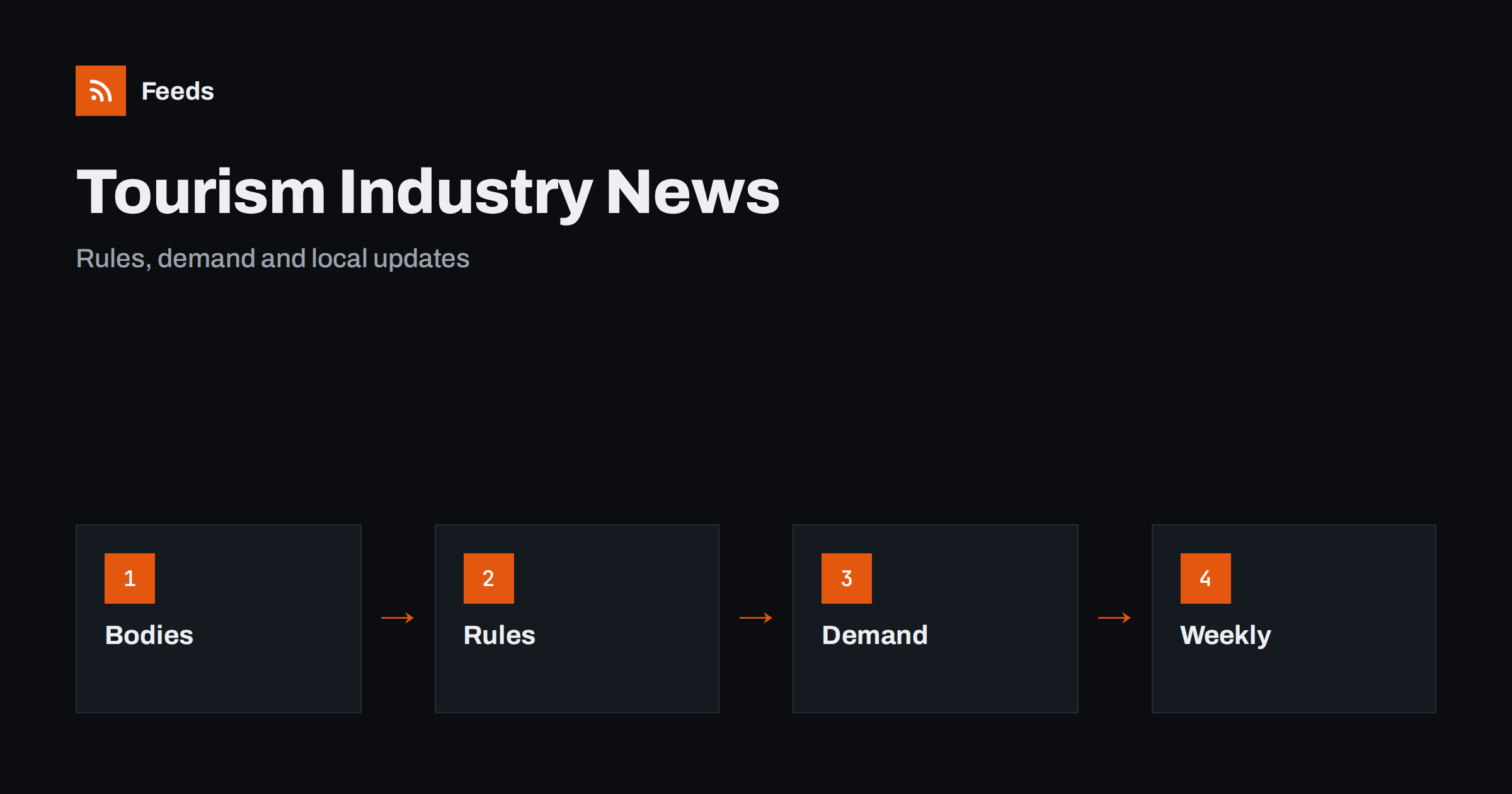
Short answer: Tourism and hospitality businesses depend on rules, seasons, events and demand, and the news about each of them appears on different websites. RSS lets hotels, guesthouses, restaurants, tour operators and local guides collect tourism boards, official bodies, trade media and local event pages in one reader, keep only the topics that matter and review them in a short weekly routine. Use the news as an early signal, and read the official source before you change prices, opening hours or a licence.
Why industry news matters in hospitality
A small tourism business does not control much of what shapes its year. Visitor numbers depend on events, transport links, weather, exchange rates and what the national and local tourism bodies promote. Rules about licences, safety, short-term rentals, taxes and accessibility change, and they are announced on official pages. A business that hears about a change early has time to adapt, and one that hears late may lose bookings or pay a fine.
Trade media cover these themes, but they also repeat each other and add opinion. A reading list of primary sources and a few good trade titles gives you what you need without the noise. The habit of checking the original is described in fact-checking with RSS. If you run a business that publishes its own content, the companion article content automation for hotels, restaurants and tourism shows how to use the same feeds for your own posts.
Decide what to follow
Start with your location and your type of business. A guesthouse in a mountain village follows the regional tourism board, local transport and trail information. A city restaurant follows event calendars, licensing rules and neighbourhood news. A tour operator follows destination updates, travel advisories, attractions’ opening hours and booking platform changes.
List the themes you need: demand and visitor statistics, events and festivals, licensing and safety rules, taxes and fees, transport and infrastructure, travel advisories, workforce and training, and sustainability programmes. For travel safety news, following travel advisories and airline notices covers official warnings, and road works and traffic disruption alerts helps when access to your place is affected.
Find official sources and feeds
Official sources first. Look at the news pages of the national and regional tourism boards, the ministry or authority that sets licensing and safety rules, the statistics office, the local council and the tourist information centre. Many publish RSS or Atom feeds, and some offer separate feeds for press releases and statistics.
Add one or two trade publications, the association that represents your type of business and the event pages of nearby venues. If a page has no feed, you can build one from its list of items. Choose a page that lists items in date order and avoid a home page with a changing layout. The methods are explained in how to find the RSS feed of any website and turning event calendars into RSS feeds.
Statistics and demand signals
Official statistics on arrivals, overnight stays and occupancy help you plan staffing, prices and marketing. Many statistics offices publish new releases on a regular schedule, and a feed lets you notice a new release without checking the site. Alerts for new statistics and open data releases explains the method.
Read figures carefully. Check the period, the area, the definition and whether the numbers are preliminary. A national increase does not mean your town did well, and a headline about records can hide a drop in your segment. Use statistics to support decisions, not to replace your own booking data.
Filter by topic and location
Merge the sources into one list and add keyword filters. The names of your town, region and attractions, and words such as “licence”, “tax”, “safety”, “festival”, “season”, “visitors” and “strike” keep the relevant items. Be careful with broad words: “tourism” appears in every item from a tourism board, so combine it with a place or a topic. The mechanics are explained in merging multiple RSS feeds into one clean feed and RSS keyword alerts.
Review the filter after two weeks. If you missed an update, look at how the source wrote it. Official pages often use formal names for programmes and rules. Widen the filter first and narrow it later, for example by excluding awards and conferences that do not touch your business.
Read announcements and rule changes carefully
When an item looks relevant, check who it applies to, from when and what you need to do. Licensing, safety and tax rules often depend on the size of the business, the type of accommodation or the number of guests, and they often have a transition period. Note whether the change needs a form, a payment or an inspection by a deadline.
Keep facts apart from interpretation. A trade article may say that a new rule will “hit” small operators, while the official text describes an exception that applies to you. If a change affects your licence, insurance or prices, ask the authority or your adviser, and write down the answer with the date.
Local developments deserve a place in the list as well. Roadworks, the opening of a new attraction, changes to a public transport timetable or a large event can change demand in your area for weeks. A feed of the local council’s news and of the nearest venue’s event page tells you early, and you can adjust opening hours, staffing and offers before guests ask.
A weekly routine for small businesses
Most businesses do not need alerts every hour. Read the filtered list once or twice a week, copy the items that need action into your task list and archive the rest. Share relevant items with colleagues through a Slack channel or Microsoft Teams, and agree who decides what to do. Use phone alerts only for urgent items, such as a safety notice or a road closure that affects arrivals this week.
Keep a short log with the date, the source, a one-line summary, the link and the action. After a few months it shows which sources matter, which seasons repeat and which rule changes affected you. Review the sources twice a year and remove those that bring only noise.
Limits and cautions
A feed shows what a source has published and how often it refreshes. It does not tell you whether a rule applies to your property, and some changes arrive first in a letter from the council or a message from your association. The official text and your adviser remain the source of truth.
Check dates and web addresses before you act on a story or pass it on. When you share news with colleagues or guests, link to the official page instead of copying the text, so that they see the latest version.
Workforce and training news is worth a place too. Hospitality depends on seasonal staff, and authorities and associations announce training programmes, wage and working-time rules and recruitment campaigns. A short item that reaches you early can help you plan hiring, find funding for training or adjust contracts before the season, and it is easy to share with a manager who makes decisions.
Finally, keep your own information current. When rules, events or transport change, update your website, your listings and your booking pages together, so that guests see the same facts everywhere. A reading list that tells you about the change is only useful if the change reaches the places where guests look, and a short checklist for each update keeps nothing forgotten.
How RSS Feed Creator helps
RSS Feed Creator turns the news, press or events page of a tourism board, authority, association or venue into a clean RSS feed, even when the site has no feed of its own. It reads titles, images, summaries and dates, uses an existing feed when there is one, and shows a preview of the items before the feed is created. You can merge several sources into one feed (up to 10 with the PostRSS add-on), keep only the items that contain your keywords and have duplicates removed automatically, which suits a reading list for your place and business type. Feeds refresh every 3 hours on the free plan and every 30 minutes on paid plans, and the PostRSS add-on sends an alert when a page changes and a feed stops finding items. The free plan allows up to 20 items per feed, and the details are on the pricing page.
Related reading
- Content Automation for Hotels, Restaurants and Tourism
- How to Follow Travel Advisories and Airline Notices with RSS
- How to Get Alerts for New Statistics and Open Data Releases
The bottom line
Following tourism and hospitality news with RSS means choosing the bodies, rules and local sources that affect your business, collecting them in one reader and reviewing them in a short weekly routine. Filter by place and topic, read the official text before you act and keep a short log. A small, well-filtered list protects a business better than a large one.
الأسئلة الشائعة
Which sources should I follow first?
Start with your regional tourism board, the authority that sets licensing and safety rules, your local council and the event page of the nearest venue.
What if a tourism board page has no RSS feed?
A page-to-feed tool can read the list of news items on the page and build a feed from it. Check the preview to confirm that it shows real items with titles and dates.
Can a feed tell me how many visitors to expect?
No. It shows what has been published, such as statistics and event news. Use it together with your own booking data to plan.
How often should I read the list?
Once or twice a week is enough for most businesses. Use phone alerts only for urgent items such as a safety notice or a road closure.
Can I use the same feeds for my own posts?
Yes. The same sources can feed a weekly events post or a news digest, as long as you check each item and link to the original.