ENEnglish
 LTLietuviškai
 DEDeutsch
 FRFrançais
 RUРусский
 ESEspañol
 PLPolski
 ITItaliano
 UKУкраїнська
 CSČeština
 PTPortuguês
 JA日本語
JA日本語 LVLatviešu valoda
 ETEesti
 HUMagyar
 IDBahasa Indonesia
 TRTürkçe
 HIहिन्दी
 ELΕλληνικά
 ARالعربية
 THไทย
THไทย VITiếng Việt
 RORomână
 MSBahasa Melayu
 BNবাংলা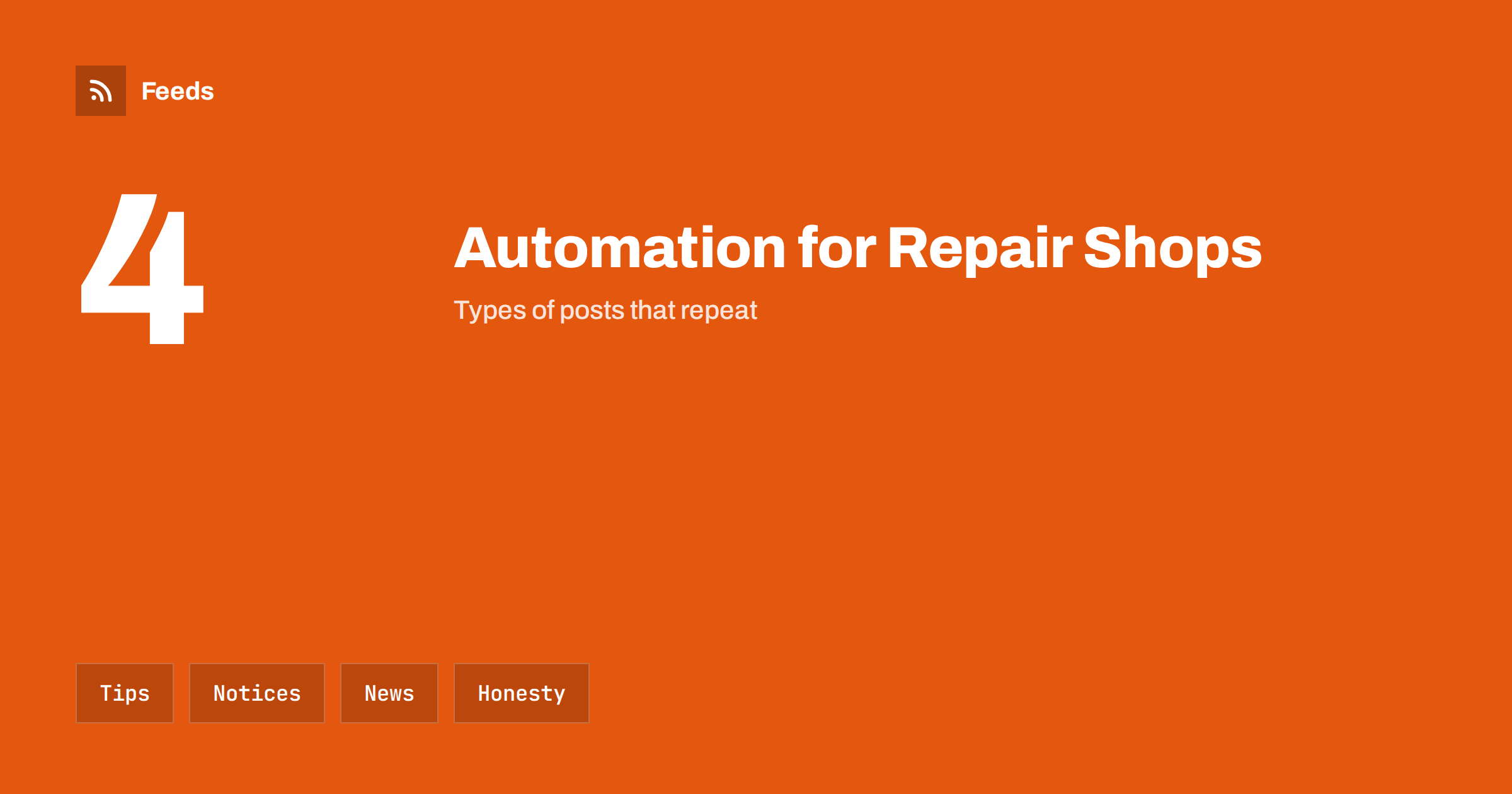
Short answer: Electronics and phone repair shops win trust by being clear about what they can fix, how long it takes and what it costs. Content automation helps by turning a few reliable sources, such as your service list, your opening hours, official product notices and your own tips, into scheduled posts. Keep every claim about repair times, parts and warranty accurate, review each post before it goes out and write urgent notices by hand.
What a repair shop needs to publish
Customers who need a repair are often in a hurry and a little worried. They want to know whether you can fix their device, how long it will take, whether data will be kept and how much it will cost. Many repair shops answer these questions one customer at a time, and their social channels stay empty because the team is at the bench.
Useful content includes service descriptions, typical repair times, care tips, notices about opening hours and busy periods, news about new devices you can repair, warranty information and hiring posts. The overview in content automation for local businesses describes the general approach, and this article adapts it to electronics and phone repair shops.
Content you should be careful with
Start with the limits. Do not publish photos of customers’ devices with visible personal data, screens with messages or serial numbers that identify an owner. Do not mention customer names or stories without permission. Do not let an automation pull information from your repair system, ticket queue or customer records into public posts.
Be just as careful with promises. Do not claim same-day repairs unless you can always deliver, and do not use words such as “original parts” unless it is true for the exact part. State clearly when you use compatible or refurbished parts and what warranty applies. Securing content automation: accounts, tokens and access lists practical steps for protecting the accounts that publish for you.
Build a simple content calendar
Pick four types of posts and give each a rhythm. For example: a care tip every second week, a service highlight each month, a notice before holidays and busy periods and a hiring post when you have a vacancy. A fixed set of types removes the daily question of what to post, and it can be prepared in batches on a quiet afternoon.
Write in plain words. Customers respond to useful, specific advice, such as how to protect a battery, what to do after a drop or when a repair is not worth the cost. Scheduling ahead is covered in building a content calendar from feeds and automation, and it works well for a team that is busy at the bench.
Care tips and honest advice
Tips are the backbone of this kind of content. Good topics include charging habits, backing up data before a repair, protecting devices from water and dust, spotting a failing battery, choosing cables and chargers and recycling old devices. Write them from your own experience and from the maker’s guidance, and keep them general.
Evergreen tips can be reshared on a schedule if each one is reviewed once a year and dated. A careful approach to repeating content is described in resharing evergreen content automatically without spamming. Honest advice also builds trust: a post that explains when a repair is not worth it makes people more likely to call you next time.
Products, parts and stock
If you also sell accessories, refurbished devices or parts, new items can feed your posts. A feed of new arrivals gives the title, a picture and a link, and an automation can turn each new item into a draft post, as shown in sharing new shop products on social media automatically. Product pages benefit from the care described in product feeds for phone accessories and product feeds for electronics stores.
Use an approval step and check the model, compatibility, condition, warranty, price and stock before a post is scheduled. Mark refurbished and used devices clearly, and avoid claims such as “like new” unless your grading rules define them. Link to the page that explains the grade and the warranty.
Service notices, hours and turnaround
The most valuable information is practical: opening hours, how to book, what to bring, how long typical repairs take and what happens to data. Put the same information on the website, in listings and in posts, and update all of them together. An automation can repeat a reminder, but a person should confirm the details before each season.
Do not use automated posts for urgent matters, such as a parts delay that affects customers or a temporary closure. Write those messages by hand, publish them where customers look first and pause scheduled promotions while the problem lasts, as described in when to pause automated posting: a crisis and holiday plan.
Keep the tone of your own channels steady as well. Customers who see a repair shop post calm, useful notes learn to trust the next message, including the rare urgent one. Avoid exaggerated headlines, avoid shaming other repairers and avoid comparisons with named competitors. Real skill, explained in clear and kind language, is the strongest marketing in this trade.
Follow device news and recalls
Repair shops benefit from reading the same feeds they would recommend. Follow the support pages and release notes of the devices you repair, official safety notices and recalls, and a few trade sources. When a new model appears or a maker announces a battery programme, you can tell customers early, as explained in tracking product recalls and safety notices with RSS and following software changelogs and release notes.
Check each notice against the official source before you pass it on, and do not repeat details that you cannot confirm. A short post that explains an official programme and links to the maker’s page is useful and honest.
Hiring, local presence and results
Skilled technicians are in short supply, and hiring posts are a major use of social channels. Prepare a template for each vacancy, with the role, location, requirements and a link to apply, as in sharing job openings automatically on social media. Post certifications and partnerships only when they are current, and keep the evidence on file.
Once a month, look at which posts led to enquiries, which tips customers liked and which questions they asked, and adjust the plan. Add UTM tags to links so that visits from posts are visible in your analytics, as explained in tracking traffic from automated posts. Ask new customers how they found you and keep a simple list of the answers. A few lines each month are enough to show what works.
Write down your rules so that anyone on the team can run the system: which sources feed the posts, who approves them, what is never posted and who updates the hours before holidays. Documenting your content automations explains how to keep such notes short, and a one-page checklist is usually enough for a small shop. Review the list twice a year, remove accounts nobody uses and check that every approver still works with you. A system that is written down survives holidays and staff changes.
Keep the system simple enough to run in a busy week. Three or four scheduled posts per week, a clear owner for approvals and one place for photos are better than a complicated setup that nobody maintains. If you take a break, pause the schedule instead of letting old posts repeat, and check the content again before you restart.
Think also about the customer’s data. Remind people to back up their devices before a repair, explain what you do with the data on a device and say plainly that you do not keep copies. A short, honest paragraph on your website and in a pinned post answers one of the biggest worries customers have, and it is easy to reuse in automated posts.
How RSS Feed Creator helps
RSS Feed Creator turns the support, news or notice pages of device makers, regulators and local organizations into clean RSS feeds, even when those sites have no feed of their own. It reads titles, images, summaries and dates, uses an existing feed when there is one, and shows a preview of the items before the feed is created. You can merge several sources into one feed (up to 10 with the PostRSS add-on), keep only the items that contain your keywords and have duplicates removed automatically, which suits a feed of device notices and local events. Feeds refresh every 3 hours on the free plan and every 30 minutes on paid plans, and the PostRSS add-on sends an alert when a page changes and a feed stops finding items. The free plan allows up to 20 items per feed, and the details are on the pricing page.
Related reading
- Product Feeds for Phone Accessories: Compatibility and Variants
- How to Track Product Recalls and Safety Notices with RSS
- Content Automation for Auto Repair Shops and Garages
The bottom line
Electronics and phone repair shops can automate the routine parts of publishing: reviewed care tips, product posts, service notices and hiring posts. Keep an approval step for every claim, never show customer data and write urgent messages by hand. Automation should save time at the bench without costing the trust that the business depends on.
الأسئلة الشائعة
What should a repair shop automate first?
Start with reviewed care tips and holiday-hour notices, because they repeat every year and are easy to prepare ahead. Add product and hiring posts after that.
Can I show before and after repair photos?
Only with the customer’s permission and only if no personal data, messages or serial numbers are visible. Photos of your own demo devices are safer.
Should every new accessory be posted automatically?
No. Use an approval step to check compatibility, price and stock, and mark refurbished items clearly.
Can automation handle delay notices?
No. Write urgent customer messages by hand, publish them where customers look first and pause scheduled promotions while the problem lasts.
How do I avoid empty promises in posts?
State repair times and warranty only as you can always deliver them, and say plainly when you use compatible or refurbished parts.