ENEnglish
 LTLietuviškai
 DEDeutsch
 FRFrançais
 RUРусский
 ESEspañol
 PLPolski
 ITItaliano
 UKУкраїнська
 CSČeština
 PTPortuguês
 JA日本語
JA日本語 LVLatviešu valoda
 ETEesti
 HUMagyar
 IDBahasa Indonesia
 TRTürkçe
 HIहिन्दी
 ELΕλληνικά
 ARالعربية
 THไทย
THไทย VITiếng Việt
 RORomână
 MSBahasa Melayu
 BNবাংলা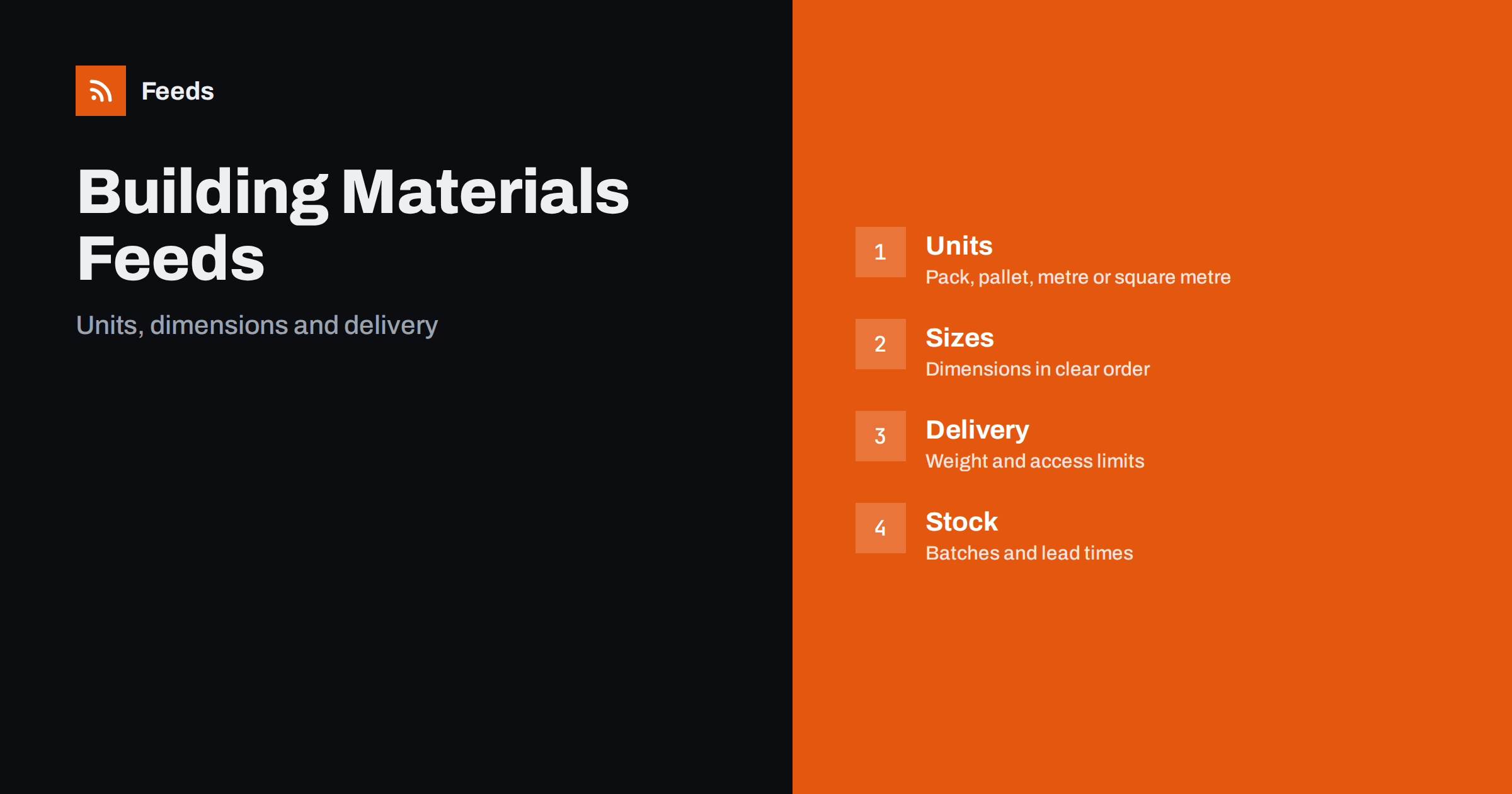
Short answer: Building materials are sold in units that confuse shoppers and feeds alike: by the piece, by the pack, by the pallet, by the metre or by the square metre. A good product feed states the unit and the quantity in each pack, puts dimensions in a fixed order, keeps variants and grades separate, explains delivery limits honestly and shows stock that matches the yard. The feed does not replace a technical data sheet, but it prevents the most common mistakes: buying the wrong size, the wrong quantity or a product that cannot be delivered where the customer lives.
Why building materials are hard to describe
A builder searching for timber, insulation, plasterboard, bricks or fixings has a precise need and little patience. They know the dimensions they require and often search by them: “47 x 100 mm C24 timber 3 m”, “100 mm mineral wool slab” or “12.5 mm plasterboard 2400 x 1200”. A homeowner is less sure and may not know the difference between a pack and a pallet. In both cases, the feed has to make the unit and the size obvious at first glance.
The products are also heavy, bulky and often regulated. Delivery is a major cost, access to the site matters and returns are difficult. A feed that hides these facts creates unhappy customers and costly mistakes. The general structure of a feed is covered in what a product feed is and the required fields in Google product feed attributes.
Titles that state product, size and unit
Use one title pattern for each product group, built from the words that buyers search for. For sawn timber, that could be the species or strength class, the dimensions and the length. For plasterboard, the type, thickness and sheet size. For insulation, the material, thickness and pack coverage. For fixings, the type, size and quantity per box. Keep the exact product name or standard designation, because professionals search for it.
Always show the selling unit when it is not obvious: “per pack of 6”, “per m”, “per m² pack”, “pallet of 48”. A price without a unit is meaningless and is a frequent source of complaints and disapprovals. Avoid promotional text in titles. If your platform builds titles in an order you cannot control, a feed rule can rebuild them from attributes, as described in product feed title optimization.
Units, pack sizes and unit pricing
This is the heart of the category. Decide for each product what the customer actually buys, and make the feed match the checkout. If tiles are sold by the box and a box covers 1.44 m², say so, and make sure the price in the feed is the price per box if that is what the shopper pays. If you also want to show a price per square metre, use the unit pricing attributes where they are supported and available for your market; the idea is explained in unit pricing in product feeds.
Do not mix units between items in the same group. If one length of timber is priced per piece and another per metre, label them separately. State the minimum order quantity if there is one, and be clear when a price applies only to a full pallet. Where a product is cut to size, explain that clearly on the page and avoid using one price for different cut lengths. For packs, the logic in bundles and multipacks in product feeds applies.
Dimensions, grades and variants
Each size, length, thickness or grade is a separate variant with its own identifier, stock and price. They should be connected with a shared group identifier so that the platform sees one product with options, as explained in how item_group_id works. Present dimensions in the same order and the same units everywhere, for example thickness by width by length in millimetres, with the unit written out.
Be exact about grades and standards: strength class, treatment, moisture content, fire rating, thermal conductivity. Copy these values from the manufacturer’s documents and do not rewrite them. Do not use words such as “premium” or “heavy duty” as substitutes for measurable properties. Where a product is sold under a regulated standard, name it, and keep the data sheet linked on the product page. Product identifiers, where the manufacturer provides them, belong in the feed; GTIN, MPN and brand: product identifiers in feeds explained shows how to handle products that do not have a barcode.
Delivery, weight and access limits
For heavy goods, delivery is often more important than the price of the item. Make sure your shipping settings reflect real costs: by weight, by pallet, by region or with a delivery band. Some items cannot be sent by parcel at all, for example long timber, sheets or loose aggregates. Do not list them with a cheap parcel rate. The difference between account settings and attributes is explained in shipping in product feeds.
State practical limits: the length of the vehicle, whether the driver unloads, kerbside only or into the site, lead time, and the regions you cannot reach. Add the product weight where possible. Misleading delivery information produces disapprovals and refund requests. A customer who sees “delivered tomorrow” and then learns that the product ships in three weeks will not return.
Stock, batches and lead times
Stock of building materials is complicated. Bricks and tiles come from batches that differ in colour, so a customer who needs more later may not be able to match it. Timber is sold from stock that changes with deliveries. Products can be available in the yard, available from a supplier within a week or made to order. Reflect these differences in availability, and avoid labelling an item as in stock if it is only available from a supplier. When an item is not in stock, the options are covered in out-of-stock products in your feed and preorder and backorder products.
Tell customers to order the full quantity in one go for batch-sensitive products, and add a short note about natural variation in colour, grain and size. This reduces returns and complaints better than any feed trick. Update stock frequently, because a project that cannot start is more costly than a lost sale.
Images, data sheets and restricted products
Use a clean image of the product on a plain background, showing the surface, the edge or the profile, and avoid text overlays. For products sold in packs, show the pack and one unit. The requirements are in product feed image requirements for Google and Meta. On the product page, add a link to the technical data sheet, a drawing with dimensions and installation notes.
Some products in the category, such as certain chemicals, adhesives, solvents or products containing hazardous substances, may have special rules for advertising and shipping. Read the current policies of each platform and your national rules, and exclude anything you are not allowed to promote. The ways to filter products out are described in which products to exclude from your feed.
Trade customers and private buyers
Many merchants serve both professionals and households. Professionals expect trade prices, account terms and delivery on a schedule, while households need advice and simple choices. Do not show trade-only prices in a public feed, and do not mix them with retail prices. If you have a separate wholesale channel, treat it as a separate catalogue and see product feeds for B2B and wholesale stores. If you sell to both groups, make sure the landing page explains how each group can order.
Check that value added tax is shown correctly for the market you target. The rules differ by country and by customer type; see VAT and tax in product feed prices. A price without the correct tax treatment is a leading cause of price mismatch warnings.
How RSS Feed Creator helps
RSS Feed Creator builds Google Merchant Center and Meta catalog XML straight from your store. WooCommerce and Shopify are read automatically, and any other store can use a CSV link. You can skip out-of-stock products, rewrite titles with rules so that the product type, size, unit and pack quantity appear in the same order every time, and adjust prices. The currency is detected automatically. Before you submit anything, check the preview and the Merchant Center diagnostics to confirm that units, variants and delivery information arrive as you expect. The free plan includes product feeds with up to 50 products, and the Store plan covers one store with 3 product feeds and up to 2,000 products. The details are on the pricing page.
Related reading
- Product Feeds for Garden, DIY and Hardware Stores
- Product Feeds for Tiles, Flooring and Bathroom Stores
- Product Feed Checklist: 25 Checks Before You Submit
The bottom line
A building materials feed works when each product states its selling unit and pack size, dimensions follow a fixed order, grades come from the manufacturer’s documents, delivery limits are honest and stock reflects the yard. Do those things consistently and fewer customers order the wrong item, which is better for them and for your margin.
FAQ
How should I show products sold by the pack or by the square metre?
Make the feed price match what the customer pays at checkout, state the unit and pack coverage in the title and page, and add unit pricing where it is supported for your market.
How do I list timber in several lengths?
Create one item per length and grade with its own identifier, price and stock, connected by a shared group identifier, and keep the dimension order and units the same everywhere.
What delivery information should be included?
Realistic shipping costs by weight, pallet or region, product weight where possible, lead times and limits such as vehicle size or no unloading. Do not list heavy goods with a parcel rate.
Should I show trade prices in the feed?
No. A public feed should show the prices a public customer can pay. Use a separate catalogue for wholesale or trade channels and explain how each group can order.
Can I advertise chemicals and adhesives?
Some may be restricted. Read each platform’s current policies and national rules, and exclude any product that you may not promote.