 ENEnglish
 LTLietuviškai
 DEDeutsch
 FRFrançais
 RUРусский
 ESEspañol
 PLPolski
 ITItaliano
 UKУкраїнська
 CSČeština
 PTPortuguês
 JA日本語
 LVLatviešu valoda
 ETEesti
 HUMagyar
 IDBahasa Indonesia
 TRTürkçe
 HIहिन्दी
 ELΕλληνικά
 ARالعربية
 THไทย
 VITiếng Việt
 RORomână
 MSBahasa Melayu
 BNবাংলা
Content automation
Ideas and guides for automating how content moves between websites, social networks and tools. We show how feeds connect to PostRSS, newsletters, chat apps and other services. Articles explain what can safely run on its own and where a human check still helps. Each guide includes a simple setup you can copy in minutes. Examples come from publishers, online stores and agencies. Automation saves hours every week when the sources are reliable.
 Sep 14, 2026 · 7 min read
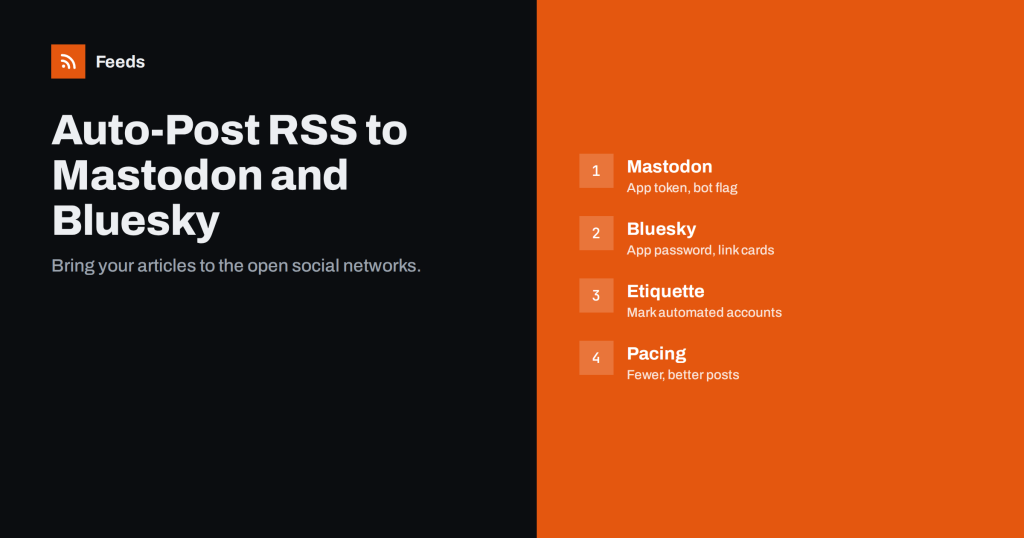
How to Auto-Post an RSS Feed to Mastodon and Bluesky
Share new articles on Mastodon and Bluesky automatically from an RSS feed: account setup, bots, tools, formatting, link cards and etiquette for open networks.
 Sep 13, 2026 · 7 min read
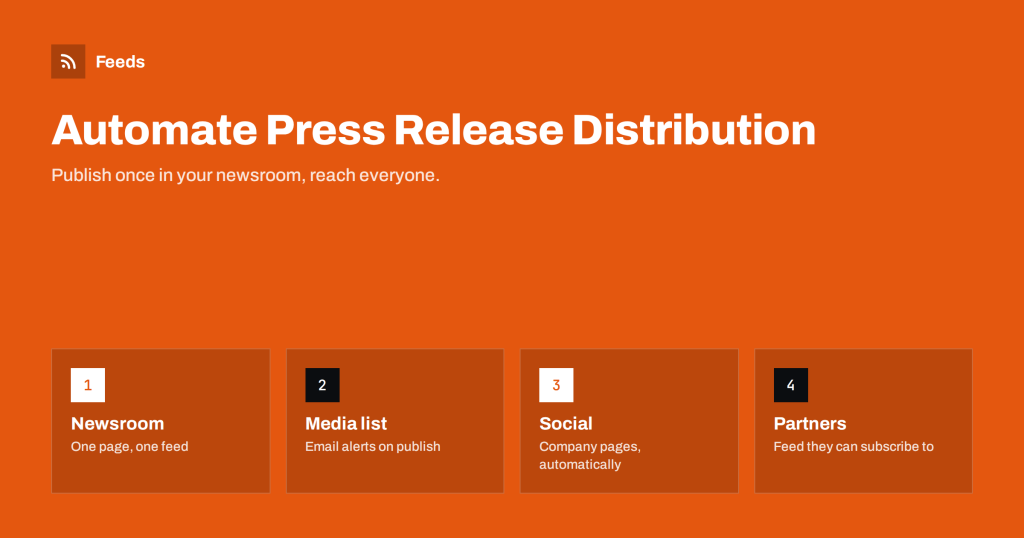
Automating Press Release Distribution from Your Newsroom
Make your website newsroom into a distribution hub: a press feed for journalists, automatic social posts, email alerts for media contacts and partner feeds.
 Sep 12, 2026 · 7 min read
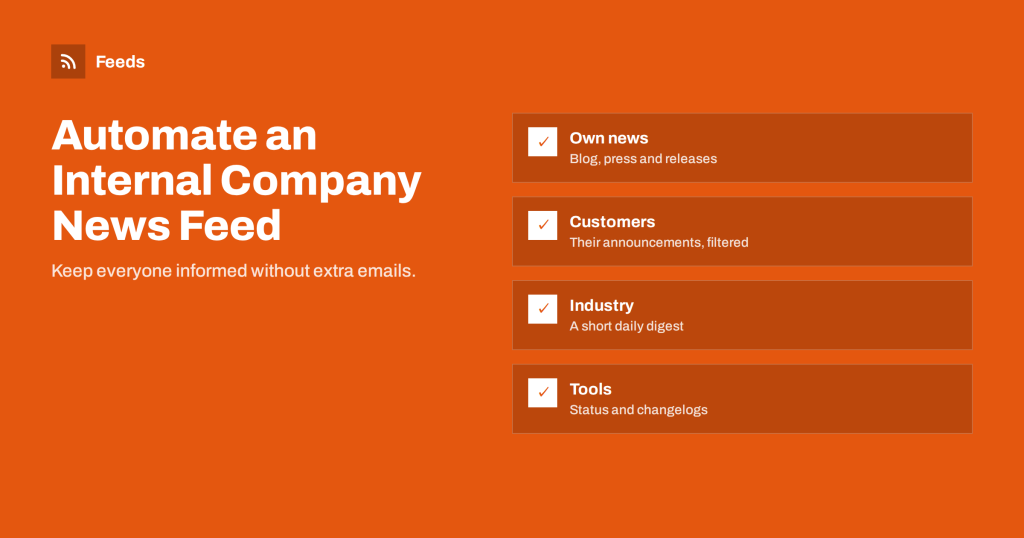
How to Automate an Internal Company News Feed
Build an internal news stream that runs itself: company updates, customer and industry news, and tool announcements delivered to chat or email automatically.
 Sep 11, 2026 · 7 min read
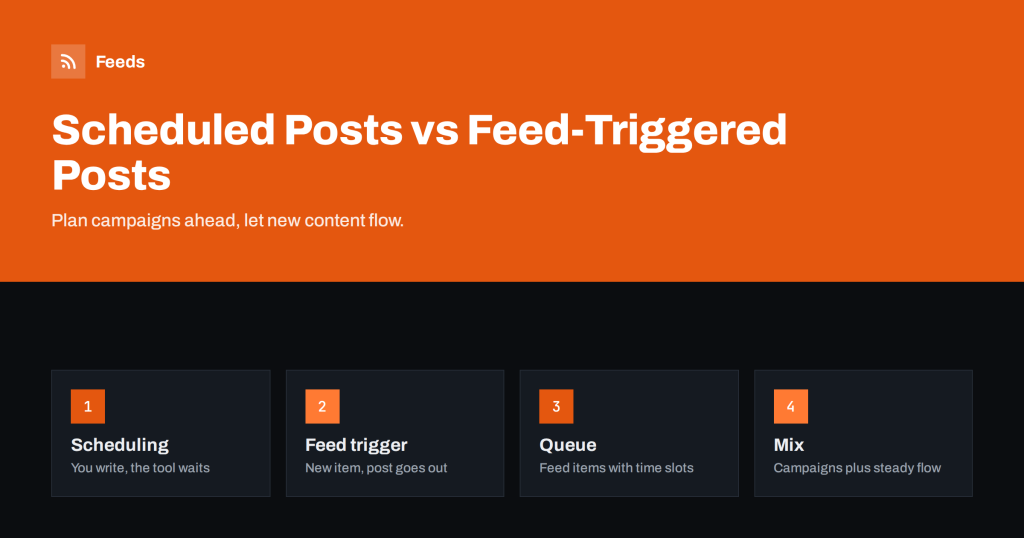
Scheduled Posts vs Feed-Triggered Automation Explained
Scheduling and feed-triggered automation both publish without you, but they solve different problems. Learn how they differ and how to combine them well.
 Sep 10, 2026 · 8 min read
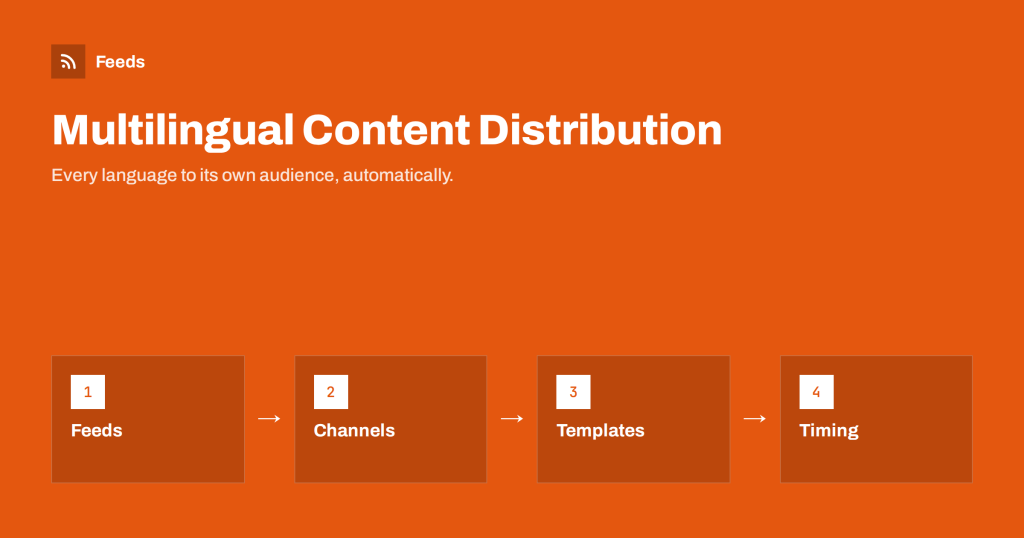
Automating Multilingual Content Distribution with Feeds
How to distribute content in several languages automatically: per-language feeds, separate channels, templates, time zones and avoiding mixed-language posts.
 Sep 9, 2026 · 7 min read
Content Automation Checklist: 30 Checks Before You Go Live
A 30-point checklist for launching feed-based content automation: sources, feed quality, rules, destinations, tracking, monitoring and documentation.
 Sep 7, 2026 · 7 min read
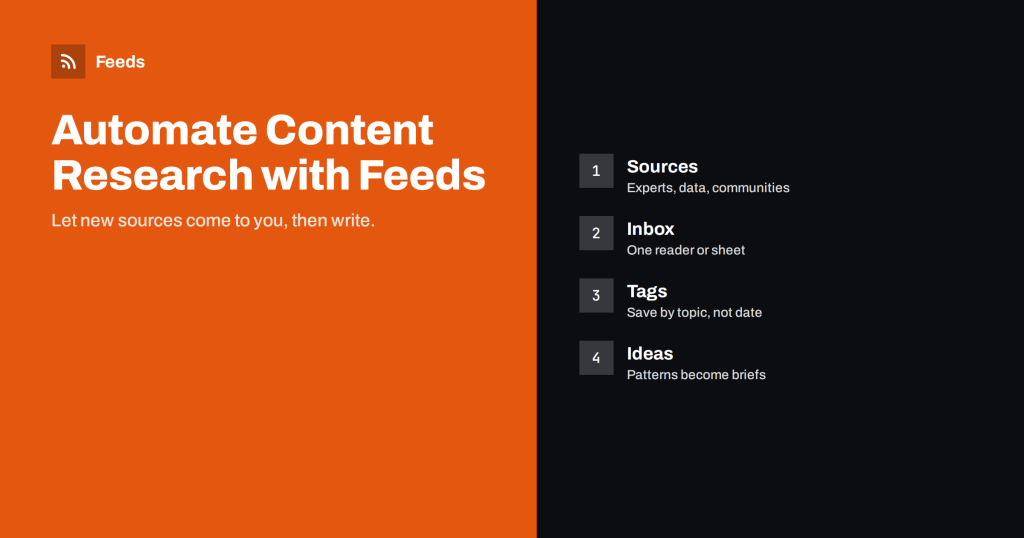
How Writers Can Automate Content Research with Feeds
A system for writers and content marketers: use feeds to collect sources, spot topics and questions, and keep a research library without daily searching.
 Sep 6, 2026 · 7 min read
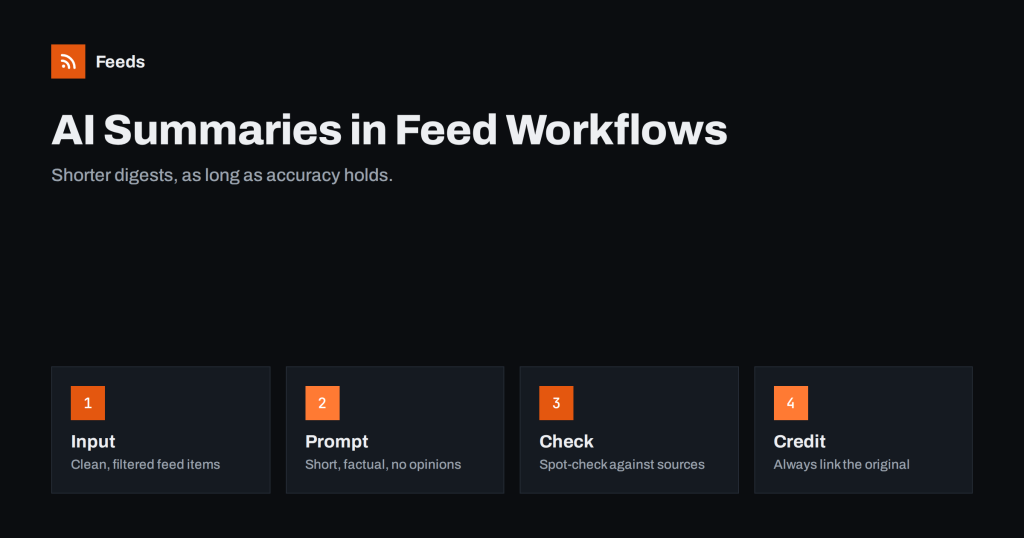
Adding AI Summaries to Feed-Based Content Workflows
How to add AI-generated summaries to RSS-driven digests and alerts responsibly: where they help, where they mislead, and how to keep accuracy and attribution.
 Sep 5, 2026 · 7 min read
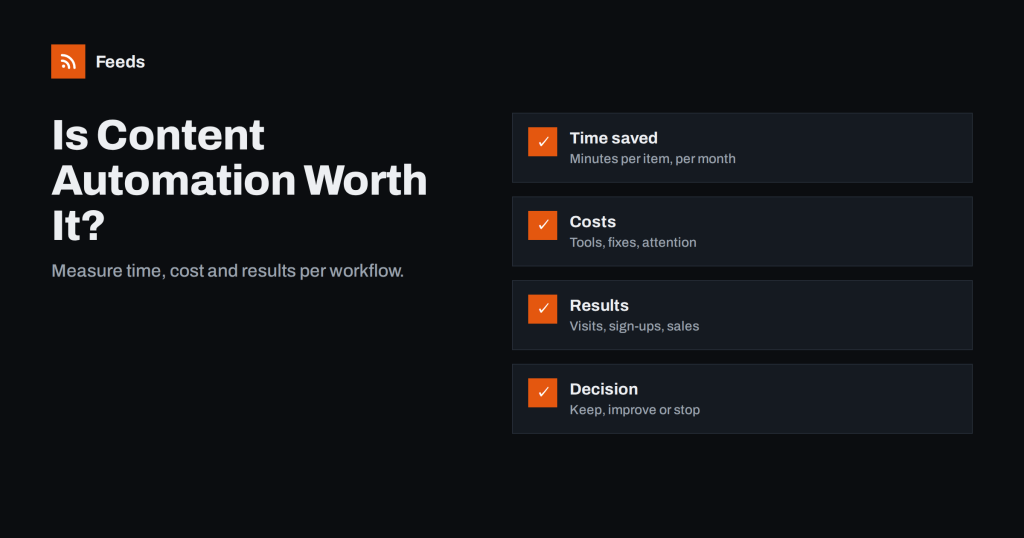
How to Measure Whether Content Automation Is Worth It
A way to judge content automation: count the time saved, the tool costs and the results each workflow brings, then decide what to keep,…
 Sep 4, 2026 · 8 min read
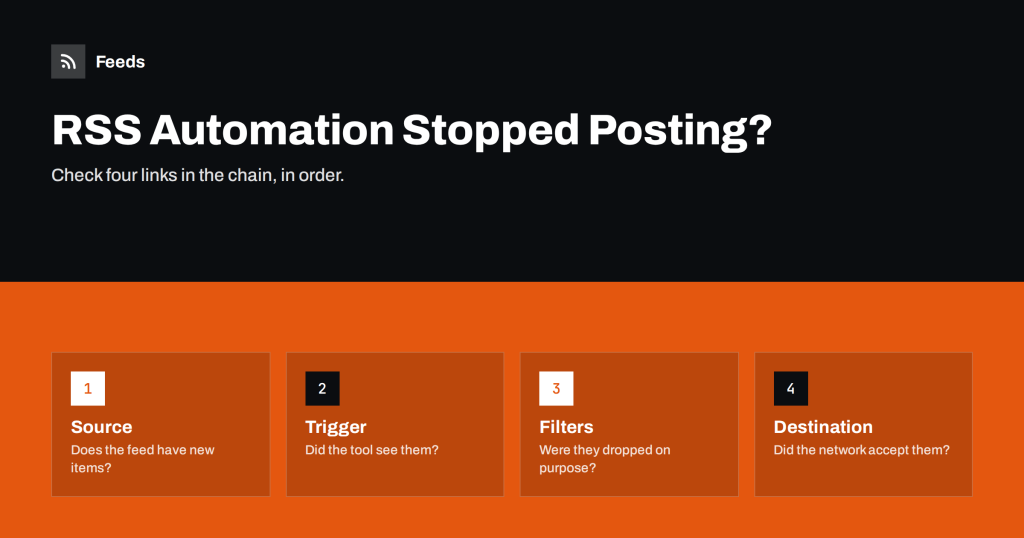
RSS Automation Stopped Posting? A Step-by-Step Diagnosis
When feed-driven posts or messages suddenly stop, check the source, the trigger, the filters and the destination in order. A calm routine to find…
 Sep 3, 2026 · 7 min read
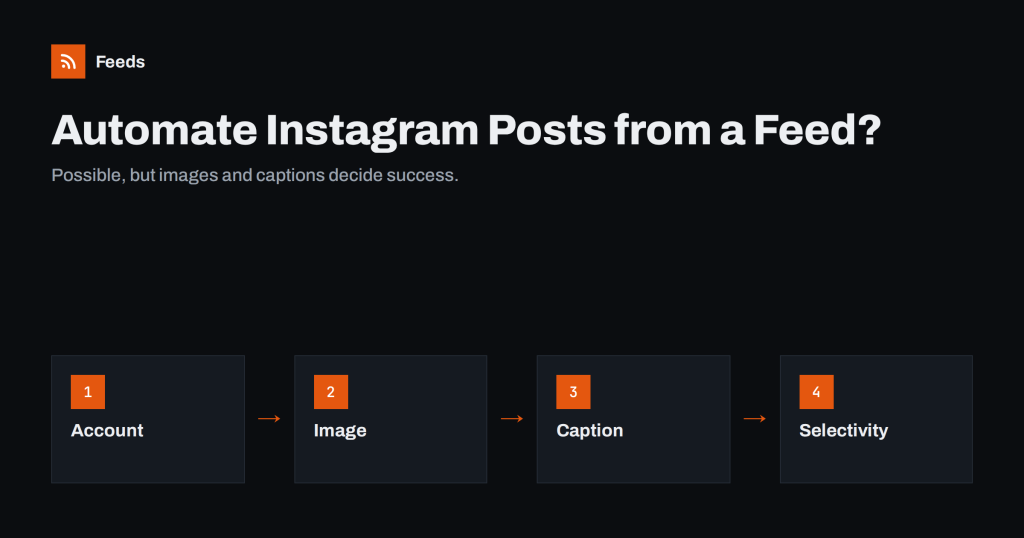
Can You Automate Instagram Posts from an RSS Feed?
Yes, with limits. Learn what Instagram needs for automated posts from a feed: a professional account, a usable image, captions without clickable links and…
 Sep 1, 2026 · 8 min read
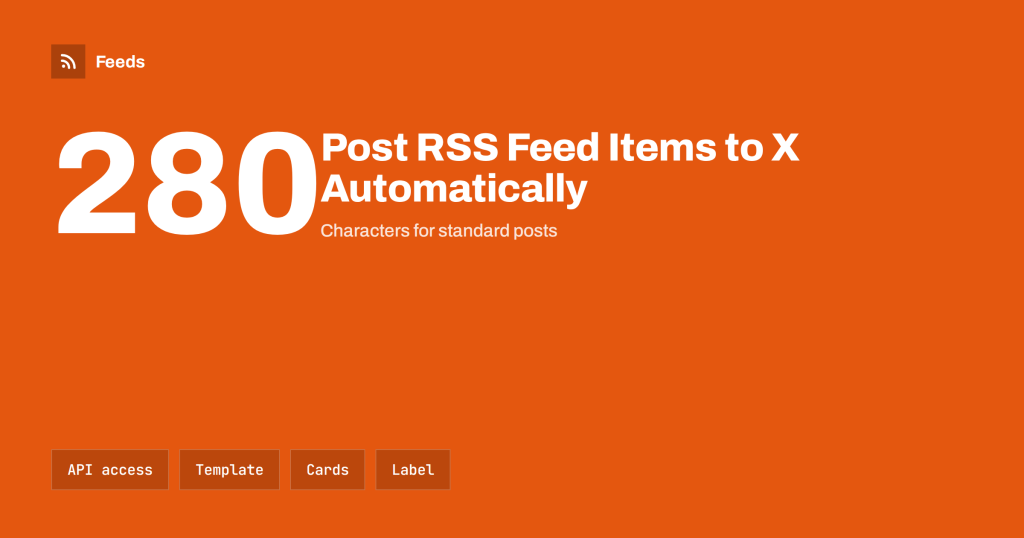
How to Post RSS Feed Items to X (Twitter) Automatically
Automate posting RSS feed items to X: API access changes, tool options, character limits, link cards, pacing and how to keep an automated account…